Launch
AppScreenshots
Visit
Example Image

AppScreenshots

Create stunning App Store screenshots in minutes
Visit
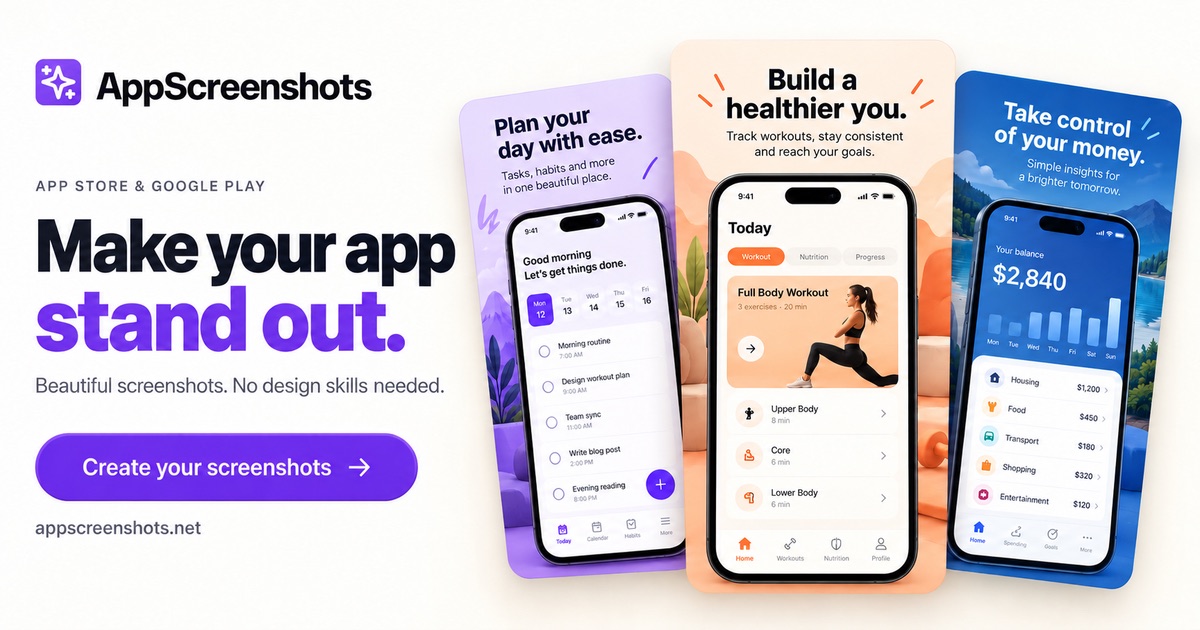
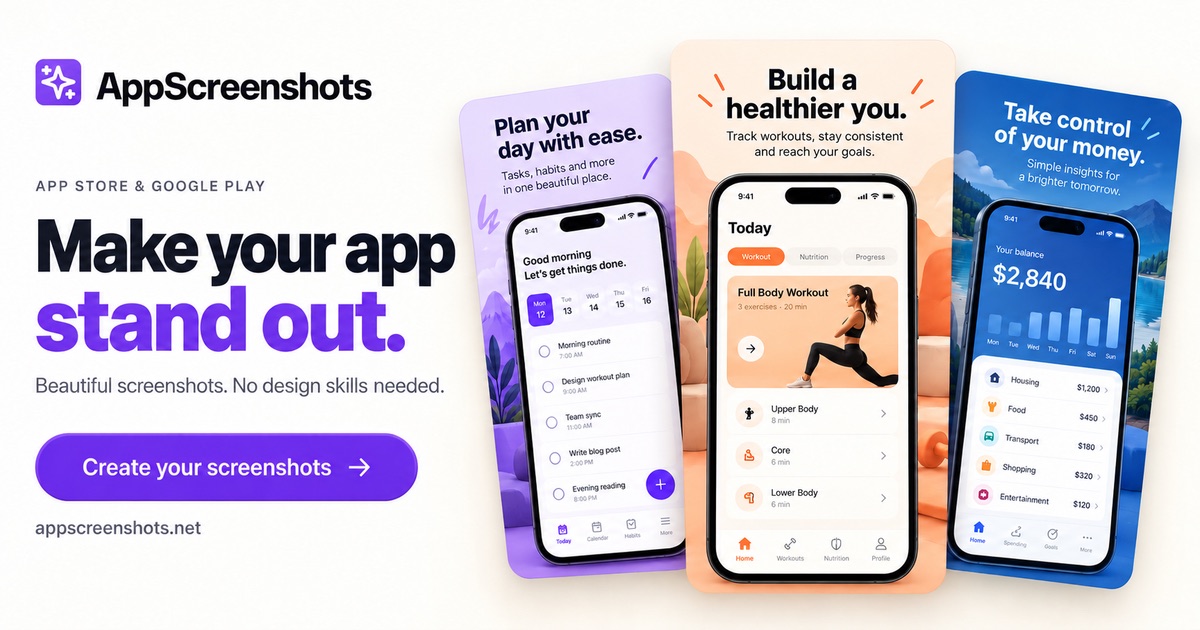
AppScreenshots helps developers, designers and marketers create high-converting screenshots for the Apple App Store, Google Play, Chrome Web Store and Huawei AppGallery — no design skills required. Start from professionally designed templates, drop your screenshots into the latest device frames, and batch-export every required size in seconds. Translate screenshots into 14 languages at once, and use the built-in icon generator, screenshot resizer and mockup creator for the rest of your store listing. A free plan is available; Pro unlocks unlimited exports, premium templates and all device frames.
Example Image
Example Image

Comments

The 14-language translation is the part most tools skip. Do the templates handle right-to-left layouts (Arabic, Hebrew) in those translations, or is it LTR-only right now?

The 14-language batch translation is the part I'd use most. Does it keep the text inside the device frame and template layout when a language like German or Finnish runs longer, or do you have to adjust each one by hand?

Screenshots are a tedious part of every App Store release, so automating them is useful. Do you support localized text per language and device frame variants in one batch export? That would save a lot of time for small teams.

Store screenshots are one of those chores I always put off until release day, so the batch export for every required size sounds practical. When the 14-language translation produces longer strings, does the template auto-shrink the text or wrap it? I'd also like to know whether the translations are machine generated and editable before export.

Batch exporting every required store size in seconds is a real time saver for a launch, especially with the device frames already included. The 14-language batch translation is also strong for international listings. Do translated screenshots keep text fitting inside the frame when a language expands, or do longer translations need manual resizing?

Covering the Chrome Web Store and Huawei AppGallery alongside the two big stores is useful, since most screenshot tools stop at iOS and Android. How many exports does the free plan allow each month before Pro is needed?

Good to see the Chrome Web Store listed next to the app stores. Is there a browser-window frame for extension screenshots at 1280x800, and does the batch export also cover the 440x280 small promo tile and the 1400x560 marquee? Those are the sizes I usually end up making by hand.

Batch-exporting every required store size from one template is a real time saver for small teams. Can you save a device-frame and template set as a reusable preset so each new release starts from the same layout?

Turning mockups into polished App Store screenshots in minutes is a real time saver - device frames, localization and consistent captions handled automatically remove a painful launch step.

custom-img
Maker of CameraWatermark

Batch-exporting every required store size from one set of device frames is the practical win here, especially for a small team shipping both App Store and Play. The free plan with a Pro unlock for unlimited exports is a clear split. Does the resizer keep safe margins when a screenshot is dropped into a frame that has a different aspect ratio, such as iPad versus phone?


The icon generator and screenshot resizer next to the template editor means one tool covers the whole store listing. Are the Huawei AppGallery sizes part of the same batch export as the Apple ones?

The icon generator and screenshot resizer sitting next to the template editor means one tool covers the whole store listing. Are the Huawei AppGallery sizes in the same batch export as the Apple ones?

Does one batch cover the iPad 13-inch and Mac App Store sizes too? Those are the ones I still end up making by hand for a universal app.

Having templates, current device frames and a screenshot resizer in one place is handy for small teams shipping to several stores. The icon generator and mockup creator rounding out the listing assets is a nice touch. Can the free plan export every required store size, or is that gated behind Pro?

custom-img
I build & lead the engineering behind AI...

The batch export with all required sizes saves so much time - usually that's the tedious part that stops makers from updating their listings. Device frames are crisp too.

Premium Products
View all
Example Image
Awards
View all
Example Image
custom-img
Developer of AppScreenshots.
Makers
custom-img
Developer of AppScreenshots.

Comments

The 14-language translation is the part most tools skip. Do the templates handle right-to-left layouts (Arabic, Hebrew) in those translations, or is it LTR-only right now?

The 14-language batch translation is the part I'd use most. Does it keep the text inside the device frame and template layout when a language like German or Finnish runs longer, or do you have to adjust each one by hand?

Screenshots are a tedious part of every App Store release, so automating them is useful. Do you support localized text per language and device frame variants in one batch export? That would save a lot of time for small teams.

Store screenshots are one of those chores I always put off until release day, so the batch export for every required size sounds practical. When the 14-language translation produces longer strings, does the template auto-shrink the text or wrap it? I'd also like to know whether the translations are machine generated and editable before export.

Batch exporting every required store size in seconds is a real time saver for a launch, especially with the device frames already included. The 14-language batch translation is also strong for international listings. Do translated screenshots keep text fitting inside the frame when a language expands, or do longer translations need manual resizing?

Covering the Chrome Web Store and Huawei AppGallery alongside the two big stores is useful, since most screenshot tools stop at iOS and Android. How many exports does the free plan allow each month before Pro is needed?

Good to see the Chrome Web Store listed next to the app stores. Is there a browser-window frame for extension screenshots at 1280x800, and does the batch export also cover the 440x280 small promo tile and the 1400x560 marquee? Those are the sizes I usually end up making by hand.

Batch-exporting every required store size from one template is a real time saver for small teams. Can you save a device-frame and template set as a reusable preset so each new release starts from the same layout?

Turning mockups into polished App Store screenshots in minutes is a real time saver - device frames, localization and consistent captions handled automatically remove a painful launch step.

custom-img
Maker of CameraWatermark

Batch-exporting every required store size from one set of device frames is the practical win here, especially for a small team shipping both App Store and Play. The free plan with a Pro unlock for unlimited exports is a clear split. Does the resizer keep safe margins when a screenshot is dropped into a frame that has a different aspect ratio, such as iPad versus phone?

The icon generator and screenshot resizer next to the template editor means one tool covers the whole store listing. Are the Huawei AppGallery sizes part of the same batch export as the Apple ones?

The icon generator and screenshot resizer sitting next to the template editor means one tool covers the whole store listing. Are the Huawei AppGallery sizes in the same batch export as the Apple ones?

Does one batch cover the iPad 13-inch and Mac App Store sizes too? Those are the ones I still end up making by hand for a universal app.

Having templates, current device frames and a screenshot resizer in one place is handy for small teams shipping to several stores. The icon generator and mockup creator rounding out the listing assets is a nice touch. Can the free plan export every required store size, or is that gated behind Pro?


custom-img
I build & lead the engineering behind AI...

The batch export with all required sizes saves so much time - usually that's the tedious part that stops makers from updating their listings. Device frames are crisp too.

Premium Products