App Mockup Studio
Free tool to create beautiful App Store Screenshots
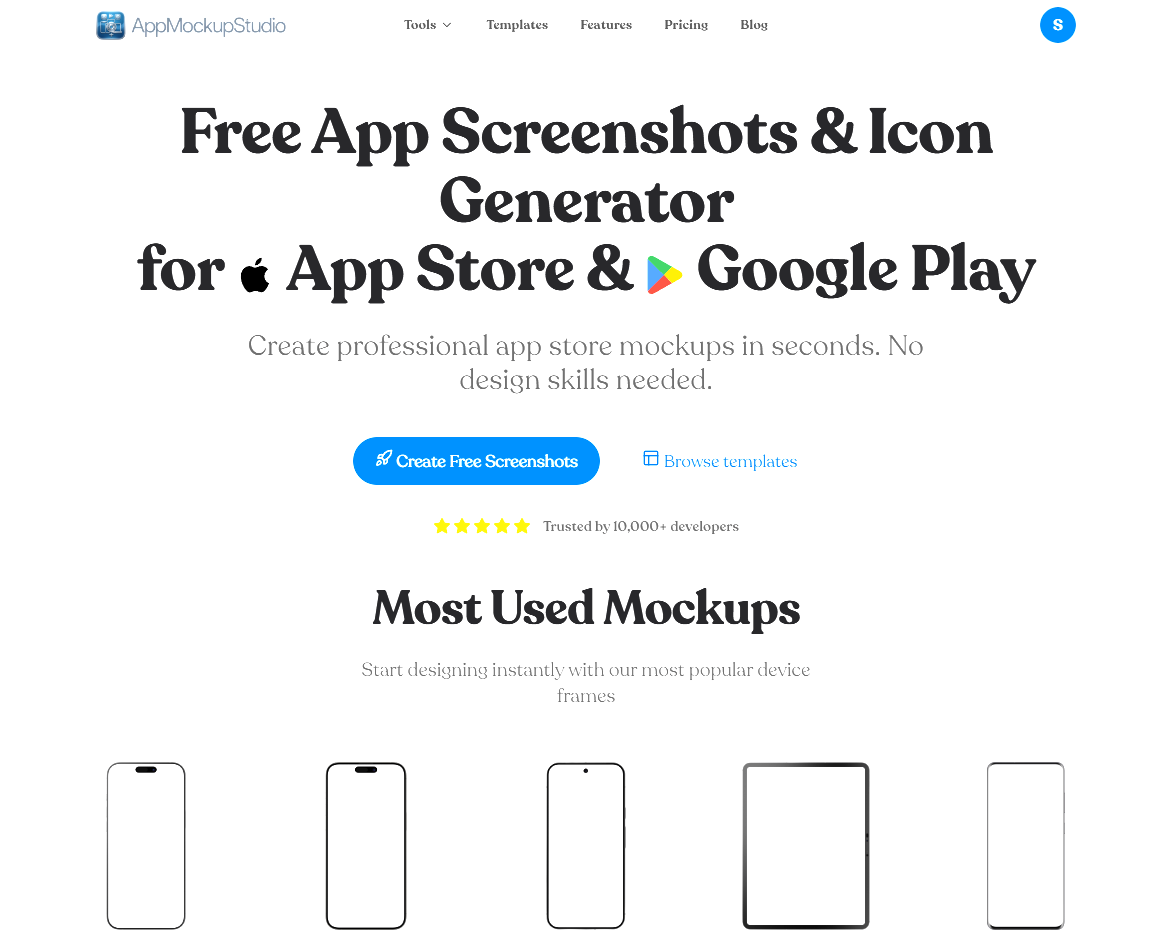
App Mockup Studio was built to solve a major headache for developers and designers: creating professional marketing graphics for mobile apps without expensive subscriptions or complex software. It is a completely free, lightning-fast generator that runs right in your web browser.
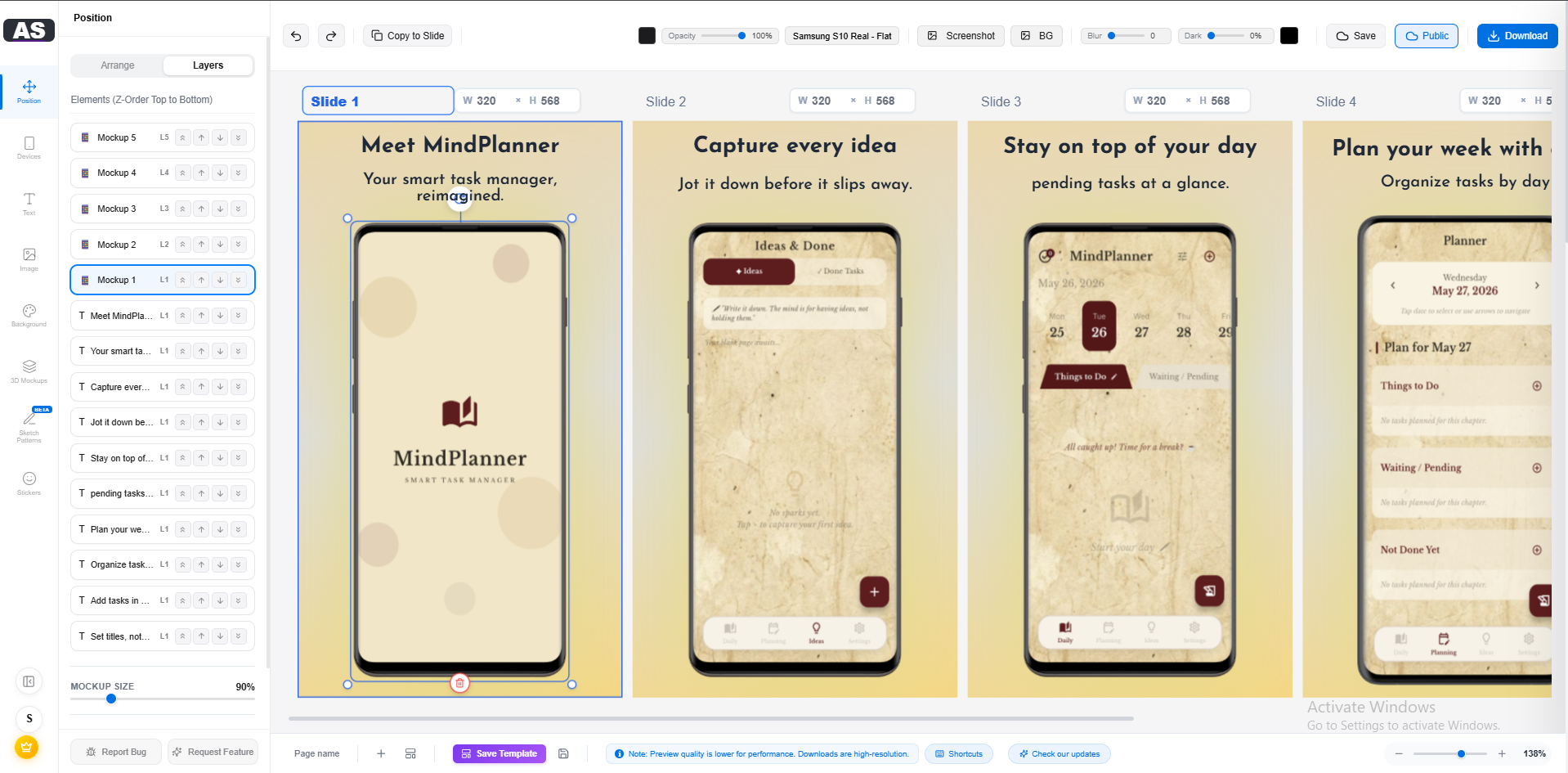
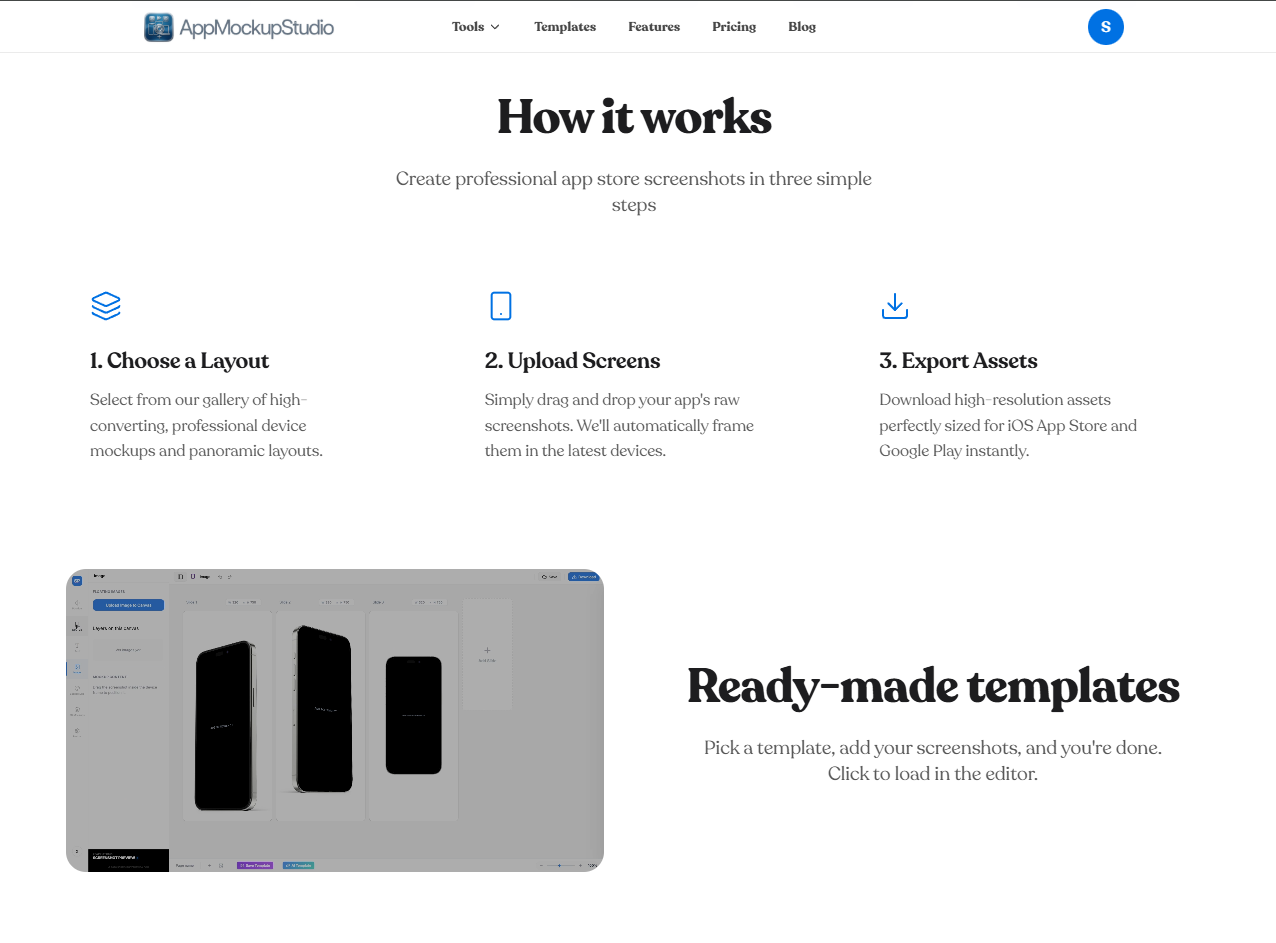
Say goodbye to heavily watermarked exports and downloading giant desktop applications. With App Mockup Studio, you can wrap your UI screenshots in beautiful, realistic Apple and Android device frames in seconds. The generated graphics are highly customized and exported in the exact resolutions required by the App Store Connect and Google Play Console.
Features
- Zero Paywalls: Completely free with no hidden watermarks. Export your final designs in ultra-high resolution.
- Browser Rendered: Instant 2D and 3D rendering right in your web browser with no heavy software to install.
- Premium Templates: Start with gorgeous, Apple-style templates that immediately give your app a world-class look.
- Customization: Edit backgrounds, add gradients, and insert bold, readable typography to highlight your app's best features.
- Production Ready: Exports are delivered in the precise dimensions required by iOS and Android app stores.
Use Cases
- App Store Launches: Indie developers launching their first iOS or Android app who need high-converting screenshots instantly.
- Marketing Optimization: Teams updating their existing App Store assets to test new marketing angles and improve download conversions.
- Landing Pages: Founders who need beautiful 3D mockups of their mobile interfaces to place on their product landing pages.
- Design Portfolios: UI/UX designers showcasing their mobile app interfaces to potential clients.

Comments


Tools like this are great for quick visualization, but they only cover a part of the process. A truly effective product requires deep analysis of user flows and architecture before moving to the final mockups. For businesses that need professional-grade results, https://fivecube.agency/ offers comprehensive solutions that go beyond simple prototyping. A well-thought-out product strategy often determines the success of an app more than just the visual presentation.

The exact-resolution export is the underrated bit. The pain was never making the mockup look nice — it's App Store Connect rejecting an upload because the dimensions are a few pixels off, and you're back in an image editor at midnight. Do you keep the size presets in sync when Apple quietly changes the required dimensions, or is that still on the user to catch?

The exact App Store Connect / Play Console resolution exports are what stood out to me — that's usually where I waste the most time before a release. Do you support localized text overlays per screenshot for different store locales, or is that on the roadmap? Also a big plus that the free tier has no watermark.

Hey everyone! 👋 I'm incredibly excited to share App Mockup Studio with you today. As an indie developer, I was constantly frustrated by the process of creating marketing assets for the App Store. My options were to either wrestle with complex Photoshop templates or pay for a monthly subscription just to get access to a 3D iPhone frame without a watermark. I decided to solve my own problem by building a tool that does exactly one thing perfectly: generate gorgeous, high-converting app screenshots directly in the browser—for completely free. Why use App Mockup Studio? Zero friction: No log-ins required to start building. Fast: Runs entirely in your browser using modern web technologies. No paywalls: Export in ultra-high resolution without watermarks. I would love your feedback on the UX and the templates we currently have. What new device frames or specific layouts would you like to see added next?

As someone who just went through the screenshot grind for a Mac app launch, a genuinely free tool here is welcome — the store screenshot specs are fiddly and most editors paywall the good device frames. Does it support macOS app screenshot sizes and window chrome, or is it mobile-only right now? And can you export at exact App Store resolutions with localized text overlays for multiple languages?

Answering your 'what to add next' question from the store-listing side: the biggest time-sink when updating a listing is re-applying the same caption and background across every required size (6.7", 6.5", iPad, etc.). If I can design one screenshot and batch-export the whole size set in a single click, that's the killer feature. Glad to see an iPad frame already in the most-used set — the no-login, no-watermark free tier is what makes this stand out from the subscription tools.
Answering your 'what to add next' question from the store-listing side: the biggest time-sink when updating a listing is re-applying the same caption and background across every required size (6.7", 6.5", iPad, etc.). If I can design one screenshot and batch-export the whole size set in a single click, that's the killer feature. Glad to see an iPad frame already in the most-used set — the no-login, no-watermark free tier is what makes this stand out from the subscription tools.



Premium Products




































Makers
Makers
Comments
Tools like this are great for quick visualization, but they only cover a part of the process. A truly effective product requires deep analysis of user flows and architecture before moving to the final mockups. For businesses that need professional-grade results, https://fivecube.agency/ offers comprehensive solutions that go beyond simple prototyping. A well-thought-out product strategy often determines the success of an app more than just the visual presentation.
The exact-resolution export is the underrated bit. The pain was never making the mockup look nice — it's App Store Connect rejecting an upload because the dimensions are a few pixels off, and you're back in an image editor at midnight. Do you keep the size presets in sync when Apple quietly changes the required dimensions, or is that still on the user to catch?
The exact App Store Connect / Play Console resolution exports are what stood out to me — that's usually where I waste the most time before a release. Do you support localized text overlays per screenshot for different store locales, or is that on the roadmap? Also a big plus that the free tier has no watermark.
Hey everyone! 👋 I'm incredibly excited to share App Mockup Studio with you today. As an indie developer, I was constantly frustrated by the process of creating marketing assets for the App Store. My options were to either wrestle with complex Photoshop templates or pay for a monthly subscription just to get access to a 3D iPhone frame without a watermark. I decided to solve my own problem by building a tool that does exactly one thing perfectly: generate gorgeous, high-converting app screenshots directly in the browser—for completely free. Why use App Mockup Studio? Zero friction: No log-ins required to start building. Fast: Runs entirely in your browser using modern web technologies. No paywalls: Export in ultra-high resolution without watermarks. I would love your feedback on the UX and the templates we currently have. What new device frames or specific layouts would you like to see added next?
As someone who just went through the screenshot grind for a Mac app launch, a genuinely free tool here is welcome — the store screenshot specs are fiddly and most editors paywall the good device frames. Does it support macOS app screenshot sizes and window chrome, or is it mobile-only right now? And can you export at exact App Store resolutions with localized text overlays for multiple languages?
Answering your 'what to add next' question from the store-listing side: the biggest time-sink when updating a listing is re-applying the same caption and background across every required size (6.7", 6.5", iPad, etc.). If I can design one screenshot and batch-export the whole size set in a single click, that's the killer feature. Glad to see an iPad frame already in the most-used set — the no-login, no-watermark free tier is what makes this stand out from the subscription tools.
Answering your 'what to add next' question from the store-listing side: the biggest time-sink when updating a listing is re-applying the same caption and background across every required size (6.7", 6.5", iPad, etc.). If I can design one screenshot and batch-export the whole size set in a single click, that's the killer feature. Glad to see an iPad frame already in the most-used set — the no-login, no-watermark free tier is what makes this stand out from the subscription tools.
Premium Products
New to Fazier?

Find your next favorite product or submit your own. Made by @FalakDigital.
Copyright ©2026. All Rights Reserved