
AInotate
AInotate
Annotated screenshots for AI agents, not directions in words
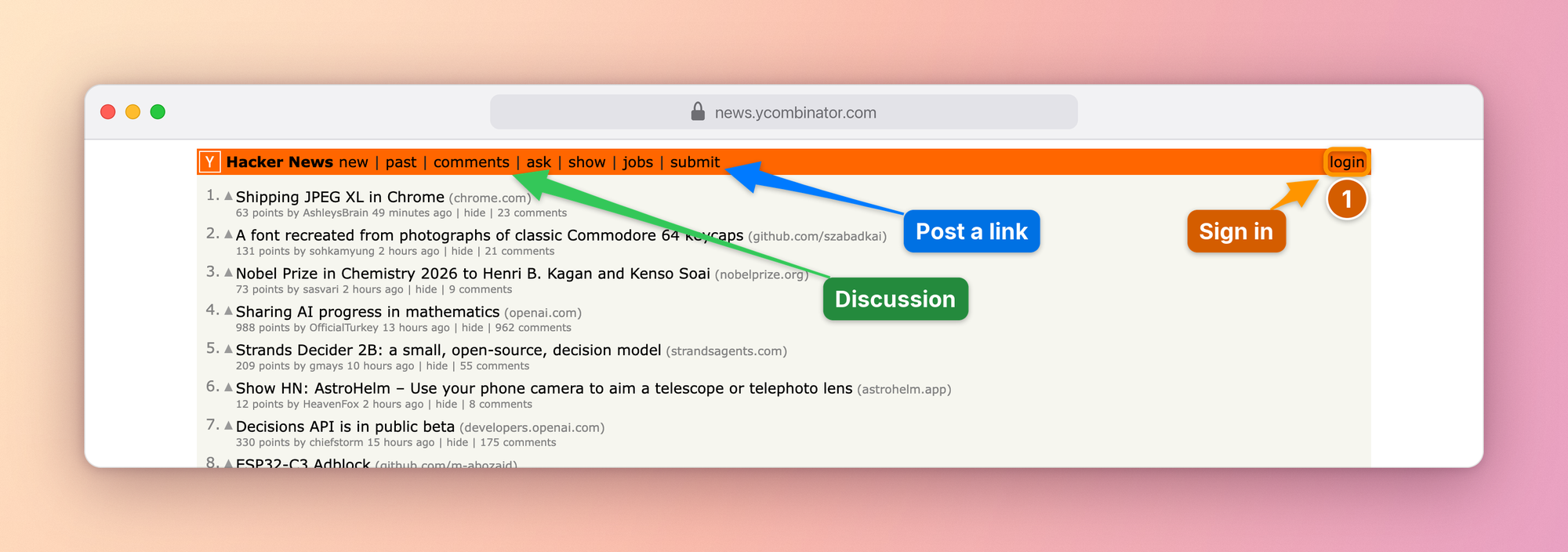
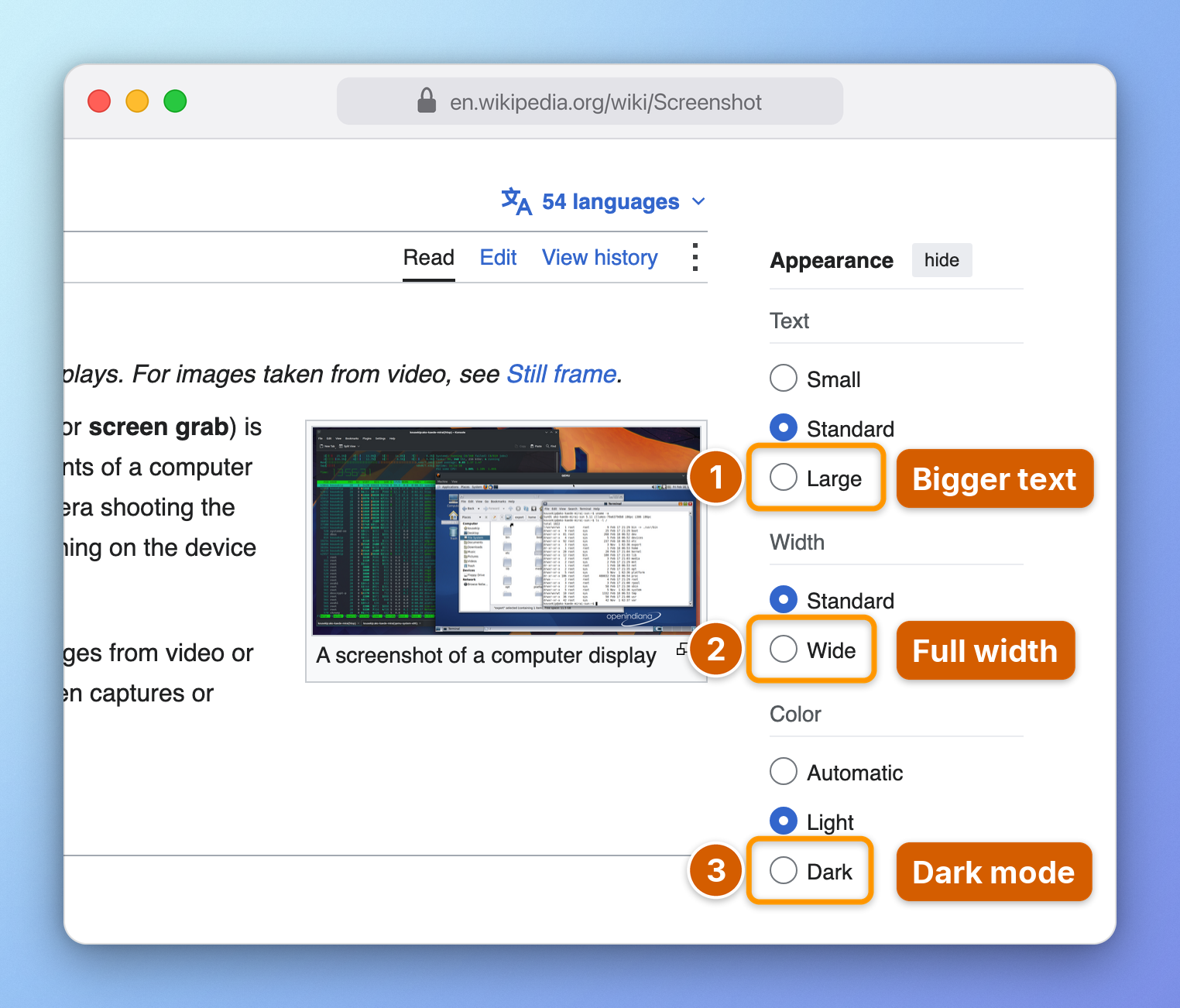
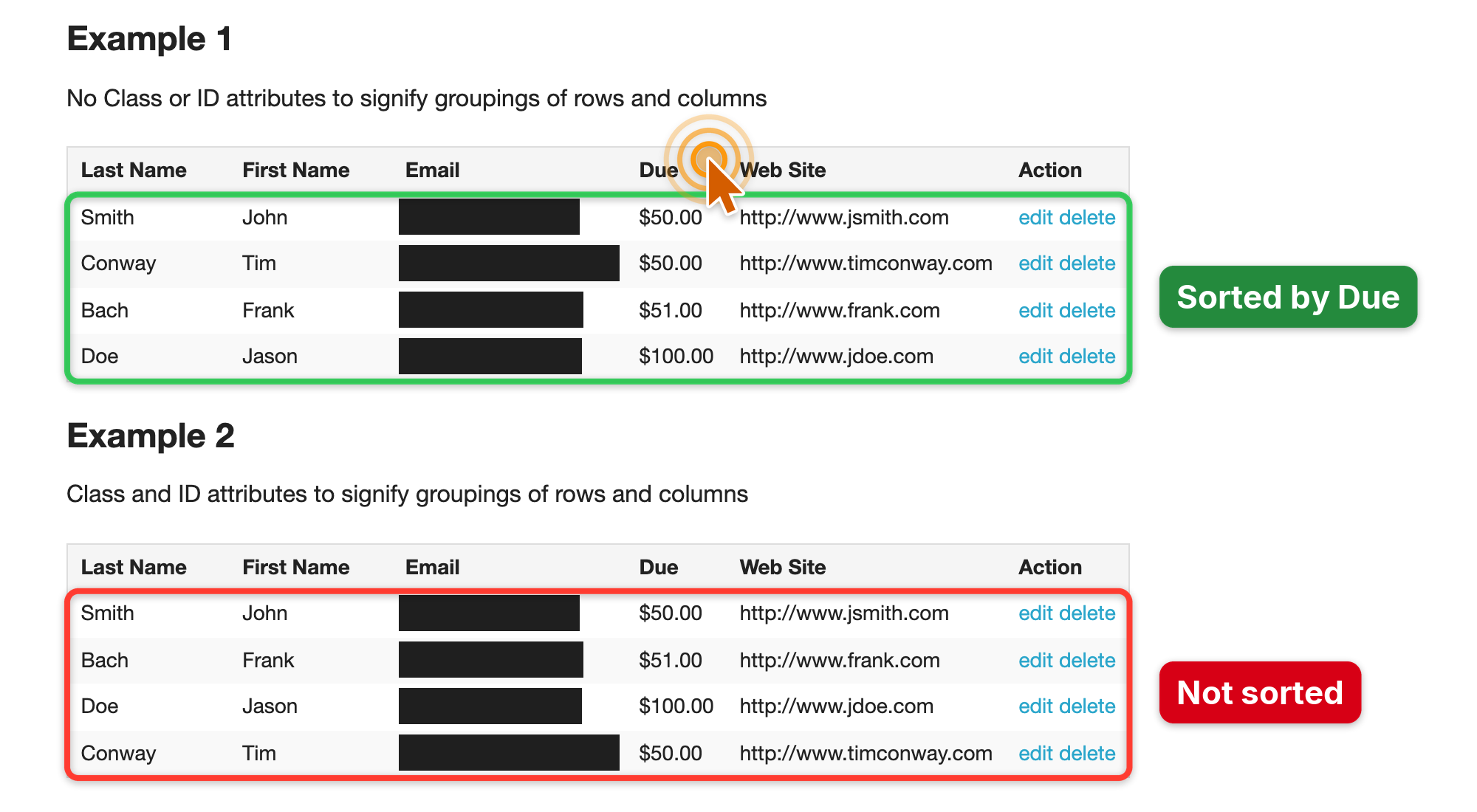
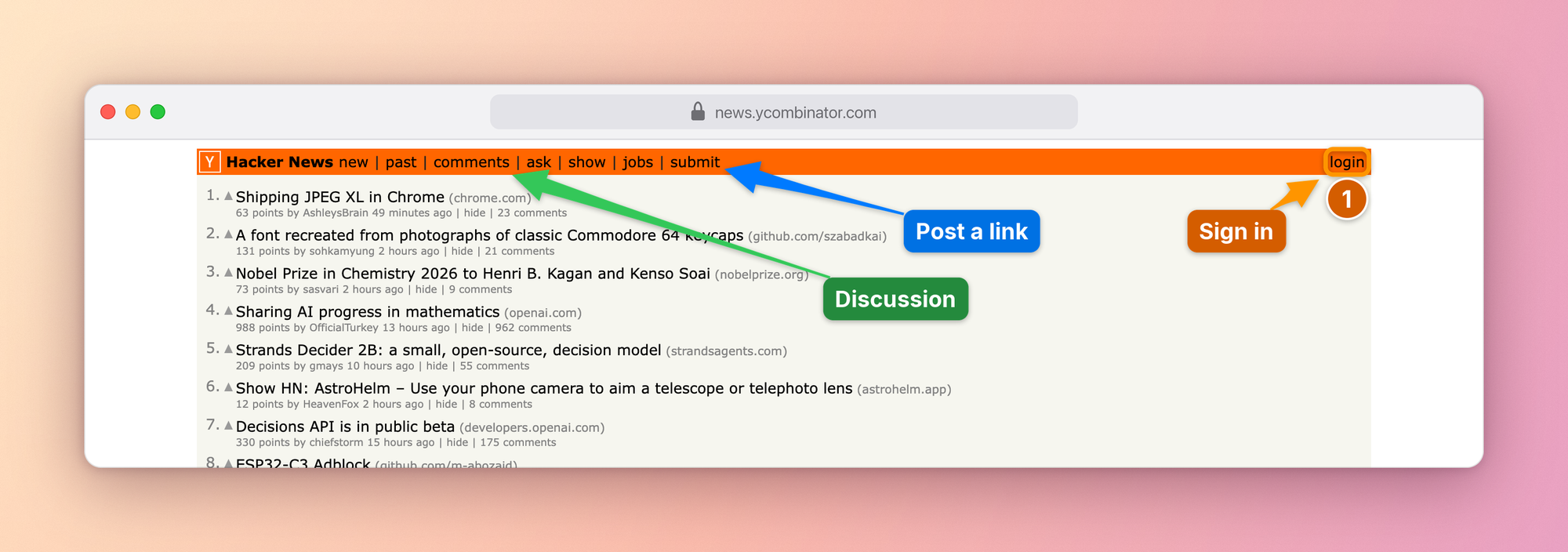
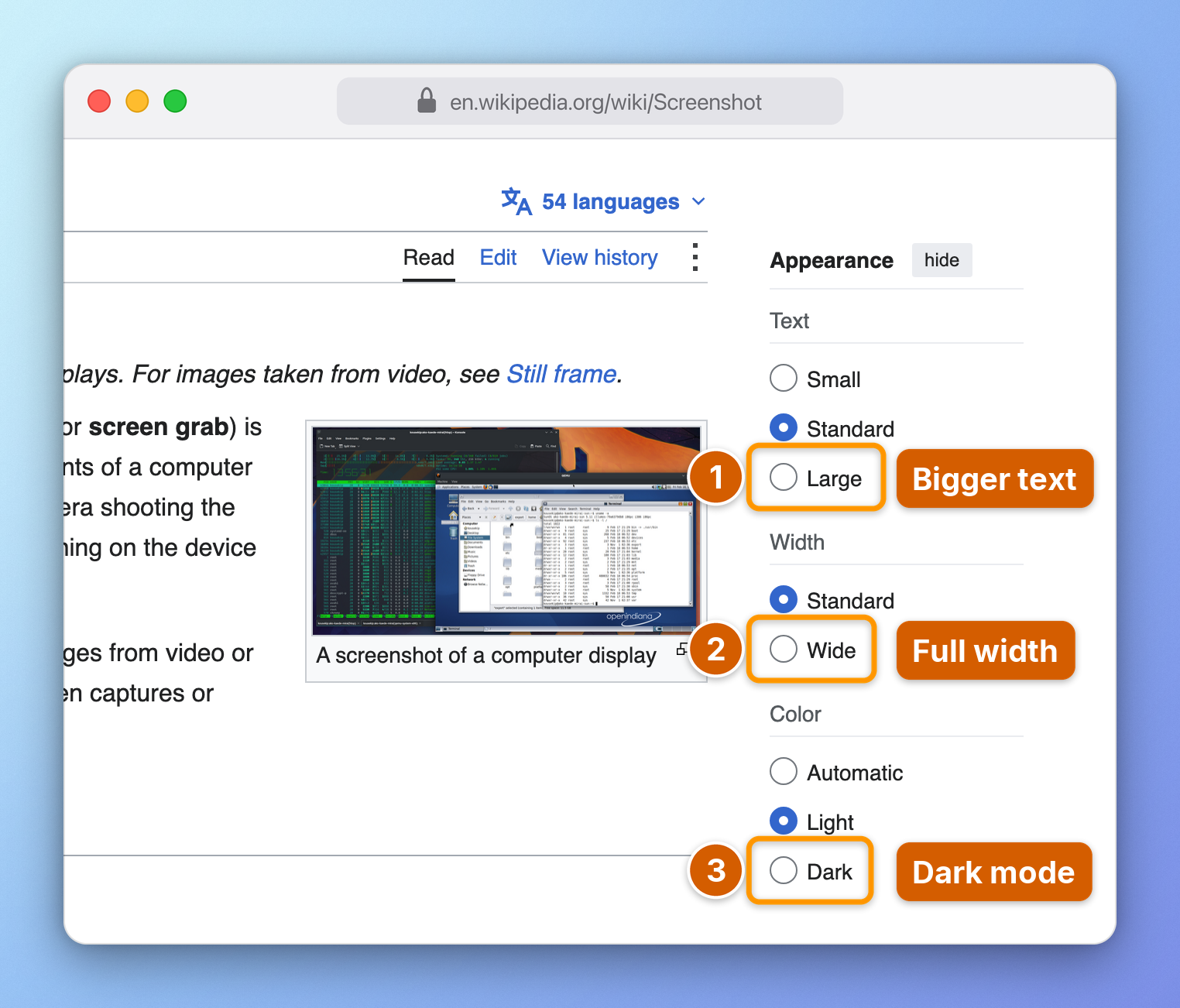
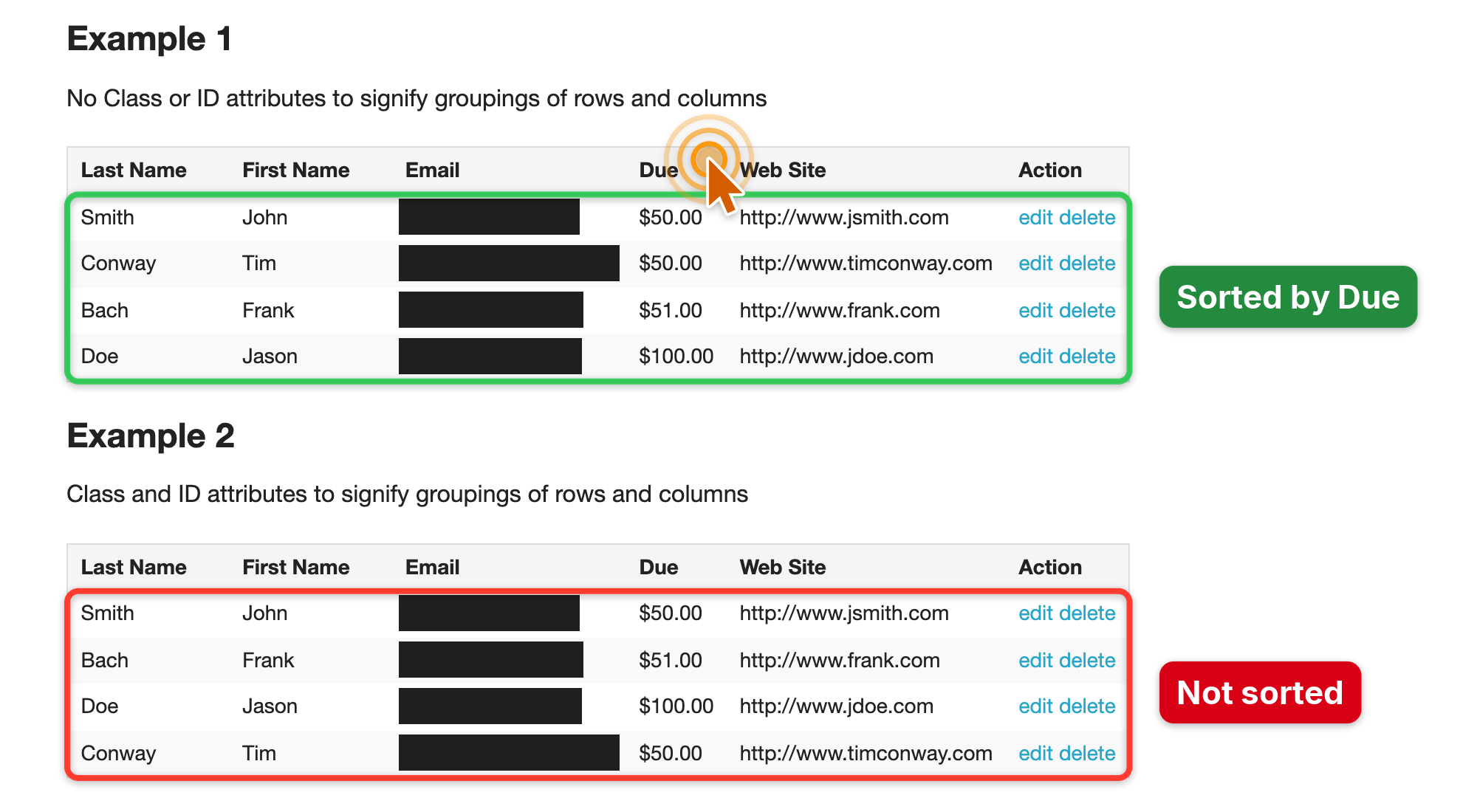
AInotate gives AI agents annotated screenshots. Ask an agent where a setting is and it captures the page or window, finds the elements by text or role, and draws numbered steps, Skitch-style arrows, boxes and labels placed where they cover the least content. Emails, tokens and other secrets are redacted automatically, and the agent checks a preview before it sends the image. Use it for "where do I click" answers, bug reports, how-to guides and before/after shots of a change. It runs locally as an MCP server, a CLI and an agent skill, with plugins for Claude Code, Codex, Gemini CLI and Cursor. Free and open source.

Comments

Premium Products












































Find your next favorite product or submit your own. Made by @FalakDigital.
Copyright ©2026. All Rights Reserved