
AI Webcam Effects
Improves camera quality, adds 15+ visual effects and filters
With this Chrome extension, adding video effects to your real-time meetings is now easier than before. Whether you're using Skype, Teams, Google Meet, or any other meeting platform, the AI Webcam Effects plugin allows you to experience the same effects you're familiar with, right in your browser. It improves camera quality, adds 15+ visual effects and filters and allows screen or live video recording.
Features
Most useful features:
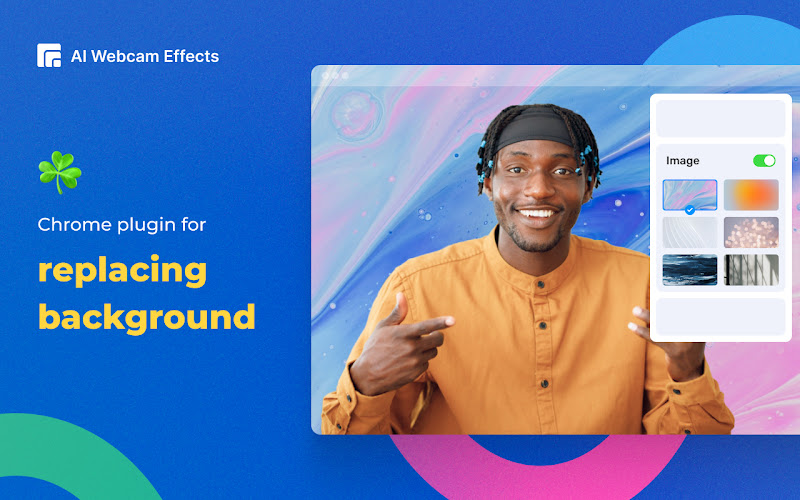
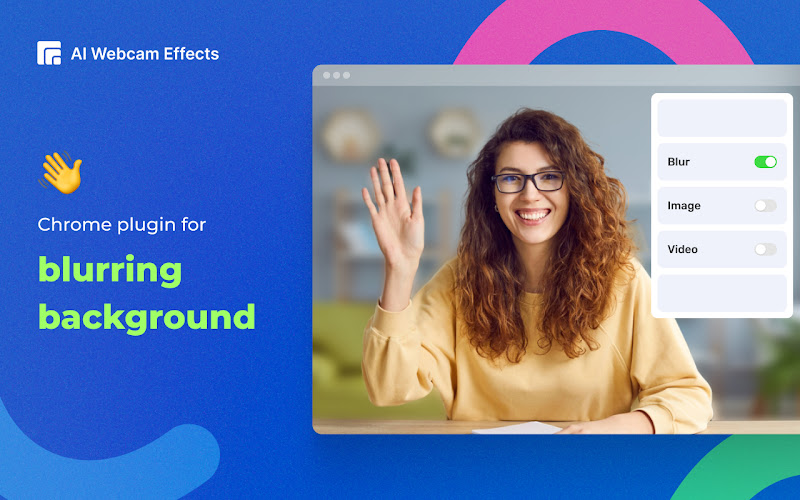
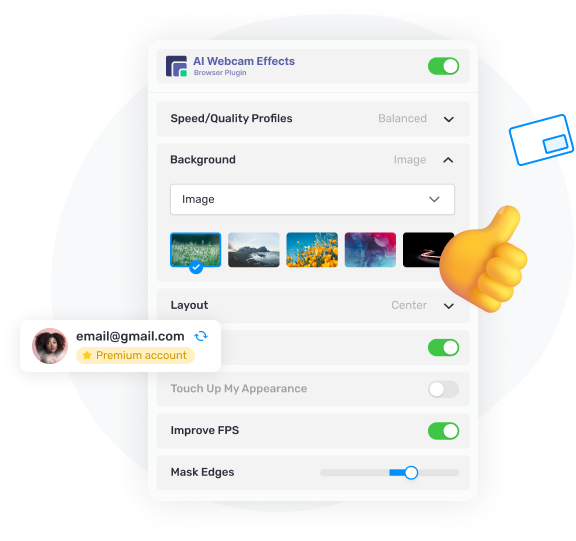
- Replace or Blur background (image/video/custom background)
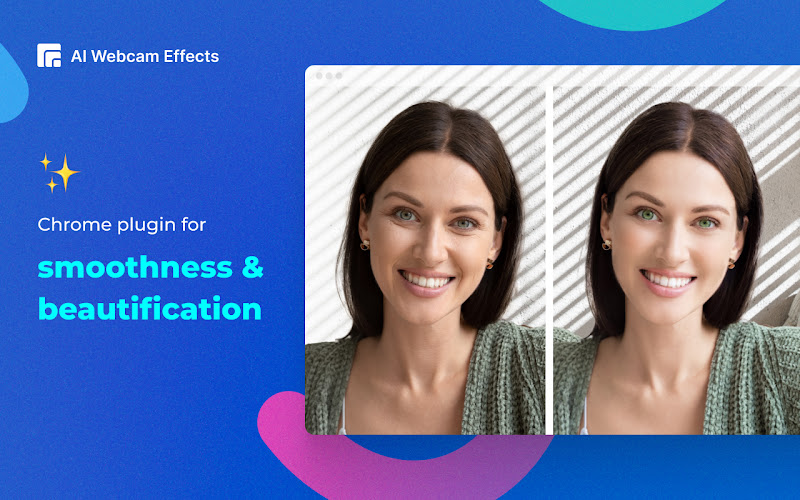
- Beauty Filter (face filter to touch up appearance, smooth skin and reduce imperfections)
- Light Correction (removes noise, improves brightness, contrast and color balance)
- AI Video Enhancer (makes image sharp and clear, colors more vibrant)
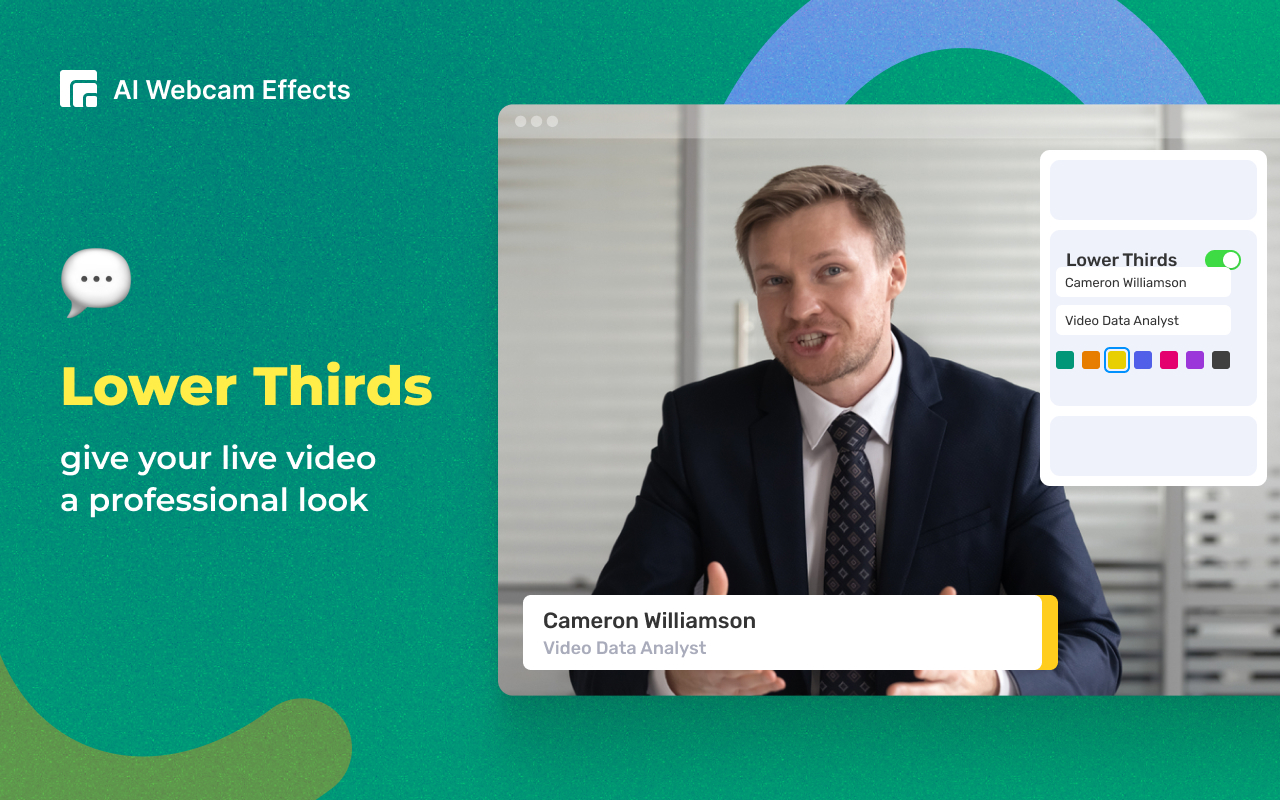
- Image or Video overlay, Сustom watermark (logo), Titles (aka Lower Thirds) to personalize and brand your video
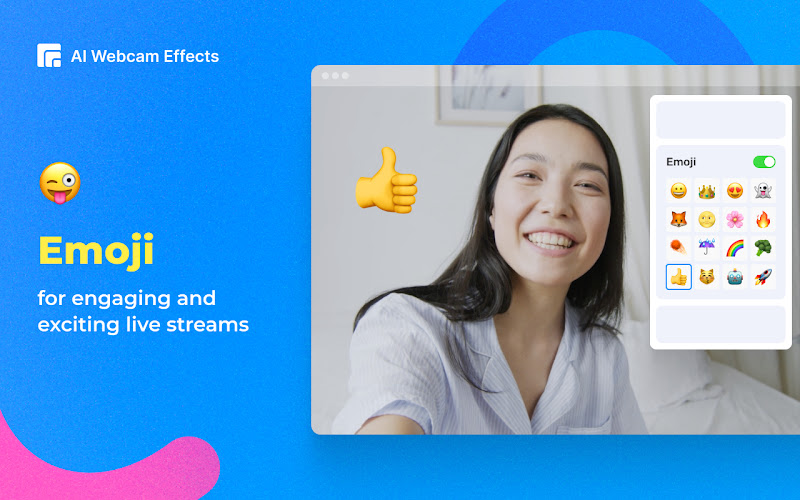
- Picture-in-Picture mode, Smart zoom (aka Center Stage), Emojis and Gifs (to empower online presentations)
- Cinematic video filters and professional color correction
- Record webcam video or screen
Use Cases
Sales teams and client-facing professionals
Boost the visual appeal and reinforce the impression of your online customer meetings, live stream videos or product/service demos. Use background removal to add your logo or virtual background, improve video quality with AI video enhancer and create a professional-looking video with webcam lighting adjustments and face filters.
Remote workers and freelancers
Make a better look on video, set a professional background image or video and perfect lighting and secure virtual presence anytime and anywhere. Don’t forget to improve the camera quality on a laptop or existing webcam with just a click.
Education
Replace the webcam background with relevant visuals, record live lectures or prepare engaging content before class, add gamification to the learning process by using custom gifs, stickers and emojis. Features such as picture-in-picture mode and image or video overlays can help present additional information, making the interaction more dynamic and informative.
Use AI Webcam Effects for daily video meetings, online education and learning, conferences and webinars, online consulting, telemedicine, live video chats and dating services, online job interviews, telemarketing and e-commerce, online fitness and wellness coaching programs, recording, and streaming.

Comments


Premium Products








































Sponsors
Buy
Makers
Makers
Comments
Premium Products
New to Fazier?

Find your next favorite product or submit your own. Made by @FalakDigital.
Copyright ©2026. All Rights Reserved