AI Pixel Animation Generator
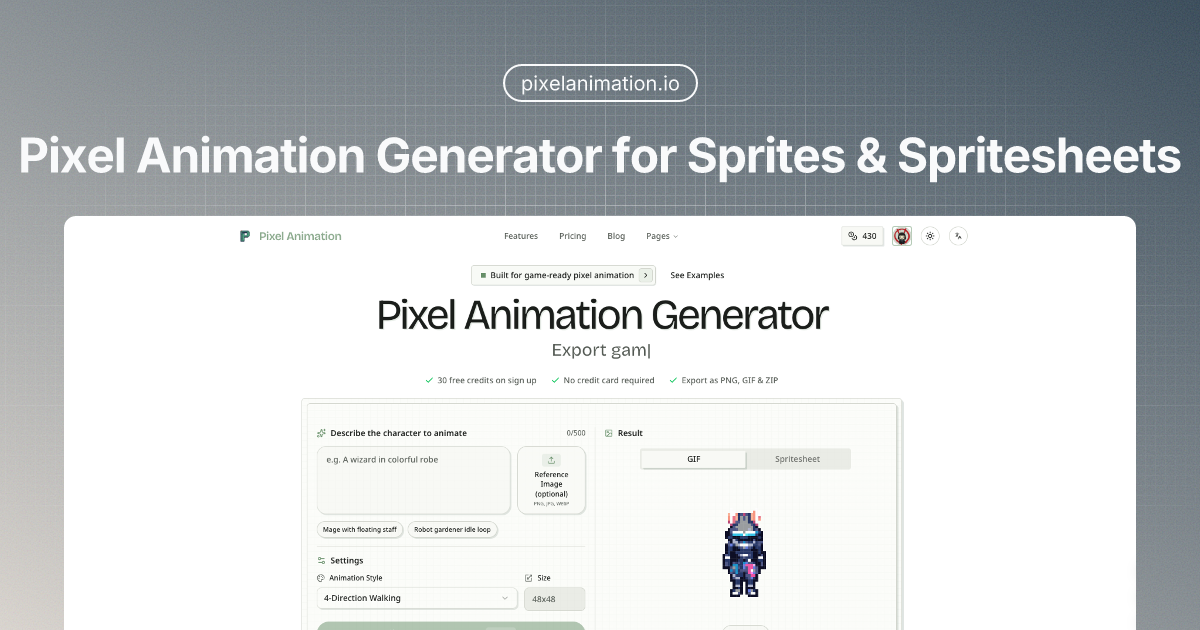
Pixel Animation Generator for Sprites & Spritesheets
Pixel Animation helps indie developers, game artists, and creative teams generate pixel sprites and animated spritesheets from simple text prompts.
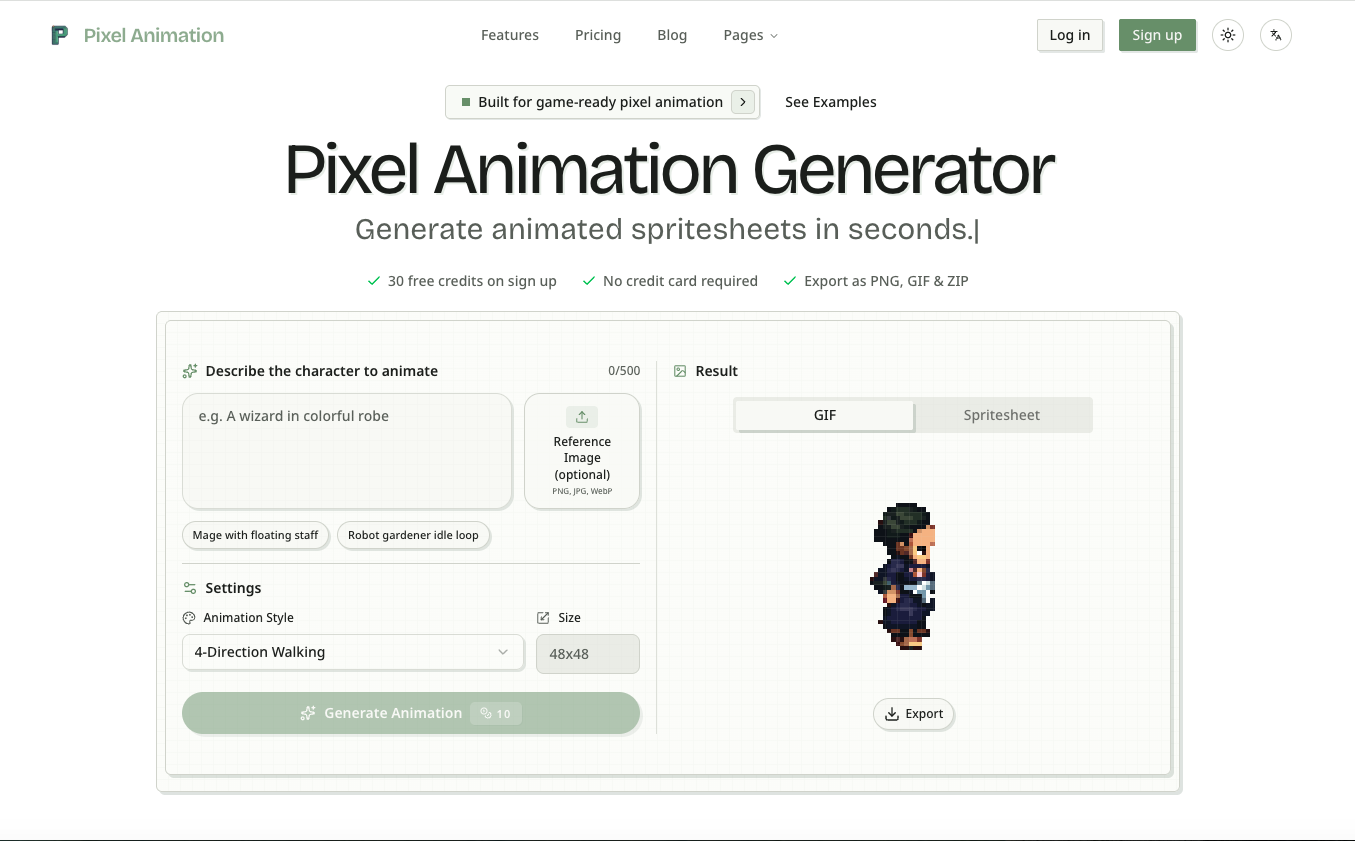
Instead of stitching together multiple tools for concepting, generation, preview, and export, Pixel Animation gives you one workflow to create characters, enemies, VFX, items, and small UI assets faster. You can generate pixel art, turn ideas into looping animations, refine frames in the built-in editor, and export assets as spritesheet PNGs, GIF previews, or frame-by-frame ZIP bundles.
It is built for production-minded pixel workflows: reference-image support for style consistency, animation presets for common game scenarios, flexible export formats, and a free starting tier so users can test ideas before committing.
Features
- Generate pixel sprites and animated spritesheets from text prompts
- Create character loops, enemy animations, item motion, and VFX effects in seconds
- Choose from multiple pixel art styles for sprites and animation presets for common game use cases
- Upload a reference image to keep outputs closer to an existing visual direction
- Preview generated motion before export
- Edit frames inside the built-in pixel editor
- Export as spritesheet PNG, animated GIF, or ZIP of individual PNG frames
- Use size presets suited for small sprites, character sheets, and VFX
- Start free with credits and no credit card required
Use Cases
- Indie game development: generate character walk cycles, enemy loops, pickups, and combat effects for prototypes or production
- RPG and platformer asset creation: build idle, walk, attack, and monster animations for retro-style games
- UI and app motion: create pixel-style loaders, badges, icons, and micro-animations
- Social and launch content: produce retro animated visuals for trailers, posts, Discord assets, and campaign teasers
- Game pitches and vertical slices: show motion earlier in demos, presentations, and Steam page assets
- Style-consistent expansion: use reference images to create new pixel assets that fit an existing game world
Fazier Deal

Comments


Hi Fazier, I built Pixel Animation for people who love the look of pixel art but do not want the full asset pipeline to block iteration. The main problem I kept seeing was that game teams and solo makers could describe the character, effect, or item they wanted, but turning that idea into a usable animated sprite still required too many disconnected steps. So I wanted to make that workflow much tighter: prompt in, preview motion, refine frames, export assets. With Pixel Animation, you can generate pixel sprites and animated spritesheets from text, use reference images for better consistency, edit frames in a built-in editor, and export as PNG spritesheets, GIFs, or ZIP frame bundles. It is especially useful for: - indie devs prototyping characters and enemies - game artists exploring variations faster - designers adding retro motion to apps or launch pages - creators making pixel-style social content You can start free, and I would really like feedback on three things: 1. Which export format matters most in your workflow? 2. What animation type should I add next? 3. Where does the current workflow still feel slow or manual? If you try it, I would love to hear what you make.
Premium Products



















Fazier Deal
Sponsors
Buy

Makers
Makers
Comments
Hi Fazier, I built Pixel Animation for people who love the look of pixel art but do not want the full asset pipeline to block iteration. The main problem I kept seeing was that game teams and solo makers could describe the character, effect, or item they wanted, but turning that idea into a usable animated sprite still required too many disconnected steps. So I wanted to make that workflow much tighter: prompt in, preview motion, refine frames, export assets. With Pixel Animation, you can generate pixel sprites and animated spritesheets from text, use reference images for better consistency, edit frames in a built-in editor, and export as PNG spritesheets, GIFs, or ZIP frame bundles. It is especially useful for: - indie devs prototyping characters and enemies - game artists exploring variations faster - designers adding retro motion to apps or launch pages - creators making pixel-style social content You can start free, and I would really like feedback on three things: 1. Which export format matters most in your workflow? 2. What animation type should I add next? 3. Where does the current workflow still feel slow or manual? If you try it, I would love to hear what you make.
Premium Products
New to Fazier?

Find your next favorite product or submit your own. Made by @FalakDigital.
Copyright ©2025. All Rights Reserved