AI Photo Editor
Edit photos with prompts, no sign up
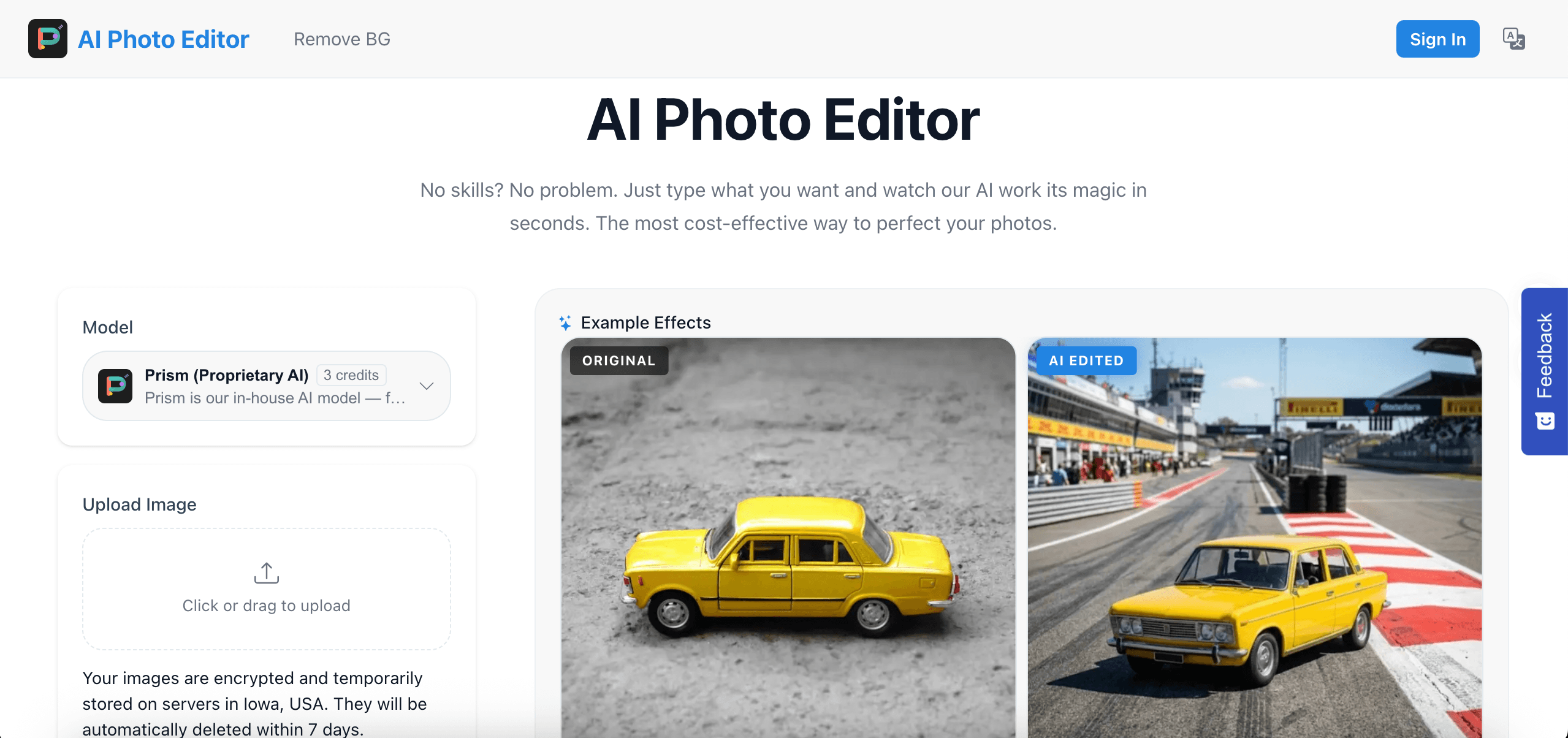
AI Photo Editor is the ultimate friction-free image editing tool designed for everyone. No sign-ups, no complex timelines, and no steep learning curves. Just upload your image, type what you want to change in plain English (or your preferred language), and let our advanced AI do the magic in seconds. Perfect for quick fixes, creative experiments, and professional-looking enhancements on the fly.
Features
- Prompt-Based Editing: Modify, add, or remove elements from your photos using simple text descriptions.
- Zero Sign-Up Required: Start editing instantly without sharing your email or creating an account.
- Smart Object Insertion & Removal: Easily add a new object into the scene or erase photobombers with flawless background blending.
- Style Transformation: Change the vibe, lighting, season, or artistic style of your image with a single prompt.
- High-Quality Output: Download your edited photos in high resolution without hidden watermarks.
- Privacy-First: Your uploaded images are processed securely and aren't tied to any personal profile.
Use Cases
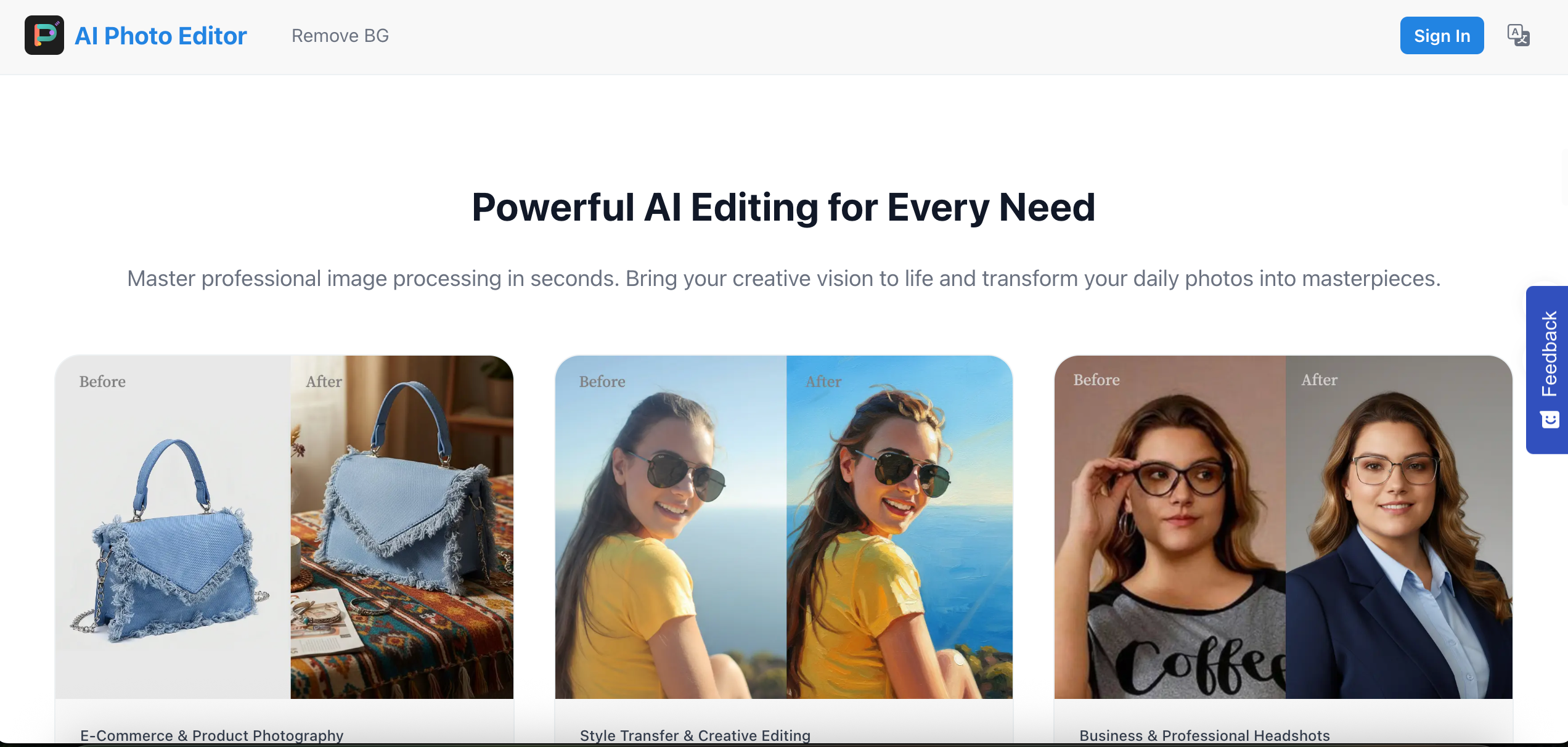
E-commerce & Product Shots: Quickly change backgrounds, add realistic shadows, or swap product colors for online stores.
Social Media Content Creation: Create eye-catching visuals, memes, or personalized avatars by tweaking personal photos in seconds.
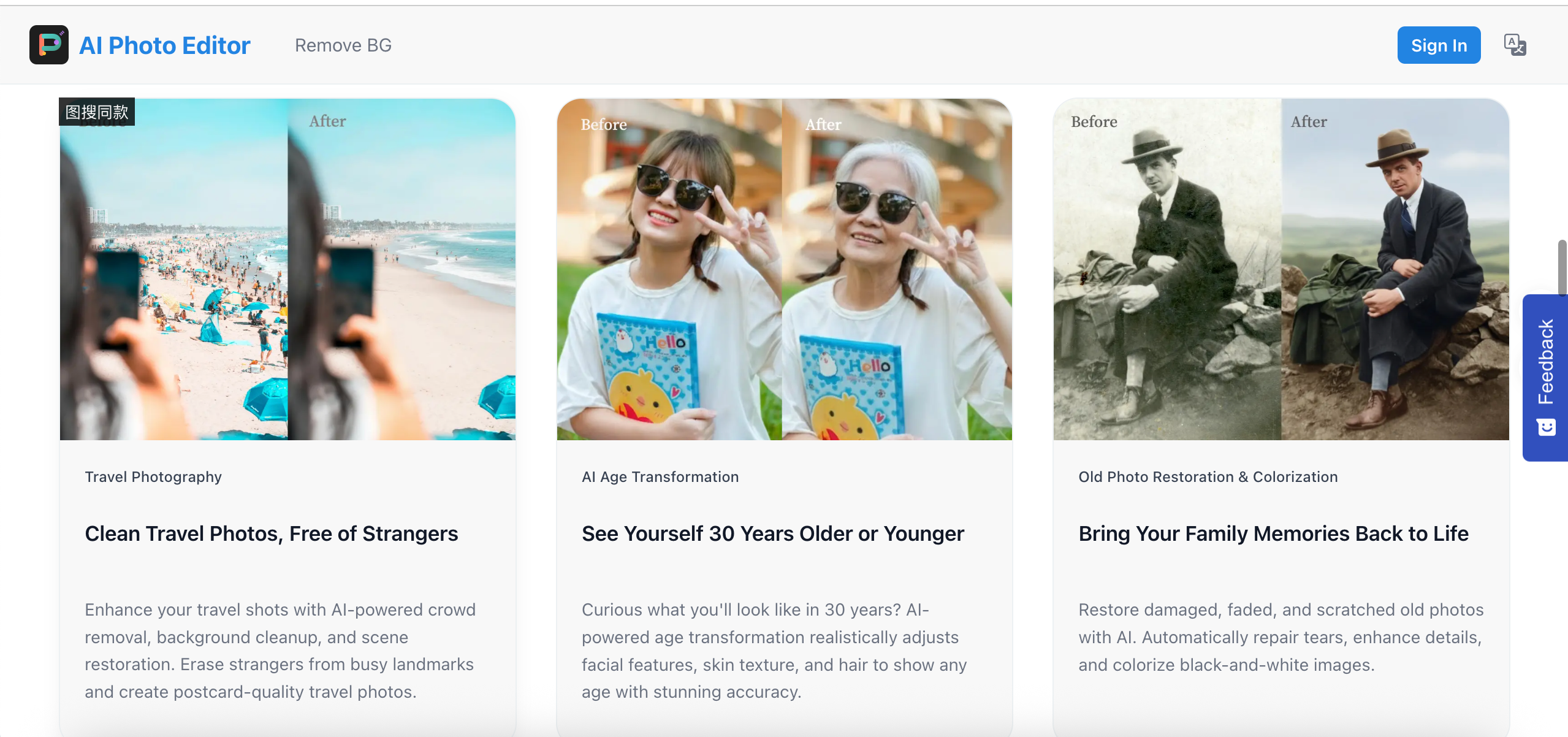
Photobomb & Blemish Removal: Clean up vacation photos by telling the AI to "remove the people in the background."
Concept Art & Ideation: Designers and creators can rapidly prototype visual ideas by modifying existing images with text.
Fun & Creative Experiments: Turn a daytime photo into a cyberpunk night scene or change your casual t-shirt into a formal suit just for fun.

Comments


Making slides look professional is tough when you aren’t a designer. I always struggle with images that are almost perfect but have annoying background objects or the wrong color theme. This AI editor saved me so much time. I don't need to learn Photoshop; I just use plain text to tell it what to fix. The fact that I don't even need to create an account makes it the fastest way to clean up my presentation graphics. Total lifesaver for last-minute slide edits!
The no sign-up approach is a smart differentiator — removing friction from photo editing is exactly what casual users need. I find the prompt-based workflow particularly compelling for non-designers: being able to describe what you want in plain language instead of learning complex tools is a real game changer. How does it handle batch editing for multiple images with the same prompt? That would be incredibly useful for e-commerce product photos.
The no sign-up approach is a smart differentiator. Removing friction from photo editing is exactly what casual users need. The prompt-based workflow is particularly compelling for non-designers who want to describe changes in plain language instead of learning complex tools. How does it handle batch editing for multiple images with the same prompt? That would be incredibly useful for e-commerce product photos.



The zero sign-up approach is the right call for this category — most people landing on a photo editing tool just want to try it immediately, not hand over their email. The e-commerce use case is particularly compelling: swapping product backgrounds or colors on the fly without a Photoshop licence is a real workflow win. Privacy detail of auto-deleting images in 7 days is a nice trust signal too. One question: does Prism handle inpainting on a masked region, or does each prompt re-generate the full image?


Premium Products





























Sponsors
Buy

Comments
Making slides look professional is tough when you aren’t a designer. I always struggle with images that are almost perfect but have annoying background objects or the wrong color theme. This AI editor saved me so much time. I don't need to learn Photoshop; I just use plain text to tell it what to fix. The fact that I don't even need to create an account makes it the fastest way to clean up my presentation graphics. Total lifesaver for last-minute slide edits!
The no sign-up approach is a smart differentiator — removing friction from photo editing is exactly what casual users need. I find the prompt-based workflow particularly compelling for non-designers: being able to describe what you want in plain language instead of learning complex tools is a real game changer. How does it handle batch editing for multiple images with the same prompt? That would be incredibly useful for e-commerce product photos.
The no sign-up approach is a smart differentiator. Removing friction from photo editing is exactly what casual users need. The prompt-based workflow is particularly compelling for non-designers who want to describe changes in plain language instead of learning complex tools. How does it handle batch editing for multiple images with the same prompt? That would be incredibly useful for e-commerce product photos.
The zero sign-up approach is the right call for this category — most people landing on a photo editing tool just want to try it immediately, not hand over their email. The e-commerce use case is particularly compelling: swapping product backgrounds or colors on the fly without a Photoshop licence is a real workflow win. Privacy detail of auto-deleting images in 7 days is a nice trust signal too. One question: does Prism handle inpainting on a masked region, or does each prompt re-generate the full image?
Premium Products
New to Fazier?

Find your next favorite product or submit your own. Made by @FalakDigital.
Copyright ©2026. All Rights Reserved