AI Motion Control Video
Stop hoping AI gets your motion right. Start directing it.
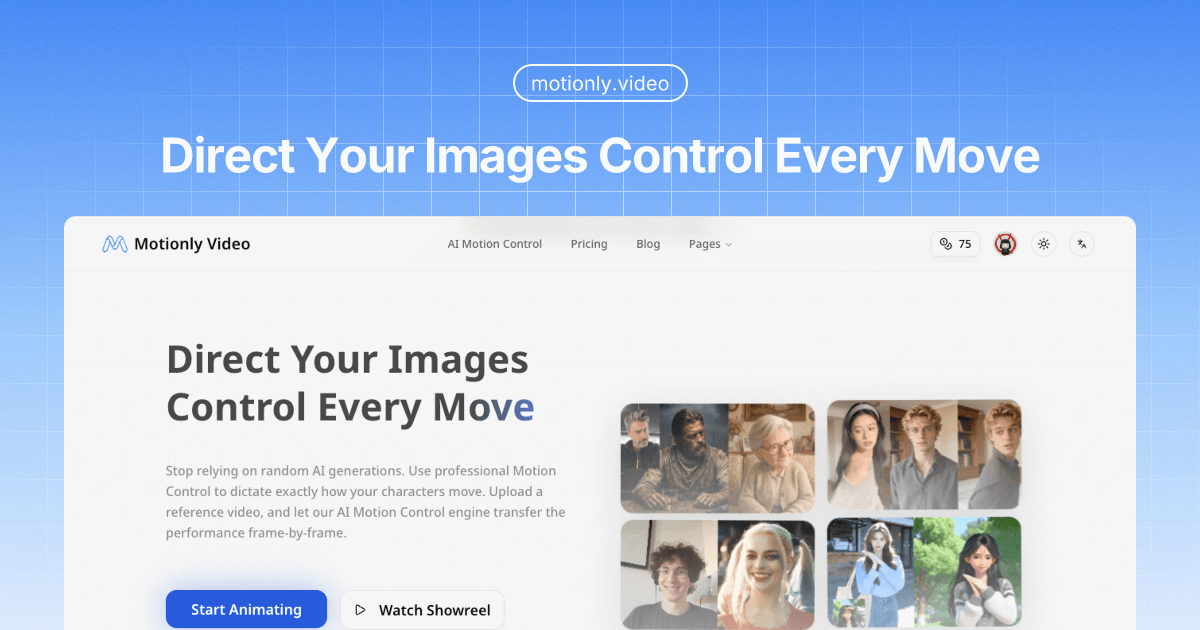
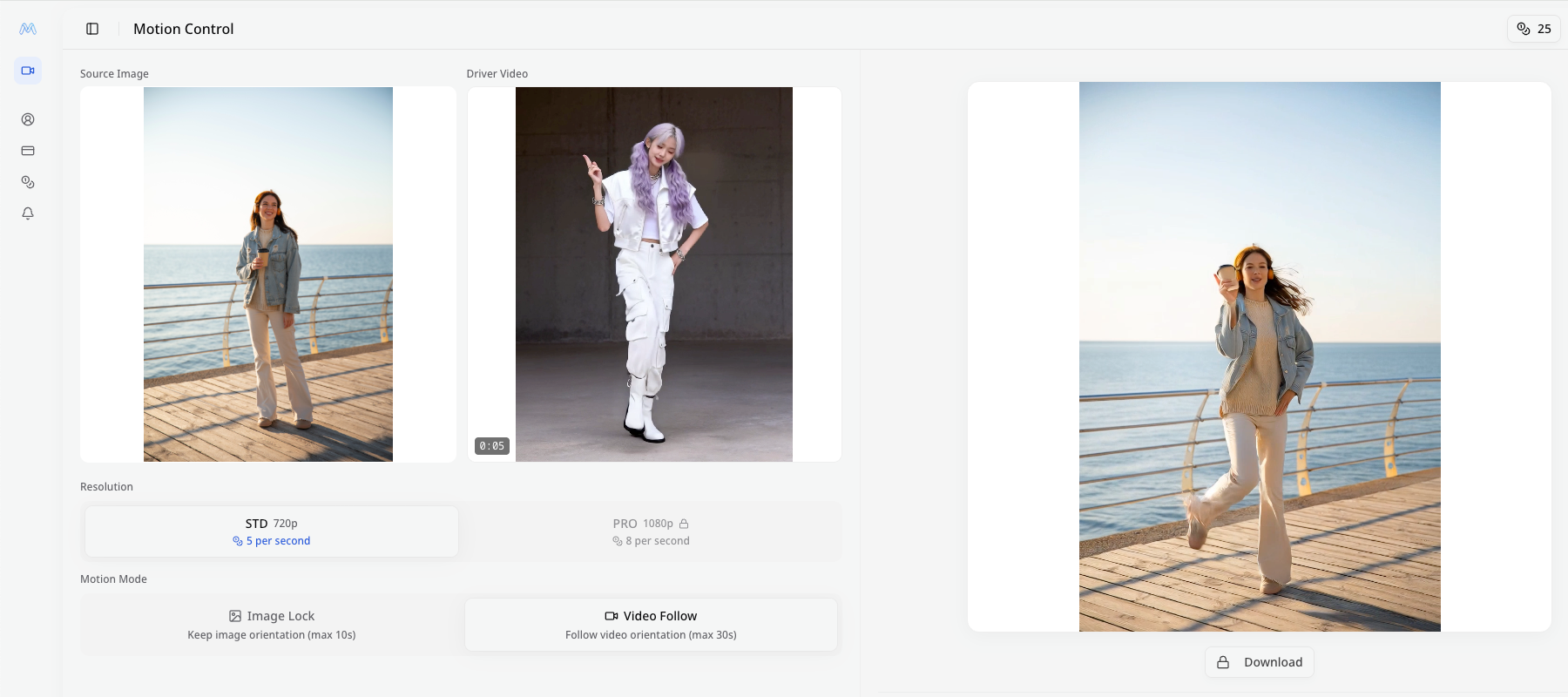
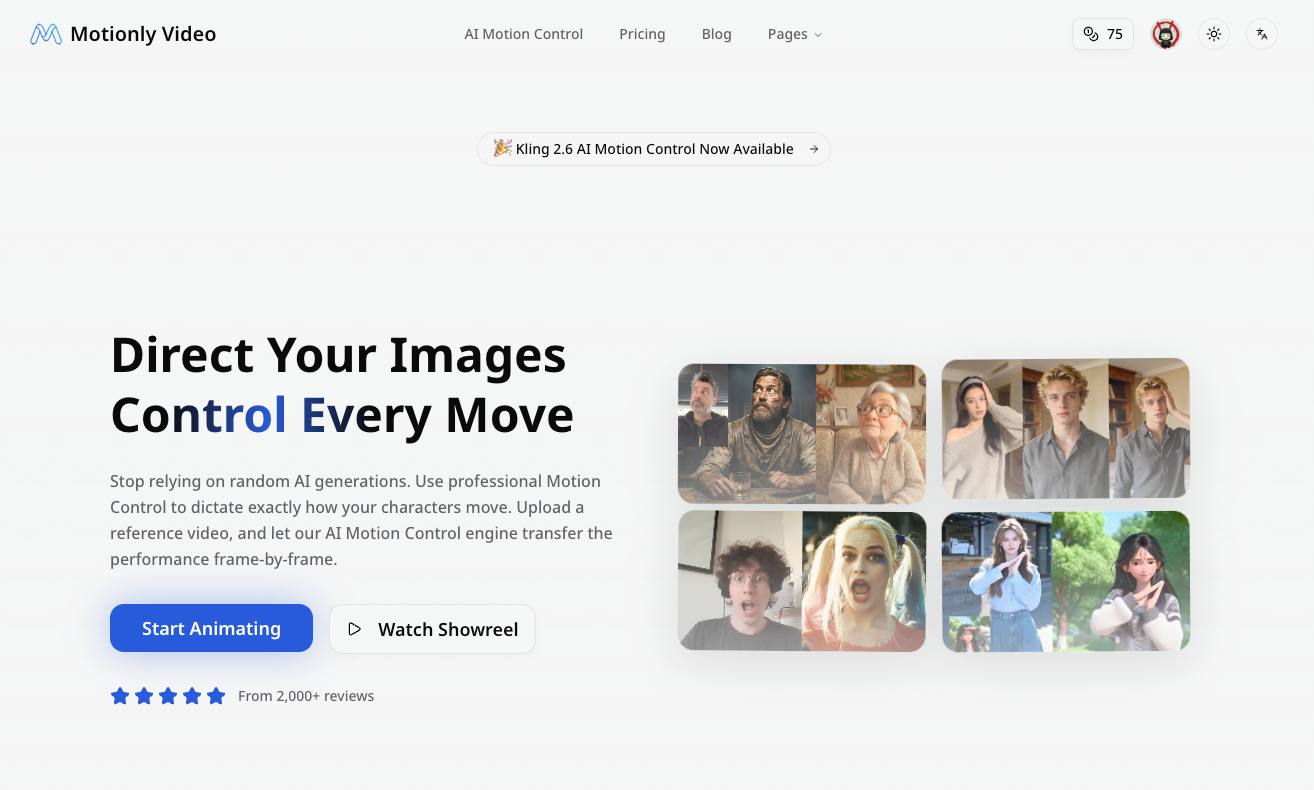
Motionly Video lets you animate static images using driver videos as motion references. Upload an image + a reference video, and our AI transfers the exact movements frame-by-frame. No random generation — you direct every motion.
Features
### Key Features
🎬 **Precision Motion Control** — Full performance transfer. If your reference video shows a complex sword swing, your character follows suit. No more prompt gambling.
🎯 **Dual Fidelity Modes** — STD (720p) for fast social media drafts. PRO (1080p) for broadcast-quality final renders with every texture and lighting detail preserved.
✂️ **Smart Driver Trimming** — Built-in video trimmer lets you select the exact segment you need. No switching to external editors.
📐 **Flexible Orientation** — Supports both Image Lock (keeps your image's aspect ratio) and Video Follow (matches the driver video's orientation). Perfect for TikTok, YouTube, or cinematic widescreen.
⚡ **Fast Generation** — Results in minutes, not hours. Optimized AI pipeline for speed without sacrificing quality.
📋 **Template Library** — Pre-loaded driver video templates to get started instantly. No need to film your own references.
🎨 **Style Agnostic** — Works beautifully with photos, anime, oil paintings, concept art, and 3D renders. The AI maps movement logic, not just pixels.
Use Cases
### How It Works
1. **Cast Your Actor** → Upload the image you want to animate
2. **Direct the Action** → Provide a driver video as your motion reference
3. **Refine the Take** → Choose resolution (720p/1080p), trim the clip, pick orientation
4. **Action!** → AI renders the scene, blending your visual style with the driver's movement
Sponsors
Buy
Comments


Hey Fazier! 👋 I built Motionly Video because I was frustrated with the "prompt and pray" approach to AI video generation. Every tool out there asks you to describe motion in text — "person walks forward with confidence." But there's no way a text prompt captures the specific timing, body language, and style you actually have in mind. You end up regenerating 10+ times until something looks close enough. So I asked: what if you could just SHOW the AI the exact motion you want? That's Motionly Video. You upload a source image and a driver video (even a quick phone recording of yourself acting out the scene), and the AI transfers that exact performance onto your image. It's like motion capture, but you don't need a studio — just your phone and an idea. A few things I'm proud of: 🎯 It actually respects the reference video — this isn't a "loose interpretation." The movements are mapped frame-by-frame. 🎨 It works with any image style — real photos, anime characters, concept art, oil paintings. The AI transfers movement logic, not pixels. ⚡ The whole workflow lives in the browser — upload, trim, configure, generate. No external tools needed. Would love your feedback! What kind of content would you create with precise motion control?
Premium Products







Sponsors
Buy
Makers
Makers
Comments
Hey Fazier! 👋 I built Motionly Video because I was frustrated with the "prompt and pray" approach to AI video generation. Every tool out there asks you to describe motion in text — "person walks forward with confidence." But there's no way a text prompt captures the specific timing, body language, and style you actually have in mind. You end up regenerating 10+ times until something looks close enough. So I asked: what if you could just SHOW the AI the exact motion you want? That's Motionly Video. You upload a source image and a driver video (even a quick phone recording of yourself acting out the scene), and the AI transfers that exact performance onto your image. It's like motion capture, but you don't need a studio — just your phone and an idea. A few things I'm proud of: 🎯 It actually respects the reference video — this isn't a "loose interpretation." The movements are mapped frame-by-frame. 🎨 It works with any image style — real photos, anime characters, concept art, oil paintings. The AI transfers movement logic, not pixels. ⚡ The whole workflow lives in the browser — upload, trim, configure, generate. No external tools needed. Would love your feedback! What kind of content would you create with precise motion control?
Premium Products
New to Fazier?

Find your next favorite product or submit your own. Made by @FalakDigital.
Copyright ©2025. All Rights Reserved