
AI Jewelry Model
Turn jewelry photos into realistic AI model shots in seconds
Transform Flat-Lay Jewelry Photos into Studio-Quality AI Model Shots
Hiring professional models, photographers, and renting studios for jewelry photography can cost thousands of dollars and take weeks. AI Jewelry Model solves this by leveraging cutting-edge AI technology to convert simple product and flat-lay photos into high-converting, professional jewelry model images in seconds.
Specialized AI Models for Every Category: Designed to understand the intricate physics of jewelry, our platform offers tailored generation modes:
- AI Necklace Model: Perfectly showcases pendants, chains, and clavicle lines with natural drape and lighting.
- AI Bracelet Model: Highlights wrist details, bangles, and cuffs with realistic skin textures and hand positioning.
- AI Ring Model: Delivers stunning, close-up finger and hand shots that capture gemstone brilliance and metal lusters flawlessly.
Key Features & Benefits:
- Save 90%+ on Production Costs: Skip expensive model bookings, studio rentals, makeup artists, and tedious post-processing.
- Diverse Global Aesthetics: Customize skin tones, model ethnicities, and lighting moods to match your target audience worldwide.
- E-Commerce & Social Ready: Fully optimized for Shopify, Etsy, Amazon, and WooCommerce product listings, as well as high-converting social ads (Instagram, TikTok, Pinterest).
- Lightning-Fast Turnaround: Turn days of photoshoots into a 5-second automated creation process.
Whether you are an independent artisan on Etsy or a scaling DTC brand on Shopify, AI Jewelry Model elevates your brand identity and drives sales without breaking the bank.
👉 Ready to transform your jewelry visuals? Create your first AI model photo for free today at https://aijewelrymodel.com!
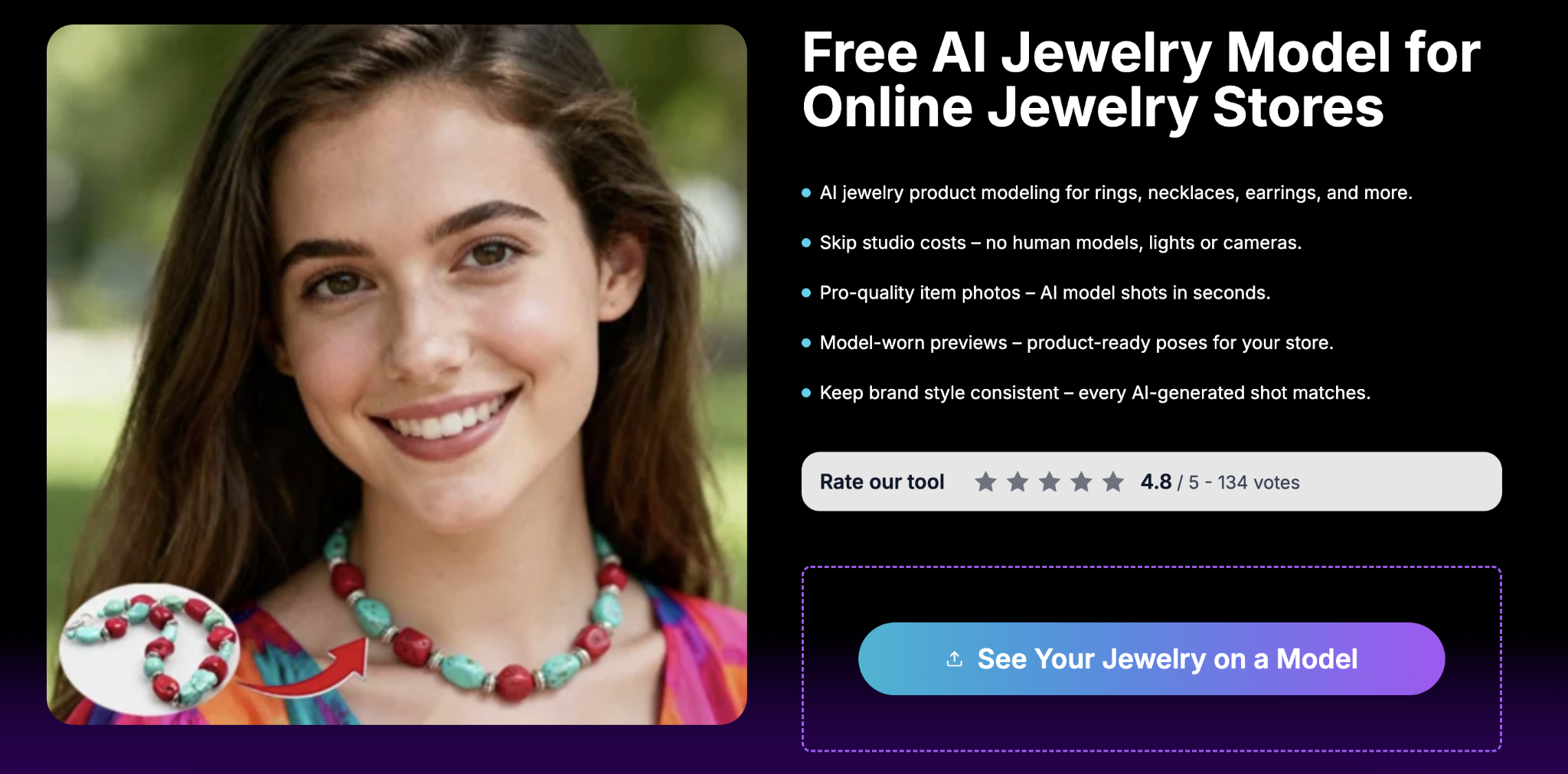
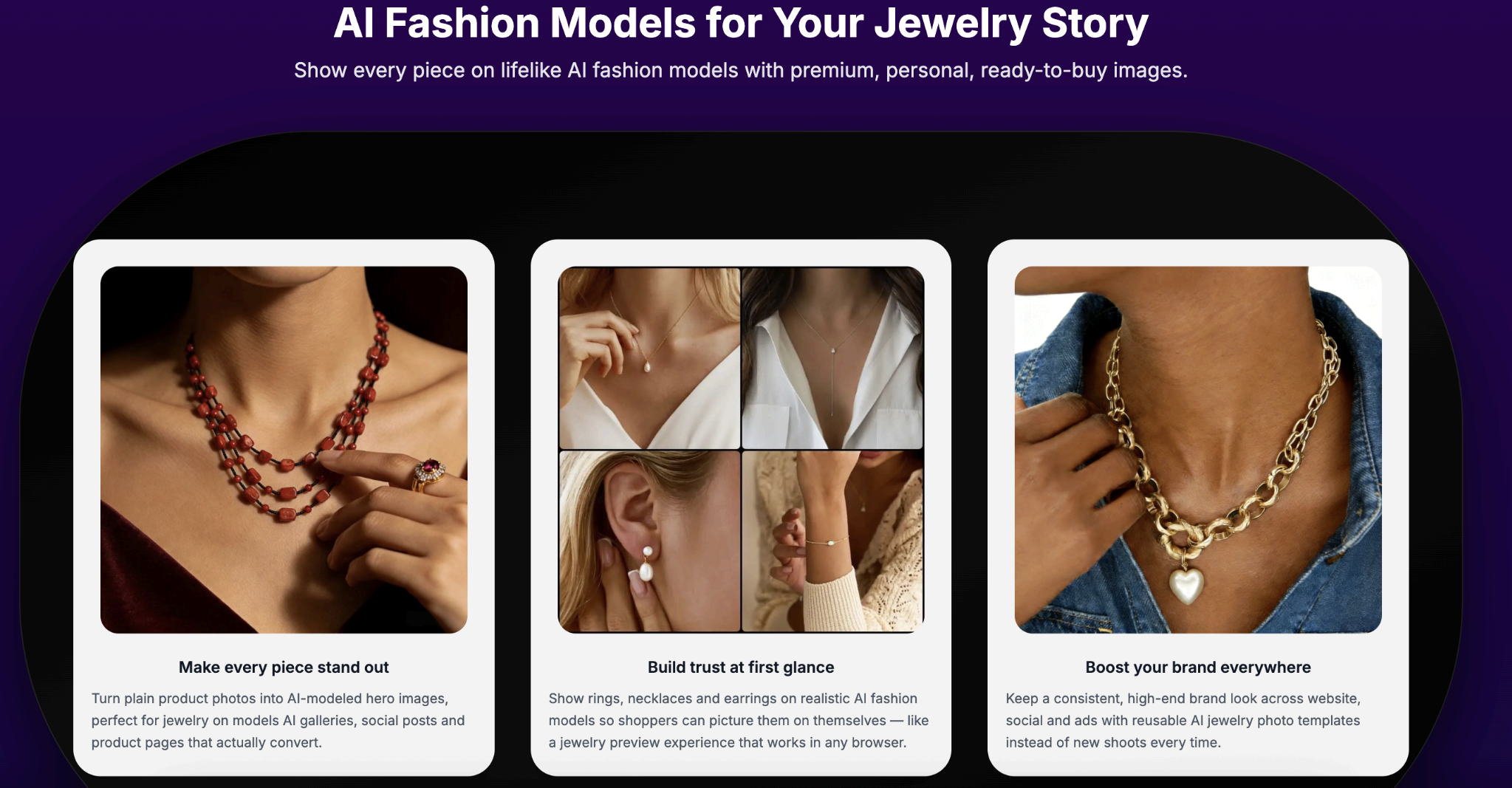
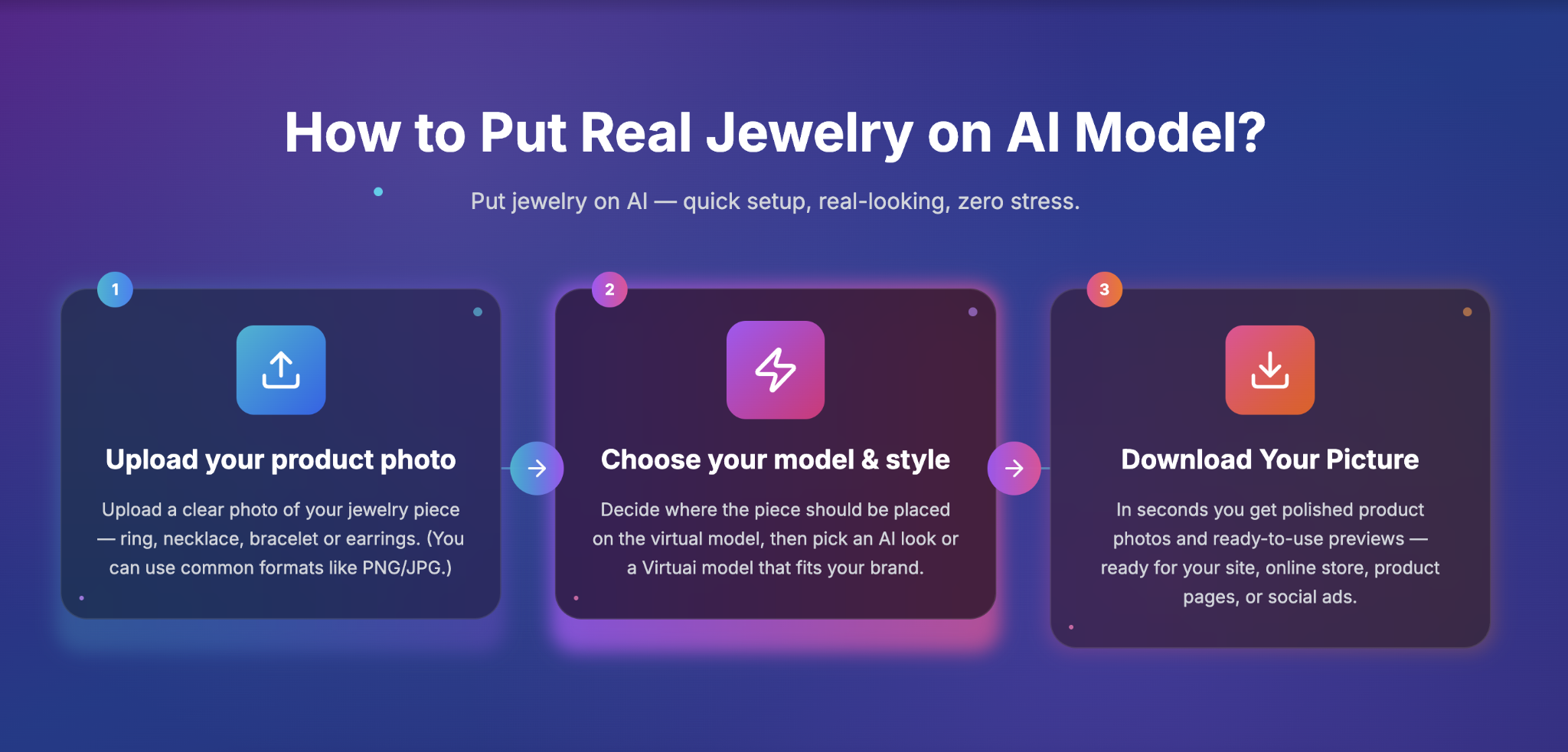
Features
AI jewelry product modeling for rings, necklaces, earrings, and more.
Skip studio costs – no human models, lights or cameras.
Pro-quality item photos – AI model shots in seconds.
Model-worn previews – product-ready poses for your store.
Keep brand style consistent – every AI-generated shot matches.

Comments


An AI jewellery model could be really useful for jewellery brands and online sellers who want to create attractive product visuals for their marketing. I'm curious how realistically it presents the jewellery details, especially the shine, texture and fine designs, since those are important when showcasing jewellery online.
An AI jewellery model could be really useful for jewellery brands and online sellers who want to create attractive product visuals for their marketing. I'm curious how realistically it presents the jewellery details, especially the shine, texture and fine designs, since those are important when showcasing jewellery online.
Love the concept - turning jewelry photos into realistic AI model shots is a clear gap in the market. Curious whether the generator preserves fine details like gemstone facets and chain links, and whether users can lock the exact pose/lighting across a product line for consistent catalog imagery. Would a multi-photo batch mode fit your roadmap?

I gave it a try and it was pretty cool. It did transform a ring into a bracelet, but that's on me for choosing the wrong template (on purpose). Since free users only have one shot to try the product out, forcing users to select a category (ring, bracelet, necklace, etc) might provide for a better first experience, instead of choosing from a template list. Great work!

This is a really practical use of AI for e-commerce photography. Jewelry can be difficult to showcase naturally, especially when customers want to see how rings, bracelets, and necklaces look when worn. Being able to create realistic model shots without expensive photoshoots could save small businesses both time and money. I also like the idea of offering different styles and skin tones to help brands connect with a wider audience.

Turning a flat jewelry photo into a model shot is the hard part because metal reflections and stone color go wrong fast. The listing says it does that in seconds, which is useful if the output keeps the actual piece recognizable instead of inventing a similar ring. I would look for a before-and-after on a thin chain or a small stone, since those are where most product photos fall apart.
Premium Products




















































Sponsors
Buy

Awards
View all
Awards
View allMakers

Makers
Comments
An AI jewellery model could be really useful for jewellery brands and online sellers who want to create attractive product visuals for their marketing. I'm curious how realistically it presents the jewellery details, especially the shine, texture and fine designs, since those are important when showcasing jewellery online.
An AI jewellery model could be really useful for jewellery brands and online sellers who want to create attractive product visuals for their marketing. I'm curious how realistically it presents the jewellery details, especially the shine, texture and fine designs, since those are important when showcasing jewellery online.
Love the concept - turning jewelry photos into realistic AI model shots is a clear gap in the market. Curious whether the generator preserves fine details like gemstone facets and chain links, and whether users can lock the exact pose/lighting across a product line for consistent catalog imagery. Would a multi-photo batch mode fit your roadmap?
I gave it a try and it was pretty cool. It did transform a ring into a bracelet, but that's on me for choosing the wrong template (on purpose). Since free users only have one shot to try the product out, forcing users to select a category (ring, bracelet, necklace, etc) might provide for a better first experience, instead of choosing from a template list. Great work!
This is a really practical use of AI for e-commerce photography. Jewelry can be difficult to showcase naturally, especially when customers want to see how rings, bracelets, and necklaces look when worn. Being able to create realistic model shots without expensive photoshoots could save small businesses both time and money. I also like the idea of offering different styles and skin tones to help brands connect with a wider audience.
Turning a flat jewelry photo into a model shot is the hard part because metal reflections and stone color go wrong fast. The listing says it does that in seconds, which is useful if the output keeps the actual piece recognizable instead of inventing a similar ring. I would look for a before-and-after on a thin chain or a small stone, since those are where most product photos fall apart.
Premium Products
New to Fazier?

Find your next favorite product or submit your own. Made by @FalakDigital.
Copyright ©2026. All Rights Reserved