AI Exporter
Own the Insight, Not the History.
AI Exporter is a professional browser extension designed to help you permanently save and organize your AI conversations.
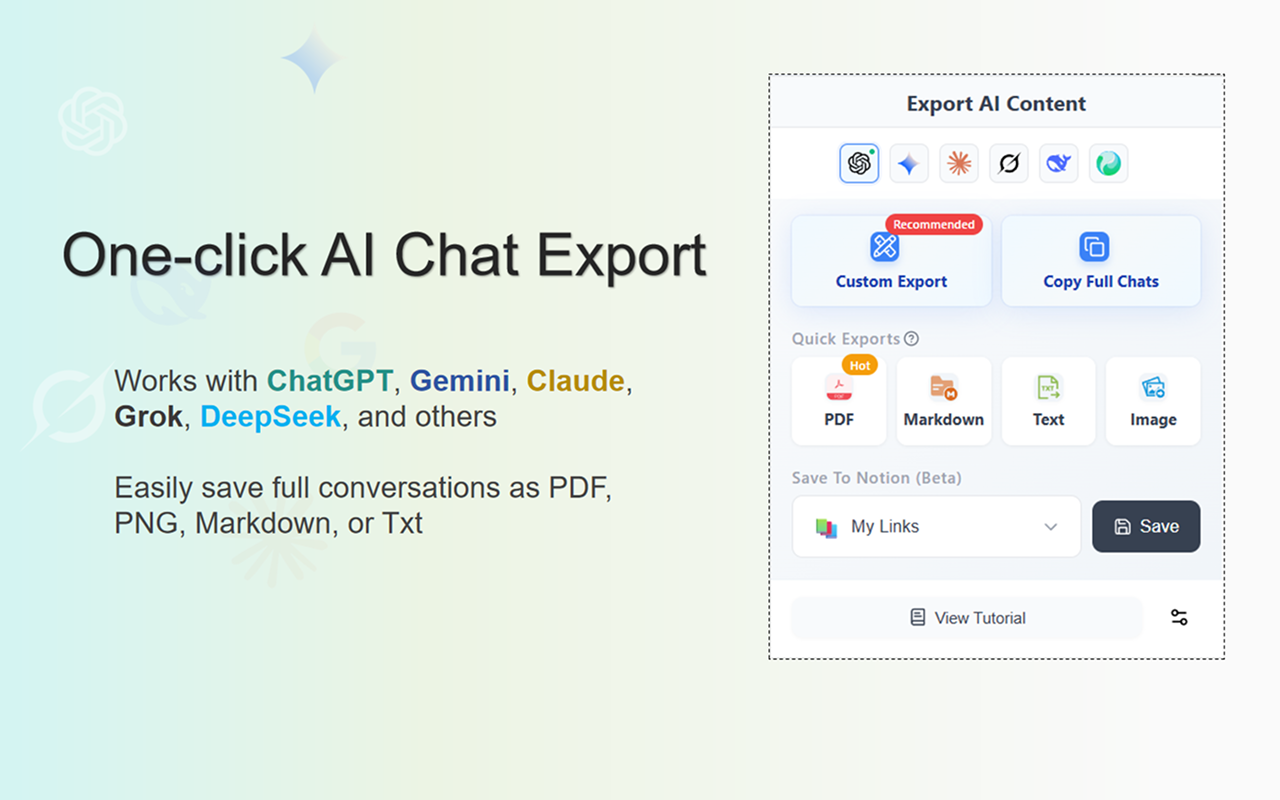
It supports 10+ major AI platforms, including ChatGPT, Gemini, Claude, and NotebookLM. With just one click, you can export your chats to PDF (LaTeX supported), Word, Markdown (MD), JSON, images, or sync them directly to Notion.
AI Exporter ensures your valuable AI conversations are never lost. Easily archive, edit, share, and build your own knowledge base from your AI interactions.
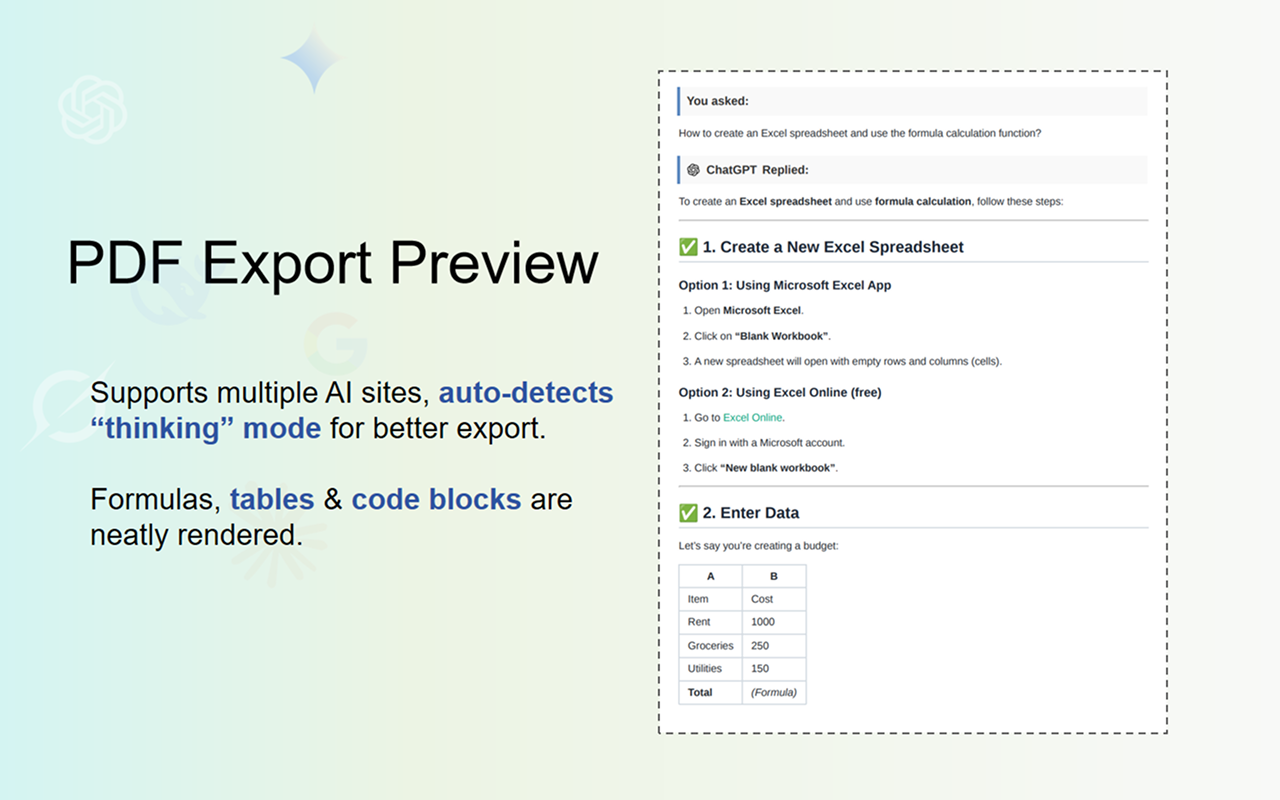
Features
Multi-Platform Support – Works with 10+ AI platforms including ChatGPT, Gemini, Claude, DeepSeek, Perplexity, Copilot, and Google AI Studio.
Multiple Export Formats – Export chats to PDF, Word, Markdown (MD), JSON, or images, with LaTeX and code highlighting preserved.
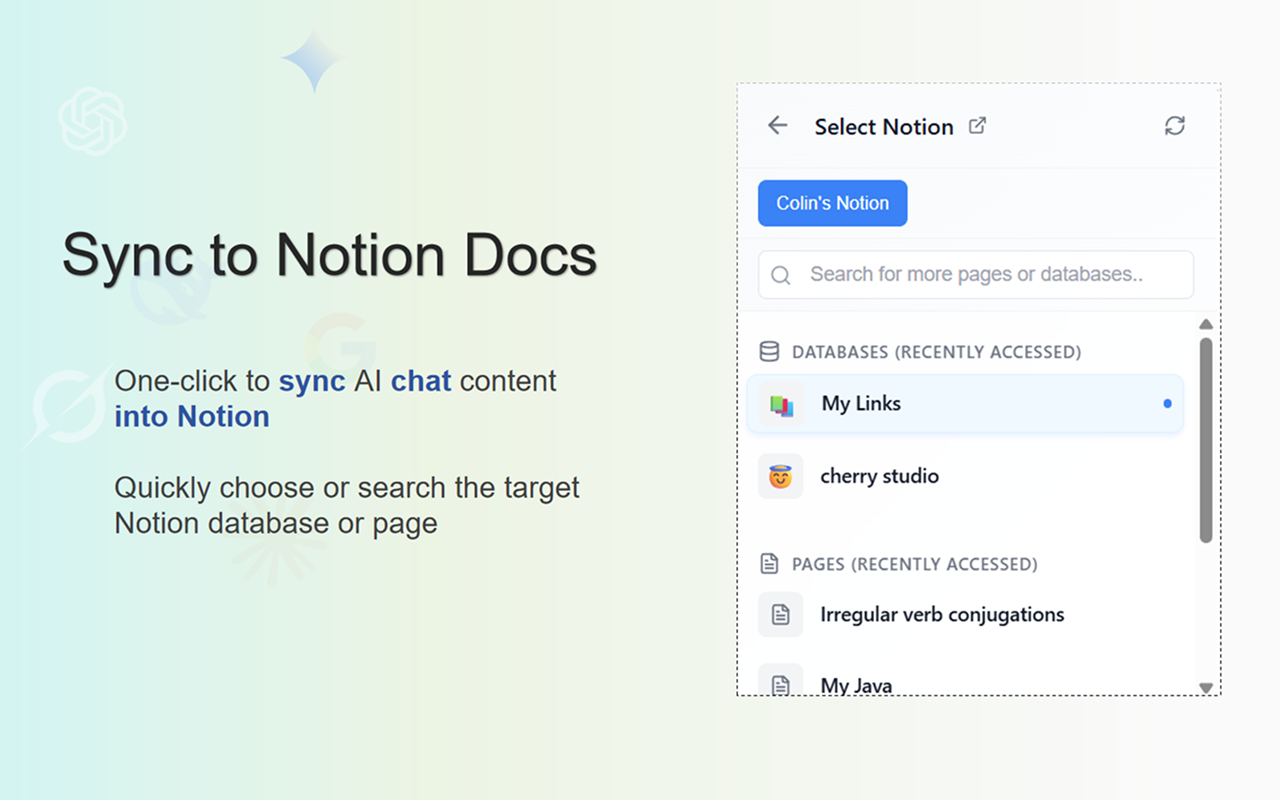
Notion Sync – Instantly convert AI conversations into structured Notion pages.
Precise Timestamps – Automatically extract the exact creation time of each chat session.
Accurate Model Versioning – Display the exact AI model used in each session (e.g., Gemini 1.5 Pro, Claude 3.7).
Super-Long Chat Export – Reliably export extremely long conversations without crashes or truncation.
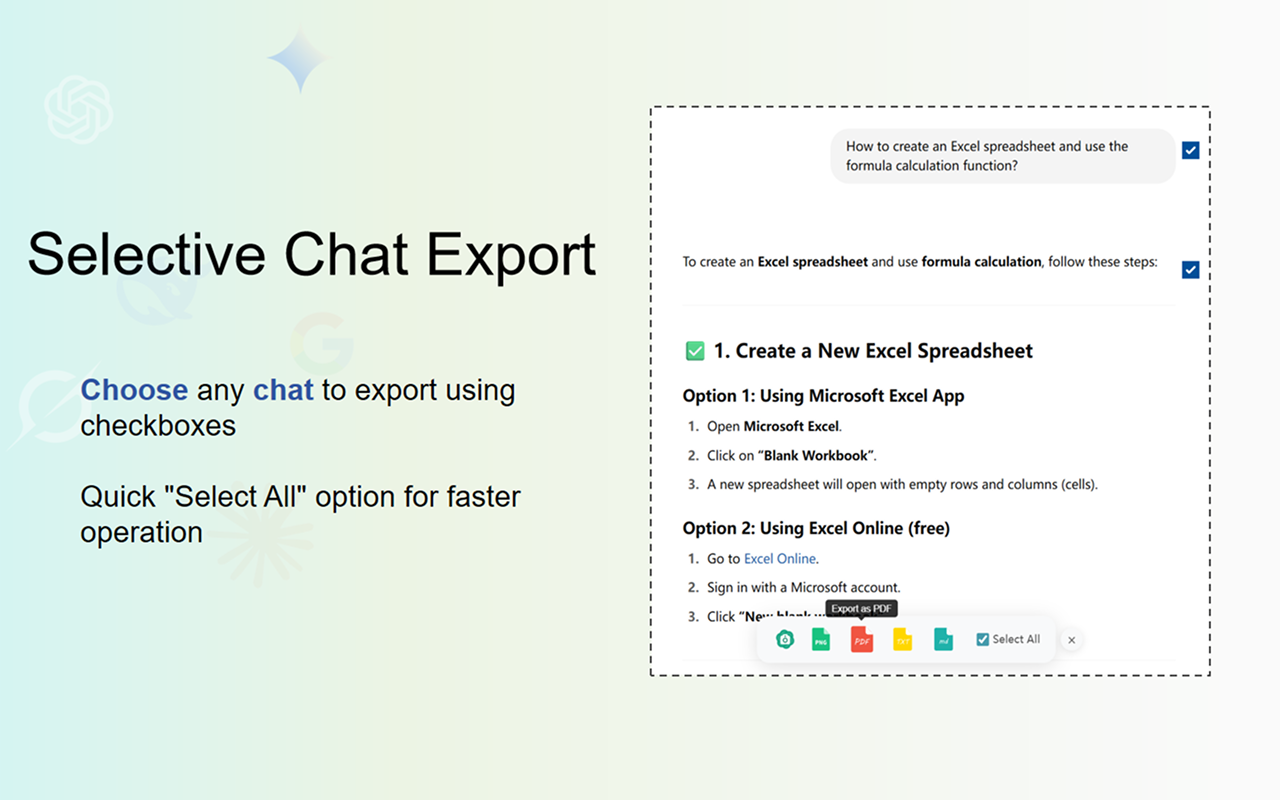
Flexible Message Selection – Choose specific messages to export with multi-selection support.
Image & Chart Preservation – Retain images and charts, with support for generating long-image sharing cards.
Local Knowledge Base – Save important chats locally for quick preview and reference.
Cross-Platform Collection – Save chats from different AI models and export them together for comparison.
Deep Research Export – Export content from Deep Research modes.
Beautiful Export Templates – Choose from Highlight, Dark, Note, and other professional styles.
Use Cases
AI Workflow Archiving & Collaboration
After discussing a complex solution with Gemini, a developer can export the entire conversation as Markdown and save it directly into a local knowledge base like Obsidian for long-term documentation. For implementation, the full context can be copied and sent to Cursor, allowing the AI coding assistant to execute the plan efficiently.
For important discussions, reports, or research notes, the conversation can also be exported as a well-formatted PDF to archive or easily share with teammates. 📄✨

Comments



Premium Products








































Sponsors
Buy

Makers

Makers
Comments
Premium Products
New to Fazier?

Find your next favorite product or submit your own. Made by @FalakDigital.
Copyright ©2026. All Rights Reserved