AfterLid
Keep your Mac awake. Check in from your phone.
AfterLid is a Mac menu bar app for builds, downloads, renders and local AI work that you leave running. Choose Sleepy, Awake or Always On, with battery, thermal and session limits enforced on the Mac. Link your iPhone or Android phone to check its mode, battery and connection. Supported coding tool connections can report agent activity and selected approval requests.
The Mac app works without an account. Sign in with the same AfterLid account on both devices when you want phone status. Free includes local Mac modes and phone status. Pro adds remote mode control, more supported usage connections and custom characters. Eligible accounts get a seven day Pro trial at first sign-in, with no card required. Requires macOS 14 or later.
Features
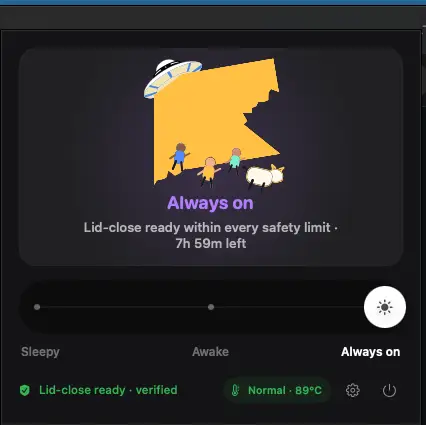
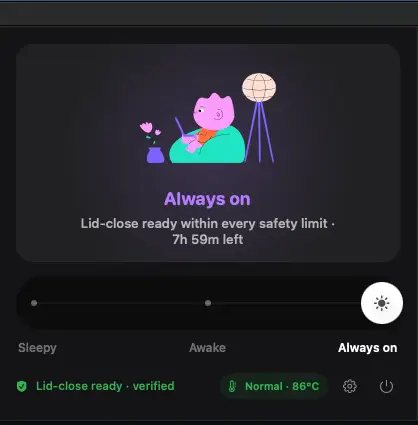
Choose Sleepy, Awake or Always On from the Mac menu bar.
Battery, thermal and session limits run on the Mac.
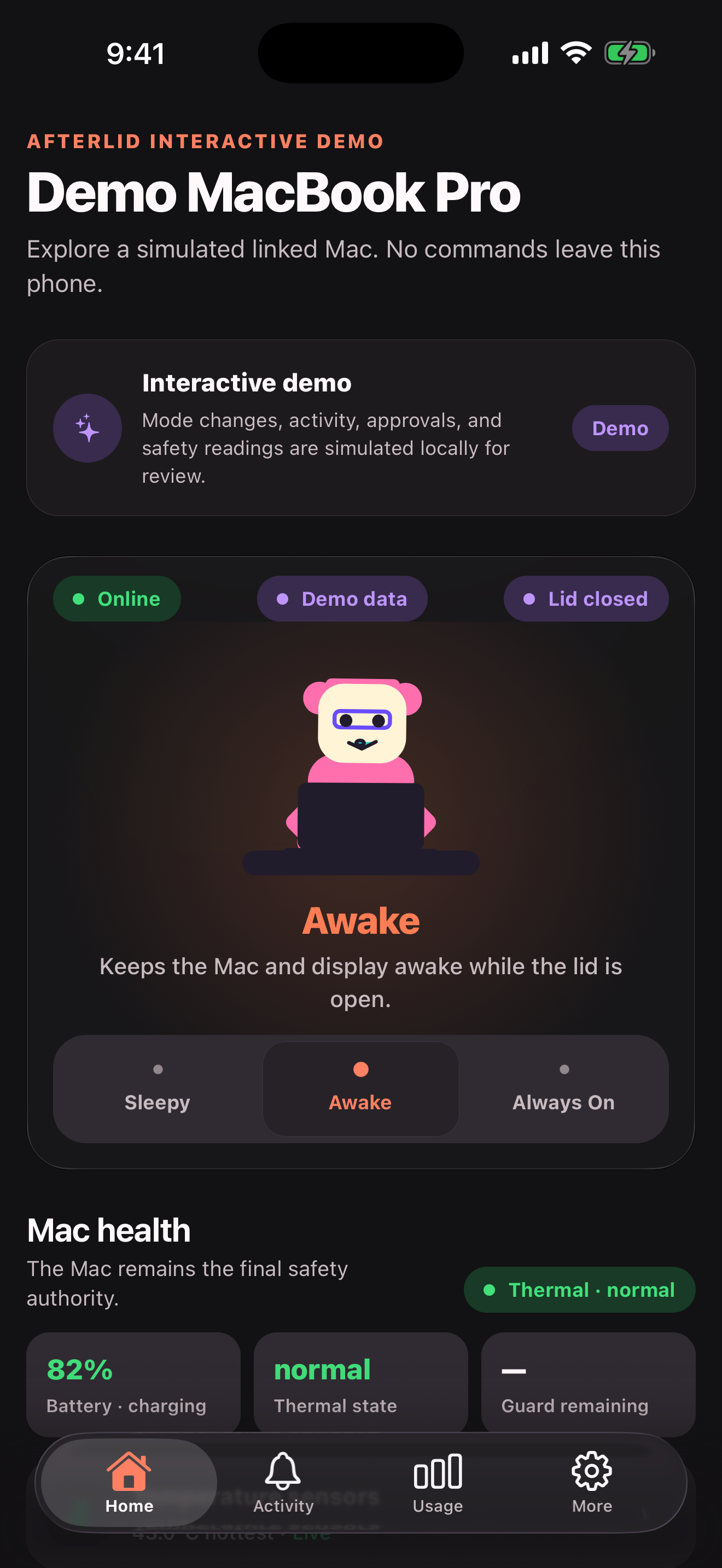
Check mode, battery and connection status from iPhone or Android.
Pro adds remote mode changes and custom characters.
Supported coding tools can report activity and selected approval requests.
Use Cases
Leave a long build, render or download running while you step away.
Check your Mac from another room using your phone.
Follow activity from supported coding tools and respond to supported approval requests.

Comments

Hi, I’m Raj, the maker of AfterLid. It helps keep your Mac awake for long builds, downloads and local AI work, with battery and thermal limits enforced on the Mac. You can try the Mac app without creating an account. Sign in on both devices when you want to see it from your phone. Free includes status; Pro adds remote mode changes and more provider usage connections. I’d appreciate feedback on setup, especially the step where you link your phone. Let me know which coding tools you’d like to connect too.
Premium Products











































Sponsors
Buy
Makers
Makers
Comments
Hi, I’m Raj, the maker of AfterLid. It helps keep your Mac awake for long builds, downloads and local AI work, with battery and thermal limits enforced on the Mac. You can try the Mac app without creating an account. Sign in on both devices when you want to see it from your phone. Free includes status; Pro adds remote mode changes and more provider usage connections. I’d appreciate feedback on setup, especially the step where you link your phone. Let me know which coding tools you’d like to connect too.
Premium Products
New to Fazier?

Find your next favorite product or submit your own. Made by @FalakDigital.
Copyright ©2026. All Rights Reserved