
Aero Markdown
Aero Markdown
Read local Markdown folders on your Mac. Offline, no account
Aero Markdown is a native Markdown reader for Mac. It opens the files and folders already on your disk, renders them as a page, and follows relative links between documents. When a coding agent updates the open file, Aero Markdown reloads it and keeps your place. It requires macOS 14 or later, works offline, and has no account or cloud library. The license is $14.99 USD, one-time, for one Mac.
Features
- Native macOS app for local Markdown files and folders
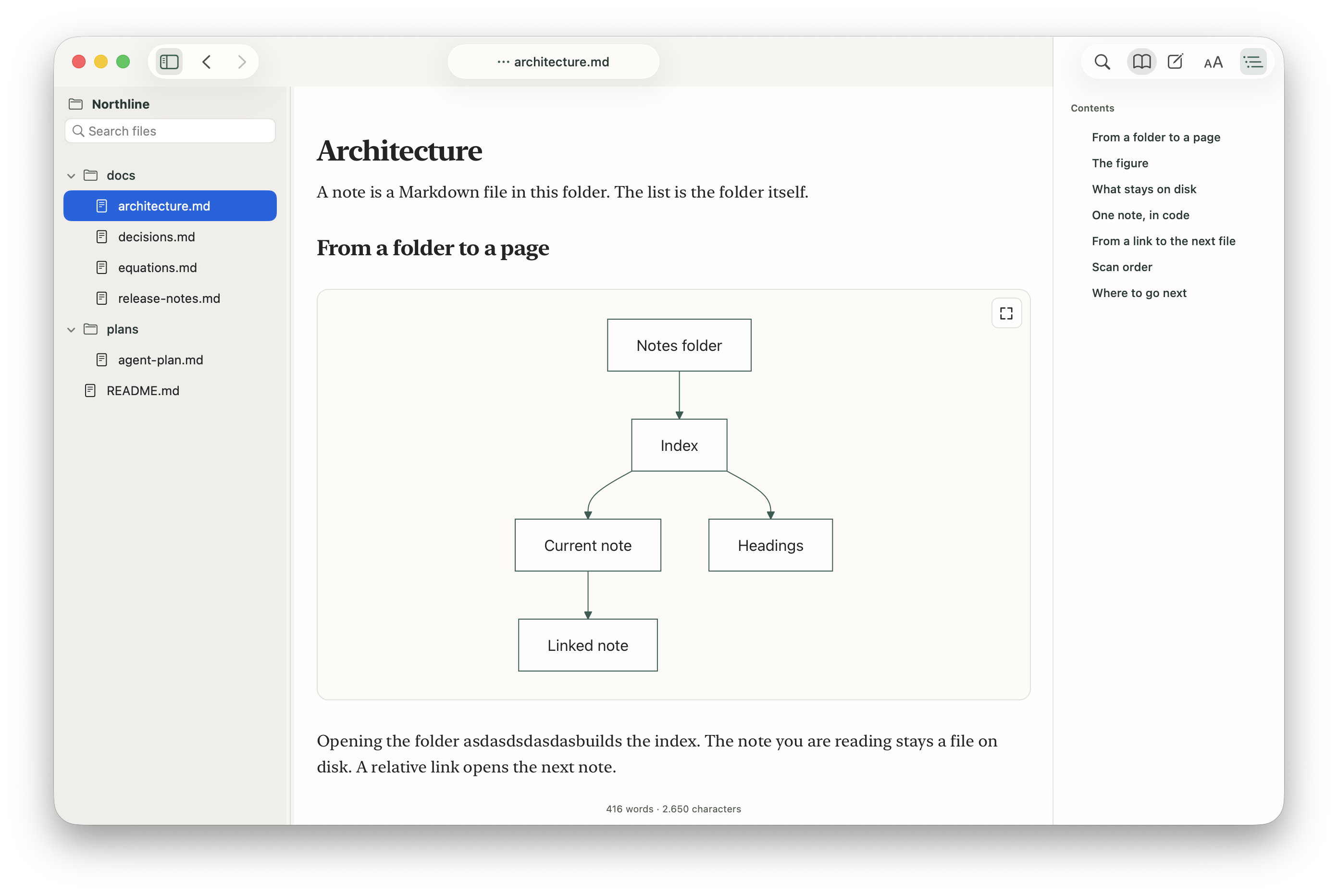
- File tree, rendered page, and heading outline in one window
- Relative links, back and forward, and next or previous document
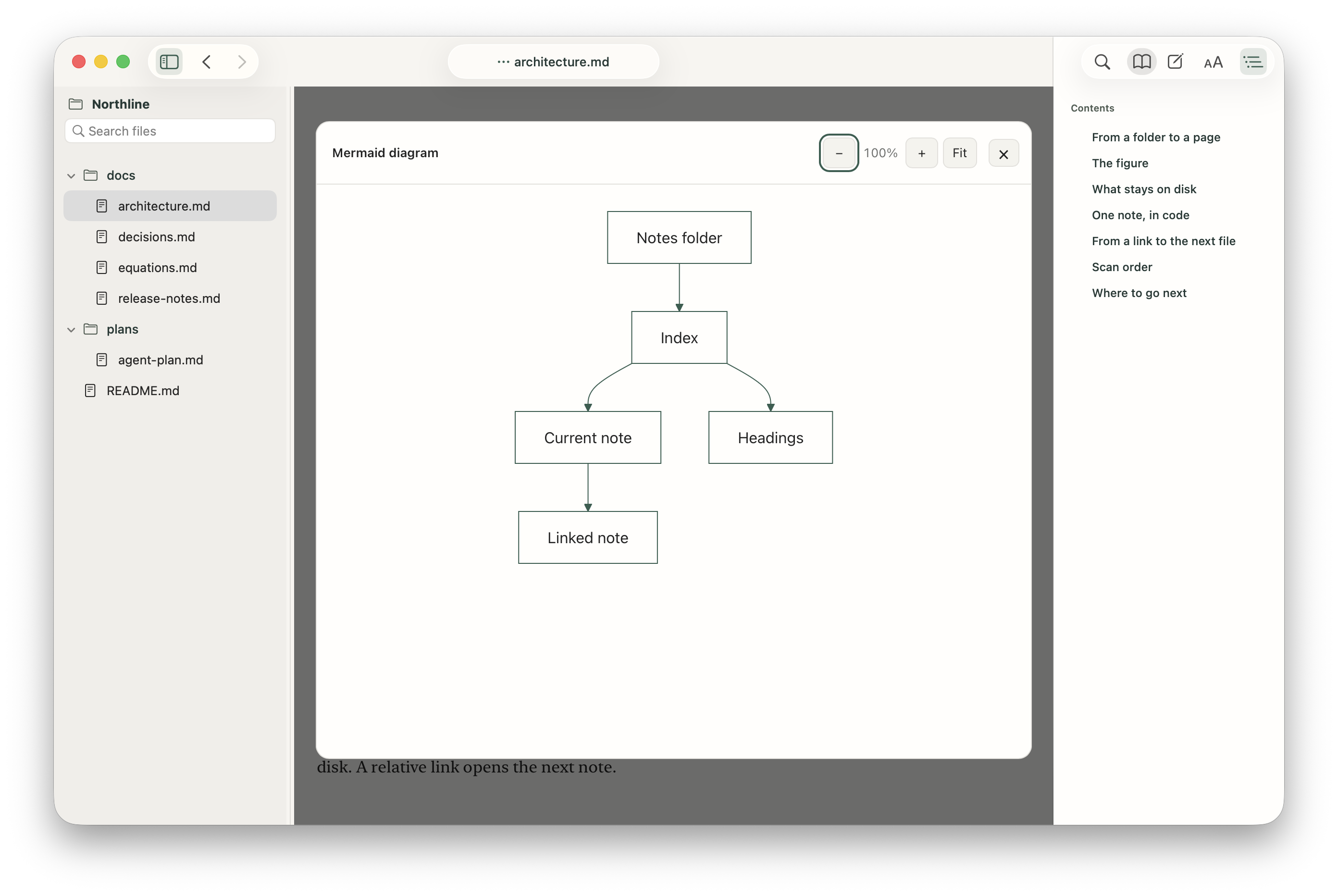
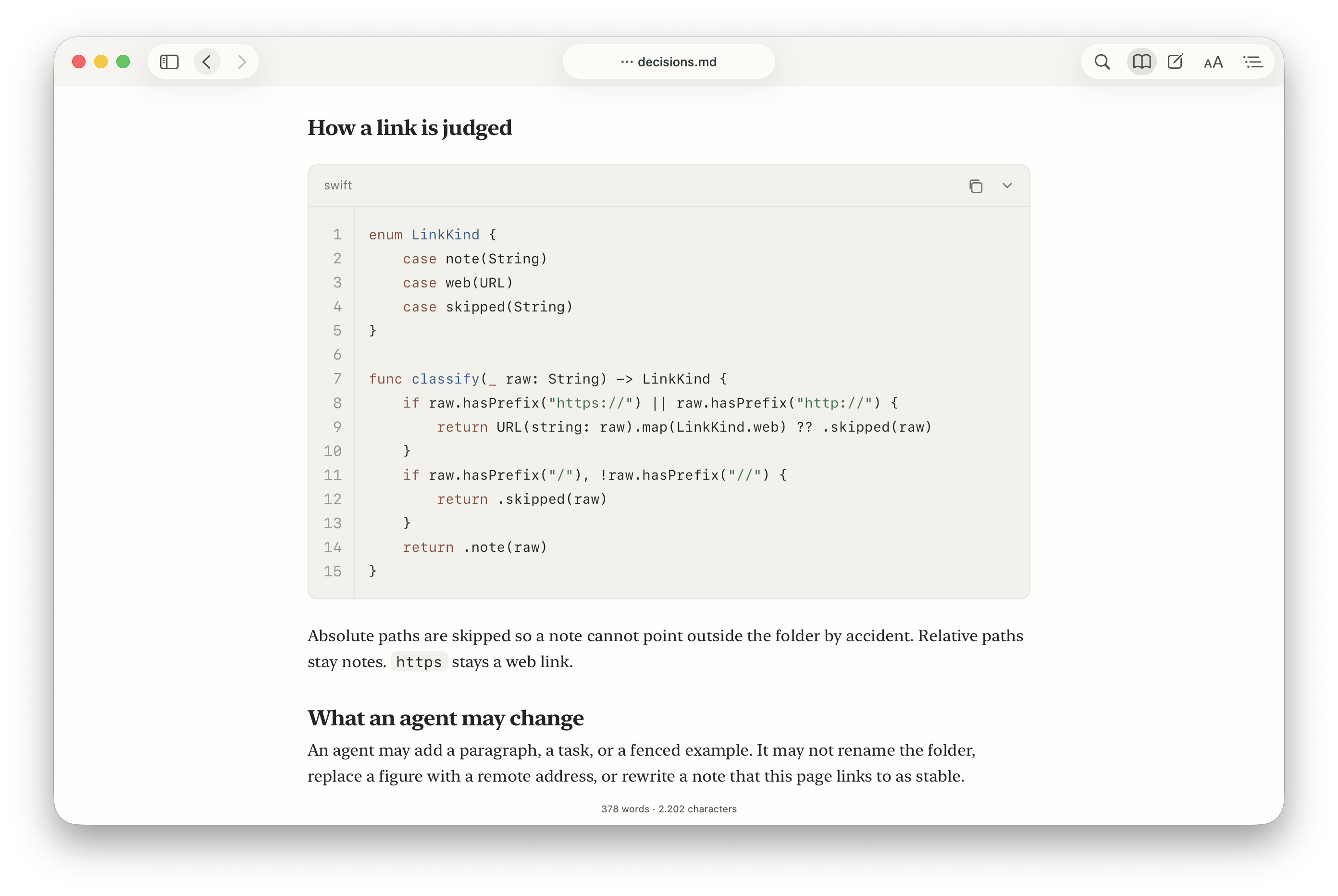
- Tables, highlighted code, local images, Mermaid diagrams, GitHub alerts, footnotes, and math
- Syntax highlighting, Mermaid, and KaTeX included in the app, with nothing fetched from the network
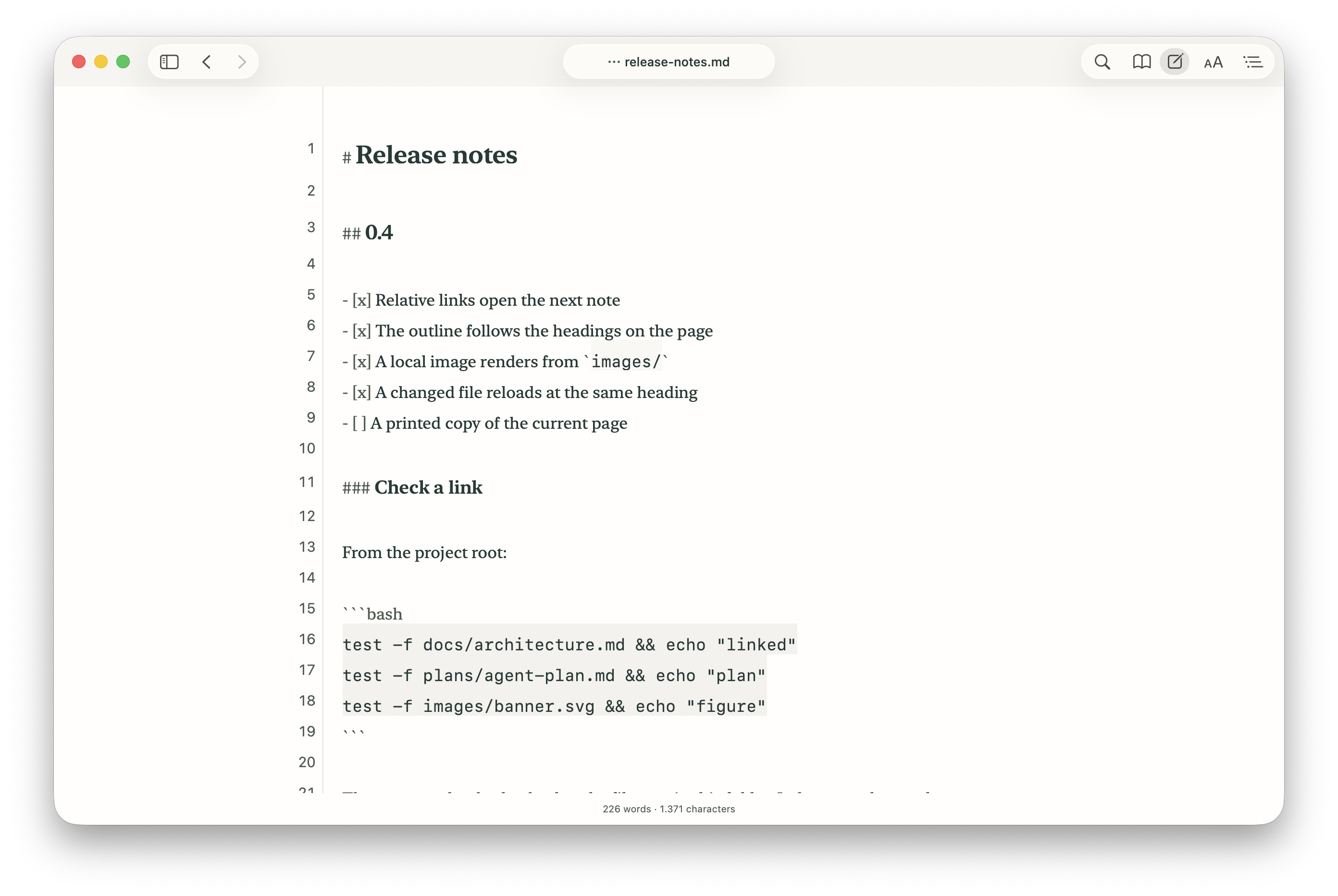
- Reloads the open file at the current heading, and leaves unsaved edits untouched
- Optional local setup for Claude Code, Cursor, and Windsurf; Codex is not included
- Serif, Sans, or Mono, plus reading width, spacing, zoom, and light or dark appearance
- Search the page or the folder; optional editing; Save writes the open file
- Print, PDF export, local HTML export, and a Finder Quick Look preview
- English and Spanish interface
- Offline, no account, no cloud library, and no AI chat or model calls
Use Cases
- Read a plan, report, or README while a coding agent writes it. Aero Markdown reloads the open file and stays on the same heading.
- Open a folder of linked Markdown and follow relative links between documents, with back, forward, and next or previous file.
- Preview a Markdown file from Finder with the included Quick Look extension, without launching a full editor.
- Review tables, code, Mermaid diagrams, math, and local images in a rendered page instead of raw text.
- Print a document, export it as PDF, or save local HTML to share, while the source stays on your Mac.
- Keep notes, drafts, and project docs offline. Aero Markdown has no account and no cloud library.
Fazier Deal

Comments

Premium Products

















































Fazier Deal

Comments
Premium Products
New to Fazier?

Find your next favorite product or submit your own. Made by @FalakDigital.
Copyright ©2026. All Rights Reserved