
CleanNoise
Studio-grade audio cleanup in one click
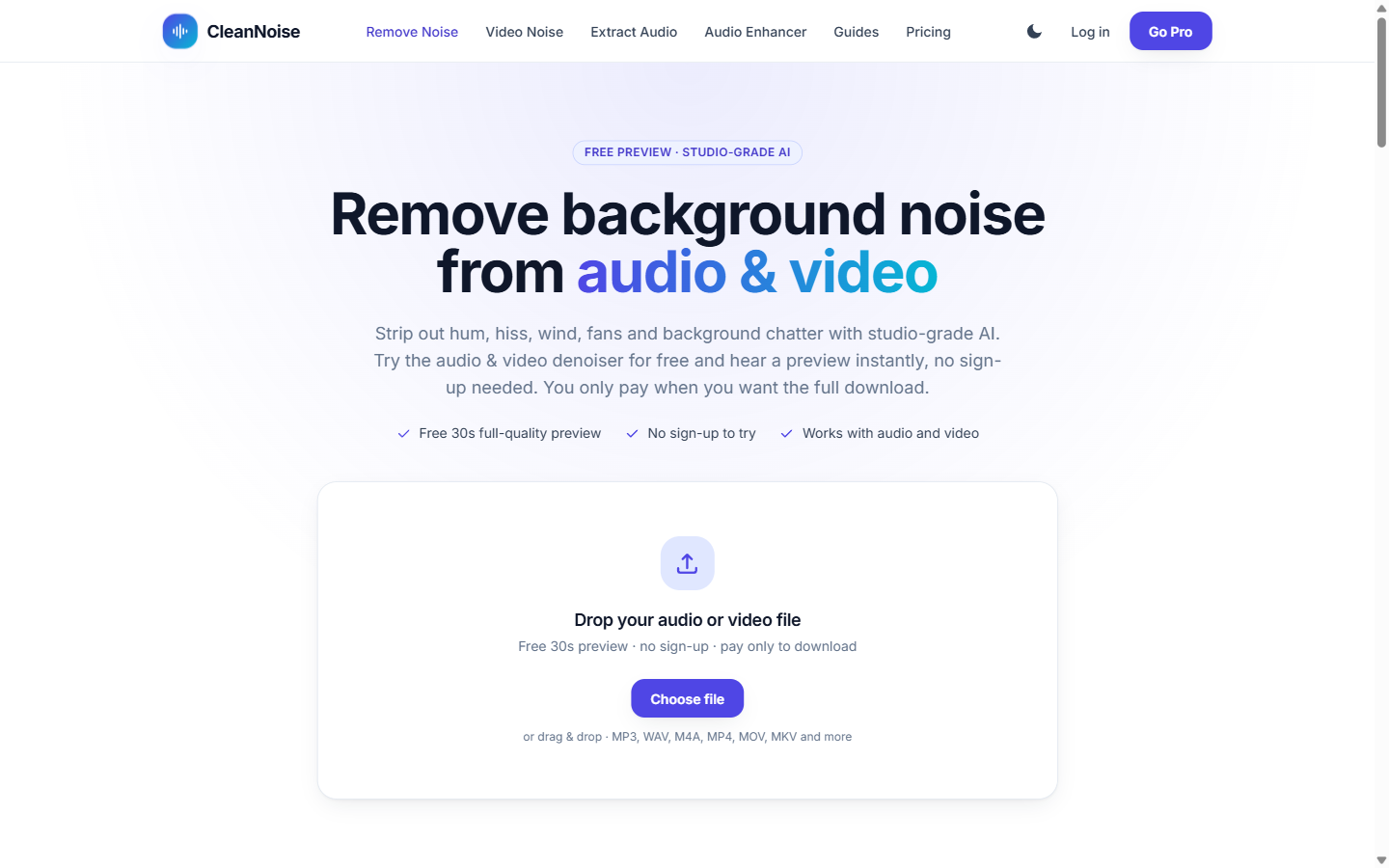
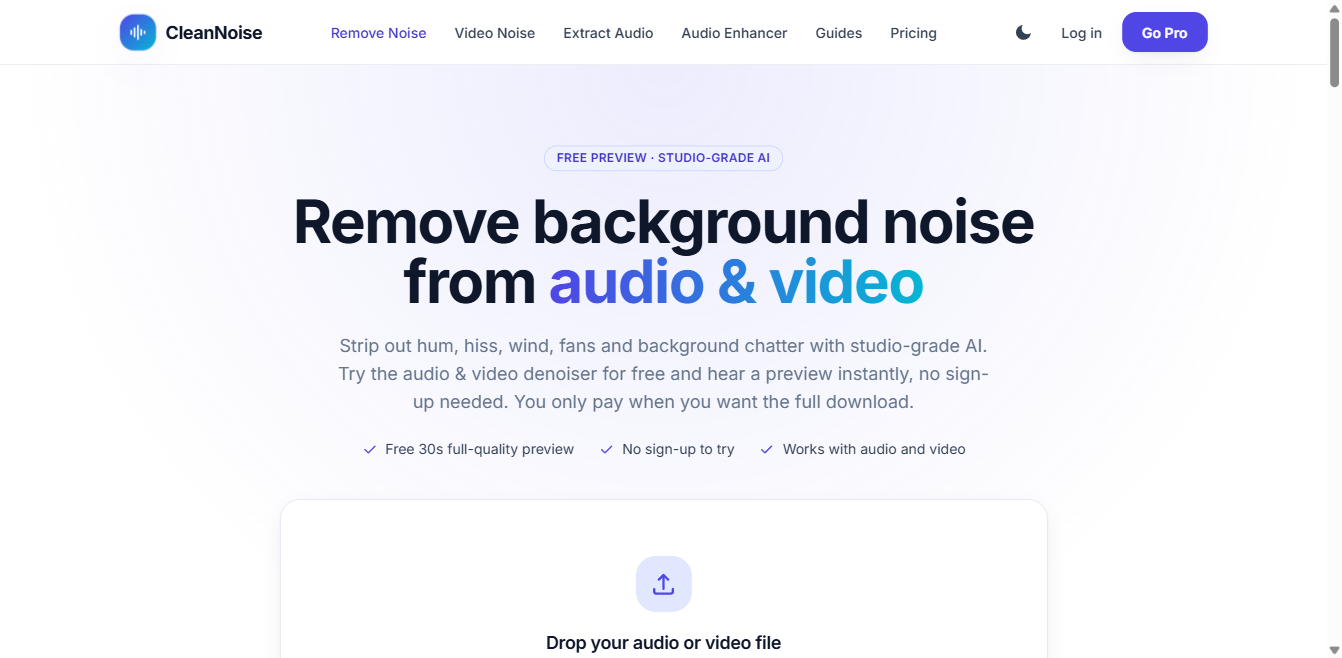
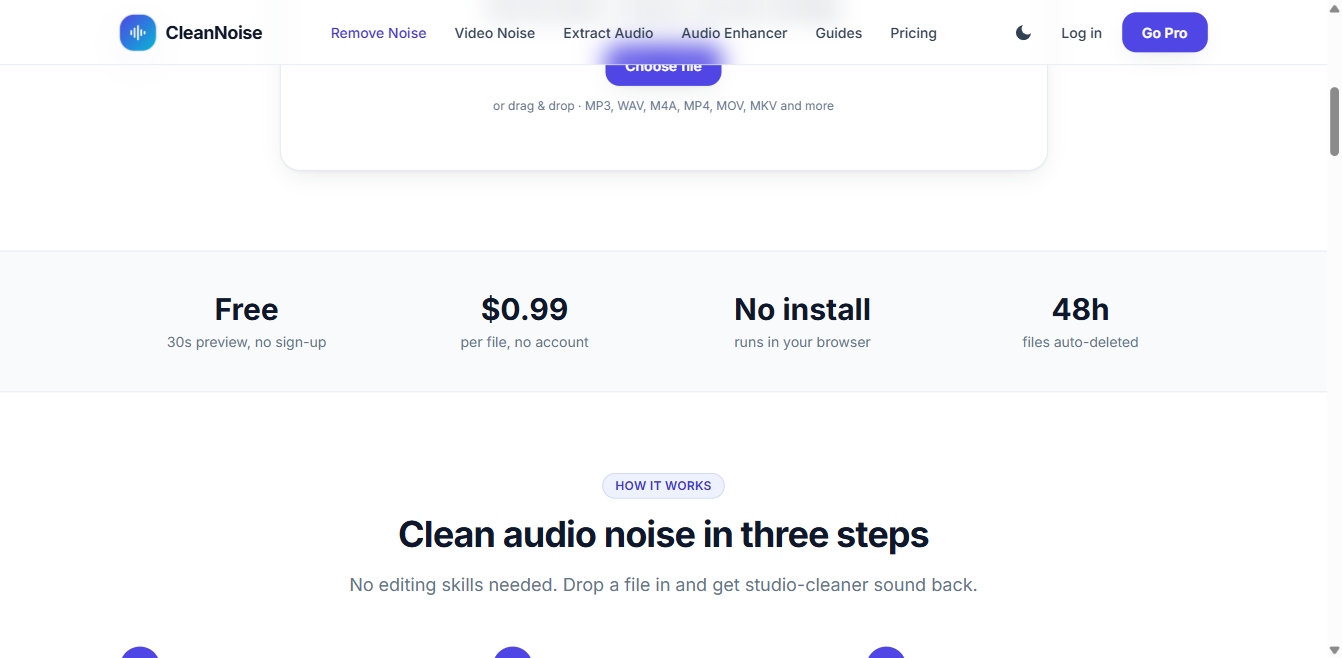
CleanNoise is an online AI noise remover for audio and video. Drop in an MP3, WAV, M4A, MP4, MOV file, or any audio/video format and hear a free 30-second full-quality preview in seconds, with no account required. If you like it, download the complete cleaned file for $0.99, or subscribe to Pro for more.
Features
Studio-grade AI noise removal for hum, hiss, wind, fans, traffic and background chatter
Works with audio and video files (MP3, WAV, M4A, MP4, MOV, MKV and more), up to 60 minutes / 500 MB per file
Automatic noise detection, no need to select a silent section by hand
Video noise removal: cleans the audio track of any video file
Audio enhancer for quiet, dull or muffled recordings
No install, runs in any modern browser
Use Cases
Podcasters and video creators cleaning up recordings before publishing
Remote workers and teams making Zoom or Teams call recordings clearer
Students and researchers cleaning up lecture or interview audio
Musicians and support/sales teams needing clearer voice recordings

Comments


CleanNoise is a remarkably useful tool for anyone working with audio. Its promise of studio-grade cleanup in one click is not just marketing; it genuinely simplifies a task that usually demands expensive software and technical skill. The clean, modern interface feels welcoming, and the vibrant gradient icon with its sound-wave design reflects the product’s purpose perfectly. Whether you are a podcaster, YouTuber, or student recording lectures, CleanNoise removes background hiss and distractions quickly. The freemium model is another big plus, letting you try the core features without paying first. It is a fast, simple, and dependable choice for professional-sounding audio.


The free 30-second full-quality preview with no account is a smart way to let people judge the cleanup before paying anything. As a podcast producer I mostly fight room echo and mic bleed, not just hiss. Does it handle reverb and two voices in one file, and does it ever leave artifacts on quiet speech?


The free 30-second full-quality preview with no account is the smartest part of this. Audio quality is subjective, so letting people hear the actual result before paying removes the biggest objection. Automatic noise detection is also a real time-saver — hunting for a silent section is the most tedious step in tools like Audacity. One feature I'd love: batch processing for podcasters, since most of us deal with multiple files per episode rather than one at a time.

The 30-second full-quality preview with no account is the right way to sell audio cleanup, because you can hear whether the model ate the voice before paying $0.99. Automatic noise detection, with no silent-region sample, is what I wanted compared with the usual noise-profile workflow. Before I would run interview video through it I would want to know two things: does the video path keep the original picture and only rewrite the audio track, and does the 60-minute / 500 MB cap apply to the container or just the decoded audio? Wind plus room tone on a single take is where most one-click removers either leave the rumble or hollow out the voice.

The free 30-second full-quality preview is a smart way to let people hear the result before paying. For videos with speech over steady fan or traffic noise, can the cleanup strength be adjusted, or is it fully automatic? A simple before/after toggle on the waveform would also make the difference easier to judge.

The 30-second full-quality preview answers the biggest objection before payment, which is rare in audio tools. For guided meditation or breathwork recordings, I would use a voice-first preset that removes hum and hiss but deliberately preserves a little room tone; fully dead silence makes spoken pauses feel unnatural. Is there a way to control how much ambience is kept?
Premium Products




















































Sponsors
Buy

Makers
Makers
Comments
CleanNoise is a remarkably useful tool for anyone working with audio. Its promise of studio-grade cleanup in one click is not just marketing; it genuinely simplifies a task that usually demands expensive software and technical skill. The clean, modern interface feels welcoming, and the vibrant gradient icon with its sound-wave design reflects the product’s purpose perfectly. Whether you are a podcaster, YouTuber, or student recording lectures, CleanNoise removes background hiss and distractions quickly. The freemium model is another big plus, letting you try the core features without paying first. It is a fast, simple, and dependable choice for professional-sounding audio.
The free 30-second full-quality preview with no account is a smart way to let people judge the cleanup before paying anything. As a podcast producer I mostly fight room echo and mic bleed, not just hiss. Does it handle reverb and two voices in one file, and does it ever leave artifacts on quiet speech?
The free 30-second full-quality preview with no account is the smartest part of this. Audio quality is subjective, so letting people hear the actual result before paying removes the biggest objection. Automatic noise detection is also a real time-saver — hunting for a silent section is the most tedious step in tools like Audacity. One feature I'd love: batch processing for podcasters, since most of us deal with multiple files per episode rather than one at a time.
The 30-second full-quality preview with no account is the right way to sell audio cleanup, because you can hear whether the model ate the voice before paying $0.99. Automatic noise detection, with no silent-region sample, is what I wanted compared with the usual noise-profile workflow. Before I would run interview video through it I would want to know two things: does the video path keep the original picture and only rewrite the audio track, and does the 60-minute / 500 MB cap apply to the container or just the decoded audio? Wind plus room tone on a single take is where most one-click removers either leave the rumble or hollow out the voice.
The free 30-second full-quality preview is a smart way to let people hear the result before paying. For videos with speech over steady fan or traffic noise, can the cleanup strength be adjusted, or is it fully automatic? A simple before/after toggle on the waveform would also make the difference easier to judge.
The 30-second full-quality preview answers the biggest objection before payment, which is rare in audio tools. For guided meditation or breathwork recordings, I would use a voice-first preset that removes hum and hiss but deliberately preserves a little room tone; fully dead silence makes spoken pauses feel unnatural. Is there a way to control how much ambience is kept?
Premium Products
New to Fazier?

Find your next favorite product or submit your own. Made by @FalakDigital.
Copyright ©2026. All Rights Reserved