
Virmii
Turn character images into stream-ready 3D VTuber avatars
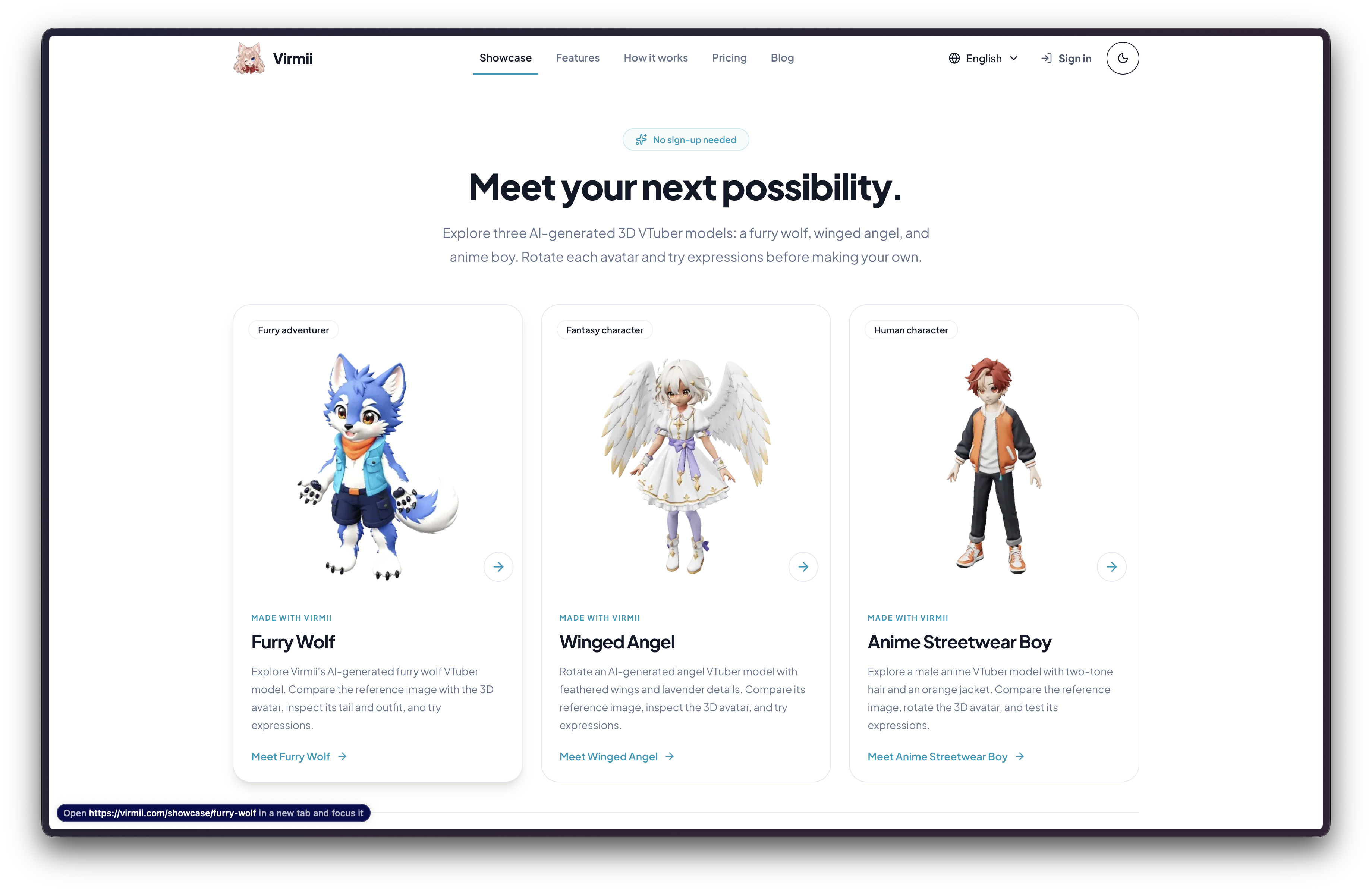
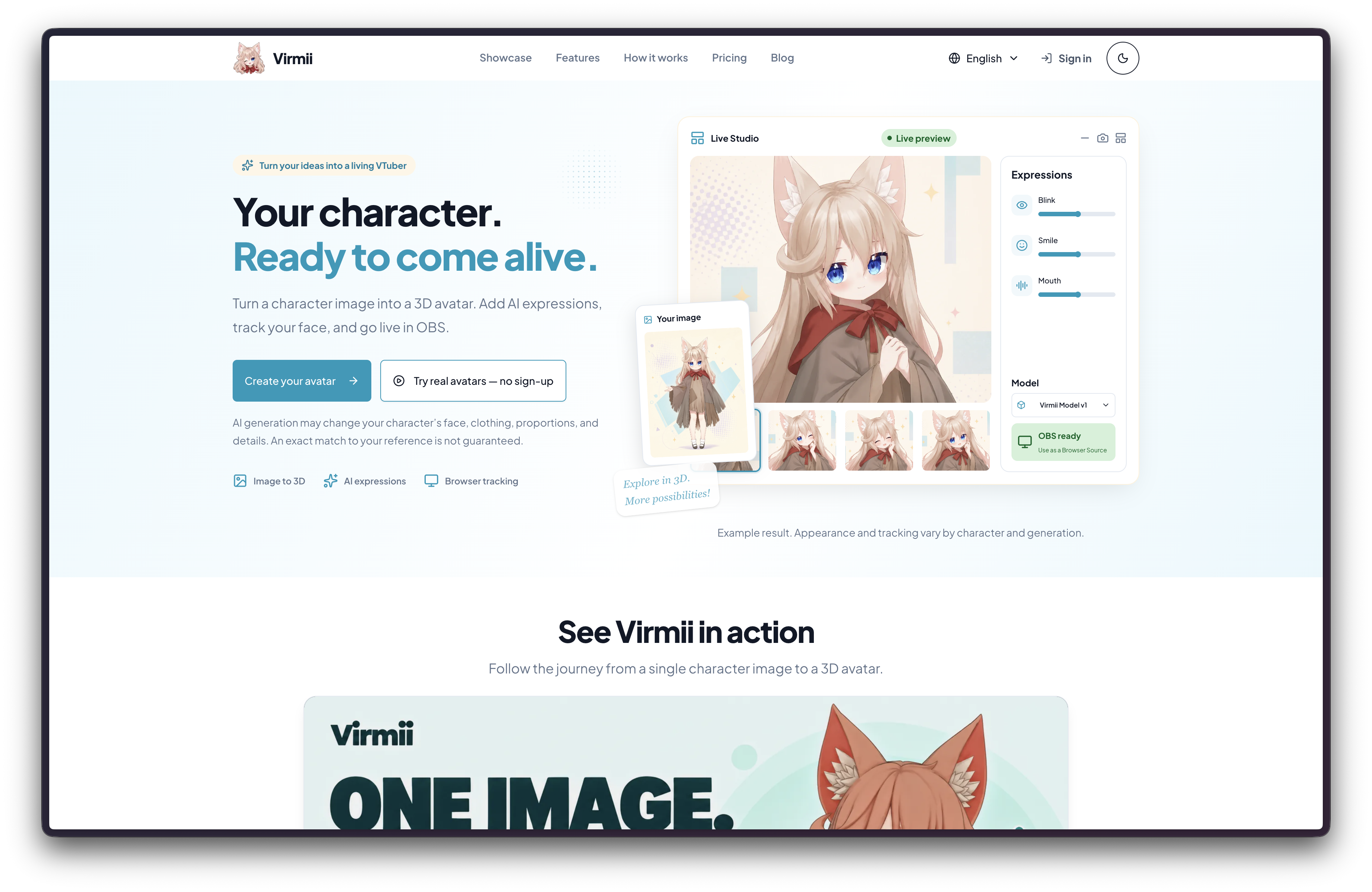
Virmii is an AI VTuber avatar studio that turns character reference images into rigged 3D avatars. Generate a model, preview and manage your VRM, add AI expressions, and use browser-based face tracking to bring your character into OBS. You can also upload an existing VRM or download your generated avatar for compatible tools.
Built for aspiring VTubers, streamers, illustrators, and character creators, Virmii brings avatar creation and live performance into one browser workspace. Generated expression artwork works inside Virmii and OBS and is not included in downloaded VRM files.
Features
• AI image-to-3D avatar generation with automatic humanoid rigging and VRM preparation.
• Browser-based 3D preview and a private library for generated or uploaded VRM models.
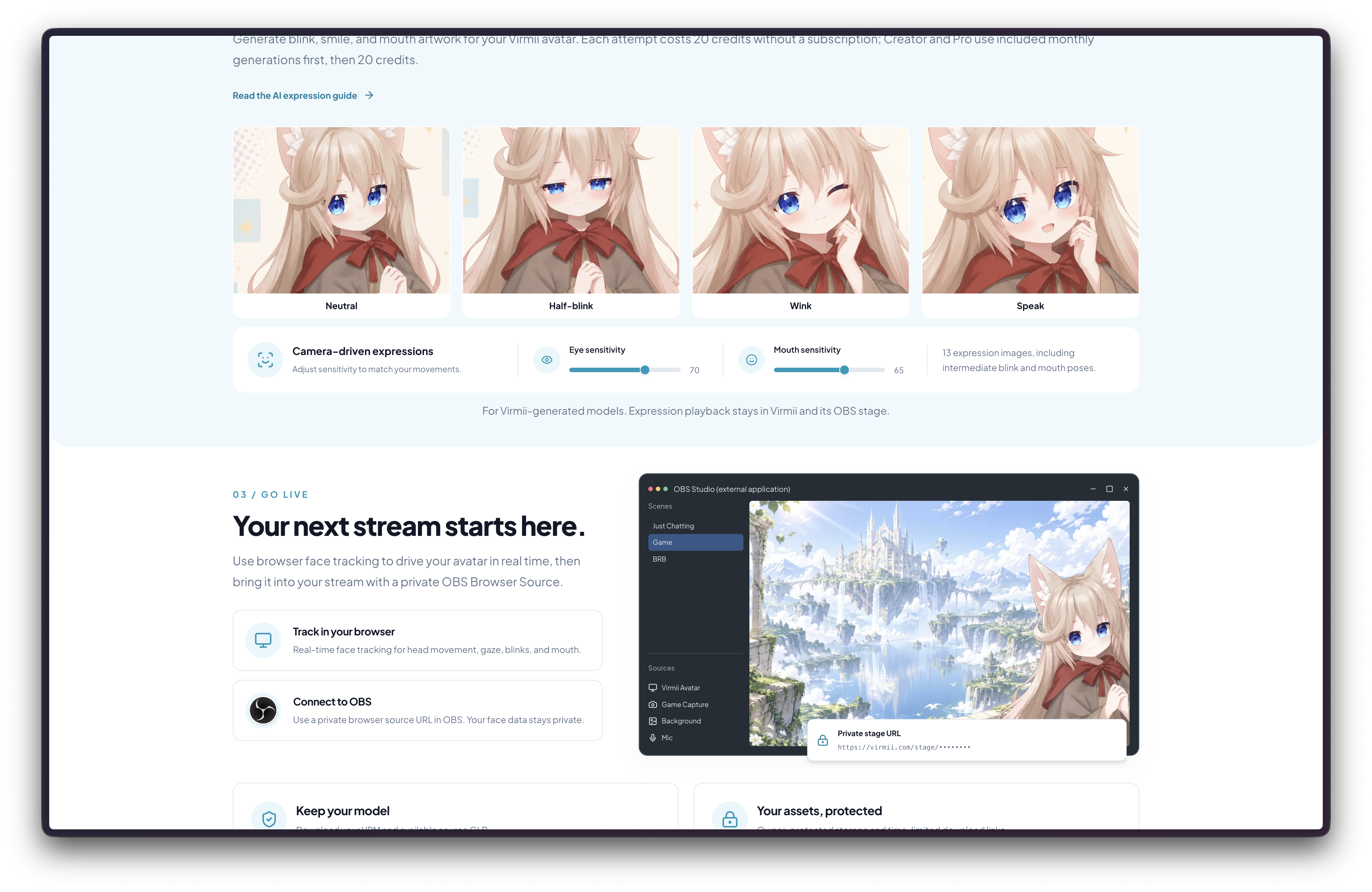
• AI expression generation for Virmii-created avatars, including blinks, smiles, and mouth shapes.
• Webcam face tracking in supported desktop browsers.
• Private live-stage URLs for OBS Browser Source.
• VRM downloads and source GLB downloads when available.
Use Cases
• Aspiring VTubers: turn a character reference image into a 3D avatar for streaming.
• Streamers and video creators: perform through an avatar with browser face tracking and OBS.
• Illustrators and character designers: preview original characters in 3D.
• VRM owners: upload an existing avatar, test its supported expressions, and use it on a live stage.

Comments


Hi everyone, I'm the maker of Virmii! Getting a character ready for streaming can involve several separate tools for modeling, rigging, face tracking, and OBS setup. I'm building Virmii to bring those steps into one browser workspace. Start with a character reference image, generate a rigged 3D avatar, preview it, add AI expressions, and bring it into OBS with browser-based face tracking. You can also upload an existing VRM or download your generated model for compatible tools. A quick note on expressions: AI-generated expression artwork works in Virmii and OBS, but isn't included in downloaded VRM files. Uploaded VRMs use their existing facial bindings. I'd love to hear from VTubers, streamers, and character artists: which part of getting your character on screen takes the most time? If you try Virmii, please share what worked and where you got stuck. Thanks for taking a look!
Premium Products












































Sponsors
Buy

Makers
Makers
Comments
Hi everyone, I'm the maker of Virmii! Getting a character ready for streaming can involve several separate tools for modeling, rigging, face tracking, and OBS setup. I'm building Virmii to bring those steps into one browser workspace. Start with a character reference image, generate a rigged 3D avatar, preview it, add AI expressions, and bring it into OBS with browser-based face tracking. You can also upload an existing VRM or download your generated model for compatible tools. A quick note on expressions: AI-generated expression artwork works in Virmii and OBS, but isn't included in downloaded VRM files. Uploaded VRMs use their existing facial bindings. I'd love to hear from VTubers, streamers, and character artists: which part of getting your character on screen takes the most time? If you try Virmii, please share what worked and where you got stuck. Thanks for taking a look!
Premium Products
New to Fazier?

Find your next favorite product or submit your own. Made by @FalakDigital.
Copyright ©2026. All Rights Reserved