uibrik
uibrik
Animated React components your AI agent installs.
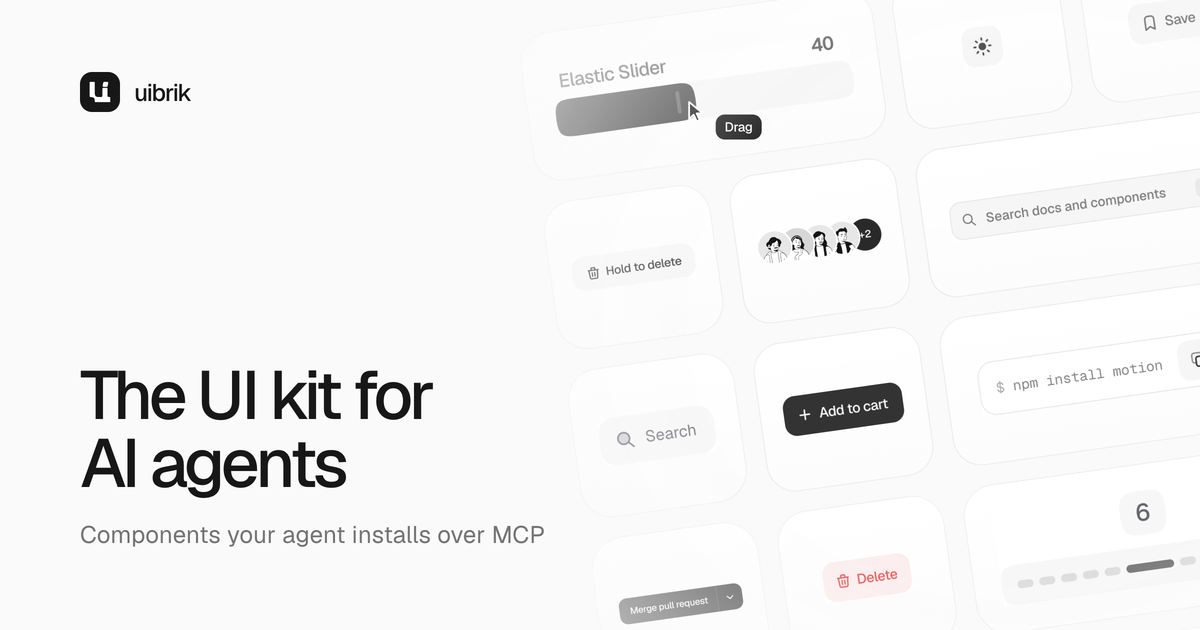
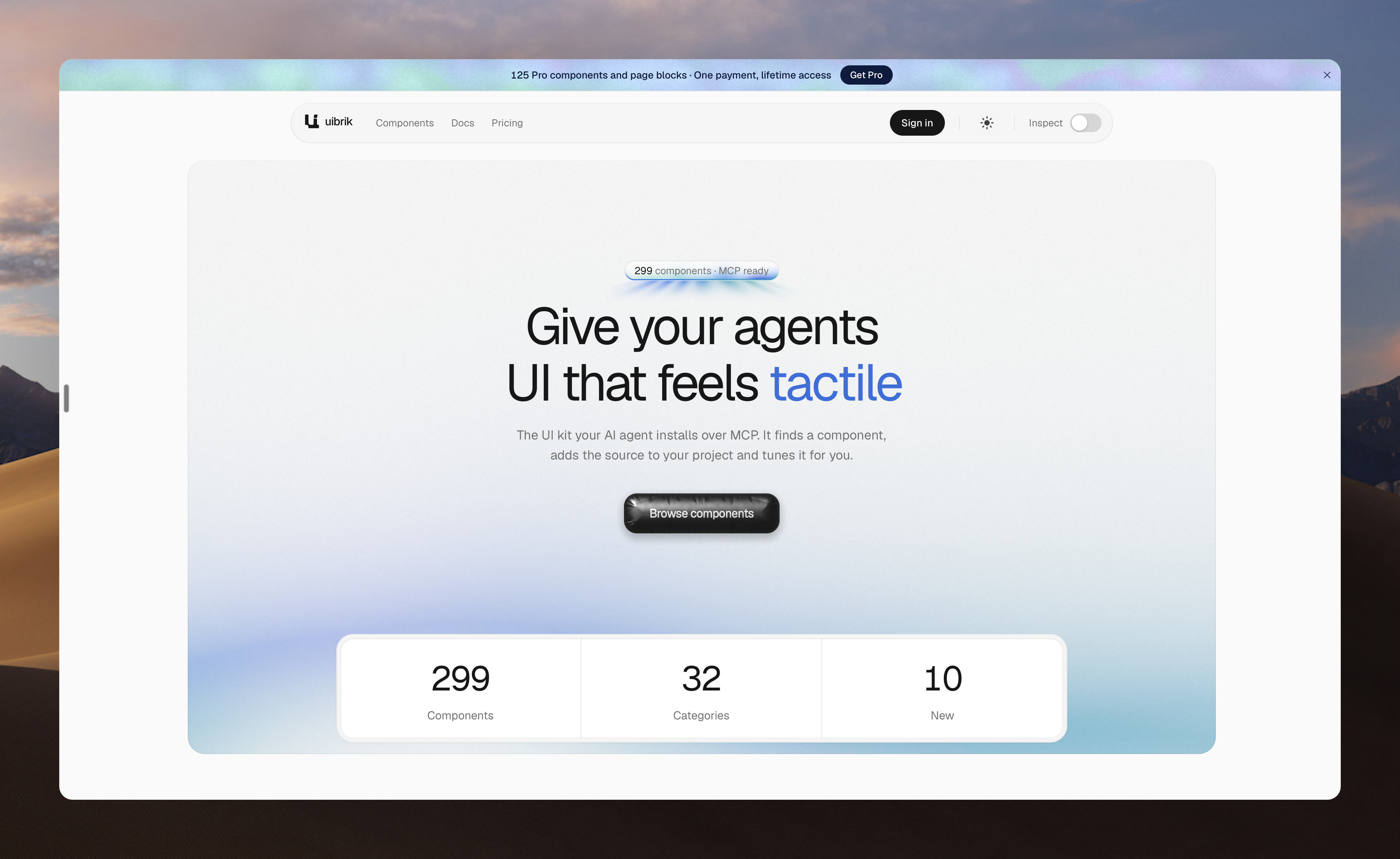
uibrik is a library of 299 animated React components, shader backgrounds and page blocks built for AI coding agents. Your agent searches the catalog over the uibrik MCP server, reads each component’s props and installs the source into your project with the shadcn CLI. Every component is plain Tailwind CSS and Motion code you own and can edit. More than 160 components are free; a one-time Pro license adds page blocks.
Features
- MCP server for AI agents: Claude Code, Cursor, Codex or any MCP client can search the catalog and read props.
- Installs with the shadcn CLI: one command adds the source to your project.
- Source you own: plain Tailwind CSS and Motion code, with no runtime package to update.
- Live customize panel: tune colours, timing and layout on each page before you install.
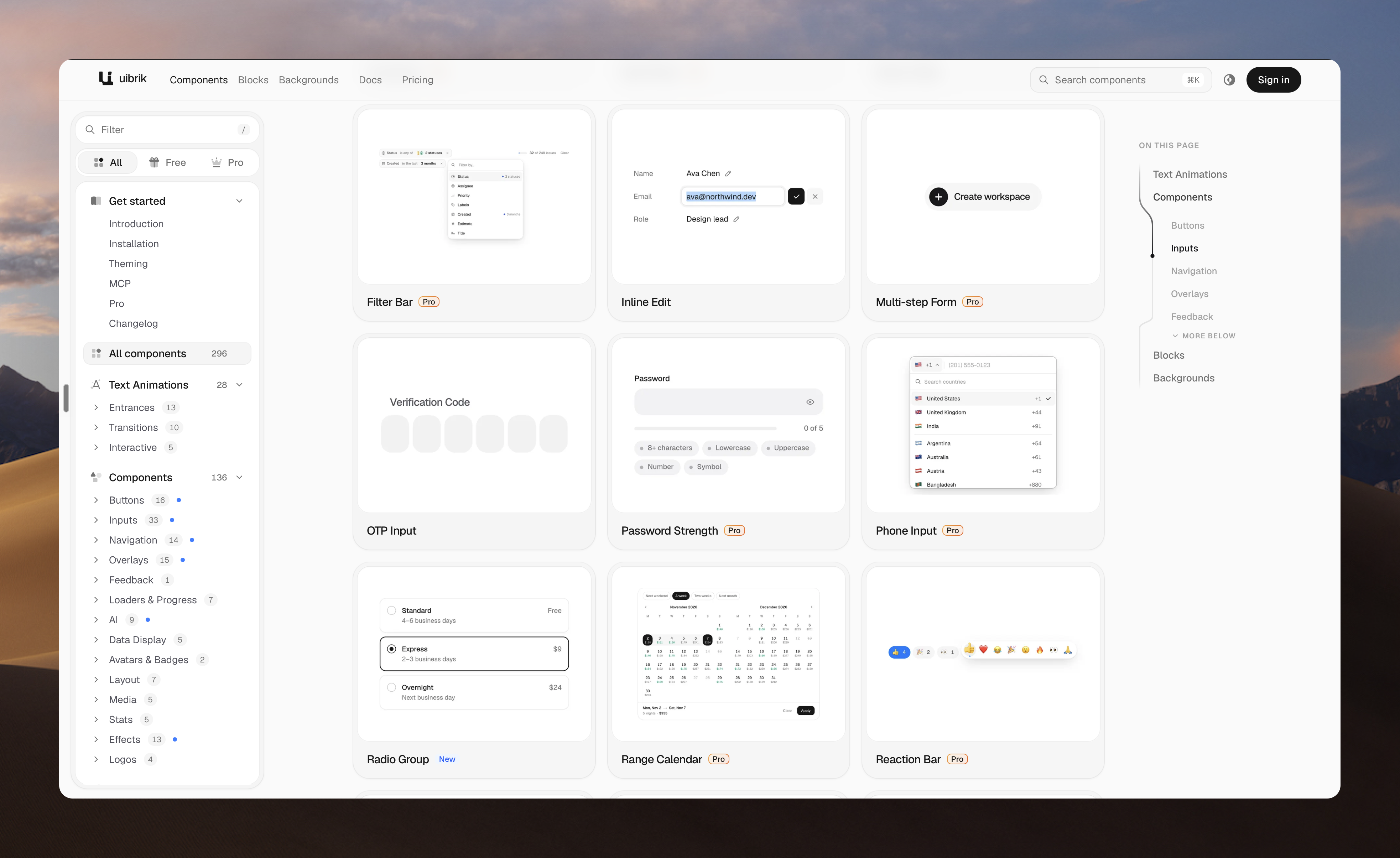
- 299 components: inputs, buttons, menus, cards, charts, text effects, loaders and AI chat blocks.
- WebGL shader backgrounds: mesh gradients, halftone, aurora and more, with fallbacks for weak GPUs.
- Light and dark mode, reduced motion respected, tested on low-end devices.
- llms.txt for assistants that don’t support MCP.
- 160+ free components; Pro is a one-time license, no subscription.
Use Cases
- Building apps with an AI agent: ask for “an OTP input” or “a mesh gradient hero” and the agent installs a polished, animated version instead of writing flat UI from scratch.
- Landing pages and marketing sites: drop in shader backgrounds, text effects and page blocks to ship a site that looks designed.
- AI product interfaces: prompt inputs, chat, tool calls, agent traces and cited answers for LLM apps.
- Prototyping and hackathons: go from idea to a demo that feels finished in an afternoon.
- Design engineering: tune motion in the customize panel, then hand the exact snippet to your agent.
- Teams on shadcn/ui: add animated components that sit next to your existing shadcn setup.

Comments

Premium Products














































Makers

Dev and Design
Makers
Dev and Design
Comments
Premium Products
New to Fazier?

Find your next favorite product or submit your own. Made by @FalakDigital.
Copyright ©2026. All Rights Reserved