
stampcreatoronline
Online stamp maker with editable layers
An online stamp maker for the details you use every day
A return address on an envelope, a company name on an invoice, a short “received” mark on a form: these are small designs with quite different jobs. Stamp Creator Online lets you build the artwork in your browser, starting with a template or an empty canvas. You can change the wording, border, symbol, size and ink colour while checking the whole stamp as you work.
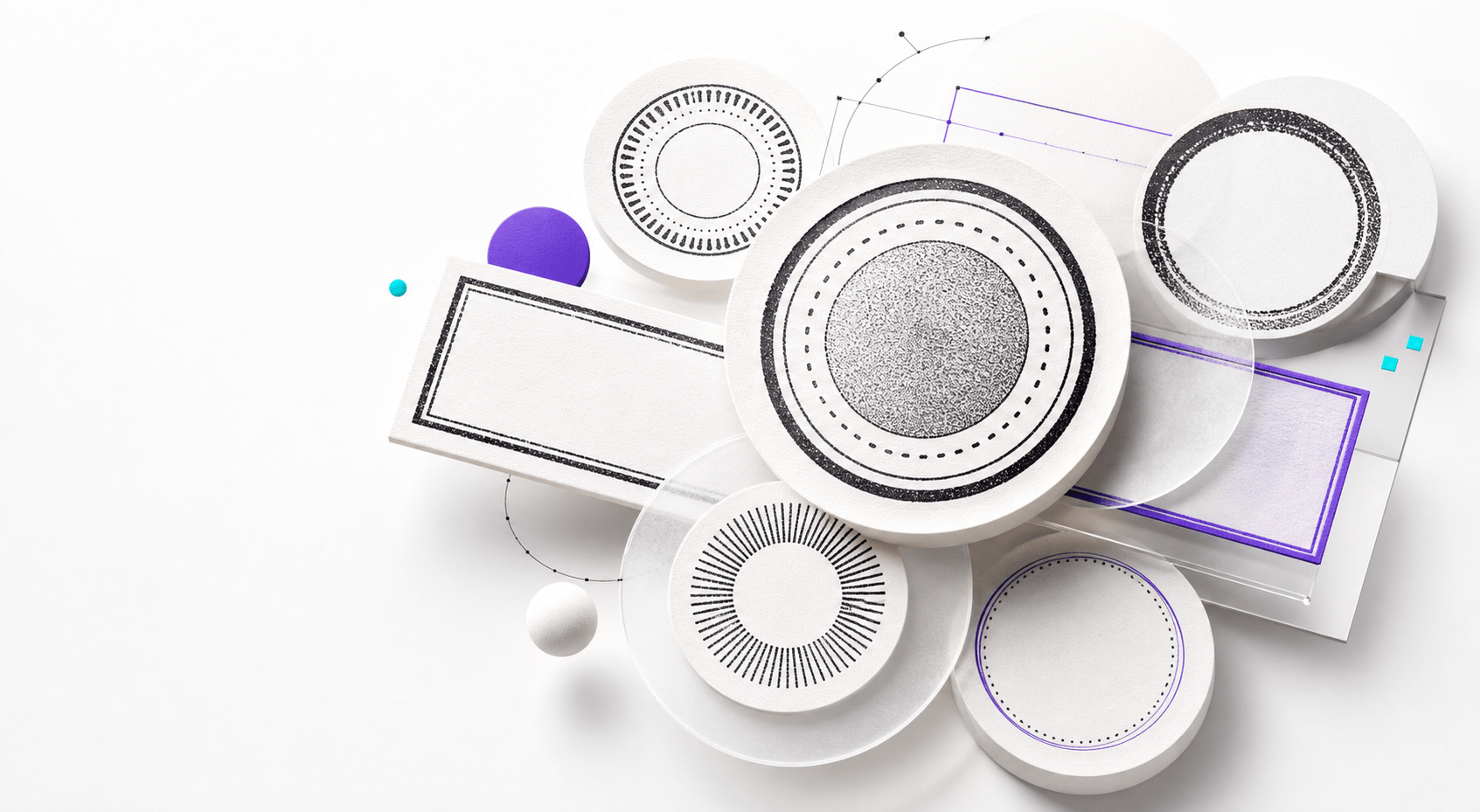
A round seal gives the name a frame. A rectangular stamp leaves more room for address lines. Both are editable starting points.
Choose a stamp shape in the online stamp maker
Write down the full text before you choose a frame in the online stamp maker. A company name with a short location line often suits a round seal. A street address, telephone number and department name usually need the straighter lines of a rectangular stamp. For a quick document status, one or two large words can be enough. The amount of information matters more than the shape you happen to like in the sample.
Look at the longest line first. If a business name is twice as long as the example, it may need a wider text arc, a different font or a simpler centre. Shrinking every letter can make the design fit while leaving it unreadable at its final size. Compare editable stamp templates with similar amounts of text, and keep a little breathing room between the words and the border. The stamp generator guides compare round, square and rectangular layouts in more depth.

Comments

Premium Products














































Find your next favorite product or submit your own. Made by @FalakDigital.
Copyright ©2026. All Rights Reserved