Snappix
Pixel-perfect Mac screenshots with built-in beautification
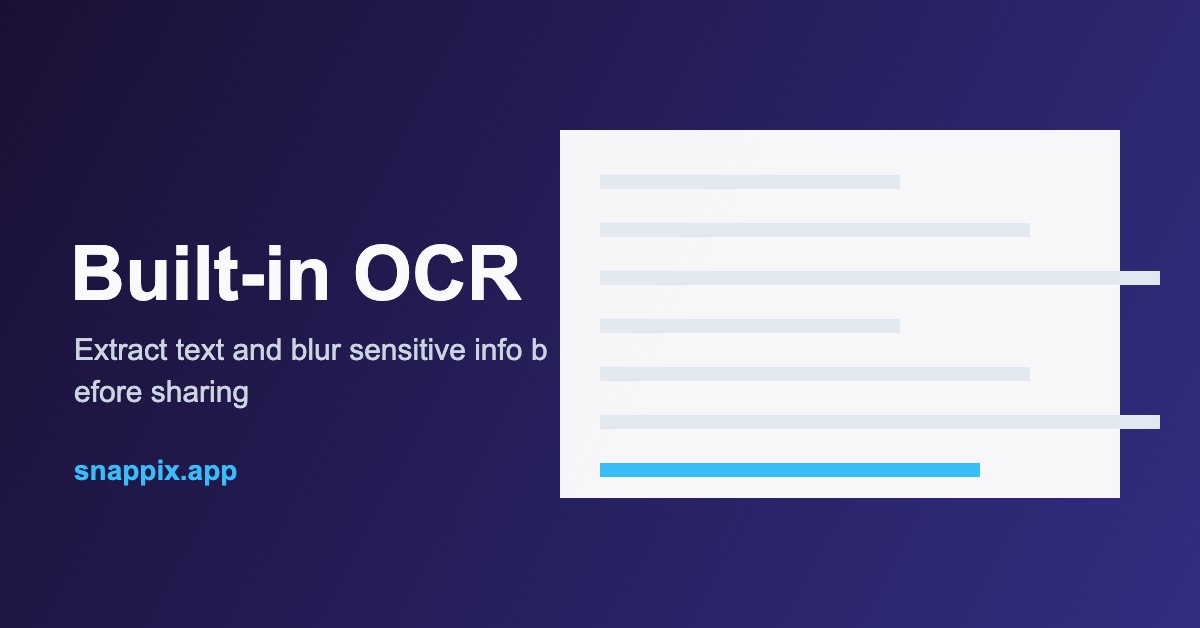
Snappix is a professional Mac screenshot and screen recording app. Capture areas, windows, or entire scrolling pages; beautify with backgrounds, gradients, shadows, and device frames; extract text with built-in OCR and blur sensitive info before sharing. Precision tools include a color picker and a pixel ruler. Native on Apple Silicon and Intel Macs. Free plan plus a one-time $29 lifetime Pro license.
Features
Multi-mode capture (area, window, scrolling)
One-click beautification and device frames
Screen recording with audio
Built-in OCR text extraction
Smart blur for sensitive info
Color picker and pixel ruler
Export PNG/JPG/WebP and share to Notion, Slack, GitHub, Figma, Linear
Use Cases
Capture and share polished screenshots for docs, bug reports, and social posts
Record product demos and tutorials
Extract text from images with OCR
Beautify screenshots for blogs and changelogs

Comments


A one-time $29 instead of a subscription is refreshing for a screenshot tool. Since you also have screen recording: can the recordings get the same beautification as screenshots (background, rounded corners, device frame) and export as MP4 in vertical 9:16 or 4:5? That is exactly what makers need for product demos on X and LinkedIn, and right now it usually means a separate editor. Also, does the smart blur work on recordings or only on stills?

Smart blur and built-in OCR in a screenshot tool is a really practical combo. We usually redact by hand before sharing in Slack or GitHub. Does the smart blur pick up things like emails and API keys automatically, or do you mark regions yourself? And a one-time lifetime license is refreshing to see.

Right now I take a screenshot, open it in Preview, then use another app to add a background and a frame. Having capture, frame and blur in one place would save me a few steps every time. One question: can I save a style preset (same background, padding and shadow) so all the screenshots for one product look the same? For launch galleries that matters more to me than having lots of backgrounds. And $29 one time instead of a subscription is the right call.

Window capture with transparency is the first thing I'd test here. Most capture tools bake the shadow onto a white background, and then it fights whatever beautify background you put behind it. If Snappix keeps the shadow as real alpha, the gradient backgrounds actually work. Also curious whether the OCR keeps line breaks or runs everything together, that decides if it's usable for code snippets.
Premium Products



















































Sponsors
Buy

Makers
Makers
Comments
A one-time $29 instead of a subscription is refreshing for a screenshot tool. Since you also have screen recording: can the recordings get the same beautification as screenshots (background, rounded corners, device frame) and export as MP4 in vertical 9:16 or 4:5? That is exactly what makers need for product demos on X and LinkedIn, and right now it usually means a separate editor. Also, does the smart blur work on recordings or only on stills?
Smart blur and built-in OCR in a screenshot tool is a really practical combo. We usually redact by hand before sharing in Slack or GitHub. Does the smart blur pick up things like emails and API keys automatically, or do you mark regions yourself? And a one-time lifetime license is refreshing to see.
Right now I take a screenshot, open it in Preview, then use another app to add a background and a frame. Having capture, frame and blur in one place would save me a few steps every time. One question: can I save a style preset (same background, padding and shadow) so all the screenshots for one product look the same? For launch galleries that matters more to me than having lots of backgrounds. And $29 one time instead of a subscription is the right call.
Window capture with transparency is the first thing I'd test here. Most capture tools bake the shadow onto a white background, and then it fights whatever beautify background you put behind it. If Snappix keeps the shadow as real alpha, the gradient backgrounds actually work. Also curious whether the OCR keeps line breaks or runs everything together, that decides if it's usable for code snippets.
Premium Products
New to Fazier?

Find your next favorite product or submit your own. Made by @FalakDigital.
Copyright ©2026. All Rights Reserved