
ResizeCraft
ResizeCraft is a fast, privacy-friendly online image resizer
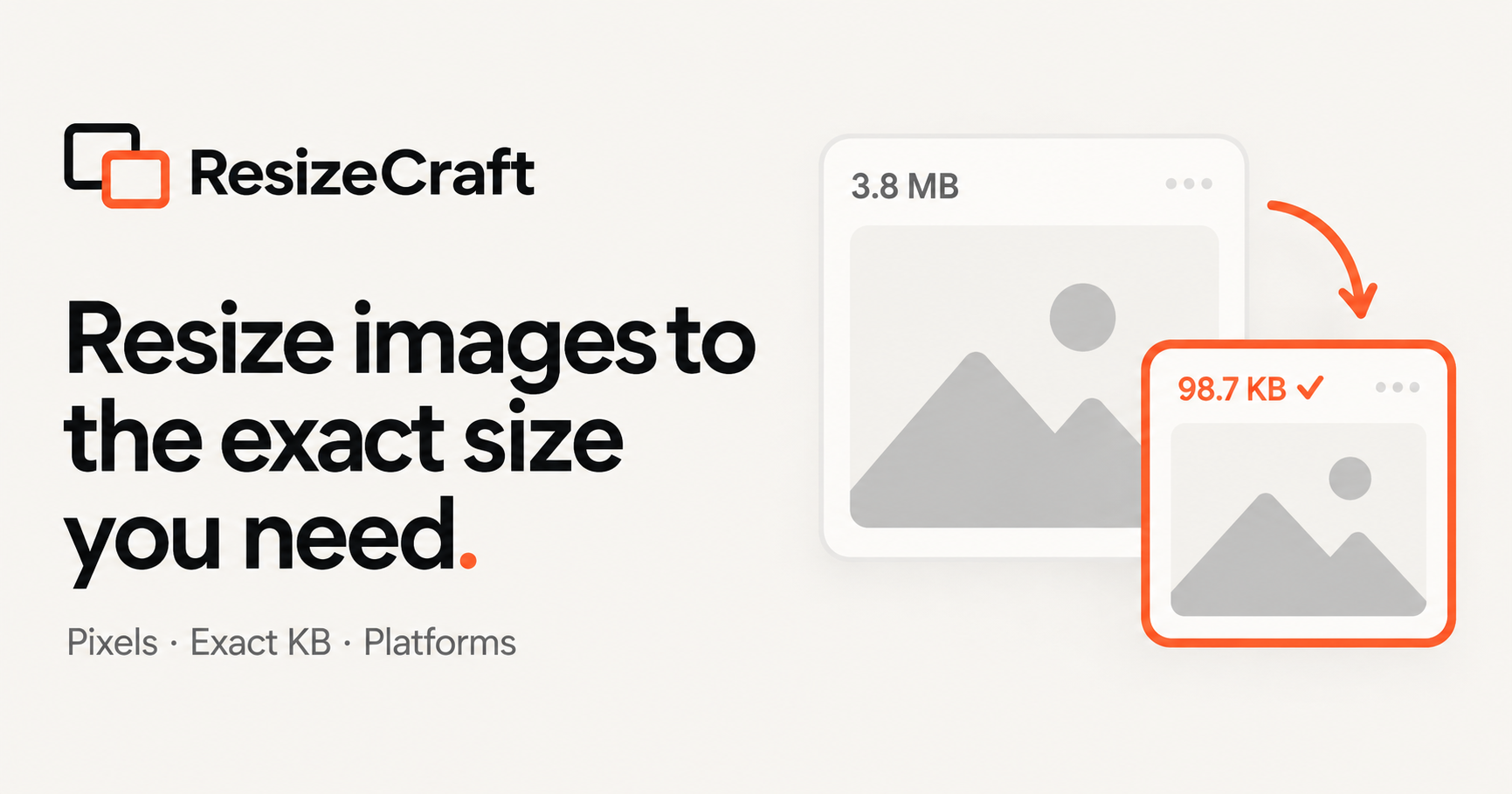
ResizeCraft is a simple and powerful online image resizing tool designed to make image resizing fast, precise, and effortless.
Instead of forcing users to understand complicated compression settings or manually look up image requirements, ResizeCraft lets you start with the result you actually need. You can resize images by exact pixel dimensions, target file size in KB or MB, percentage, or ready-made presets for platforms such as YouTube, Twitch, LinkedIn, Shopify, and more.
For common resizing tasks, ResizeCraft is designed to work directly in the browser, making the experience fast and privacy-friendly. Users can resize JPG, PNG, and WebP images, preserve aspect ratios, choose output formats, and quickly create images that meet upload limits or platform requirements.
ResizeCraft is built for both occasional users and professionals. Single-image resizing can stay simple and free, while advanced workflows can support batch resizing, multiple output sizes, saved presets, ZIP downloads, and platform-specific image processing.
Whether you need to resize an image to 100 KB, prepare a YouTube banner, optimize Shopify product images, or process hundreds of images at once, ResizeCraft is designed to help you get the right image size with fewer steps.
ResizeCraft — One resizer. Every size.

Comments

Starting from the result you actually need is the right call — the ready-made presets for YouTube, LinkedIn and Shopify save the usual spec-hunting, and resizing to a target file size in KB is exactly what strict upload limits demand. One question: when batch resizing to multiple output sizes at once, does the ZIP download keep each size in its own folder? That structure would slot straight into my asset pipeline.

Starting from the result you actually need is a smart framing — most resizers make you guess dimensions, while presets for YouTube, Twitch, LinkedIn and Shopify remove that lookup step entirely. Do the saved presets also carry over the target file size and output format, so a Shopify product image preset is truly one click?
The browser path for JPG, PNG and WebP is the part I care about. When you resize a phone photo, do you apply EXIF orientation before the pixel resize, and is the downscale a Lanczos-style filter or a faster default? Those two choices decide whether a 12MP portrait stays upright and sharp when it is forced under a 100KB cap.

Starting from "target file size in KB" instead of quality sliders is a smart choice, since that is usually the real constraint (form uploads, email limits). When a JPG can't hit the target at the current dimensions, does it lower quality first or shrink the pixels? A small note in the UI about which one it picked would help.
I like that you start from the result people need, like a target size in KB or a YouTube banner preset, instead of exposing raw compression sliders. Do the platform presets get updated when sites like LinkedIn or Shopify change their recommended dimensions? Also wondering if the ZIP batch export keeps the original filenames.

Starting from the result you actually need is the right call — ready-made presets for YouTube banners and Shopify product images remove the usual guesswork about dimensions. The target-size-in-KB option is especially useful when a platform rejects an upload for being too large. One question: when resizing to a preset, does it preserve the original aspect ratio by default, or can you choose to crop to the exact preset ratio?
Having a target file size in KB right next to pixel and platform presets is handy, and I noticed the homepage shortcuts for 20/50/100/500 KB cover most upload-form limits. One suggestion: when a JPG cannot reach the chosen size at the current dimensions, show a short note on whether quality or resolution was reduced, so users know what they traded off.


Starting from a target file size in KB is a practical approach for strict upload limits. When resizing to that target, does ResizeCraft automatically try different quality levels to get as close as possible without going over, and can you preview the result before downloading? I am also curious whether platform presets such as Shopify product images keep the same settings when resizing a batch, or whether each image needs its own preset.
The page says everyday resizing stays in the browser for JPG, PNG, and WebP, with aspect-ratio lock and an output-format choice. If that privacy claim means the file never leaves the device, I want to know whether the batch path is different: ZIP downloads and hundreds of images at once sound like they might upload to a server. Also, when the target is a file size in KB, is the output guaranteed to land under that limit, or only near it?

Letting people aim at a file size in KB, instead of guessing a quality slider, matches how upload limits actually work. For the in-browser path, does the KB target re-encode until the file fits, and can a detailed PNG miss that target? Do the YouTube and LinkedIn presets set both pixel dimensions and a suggested max file size, or only the dimensions?

Letting people aim at a file size in KB, instead of guessing a quality slider, matches how upload limits actually work. For the in-browser path, does the KB target re-encode until the file fits, and can a detailed PNG miss that target? Do the YouTube and LinkedIn presets set both pixel dimensions and a suggested max file size, or only the dimensions?
Letting people aim at a file size in KB, instead of guessing a quality slider, matches how upload limits actually work. For the in-browser path, does the KB target re-encode until the file fits, and can a detailed PNG miss that target? Do the YouTube and LinkedIn presets set both pixel dimensions and a suggested max file size, or only the dimensions?
Premium Products













































Sponsors
Buy

Makers
Makers
Comments
Starting from the result you actually need is the right call — the ready-made presets for YouTube, LinkedIn and Shopify save the usual spec-hunting, and resizing to a target file size in KB is exactly what strict upload limits demand. One question: when batch resizing to multiple output sizes at once, does the ZIP download keep each size in its own folder? That structure would slot straight into my asset pipeline.
Starting from the result you actually need is a smart framing — most resizers make you guess dimensions, while presets for YouTube, Twitch, LinkedIn and Shopify remove that lookup step entirely. Do the saved presets also carry over the target file size and output format, so a Shopify product image preset is truly one click?
The browser path for JPG, PNG and WebP is the part I care about. When you resize a phone photo, do you apply EXIF orientation before the pixel resize, and is the downscale a Lanczos-style filter or a faster default? Those two choices decide whether a 12MP portrait stays upright and sharp when it is forced under a 100KB cap.
Starting from "target file size in KB" instead of quality sliders is a smart choice, since that is usually the real constraint (form uploads, email limits). When a JPG can't hit the target at the current dimensions, does it lower quality first or shrink the pixels? A small note in the UI about which one it picked would help.
I like that you start from the result people need, like a target size in KB or a YouTube banner preset, instead of exposing raw compression sliders. Do the platform presets get updated when sites like LinkedIn or Shopify change their recommended dimensions? Also wondering if the ZIP batch export keeps the original filenames.
Starting from the result you actually need is the right call — ready-made presets for YouTube banners and Shopify product images remove the usual guesswork about dimensions. The target-size-in-KB option is especially useful when a platform rejects an upload for being too large. One question: when resizing to a preset, does it preserve the original aspect ratio by default, or can you choose to crop to the exact preset ratio?
Having a target file size in KB right next to pixel and platform presets is handy, and I noticed the homepage shortcuts for 20/50/100/500 KB cover most upload-form limits. One suggestion: when a JPG cannot reach the chosen size at the current dimensions, show a short note on whether quality or resolution was reduced, so users know what they traded off.
Starting from a target file size in KB is a practical approach for strict upload limits. When resizing to that target, does ResizeCraft automatically try different quality levels to get as close as possible without going over, and can you preview the result before downloading? I am also curious whether platform presets such as Shopify product images keep the same settings when resizing a batch, or whether each image needs its own preset.
The page says everyday resizing stays in the browser for JPG, PNG, and WebP, with aspect-ratio lock and an output-format choice. If that privacy claim means the file never leaves the device, I want to know whether the batch path is different: ZIP downloads and hundreds of images at once sound like they might upload to a server. Also, when the target is a file size in KB, is the output guaranteed to land under that limit, or only near it?
Letting people aim at a file size in KB, instead of guessing a quality slider, matches how upload limits actually work. For the in-browser path, does the KB target re-encode until the file fits, and can a detailed PNG miss that target? Do the YouTube and LinkedIn presets set both pixel dimensions and a suggested max file size, or only the dimensions?
Letting people aim at a file size in KB, instead of guessing a quality slider, matches how upload limits actually work. For the in-browser path, does the KB target re-encode until the file fits, and can a detailed PNG miss that target? Do the YouTube and LinkedIn presets set both pixel dimensions and a suggested max file size, or only the dimensions?
Letting people aim at a file size in KB, instead of guessing a quality slider, matches how upload limits actually work. For the in-browser path, does the KB target re-encode until the file fits, and can a detailed PNG miss that target? Do the YouTube and LinkedIn presets set both pixel dimensions and a suggested max file size, or only the dimensions?
Premium Products
New to Fazier?

Find your next favorite product or submit your own. Made by @FalakDigital.
Copyright ©2026. All Rights Reserved