
PhotoEditor.Online
Free AI Photo Editor Online
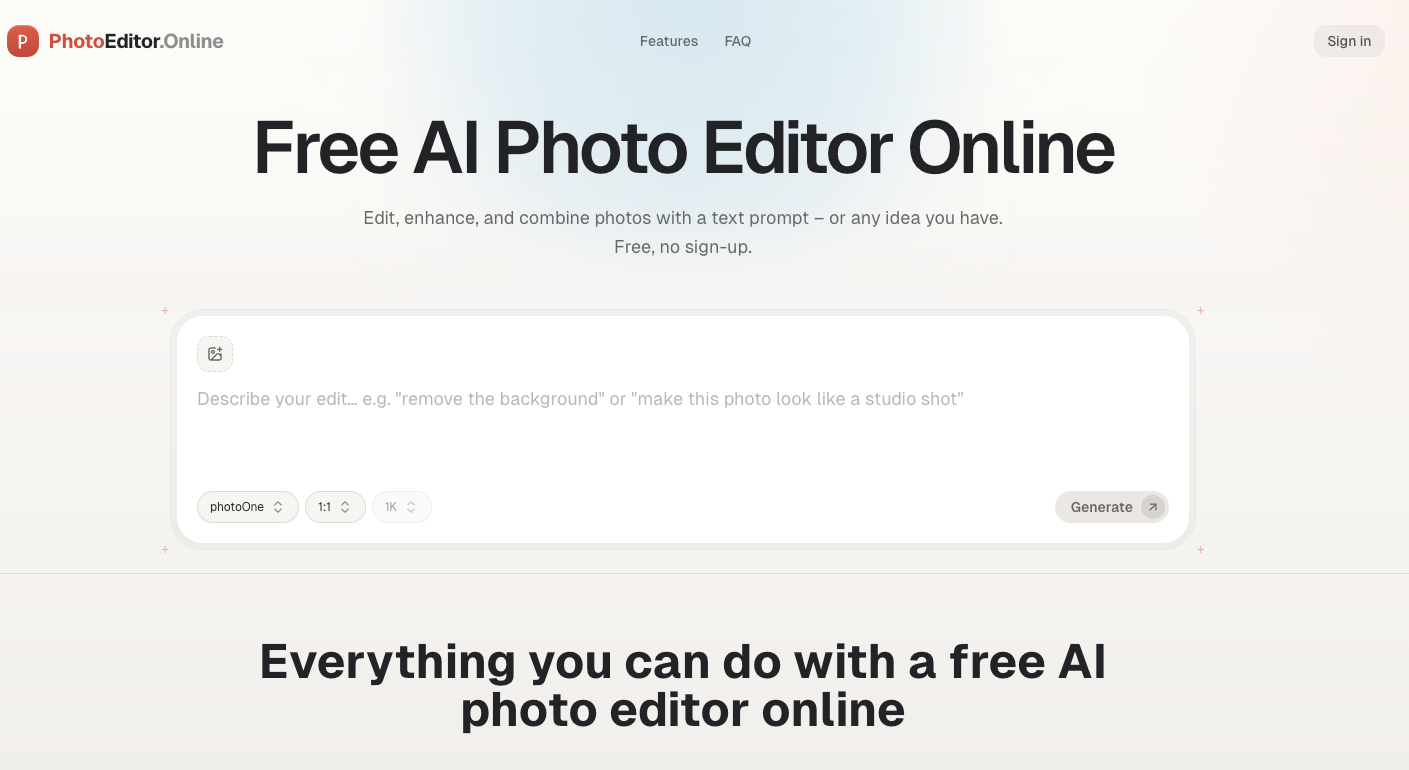
Free AI Photo Editor Online is a browser-based image editing platform that lets you edit, enhance, and combine photos using simple text prompts—no sign-up, no credit card, and no software installation required.
Unlike traditional desktop editors like Photoshop that require steep learning curves and dozens of tools, this AI-powered editor speaks plain English. Simply upload a photo, type what you want to change (e.g., "remove the background," "add a vintage filter," or "swap this person's outfit"), and the AI transforms your image in seconds.
The platform runs entirely in your browser, with everyday tools like crop, resize, compress, and convert processing locally for privacy. AI edits are handled securely by frontier models like Nano Banana and GPT Image 2, delivering studio-quality results suitable for commercial use—all without watermarks or license restrictions.
Features
AI-Powered Text-Prompt Editing
- Edit images by describing changes in plain words—no technical skills needed
- One prompt handles complex edits that would traditionally require multiple tools
- Powered by top-tier AI models (Nano Banana, GPT Image 2) for consistent, high-quality results
Core Editing Capabilities
- Background replacement – Swap backgrounds with clean edges for commercial use (product white backgrounds, beach scenes, studio sets)
- Object & person removal/replacement – Erase unwanted items, replace products, or swap people while maintaining consistent lighting and perspective
- Photo enhancement – Upscale resolution, sharpen details, fix lighting, and colorize black-and-white photos naturally
- Text replacement – Correct or replace text on signs, labels, or menus—new text matches original font, angle, and lighting
- Creative transformations – Change age, swap gender, merge photos into scenes, convert anime to realistic portraits, preview interior redesigns
50+ Free Everyday Tools
- Crop, resize, compress, merge, split, convert formats
- Support for JPG, JPEG, PNG, WEBP, GIF, HEIC, AVIF
- All basic tools process locally in your browser
Privacy-First Design
- Everyday tools never upload your files—process entirely in your browser
- AI edits upload only selected images, used solely for your requested edit
- Images are never used to train AI models
- You can delete uploads and results from your history anytime
Accessibility & Convenience
- 100% free – No sign-up, no credit card, no trial timers
- Instant access – Start editing immediately, no account creation required
- Mobile-friendly – Works in any mobile browser with no app download
- Commercial rights – All edits are yours to use commercially without watermarks or restrictions
Use Cases
E-Commerce & Retail
Amazon, Shopify, and Etsy sellers can turn raw product shots into listing-ready images—remove messy backgrounds, clean up reflections, keep colors accurate, and replace models or outfits without expensive photoshoots. One prompt delivers studio-quality product photos ready for marketplaces.
Marketing & Social Media
Social media managers and advertisers can create polished posts, banners, and ad variations for Instagram, TikTok, and other platforms. Edit images instantly with AI and publish on-brand visuals immediately without waiting for design teams.
Creative Industries
- Game designers – Sketch characters and swap outfits, materials, or color palettes in seconds—test armor sets, fabrics, or color variations without redrawing
- Jewelry designers – Explore stone colors, metal finishes, and settings on a single render before production; compare variants side by side with simple text prompts
- Artists & fans – Convert anime characters to realistic portraits or apply style transfers with natural, believable results
Education
Students and teachers can build slide decks and paper illustrations without needing design tools. Turn diagrams into clean infographics or maintain consistent visuals across an entire course presentation—all through simple text prompts.
Personal & Family Use
- Restore old family photos with AI colorization and enhancement
- Merge group photos into one scene
- Preview home renovations or interior redesigns before spending money
- Create fun transformations (age progression, baby face generation, gender swap)
Professional Services
Photographers, designers, and content creators can handle client edits faster—replace backgrounds, retouch images, remove objects, and apply style transfers without opening heavy desktop software. The tool works on any device, making it ideal for on-the-go edits and quick client revisions.

Comments

Premium Products































Find your next favorite product or submit your own. Made by @FalakDigital.
Copyright ©2025. All Rights Reserved