
PageRadar
Website change monitoring with alerts, from $7/mo
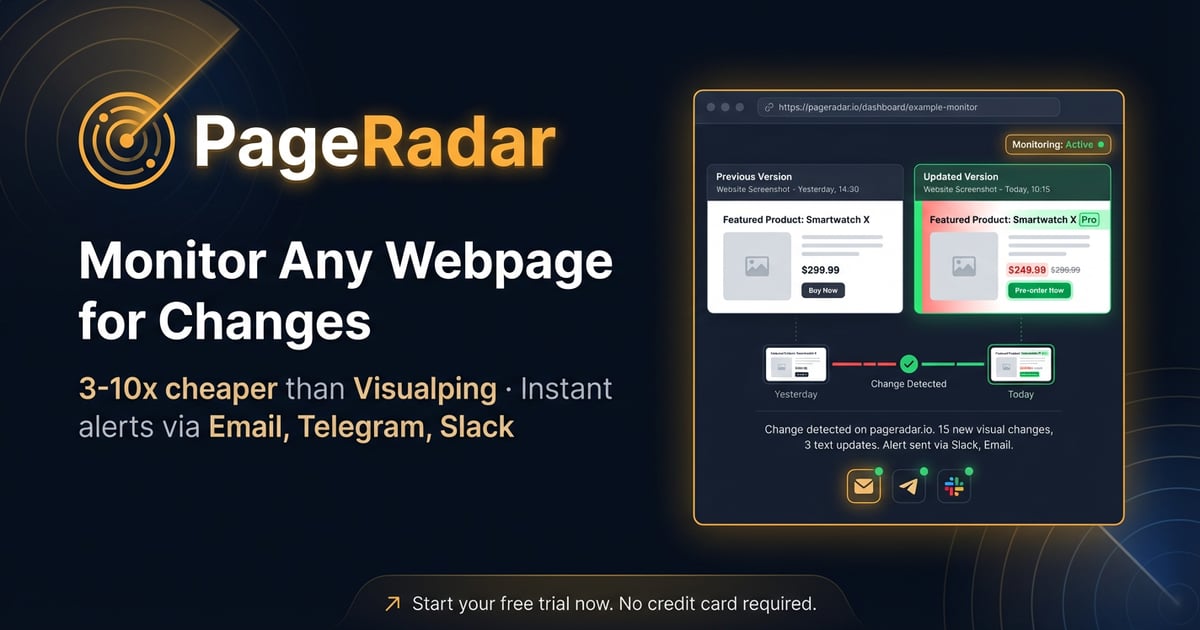
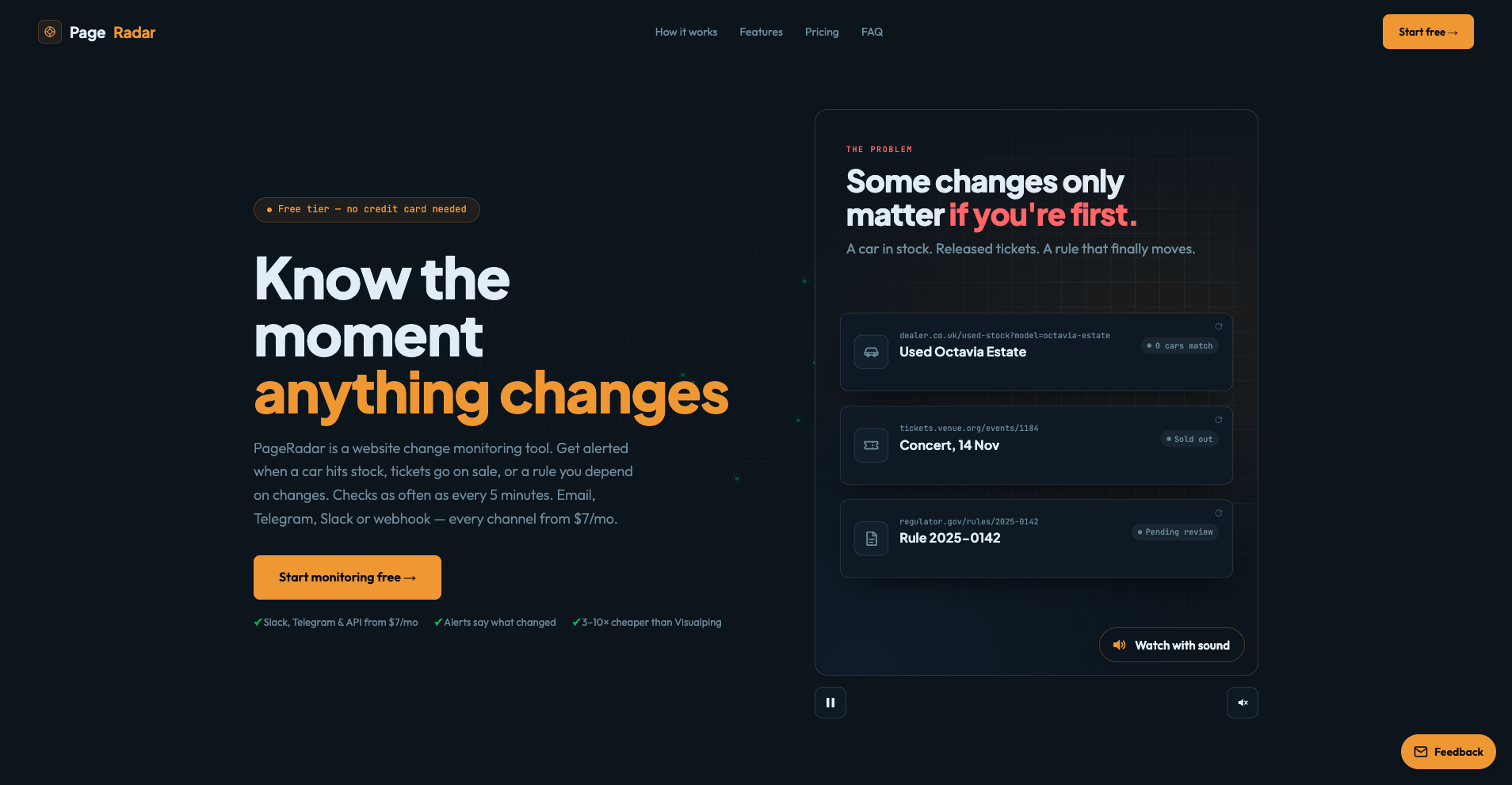
PageRadar watches web pages and tells you when they change — by email, Telegram, Slack, webhook or RSS — with a visual diff of exactly what changed and a one-line summary in the alert. Paste a URL and you are done; pick a single element with the visual picker if you only care about one part of the page. Checks run in the cloud with a real browser — no extension or self-hosting.
Features
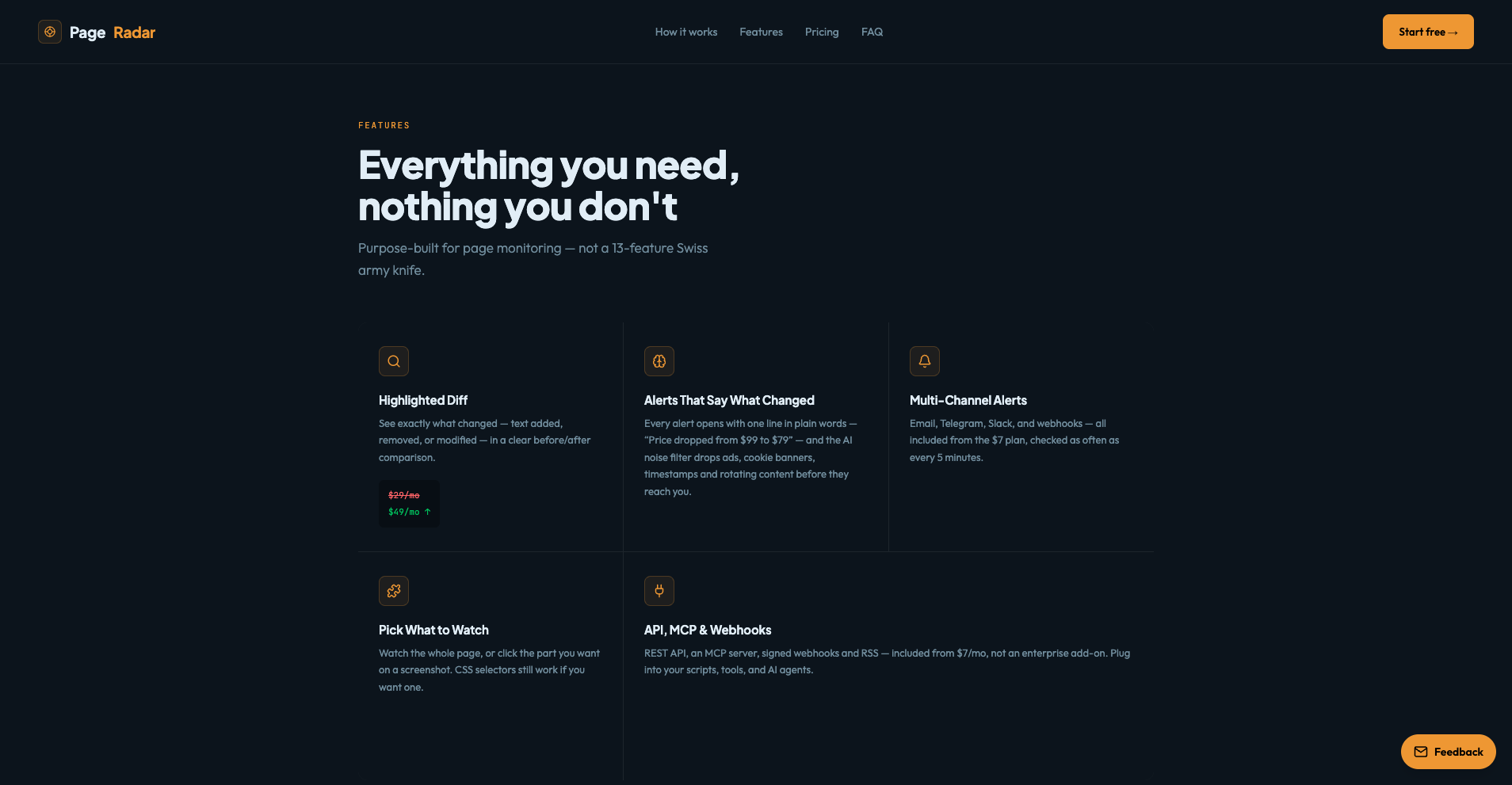
Visual diff of every change plus a one-line summary in the alert
Alerts by email, Telegram, Slack, signed webhooks or RSS
Visual element picker to watch one part of a page
REST API and MCP server for AI agents from the $7 plan
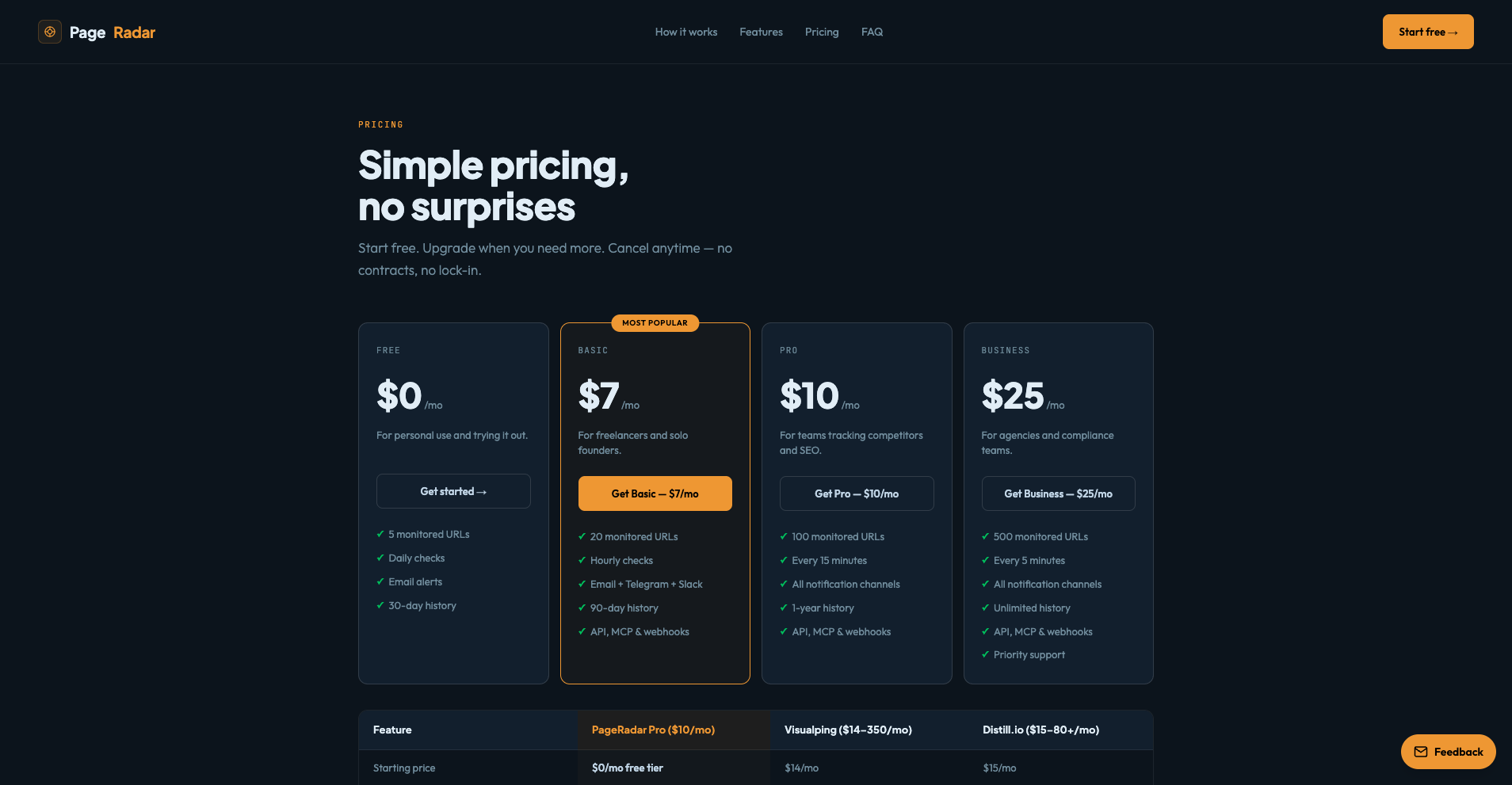
Free plan: 5 pages, daily checks; paid plans down to 5-minute checks
Use Cases
Track a competitor’s pricing page or feature list
Get alerted when a product is back in stock or drops in price
Watch job, grant, property or car listings
See when a supplier edits its terms or a docs page changes

Comments




Congrats on the launch! Running checks in a real cloud browser with no extension is a big plus. My question is about noise. Pages with rotating ads, timestamps or "X people viewing" counters can set off alerts constantly. Can I ignore certain regions, or set a minimum change size before an alert fires? Also, having an MCP server on the $7 plan is a nice touch for agent workflows.


The one-line summary inside the alert is the useful part, because most change monitors only send a diff and you still have to open it to know if it matters. How does the visual element picker behave when a site changes its CSS classes after a redesign? A warning when the picked element can no longer be found would prevent silent failures, where checks keep running but never fire.


Premium Products








































Sponsors
Buy
Makers
Makers
Comments
Congrats on the launch! Running checks in a real cloud browser with no extension is a big plus. My question is about noise. Pages with rotating ads, timestamps or "X people viewing" counters can set off alerts constantly. Can I ignore certain regions, or set a minimum change size before an alert fires? Also, having an MCP server on the $7 plan is a nice touch for agent workflows.
The one-line summary inside the alert is the useful part, because most change monitors only send a diff and you still have to open it to know if it matters. How does the visual element picker behave when a site changes its CSS classes after a redesign? A warning when the picked element can no longer be found would prevent silent failures, where checks keep running but never fire.
Premium Products
New to Fazier?

Find your next favorite product or submit your own. Made by @FalakDigital.
Copyright ©2026. All Rights Reserved