
OptimaClip
AI agent that turns long videos into scored short clips
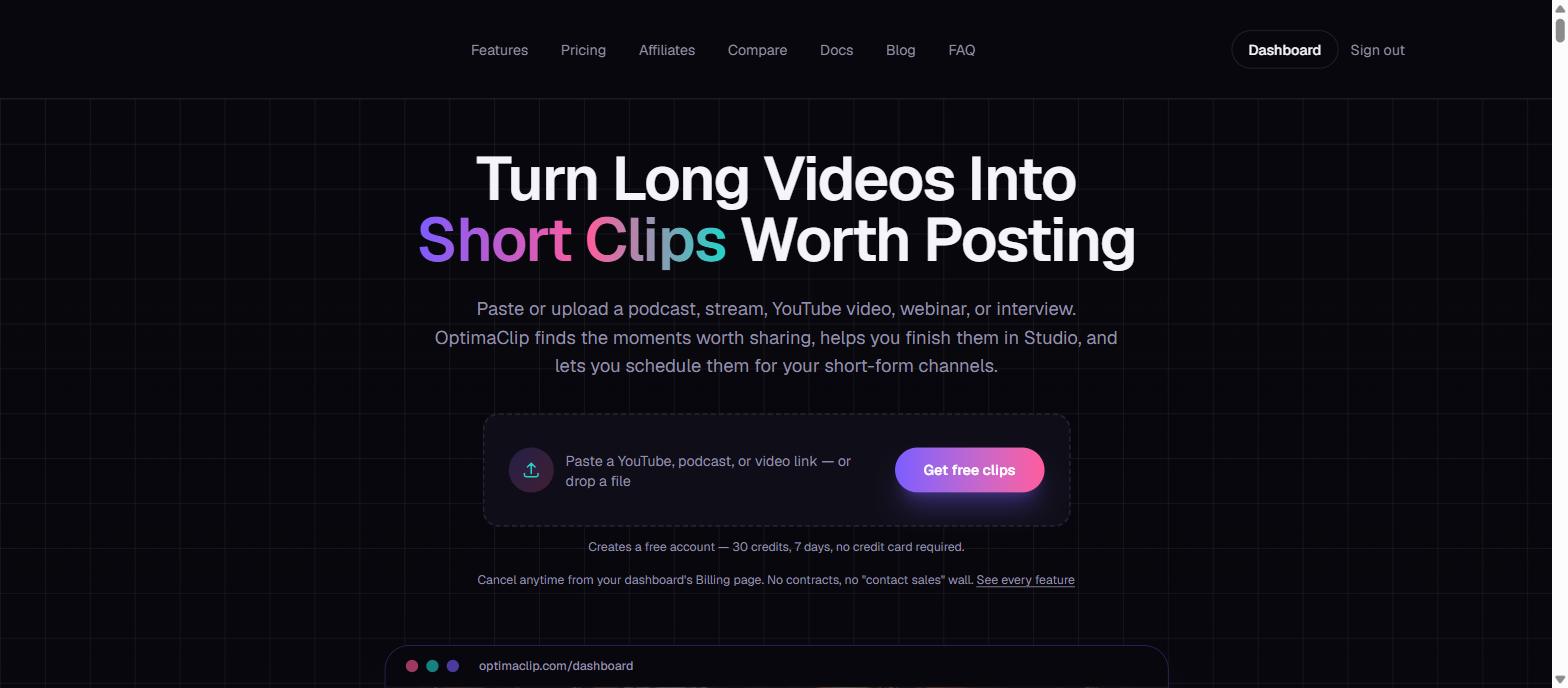
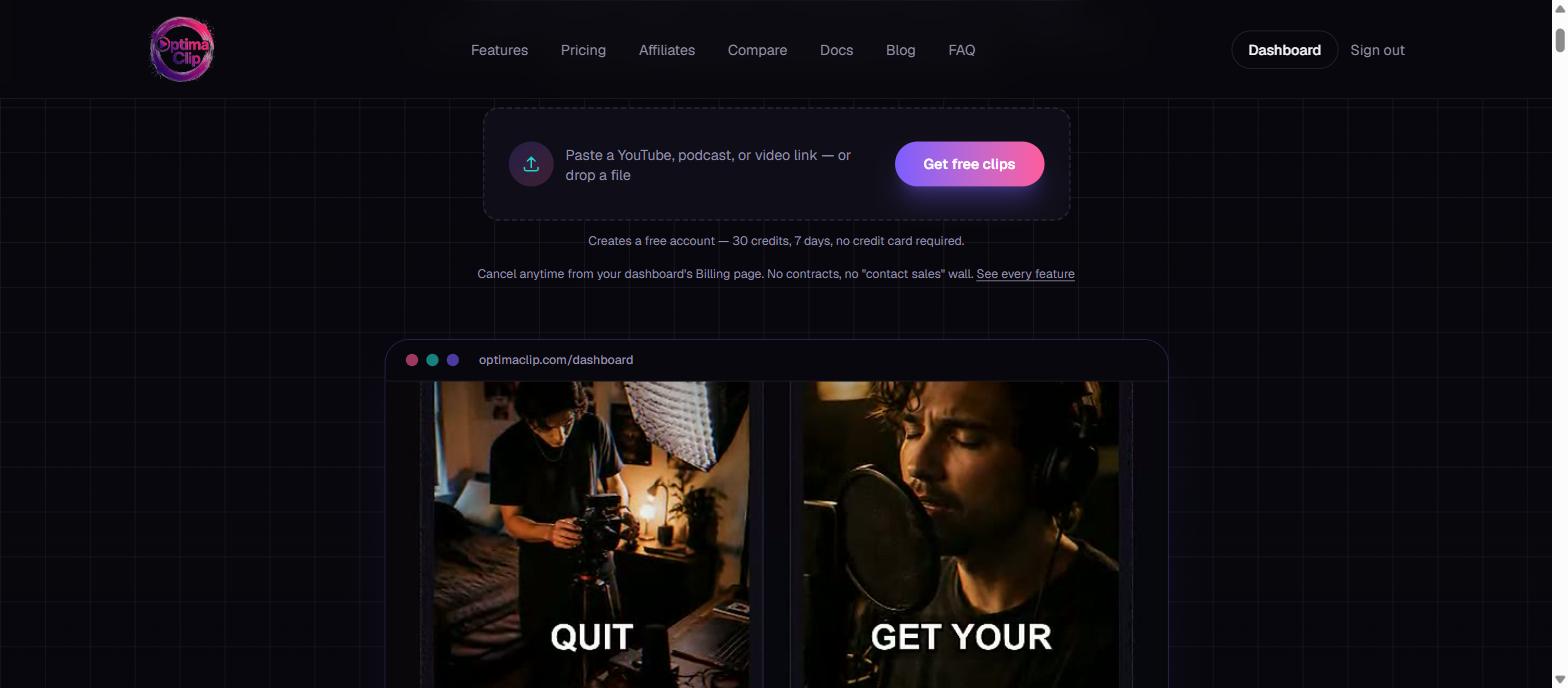
OptimaClip is an AI clipping agent for creators, streamers, podcasters, and agencies. Paste a link or upload a podcast, stream VOD, webinar, or interview, and it transcribes the whole recording, finds the moments worth sharing, and returns a library of vertical clips - each auto-captioned, reframed to 9:16, and scored 0-100 for virality with the reasoning behind the pick. Finished clips move into OptimaClip Studio, a chat-driven timeline editor, then schedule straight to 8 platforms: YouTube Shorts, TikTok, Instagram Reels, Facebook, X, Threads, LinkedIn, and Bluesky. Free trial: 30 credits, 7 days, no credit card required.
Features
- AI Clipping Agent - transcribes and scores moments 0-100 for virality with plain-English reasoning
- Auto-Captions and Brand Templates - word-level highlight styling, save your brand once
- Smart Reframe - follows the visual subject instead of a fixed center-crop
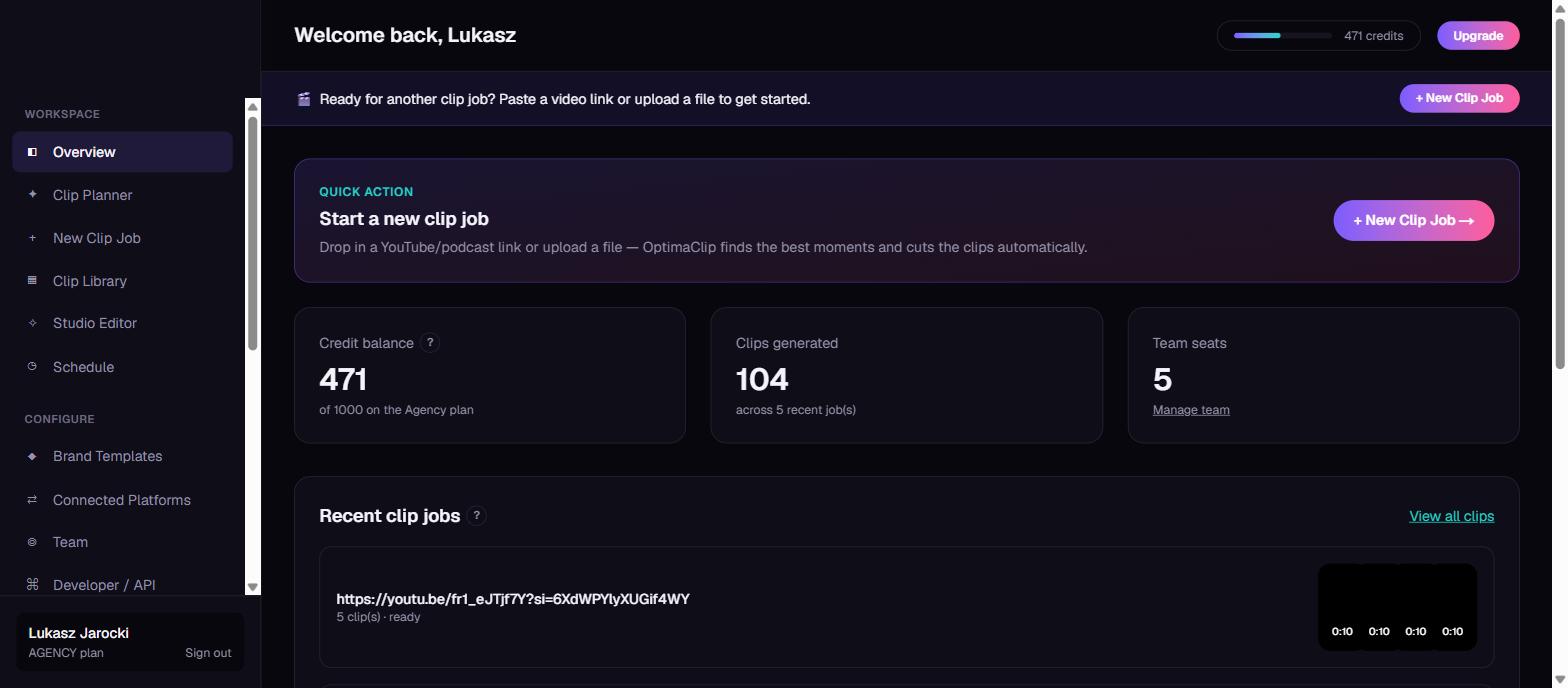
- Scheduling and Publishing - queue clips across 8 platforms
- OptimaClip Studio - chat-driven timeline editor for multi-clip sequencing, transitions, and music
- Team Workspaces - per-client brand templates and history for agencies
Use Cases
- Streamers turning a 4-hour VOD into a week of Shorts and Reels
- Podcasters mining episodes for standalone shareable moments
- Clippers running the pipeline for multiple creators from one login
- Agencies repurposing webinars and demos at volume for clients

Comments

Hey Fazier! I built OptimaClip because clipping tools handle the AI cut but leave you juggling a separate captioning app, a separate editor, and a separate scheduler. OptimaClip's agent watches your full podcast, stream, or YouTube video, scores the moments worth posting, and hands them back captioned and reframed - then OptimaClip Studio (a chat-driven timeline editor) finishes the edit and schedules it to 8 platforms. Free trial is 30 credits/7 days, no card required. Would love your feedback!


Most clipping tools hand you a pile of cuts and wish you luck. The 0-100 virality score with plain-English reasoning is the part that stands out here — it turns "which clip should I actually post?" from a guess into a decision. For product demos and webinar replays that usually sit unwatched, having the score, captions, reframe and 8-platform scheduling in one loop is exactly what busy sellers need.

I run a couple of faceless Shorts/TikTok channels to promote a mobile game, and manually re-watching gameplay footage to find the clippable moments is the most time-consuming part. The 0-100 virality score with reasoning attached is the part that stands out to me - it turns editing from guesswork into a checklist. Does it handle silent, no-commentary gameplay footage well, or is it tuned mainly for talking-head/podcast content?




The reframe-follows-the-subject detail is the one most tools get wrong. A fixed centre-crop ruins any recording where the speaker sits off to one side, which is most screen-share and interview footage. A question from the recording end: how does transcription hold up when the source has system audio and voice premixed into a single track? Most screen recordings arrive that way, and background music or app alerts sitting on top of speech is where I would expect word-level caption timing to drift. Do you separate sources before transcribing, or is a clean voice track effectively a prerequisite for a good score?
Premium Products

















Sponsors
Buy
Awards
View all
Awards
View allMakers
Makers
Comments
Hey Fazier! I built OptimaClip because clipping tools handle the AI cut but leave you juggling a separate captioning app, a separate editor, and a separate scheduler. OptimaClip's agent watches your full podcast, stream, or YouTube video, scores the moments worth posting, and hands them back captioned and reframed - then OptimaClip Studio (a chat-driven timeline editor) finishes the edit and schedules it to 8 platforms. Free trial is 30 credits/7 days, no card required. Would love your feedback!
Most clipping tools hand you a pile of cuts and wish you luck. The 0-100 virality score with plain-English reasoning is the part that stands out here — it turns "which clip should I actually post?" from a guess into a decision. For product demos and webinar replays that usually sit unwatched, having the score, captions, reframe and 8-platform scheduling in one loop is exactly what busy sellers need.
I run a couple of faceless Shorts/TikTok channels to promote a mobile game, and manually re-watching gameplay footage to find the clippable moments is the most time-consuming part. The 0-100 virality score with reasoning attached is the part that stands out to me - it turns editing from guesswork into a checklist. Does it handle silent, no-commentary gameplay footage well, or is it tuned mainly for talking-head/podcast content?
The reframe-follows-the-subject detail is the one most tools get wrong. A fixed centre-crop ruins any recording where the speaker sits off to one side, which is most screen-share and interview footage. A question from the recording end: how does transcription hold up when the source has system audio and voice premixed into a single track? Most screen recordings arrive that way, and background music or app alerts sitting on top of speech is where I would expect word-level caption timing to drift. Do you separate sources before transcribing, or is a clean voice track effectively a prerequisite for a good score?
Premium Products
New to Fazier?

Find your next favorite product or submit your own. Made by @FalakDigital.
Copyright ©2025. All Rights Reserved