MyWiFiQR
Static QR codes that never expire
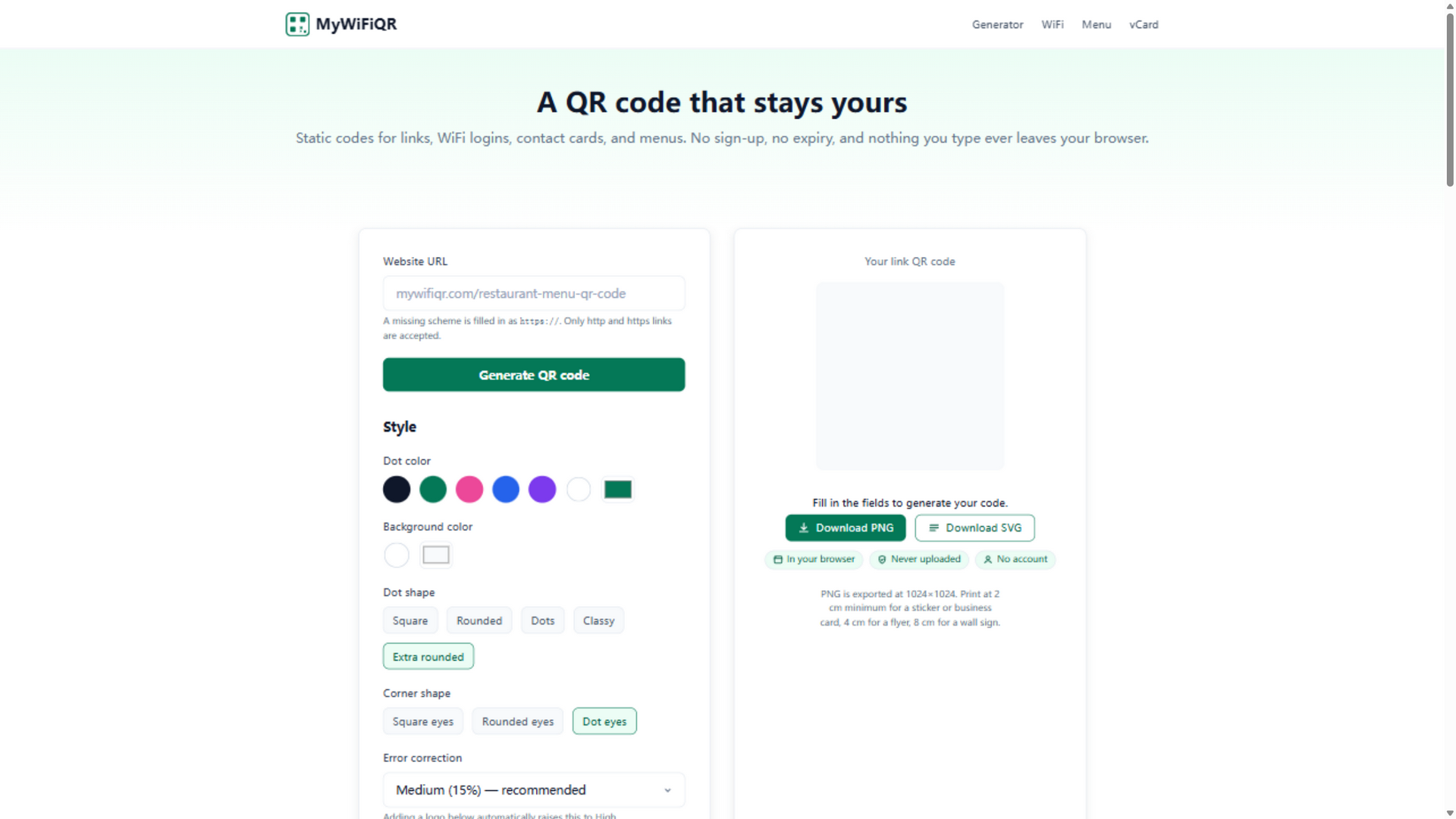
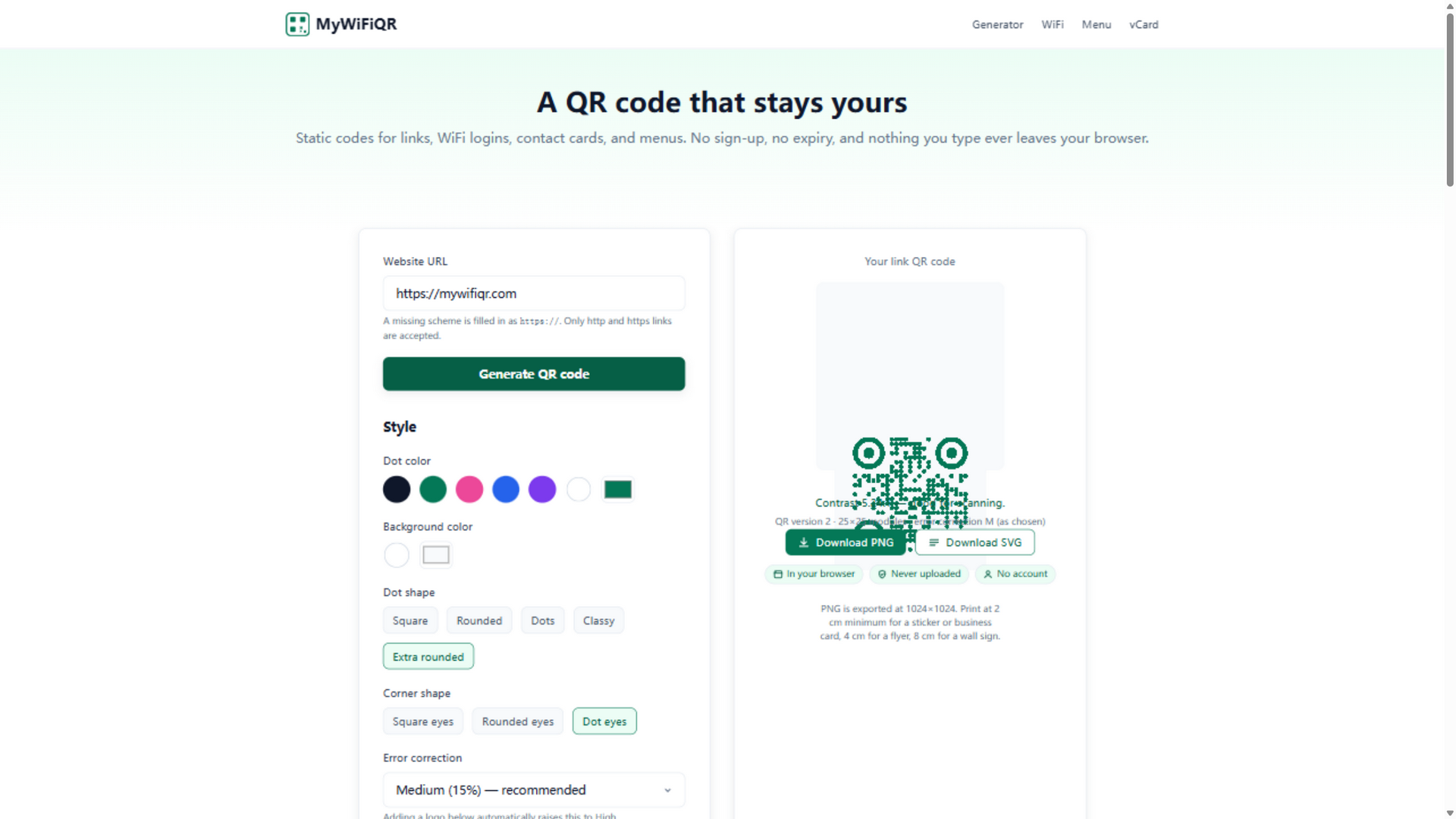
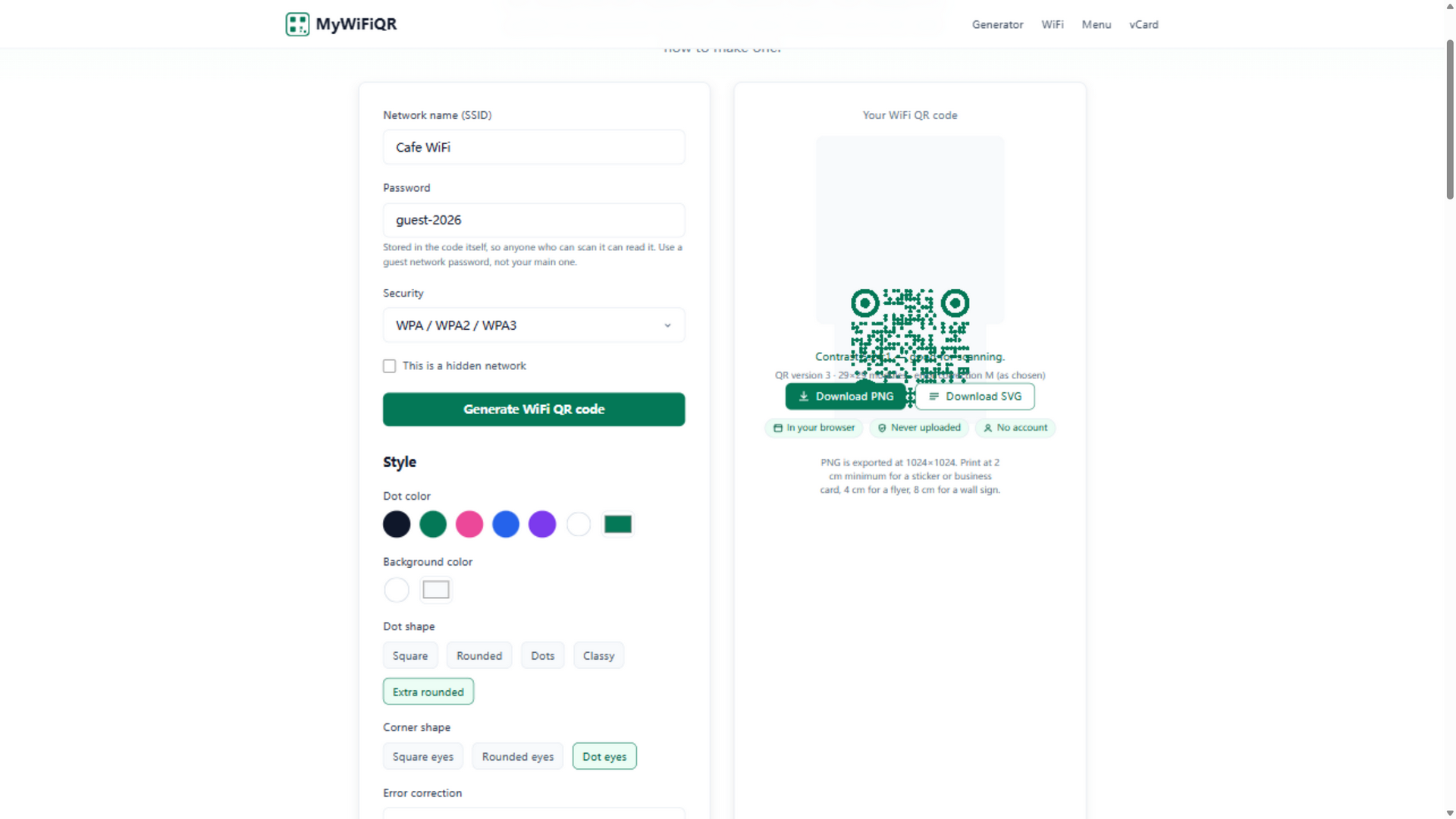
MyWiFiQR makes the kind of QR codes you print once and never worry about again. WiFi codes let guests join with a scan instead of a spelled-out password; link, vCard, and menu codes round out the set. Every code is static and generated in your browser — no sign-up, no expiry, no tracking, nothing uploaded. Styling goes beyond the basics: custom hex colors for dots and background, five dot shapes, three corner styles, and a center logo with automatic error-correction bump. Export 1024×1024 PNG or SVG, with print sizing guidance from sticker to wall sign.
Features
- Static WiFi, link, vCard & menu QR codes
- Runs fully in your browser — no sign-up, no expiry, no tracking
- Custom dot & background colors (hex)
- Five dot shapes, three corner styles
- Center logo with automatic error-correction
- 1024×1024 PNG or SVG export + print sizing guidance
Use Cases
- Print a WiFi QR so guests join by scan instead of a spelled-out password
- QR menus for cafés, restaurants & events
- Link / vCard codes on business cards, posters & packaging
- One-time printable codes from sticker to wall sign

Comments


With custom hex colours, does it warn when the contrast gets too low, or when someone picks light dots on a dark background? Inverted codes still fail on some older phone cameras and scanner apps. And for menu codes, since the code can never change, a short note nudging people to point it at a page on their own domain (rather than a PDF in Google Drive or a link-shortener that may lapse) would save a lot of reprinted table stickers.




Tried it with a tricky network name (a semicolon in the SSID) and the preview correctly escaped it as Cafe\;Guest. A lot of WiFi QR generators get that wrong and the code just fails to join. The WPA3-only/SAE note explaining Android 11+ vs iPhone is really clear too. One request: a batch mode (paste a list or upload a CSV of networks) would be great for Airbnb hosts or cafes running several locations.


Generating everything in the browser is the right call for WiFi codes, since the password never leaves the device. For the WiFi type, do you escape special characters (; , : \ ") in the SSID and password? Unescaped, they break the WIFI: string on some phones, and it's a common reason a printed code 'doesn't work'.


Printing a WiFi code once and leaving it by the router is a good use of static QR. One thing that might help non-technical users: a short note on the page that anyone who scans the code can read the password in plain form, so a separate guest network is worth setting up before printing it on a wall sign.

Generating the QR entirely in the browser with nothing uploaded is the right default for Wi-Fi passwords. The automatic error-correction bump when adding a center logo, plus the print-sizing guidance, are practical details a lot of generators skip. For cafés that reprint a sign when they rotate a guest network, is there a way to keep the same styled template and only swap the SSID or password before exporting again?

Generating everything in the browser with no expiry is the right call for WiFi codes, since people print them once and tape them to a wall for years. The automatic error-correction bump when you add a center logo is a nice touch. Have you thought about a "test scan" preview that warns when the dot/background colors don't have enough contrast to scan reliably?


The distinction between a static QR and the destination staying available is worth making explicit for menu codes. A downloadable backup of the payload and styling settings would also help a cafe recreate matching signs after changing its WiFi password. Is there a way to save those settings locally without an account?
Premium Products

















































Sponsors
Buy
Makers
Makers
Comments
With custom hex colours, does it warn when the contrast gets too low, or when someone picks light dots on a dark background? Inverted codes still fail on some older phone cameras and scanner apps. And for menu codes, since the code can never change, a short note nudging people to point it at a page on their own domain (rather than a PDF in Google Drive or a link-shortener that may lapse) would save a lot of reprinted table stickers.
Tried it with a tricky network name (a semicolon in the SSID) and the preview correctly escaped it as Cafe\;Guest. A lot of WiFi QR generators get that wrong and the code just fails to join. The WPA3-only/SAE note explaining Android 11+ vs iPhone is really clear too. One request: a batch mode (paste a list or upload a CSV of networks) would be great for Airbnb hosts or cafes running several locations.
Generating everything in the browser is the right call for WiFi codes, since the password never leaves the device. For the WiFi type, do you escape special characters (; , : \ ") in the SSID and password? Unescaped, they break the WIFI: string on some phones, and it's a common reason a printed code 'doesn't work'.
Printing a WiFi code once and leaving it by the router is a good use of static QR. One thing that might help non-technical users: a short note on the page that anyone who scans the code can read the password in plain form, so a separate guest network is worth setting up before printing it on a wall sign.
Generating the QR entirely in the browser with nothing uploaded is the right default for Wi-Fi passwords. The automatic error-correction bump when adding a center logo, plus the print-sizing guidance, are practical details a lot of generators skip. For cafés that reprint a sign when they rotate a guest network, is there a way to keep the same styled template and only swap the SSID or password before exporting again?
Generating everything in the browser with no expiry is the right call for WiFi codes, since people print them once and tape them to a wall for years. The automatic error-correction bump when you add a center logo is a nice touch. Have you thought about a "test scan" preview that warns when the dot/background colors don't have enough contrast to scan reliably?
The distinction between a static QR and the destination staying available is worth making explicit for menu codes. A downloadable backup of the payload and styling settings would also help a cafe recreate matching signs after changing its WiFi password. Is there a way to save those settings locally without an account?
Premium Products
New to Fazier?

Find your next favorite product or submit your own. Made by @FalakDigital.
Copyright ©2026. All Rights Reserved