MarkFlow
Best Markdown to Word Converter Free online tools
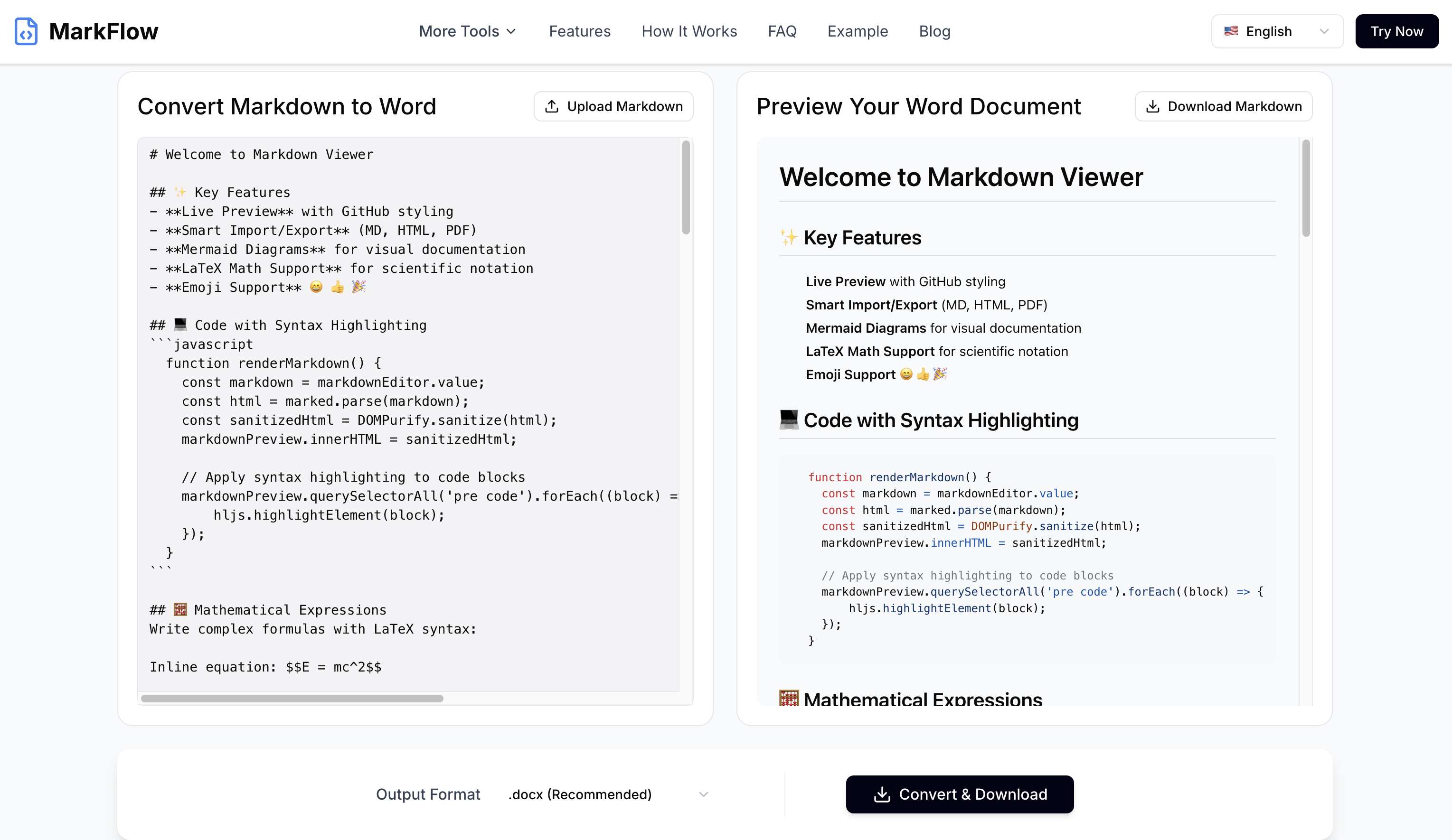
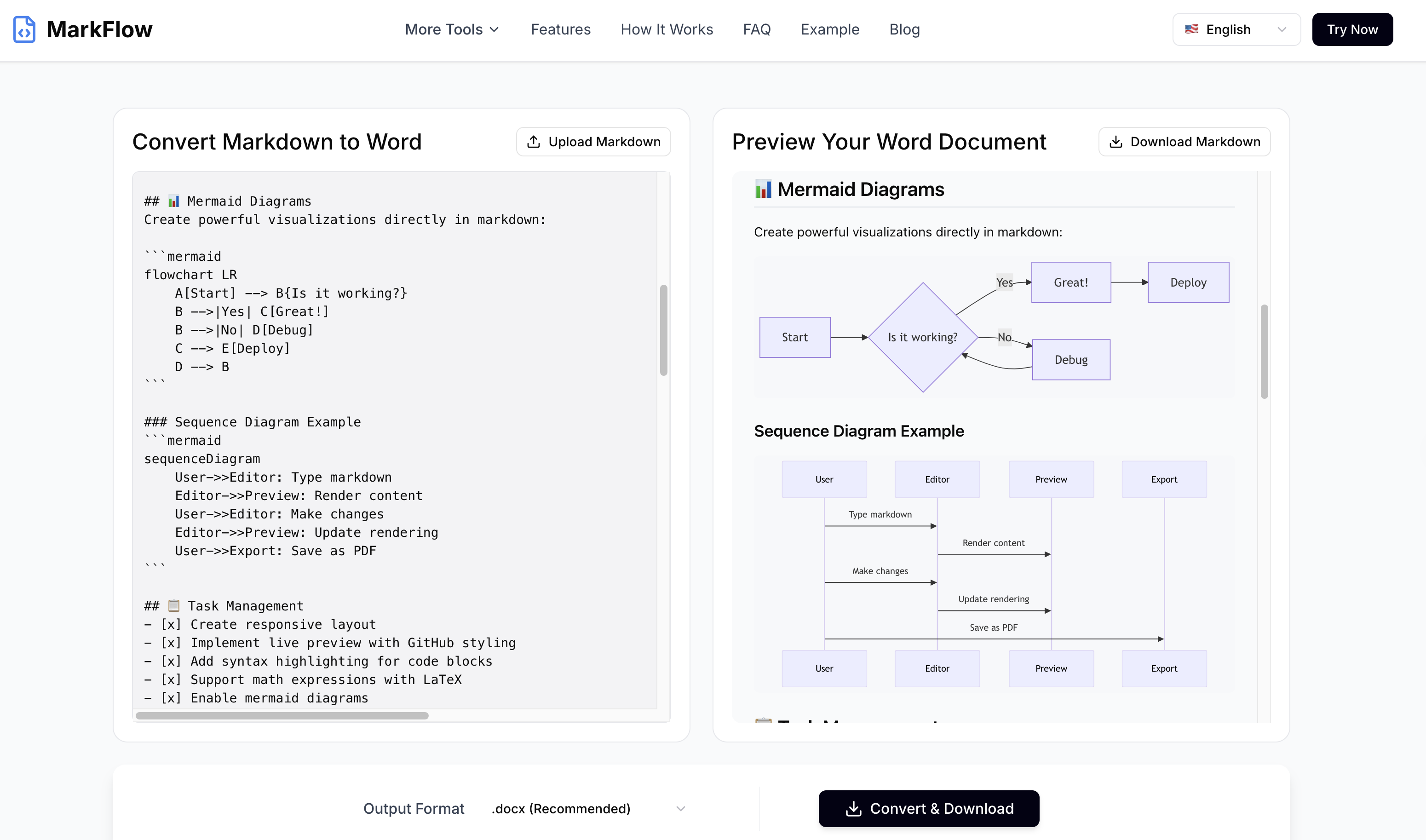
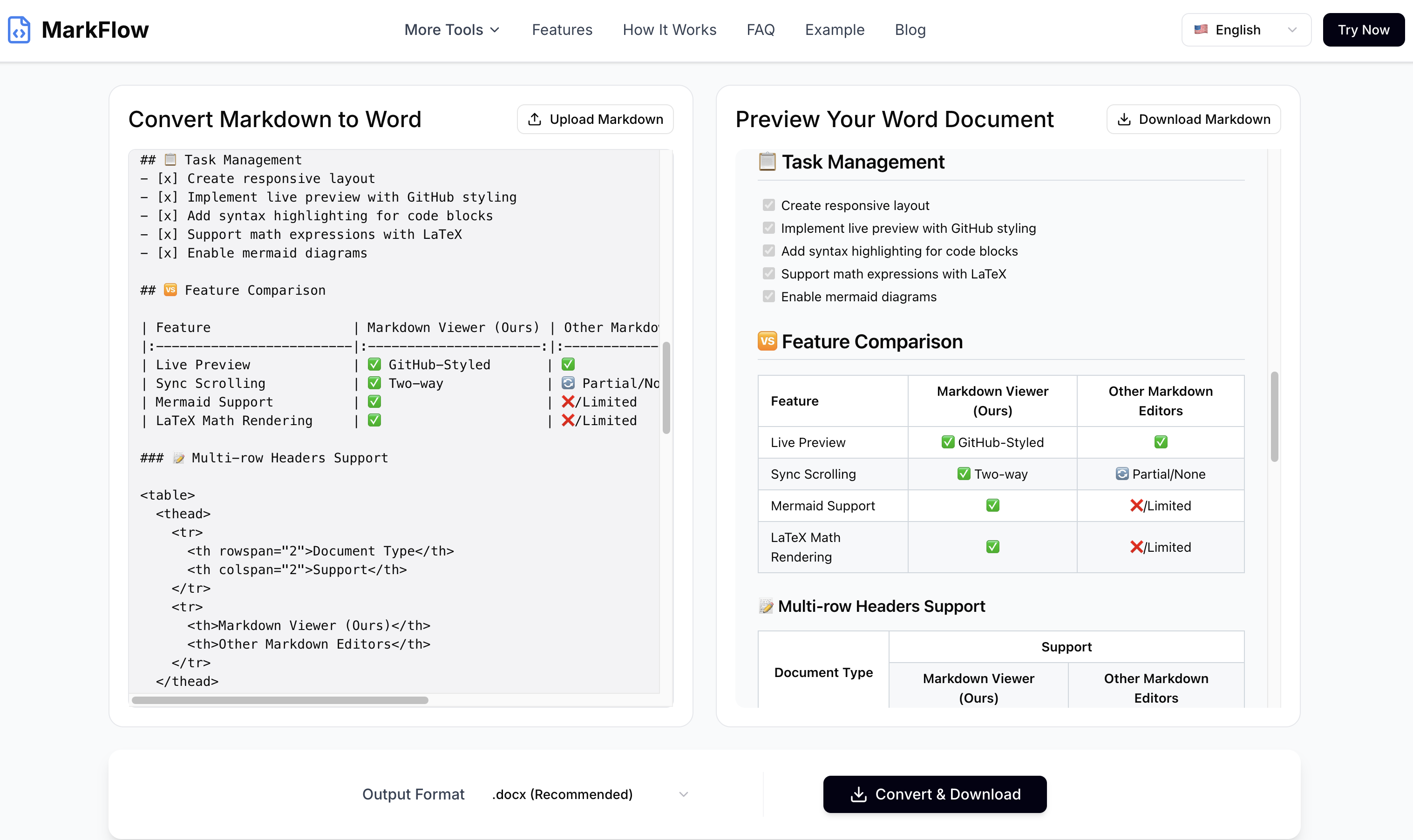
Easily convert Markdown to high-quality Word documents for free instantly. Built for 2026 standards with full GFM support. Preserves complex tables, LaTeX math, Mermaid diagrams, and code blocks formatting perfectly.
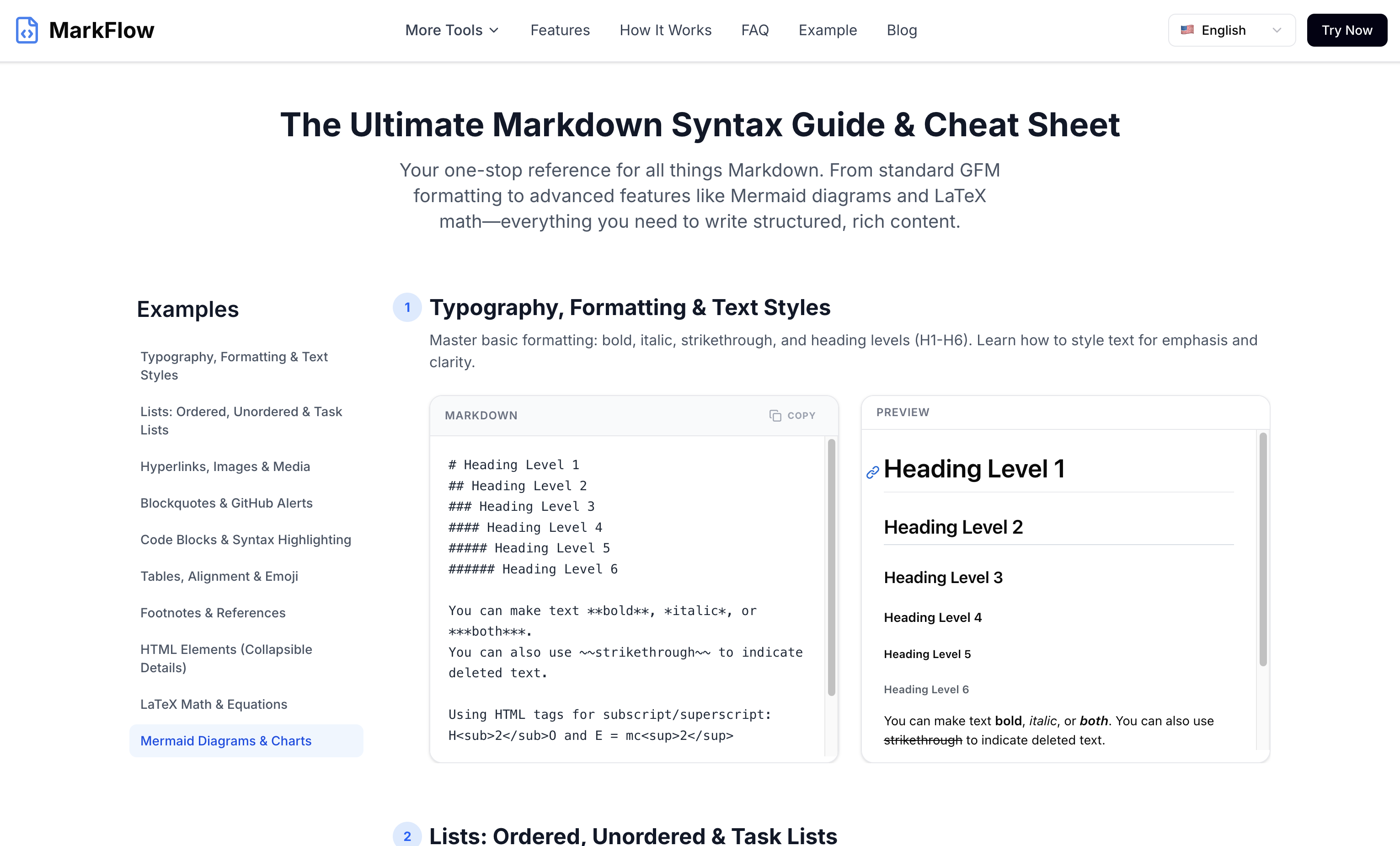
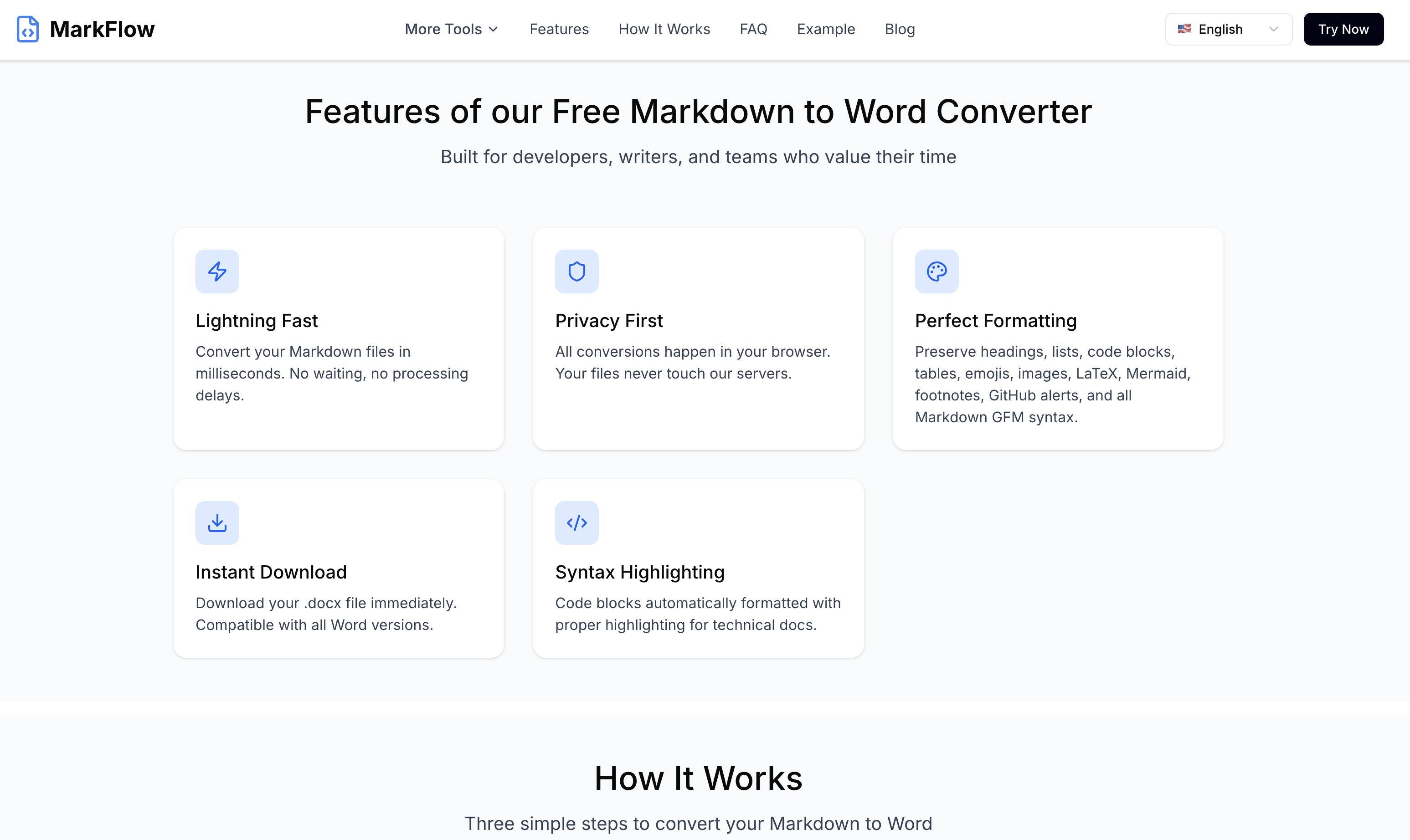
Features
Main Feature:Markdown To Word
Other Feature:Markdown To PDF and Markdown To Html
Use Cases
The main use case is providing a professional, privacy-focused way to convert Markdown files into high-quality Microsoft Word documents. It is specifically designed to handle complex formatting that standard converters often break, such as LaTeX mathematical formulas, Mermaid diagrams, and GitHub Flavored Markdown (GFM) tables. Because all processing happens 100% in the browser, it is the go-to tool for users handling sensitive data who need immediate, offline-style security with cloud-like convenience.

Comments


I’m the creator of markdowntoword.pro. As a developer/writer, I love Markdown for its simplicity. However, whenever I needed to share my work with clients or non-tech teams, converting it to a professional-looking Word document was always a headache. Most online converters break the tables, ignore LaTeX math, or worse—require you to upload sensitive files to their servers. That’s why I built this tool. Here’s what makes it different: Privacy-First: All processing happens right in your browser. Your files never touch any server. Advanced Syntax Support: It’s not just text. It handles complex GFM tables, LaTeX formulas, and even Mermaid diagrams perfectly. Real-time Preview: See exactly how your Word doc will look as you type or edit. 100% Free: No signups, no watermarks, no limits. I’d love to hear your feedback! What other features or export formats would make your workflow smoother? Happy converting! 🚀
Nice, focused utility. If you’re converting Markdown→Word for docs/specs, one thing that helps a lot is robust handling of tables/code blocks + a “style map” (e.g., map H1/H2 to Word Heading styles, code to monospace paragraph style). Also worth calling out privacy: whether files are processed in-browser vs uploaded, retention period, and max file size. A small gallery of before/after examples would make the value obvious fast.
Premium Products









Sponsors
Buy
Makers
Makers
Comments
I’m the creator of markdowntoword.pro. As a developer/writer, I love Markdown for its simplicity. However, whenever I needed to share my work with clients or non-tech teams, converting it to a professional-looking Word document was always a headache. Most online converters break the tables, ignore LaTeX math, or worse—require you to upload sensitive files to their servers. That’s why I built this tool. Here’s what makes it different: Privacy-First: All processing happens right in your browser. Your files never touch any server. Advanced Syntax Support: It’s not just text. It handles complex GFM tables, LaTeX formulas, and even Mermaid diagrams perfectly. Real-time Preview: See exactly how your Word doc will look as you type or edit. 100% Free: No signups, no watermarks, no limits. I’d love to hear your feedback! What other features or export formats would make your workflow smoother? Happy converting! 🚀
Nice, focused utility. If you’re converting Markdown→Word for docs/specs, one thing that helps a lot is robust handling of tables/code blocks + a “style map” (e.g., map H1/H2 to Word Heading styles, code to monospace paragraph style). Also worth calling out privacy: whether files are processed in-browser vs uploaded, retention period, and max file size. A small gallery of before/after examples would make the value obvious fast.
Premium Products
New to Fazier?

Find your next favorite product or submit your own. Made by @FalakDigital.
Copyright ©2025. All Rights Reserved