
Kiiwi
Mechanical keyboard sounds for Mac
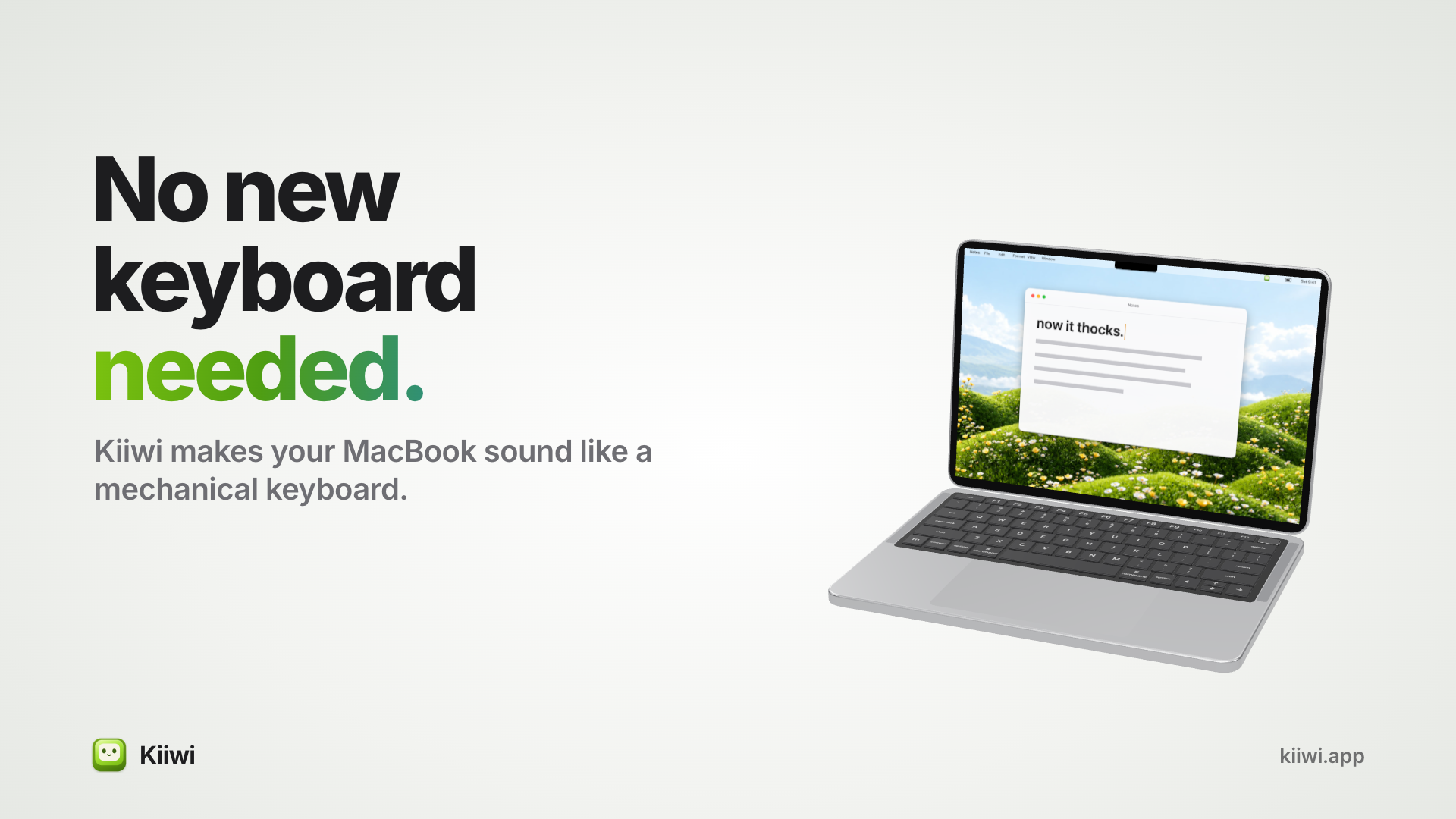
Kiiwi makes your Mac keyboard sound like a mechanical one.
It's a tiny menu bar app with 38 real switch recordings. Not synthesized sounds: actual switches, recorded key by key. Pick one, type anywhere, and every keystroke sounds like you're on a real mechanical board. Your editor, browser, Slack, Terminal, Spotlight: it works in every app.
Why it sounds right
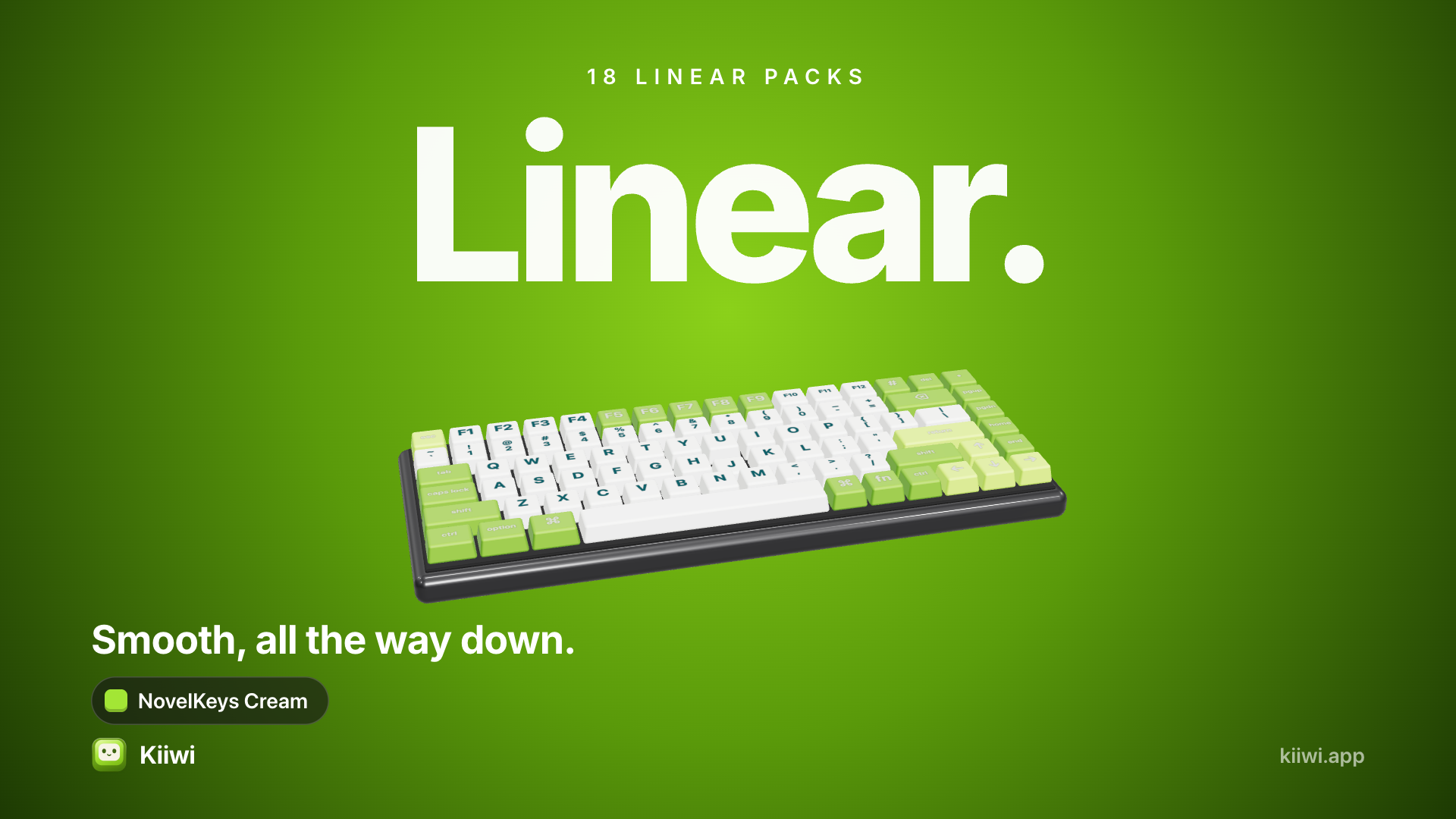
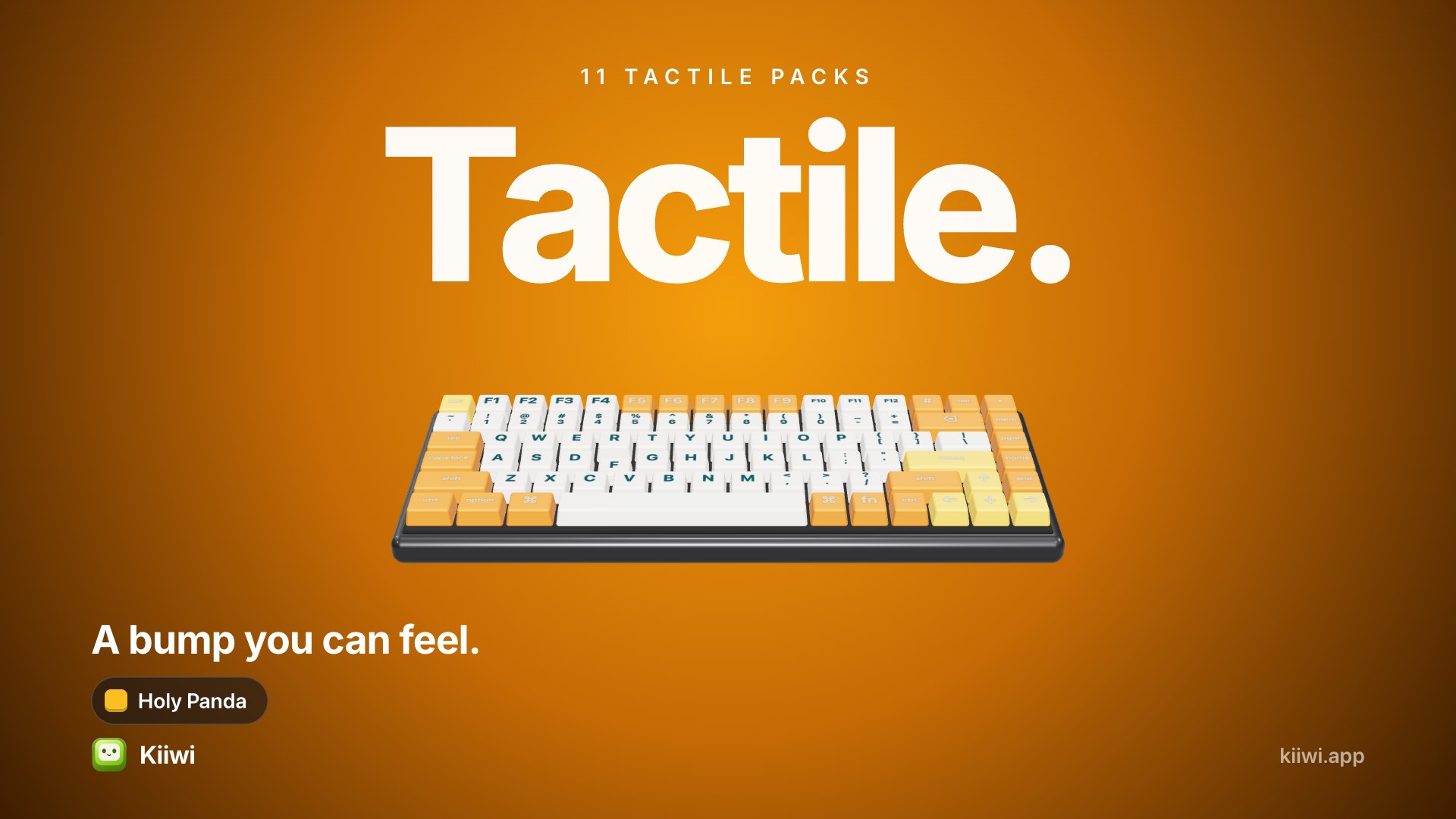
Recorded real switches. 38 keyboard packs grouped by feel (Linear, Tactile, Clicky), so you don't need to know switch jargon to pick one. The switch name is always there when you do.
Every row recorded separately. The number, top, home and bottom rows each have their own recordings, like a real board.
Placed by key position. Type Q and it comes from the left, P from the right. Best on headphones.
Never the same twice. Five pitch variants of every sample, picked fresh on each keystroke.
Key-up sounds on supported packs, so you hear the release, not just the press.
2 ms before the hit. Every sample is trimmed so the sound lands with your finger. No lag.
Try before you buy
The playground on kiiwi.app plays the same recordings the app ships, right in your browser. Type for fifteen seconds and hear every switch.
Pricing
$4.99 one-time. No subscription, no account. Use it on up to 2 Macs, lifetime updates included, and a 14-day money-back guarantee.
Built by one person, with 430 checks run before every build ships.

Features
More than the keyboard
8 mouse click packs, plus scroll wheel ticks.
Typing stats: today's key count, the last 14 days, a streak, your best sustained WPM, top apps and fun facts.
Share cards: turn your week of typing into a card with nine colours, nine gradients and nine wallpapers.
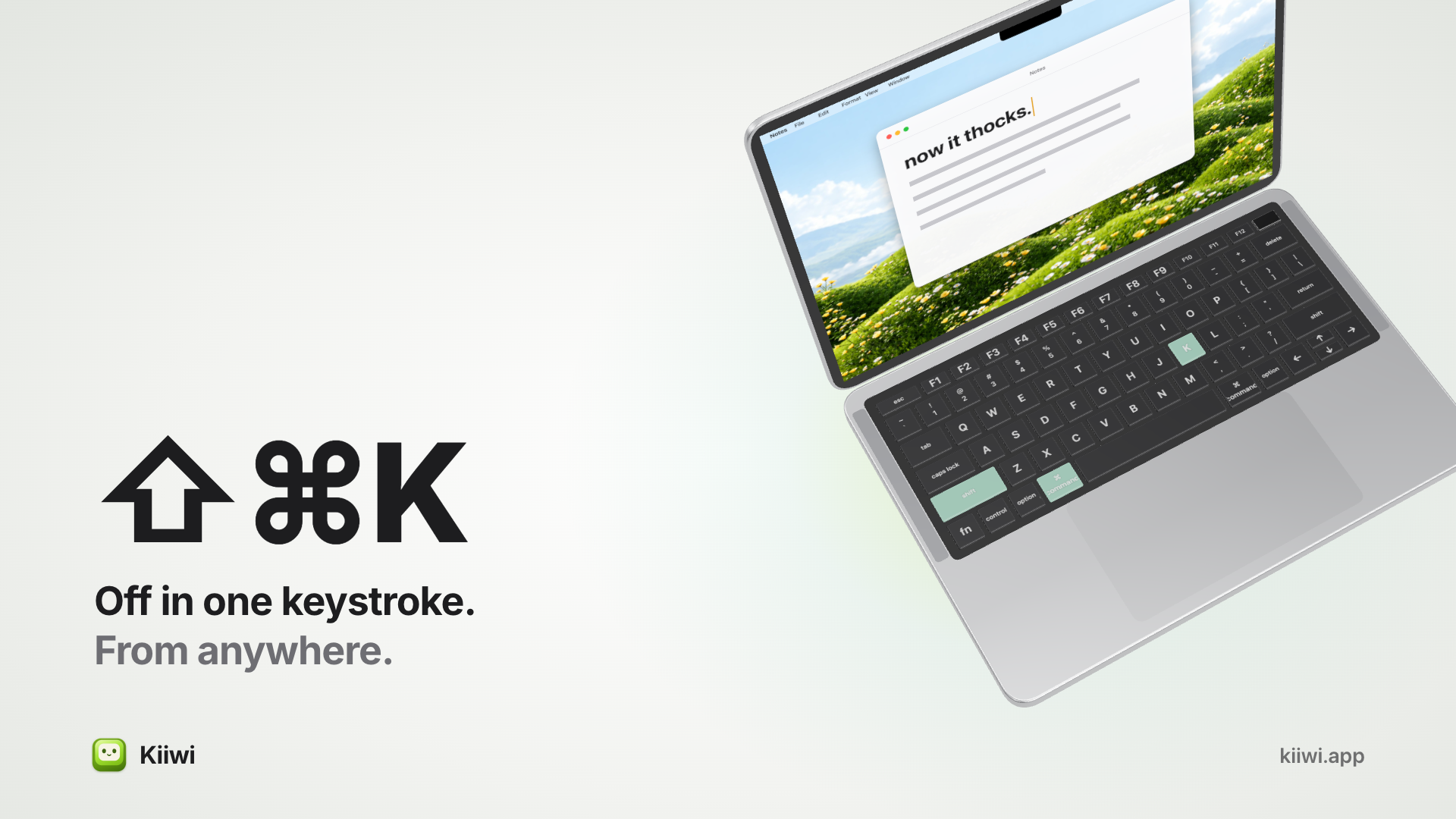
⇧⌘K turns it off from anywhere. On a call, in a library, recording something: one shortcut and it's quiet.
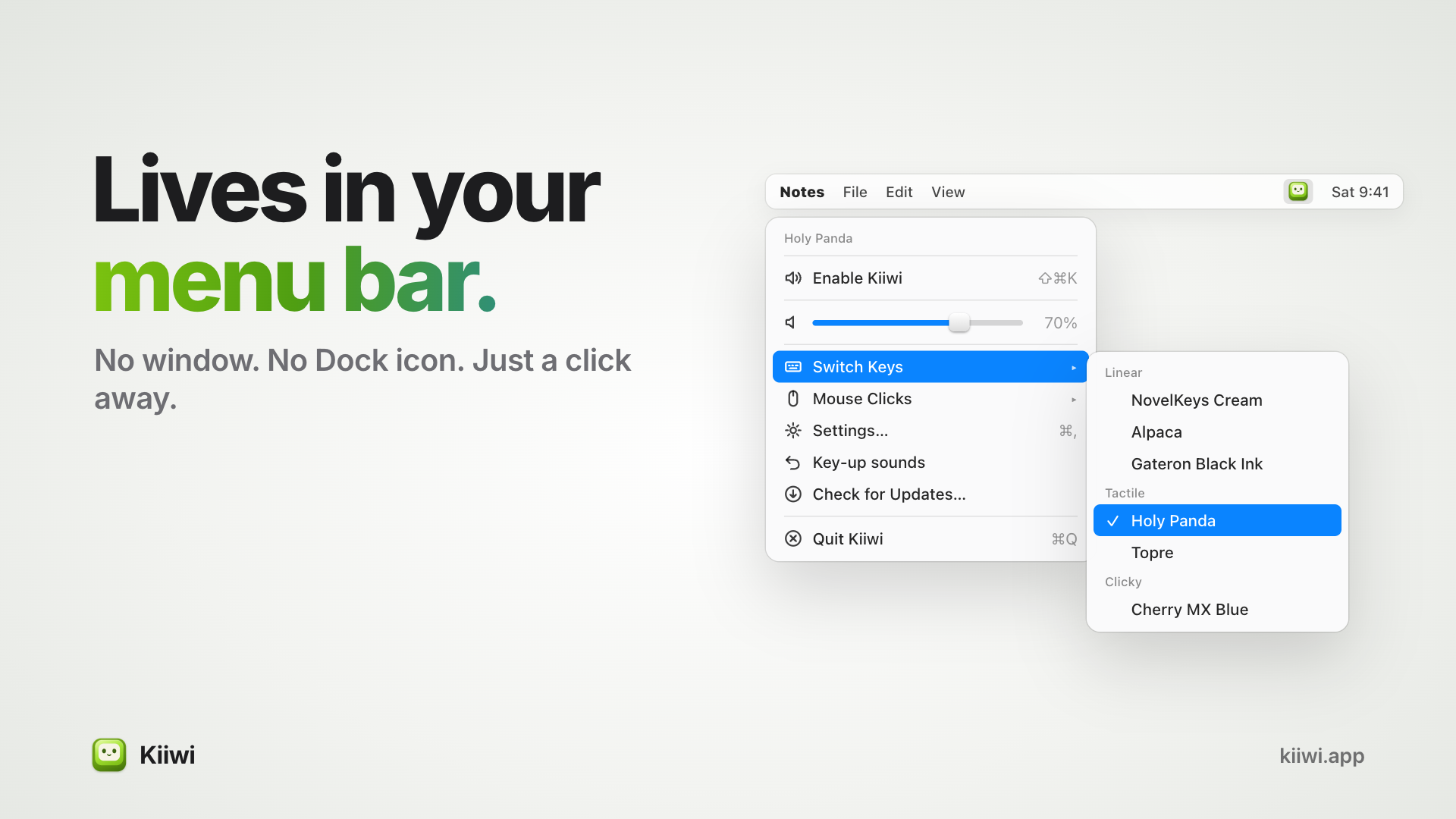
Hover any pack in the menu to hear it before switching, so you can compare switches by ear in seconds.
Survives your headphones. Switch audio output mid-sentence and Kiiwi carries on, no relaunch.
Private by design
Kiiwi hears that a key moved, never what you typed. Stats count how many keys, never which ones, and stay on your Mac. All it ever sends is a licence check and a daily look for updates.
Small and light
8.9 MB universal app for Apple silicon and Intel. Lives in your menu bar, no Dock icon, nothing to manage. macOS 14 or later.
Use Cases
- Make a MacBook keyboard feel and sound like a mechanical one, without buying hardware
- Try mechanical switch sounds (linear, tactile, clicky) before buying a real keyboard
- Stay focused while writing or coding, with steady keyboard sounds that make typing satisfying
- Hear every keystroke while typing on quiet laptop keys, so typing feels more precise
- Add realistic mouse click and scroll wheel sounds to a silent trackpad or mouse
- Track how much you type each day, with key counts, streaks and typing speed, all kept on your Mac

Comments


Hey everyone, I'm Tamil, the person who built Kiiwi. I wanted my MacBook to sound like a mechanical keyboard, and every app I tried sounded slightly off. When I built my own, the first version did too. It took me a while to find out why: one pack had 60 milliseconds of near silence before every key. You don't hear that as silence, you hear it as lag. So I trimmed every sample to 2 ms before the switch bottoms out, recorded each keyboard row separately, and placed the sound by key position, so Q comes from the left and P from the right. All 38 switches are real recordings, not synthesized. It lives in your menu bar, uses 0% CPU when idle, and never knows what you type, only that a key moved. Launch price is $4.99 once for the first 100 customers, then $6.99. No subscription. You can hear every switch in your browser at kiiwi.app before buying. Which switch would you pick first? I read and reply to every comment.
Premium Products





























Sponsors
Buy

Makers
Makers
Comments
Hey everyone, I'm Tamil, the person who built Kiiwi. I wanted my MacBook to sound like a mechanical keyboard, and every app I tried sounded slightly off. When I built my own, the first version did too. It took me a while to find out why: one pack had 60 milliseconds of near silence before every key. You don't hear that as silence, you hear it as lag. So I trimmed every sample to 2 ms before the switch bottoms out, recorded each keyboard row separately, and placed the sound by key position, so Q comes from the left and P from the right. All 38 switches are real recordings, not synthesized. It lives in your menu bar, uses 0% CPU when idle, and never knows what you type, only that a key moved. Launch price is $4.99 once for the first 100 customers, then $6.99. No subscription. You can hear every switch in your browser at kiiwi.app before buying. Which switch would you pick first? I read and reply to every comment.
Premium Products
New to Fazier?

Find your next favorite product or submit your own. Made by @FalakDigital.
Copyright ©2026. All Rights Reserved