itsTypo
On-device autocorrect that stays quiet when it isn't sure
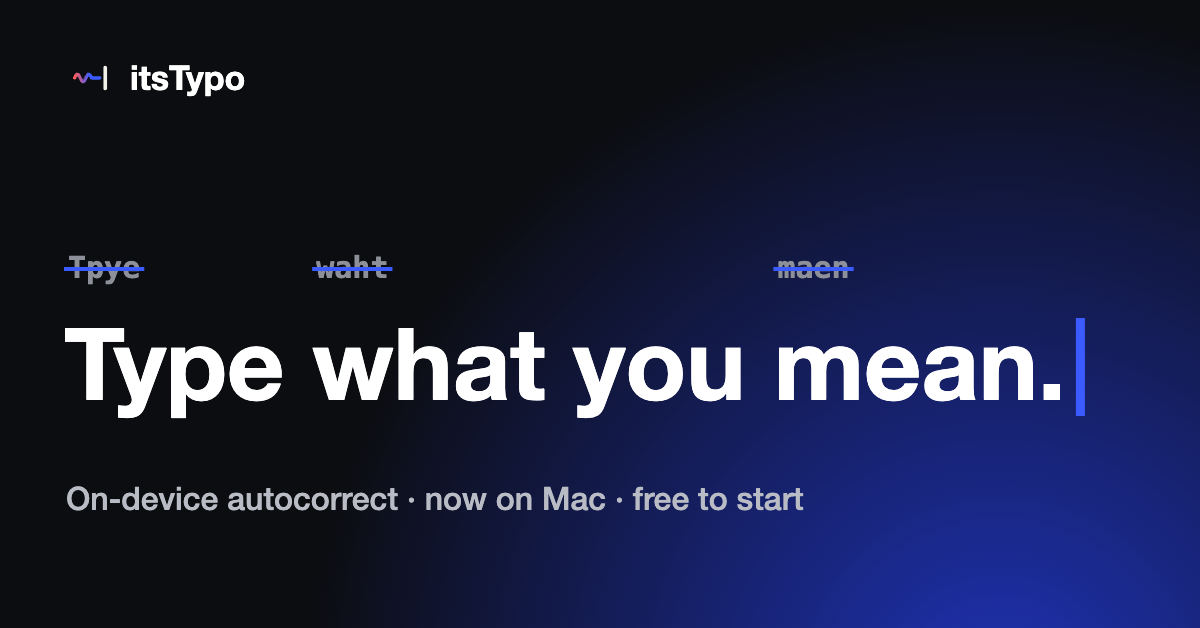
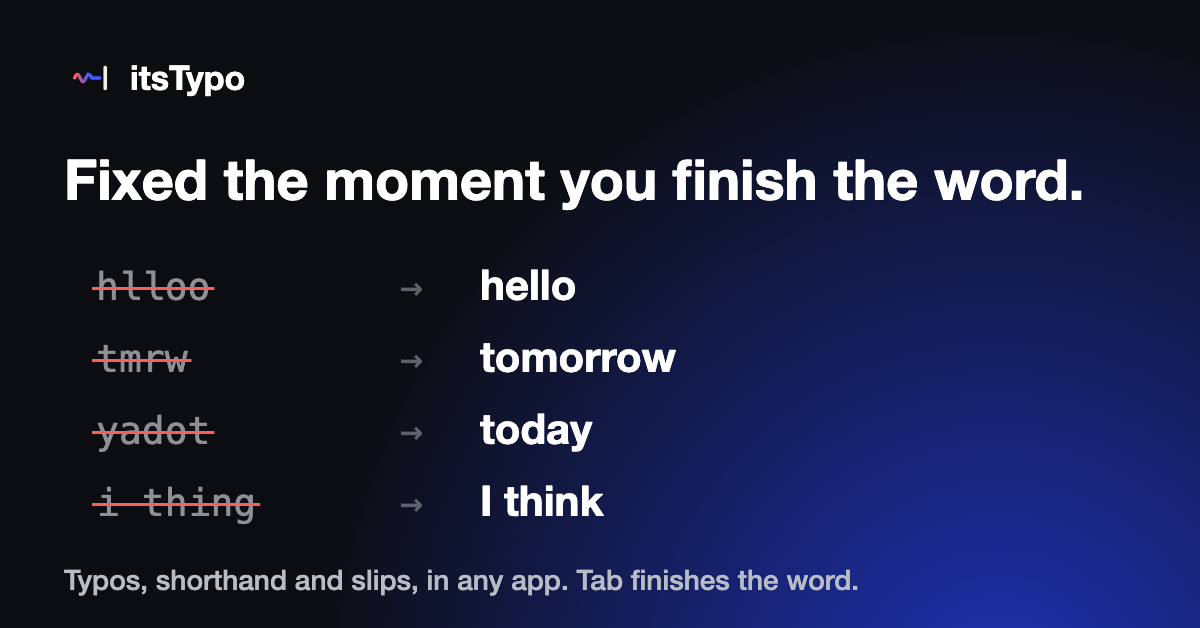
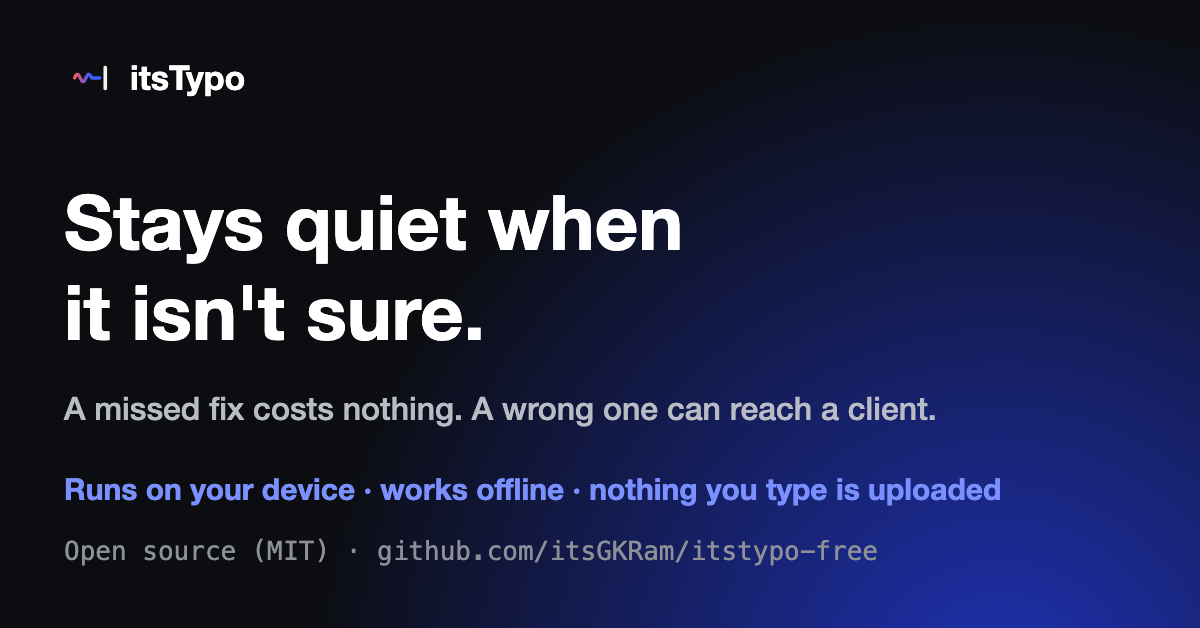
itsTypo fixes typos and shorthand the moment you finish each word, in any app: hlloo becomes hello, tmrw becomes tomorrow. When it can see where you're going, Tab finishes the word. When two answers are close, it does nothing, because a missed fix costs you nothing and a wrong one can reach a client.
Everything runs on your device and works offline; nothing you type is uploaded. Available now on Mac in early access, free to start. The free edition is open source (MIT).
Features
- Fixes typos and shorthand the moment you finish each word
- Tab to finish the word you're typing
- Stays quiet when it isn't sure; undo a fix once and it won't repeat it
- Letters in any order (yadot → today) and common slips (i thing → I think)
- Local dictation: hold fn and talk
- Works offline, open source (MIT)
Use Cases
- Fast replies in Slack, email and chat without stopping to fix typos
- Support and sales teams writing to customers, where a wrong word costs more than a typo
- Shorthand on purpose (tmrw, thnks, plz) that expands to the real word
- Private notes, drafts and tickets that should never leave your device
- Dictating a quick message instead of typing it

Comments


Hi Fazier! I built itsTypo because autocorrect kept "fixing" words I typed on purpose. Fixing a typo is the easy part; knowing when to leave a word alone is the hard part. So itsTypo is tuned to avoid wrong fixes: when two answers are close, it does nothing. It runs entirely on your device and works offline. The free edition is open source (MIT). It's on Mac for now, in early access, and there's a browser playground to try it first: https://join.itstypo.com/playground?utm_source=fazier&utm_medium=directory&utm_campaign=launch I'd love to hear where it should step in and where it should stay quiet.


The "stay quiet when two answers are close" rule is the part I'd want from every spell checker. I build a browser extension that lints spelling on rendered pages, and false positives on brand names and technical terms are the main complaint we get. Does itsTypo let you add your own words or import a dictionary, or does it only learn from undoing a fix?

On your question about where it should stay quiet: password fields and anything flagged as secure input should be a hard no, and for a tool that sees every keystroke it would build trust to state that clearly on the site. Same for email addresses and URLs while they are being typed. One practical question: how does it coexist with the built-in macOS autocorrect? If both are on, can a word get corrected twice, or do you recommend turning the system one off? Also, holding fn for dictation is handy, but fn is already the emoji and dictation key on recent Macs, so a configurable hotkey could avoid conflicts.
Premium Products











































Sponsors
Buy
Comments
Hi Fazier! I built itsTypo because autocorrect kept "fixing" words I typed on purpose. Fixing a typo is the easy part; knowing when to leave a word alone is the hard part. So itsTypo is tuned to avoid wrong fixes: when two answers are close, it does nothing. It runs entirely on your device and works offline. The free edition is open source (MIT). It's on Mac for now, in early access, and there's a browser playground to try it first: https://join.itstypo.com/playground?utm_source=fazier&utm_medium=directory&utm_campaign=launch I'd love to hear where it should step in and where it should stay quiet.
The "stay quiet when two answers are close" rule is the part I'd want from every spell checker. I build a browser extension that lints spelling on rendered pages, and false positives on brand names and technical terms are the main complaint we get. Does itsTypo let you add your own words or import a dictionary, or does it only learn from undoing a fix?
On your question about where it should stay quiet: password fields and anything flagged as secure input should be a hard no, and for a tool that sees every keystroke it would build trust to state that clearly on the site. Same for email addresses and URLs while they are being typed. One practical question: how does it coexist with the built-in macOS autocorrect? If both are on, can a word get corrected twice, or do you recommend turning the system one off? Also, holding fn for dictation is handy, but fn is already the emoji and dictation key on recent Macs, so a configurable hotkey could avoid conflicts.
Premium Products
New to Fazier?

Find your next favorite product or submit your own. Made by @FalakDigital.
Copyright ©2026. All Rights Reserved