
Gemini Omni Video
Create AI videos from text and images in seconds
Features
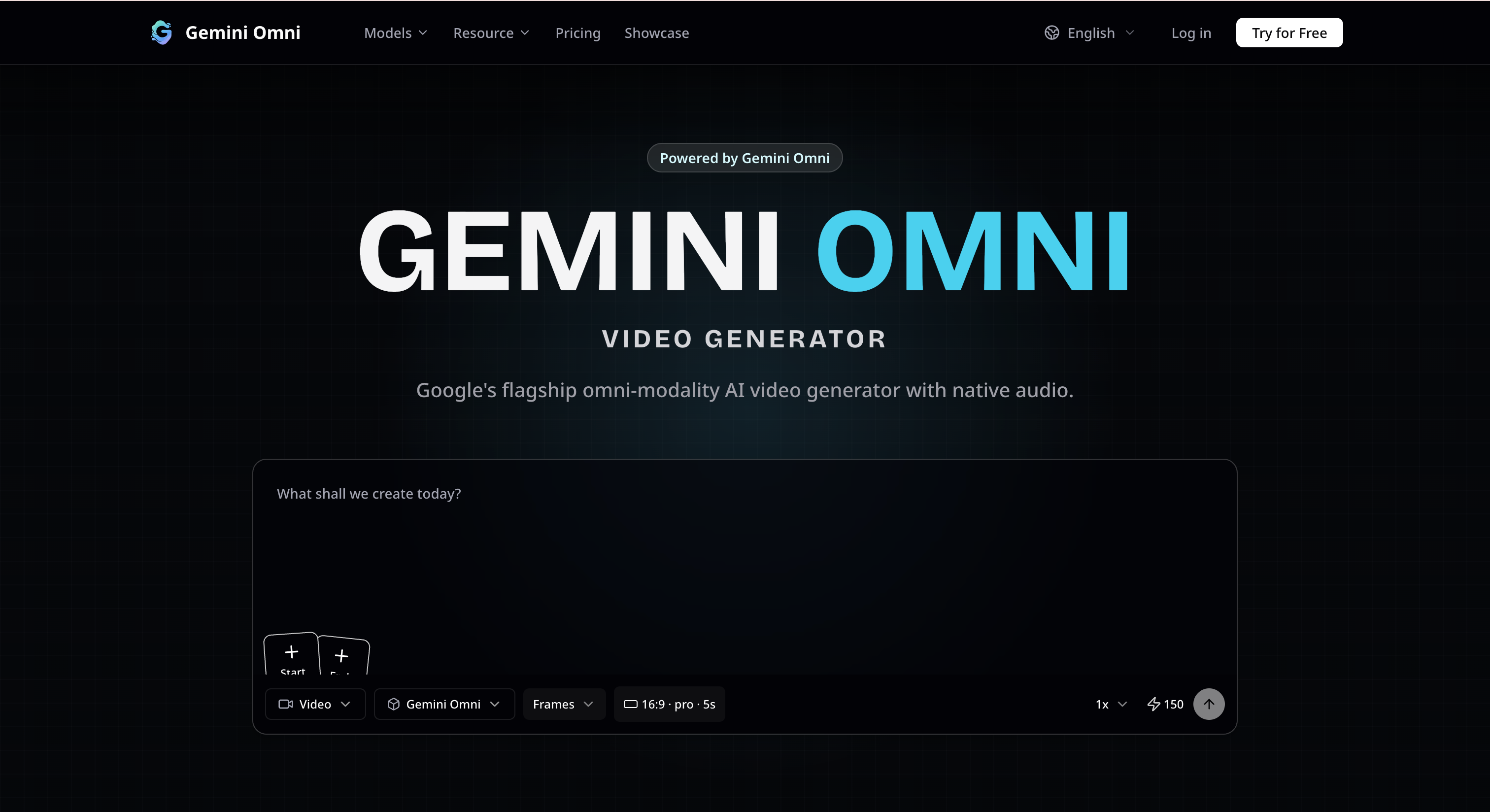
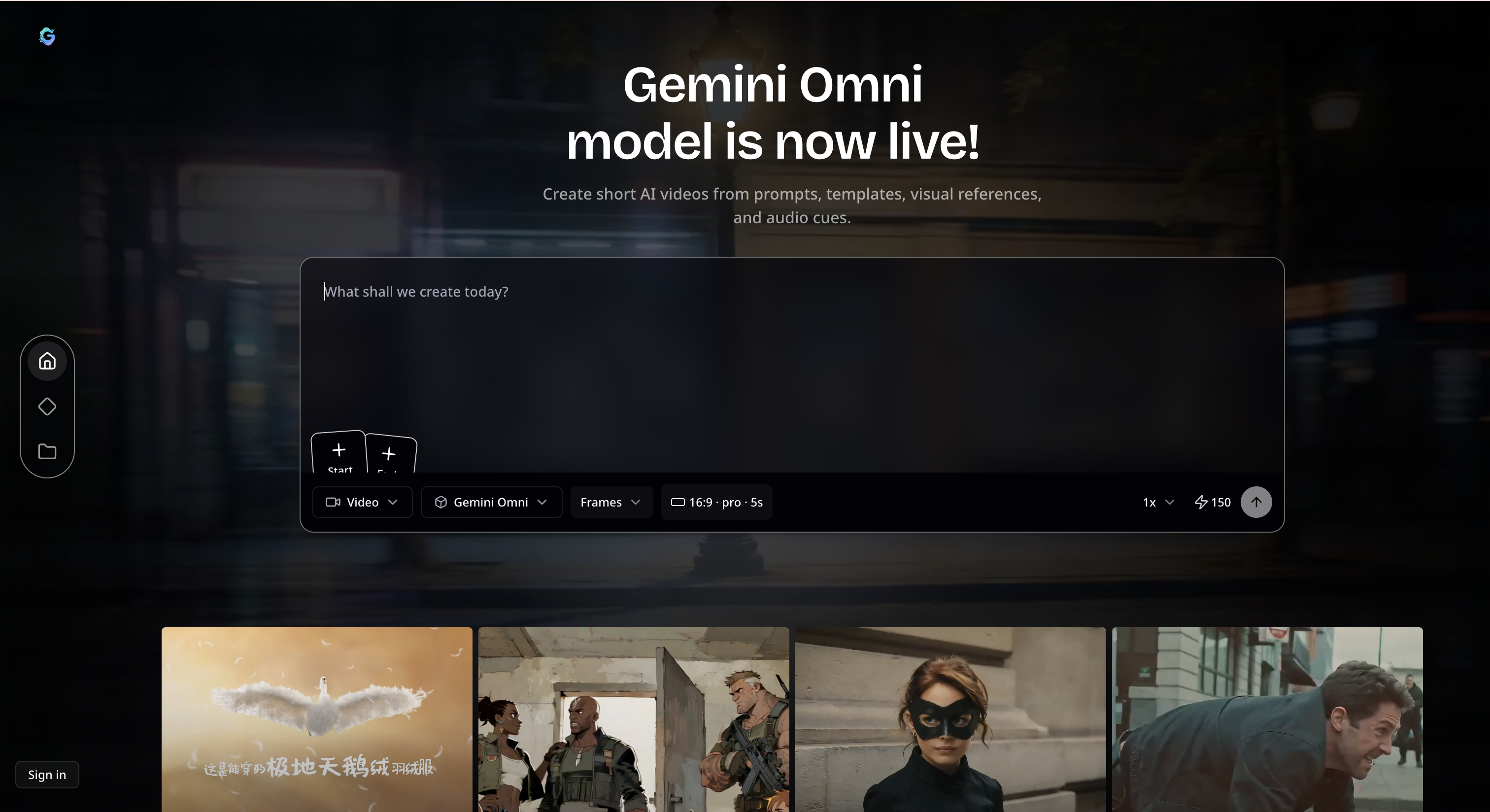
- Generate AI videos from text prompts, images, and visual references
- Use start and end frames to guide video structure and motion
- Create connected briefs for scene action, camera style, pacing, and audio direction
- Support multiple AI video models including Gemini Omni, Veo 3.1, and Seedance 2.0
- Make short-form videos for social media, product demos, ads, and creative concepts
- Explore examples and reusable prompt patterns to create videos faster
Use Cases
- Create short videos for TikTok, YouTube Shorts, Instagram Reels, and social posts
- Turn product images into simple AI product videos and promotional clips
- Generate landing page hero videos, demo clips, and visual marketing assets
- Create concept videos for ads, campaigns, storytelling, and creative testing
- Use image references to keep characters, products, scenes, and visual style consistent
- Quickly test video ideas before spending time on editing or production
Sponsors
Buy
Comments


Hey Fazier community! 👋 I built Gemini Omni Video to make AI video generation faster and easier for creators, marketers, and indie builders. AI video tools are becoming powerful, but the workflow can still feel fragmented. You often need to write prompts, prepare image references, test different models, adjust motion, retry generations, and then figure out which result is actually usable. Gemini Omni Video brings this into a simpler workflow. You can turn text prompts, images, and visual references into short AI videos for social media, product demos, ads, landing pages, and creative concepts. The goal is simple: make AI video creation feel less technical and more like a practical creative tool. I’d love your feedback on the generation experience, output quality, and what features would make this more useful for your own video creation workflow.
Premium Products

















Sponsors
Buy

Makers
Makers
Comments
Hey Fazier community! 👋 I built Gemini Omni Video to make AI video generation faster and easier for creators, marketers, and indie builders. AI video tools are becoming powerful, but the workflow can still feel fragmented. You often need to write prompts, prepare image references, test different models, adjust motion, retry generations, and then figure out which result is actually usable. Gemini Omni Video brings this into a simpler workflow. You can turn text prompts, images, and visual references into short AI videos for social media, product demos, ads, landing pages, and creative concepts. The goal is simple: make AI video creation feel less technical and more like a practical creative tool. I’d love your feedback on the generation experience, output quality, and what features would make this more useful for your own video creation workflow.
Premium Products
New to Fazier?

Find your next favorite product or submit your own. Made by @FalakDigital.
Copyright ©2025. All Rights Reserved