
gemini watermark remover
Gemini Watermark Remover — Free, No Upload, Instant
Free Gemini watermark remover. Remove the Gemini star overlay from images instantly in your browser — no upload, no signup, no limits. 100% private.
Features
Free local Gemini cleanup
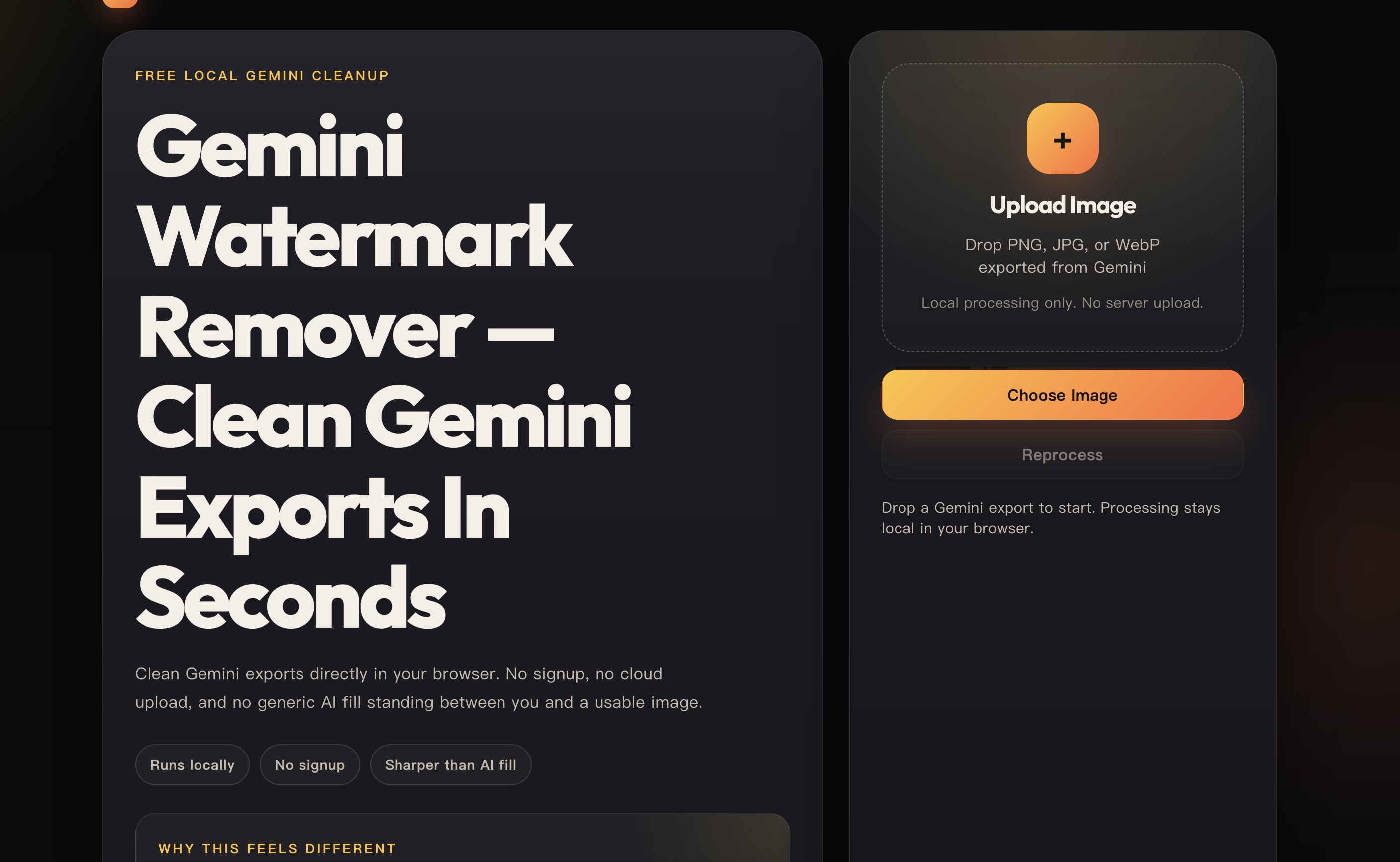
Gemini Watermark Remover — Clean Gemini Exports In Seconds
Clean Gemini exports directly in your browser. No signup, no cloud upload, and no generic AI fill standing between you and a usable image.
Runs locally
No signup
Sharper than AI fill
Why this feels different
Built for Gemini exports, not generic image cleanup.
Reverse Alpha Blending restores the marked area mathematically, so edges stay sharper than they do with content-aware fill or inpainting.
+
Upload Image
Drop PNG, JPG, or WebP exported from Gemini
Local processing only. No server upload.
Choose Image
Reprocess
Drop a Gemini export to start. Processing stays local in your browser.
Waiting
Before / After Workspace
Upload a Gemini export to preview the cleanup result.
Download clean PNG
Before and After Preview
BeforeAfter
Upload to preview the cleanup
Original Gemini exports give the cleanest result.
Drag to compare
Why it works
Purpose-built cleanup beats generic AI patching
The tool is tuned for a single pattern: Gemini's export watermark. That is why the workflow is faster, more private, and visibly cleaner than a generic image editor.
Reverse Alpha Blending
Built for Gemini exports, the engine restores the marked pixels mathematically instead of painting over them with a generated guess.
Local Browser Execution
Every cleanup job runs in a Web Worker on your device. No uploads, no server logs, and no privacy tradeoff.
Free & Open Source
Use the tool without limits, paywalls, or signups. The engine is inspectable, not a black box.
Purpose-Built Workflow
The page is optimized for a single job: drop a Gemini export, preview the cleanup, and download a clean PNG quickly.
Capability
This Tool
Generic Editor
Gemini-specific cleanup
Yes
Usually no
100% local browser processing
Yes
Often no
Reverse Alpha Blending
Yes
Rarely
Remove Gemini logo pattern
Yes
Not specifically
Free with no limits
Yes
Often paywalled
How it works
Three steps from upload to clean output
1
Upload the original export
Use the PNG, JPG, or WebP file downloaded directly from Gemini for the cleanest reconstruction.
2
Process locally in your browser
Reverse Alpha Blending runs on-device, so your image never has to leave the browser.
3
Compare and download
Inspect the before/after slider, then save the cleaned PNG when the result looks right.
If the result shows “No Change”, the file is usually a screenshot or a recompressed copy rather than the original Gemini export. Re-download the source image and try again.
Deep Dive
Why a dedicated Gemini watermark remover beats generic tools
If you are searching for a reliable gemini watermark remover, you have landed in the right place. This free tool runs entirely inside your browser, so every pixel of your image stays on your device. No sign-up wall, no upload queue, no subscription. Just drop your file and the gemini watermark remover starts working instantly.
The demand to strip the watermark from your Gemini image has grown steadily alongside Google Gemini's adoption as an AI image tool. Designers, marketers, and researchers routinely export visuals from Gemini and then need a clean version for their decks, websites, and reports. A dedicated gemini watermark remover is the fastest way to reach that goal without sending files to a remote server you don't control.
Understanding why a specialized tool outperforms a generic eraser starts with the watermark itself. The Gemini overlay is composited onto the image at a known opacity using an alpha blend operation. Reverse Alpha Blending — the core algorithm in this gemini watermark remover — inverts that compositing step mathematically. Instead of guessing what lies beneath the mark, it solves the blend equation directly and recovers the original pixel values with high fidelity. This is why results from a true gemini watermark remover look sharper and more natural than outputs from a general-purpose AI fill tool.
When you clean your Gemini image using this browser-based engine, the entire processing pipeline stays inside a Web Worker on your local machine. The server never sees your image. That commitment to privacy is why so many users choose this gemini watermark remover for client work, unreleased product screenshots, and other sensitive visuals.
Client-side processing also makes this tool faster than server-dependent alternatives for most modern devices. The browser decodes the image, runs the detection pass, applies Reverse Alpha Blending through a canvas pipeline, and returns a downloadable PNG — all without a round-trip to the cloud. For a standard Gemini export, the whole job typically completes in under two seconds on a mid-range laptop.
The method behind this tool matters just as much as the outcome. This gemini watermark remover is built on an open-source engine, meaning the restoration logic is publicly inspectable. That transparency is rare. Most tools that claim to remove the Gemini overlay are opaque black boxes. Here, anyone can read the code, understand the algorithm, and verify that no data leaves the device.
For users who want to know how to remove the Gemini watermark cleanly: start with the original Gemini export whenever possible. Recompressed screenshots or cropped derivatives lose the alpha data the algorithm needs, which limits how precisely the tool can strip the watermark from your Gemini image. Original exports give the engine the best raw material to work with.
This gemini watermark remover produces a full-resolution output in PNG format, preserving every pixel outside the watermark region exactly as it was in the original. The repaired zone uses the Reverse Alpha Blending result rather than AI inpainting, which means there is no hallucinated texture or smeared edge in areas adjacent to the mark. If you compare the before and after using the slider on this page, the boundary between cleaned and untouched regions should appear seamless on well-formed original exports.
In summary: a purpose-built gemini watermark remover is meaningfully different from a generic editor. It is designed around the specific overlay Gemini produces, processes files locally for privacy, uses a mathematically grounded restoration method, and delivers a clean download without fees or forced accounts. If your goal is to strip the watermark from your Gemini image accurately and keep your files private, this is the tool to use.
What is Reverse Alpha Blending?
Standard image compositing uses the formula: C_out = alpha × C_watermark + (1 − alpha) × C_original. When you use this gemini watermark remover, the engine reads the known parameters of the Gemini overlay — its position, size, opacity, and color — and solves the equation for C_original. That algebraic reversal is what makes the cleaned result look like the untouched image rather than an AI reconstruction.
Client-side processing explained
Client-side processing means every instruction runs inside your browser tab. When you use this tool to clean your Gemini image, the JavaScript engine decodes the file into a canvas buffer, runs the detection and blending pass, then exports the result back to PNG — all without sending the image to a remote server.
Best practices for clean results
To get the best results, always start from the raw Gemini export. Avoid screenshots, crops, or low-quality re-saves because compression artifacts interfere with the blending math. If the output still shows residual marks, re-export the image from Gemini at full resolution before trying again.
FAQ
Frequently asked questions about Gemini watermark removal
How to remove Gemini watermark without losing image quality?
▾
The safest way to remove Gemini watermark without quality loss is to use a tool built on Reverse Alpha Blending rather than AI inpainting. AI inpainting generates new pixels to fill the watermark region, which can introduce blurring, color shifts, or texture mismatches — especially near fine edges. Reverse Alpha Blending works differently: it inverts the original compositing formula to recover the exact pixel values that existed before the watermark was applied. The result is mathematically reconstructed, not guessed. For best results, always start from the original Gemini export file. Recompressed screenshots or cropped derivatives lose the alpha channel data the algorithm depends on, which reduces reconstruction accuracy.
Is this gemini watermark remover completely free?
▾
Can I remove the Gemini watermark without uploading image files?
▾
Does this tool work on the Gemini star overlay?
▾
What is Reverse Alpha Blending and why does this tool use it?
▾
What file formats are supported?
▾
Why does this work better on original exports?
▾
Is it safe to remove watermark gemini users find on client work?
▾
How does this gemini logo remover compare to using Photoshop or a generic AI editor?
▾
What should I do if the gemini watermark remover shows "No Change"?
▾
Does this tool work on mobile browsers?
▾
Where can I find the source code for this gemini watermark remover?

Comments

Premium Products






























Find your next favorite product or submit your own. Made by @FalakDigital.
Copyright ©2025. All Rights Reserved