FixmyPDFs
Free online PDF editor with no uploads and no watermarks.
FixMyPDFs – Free Online PDF Tools That Respect Your Privacy
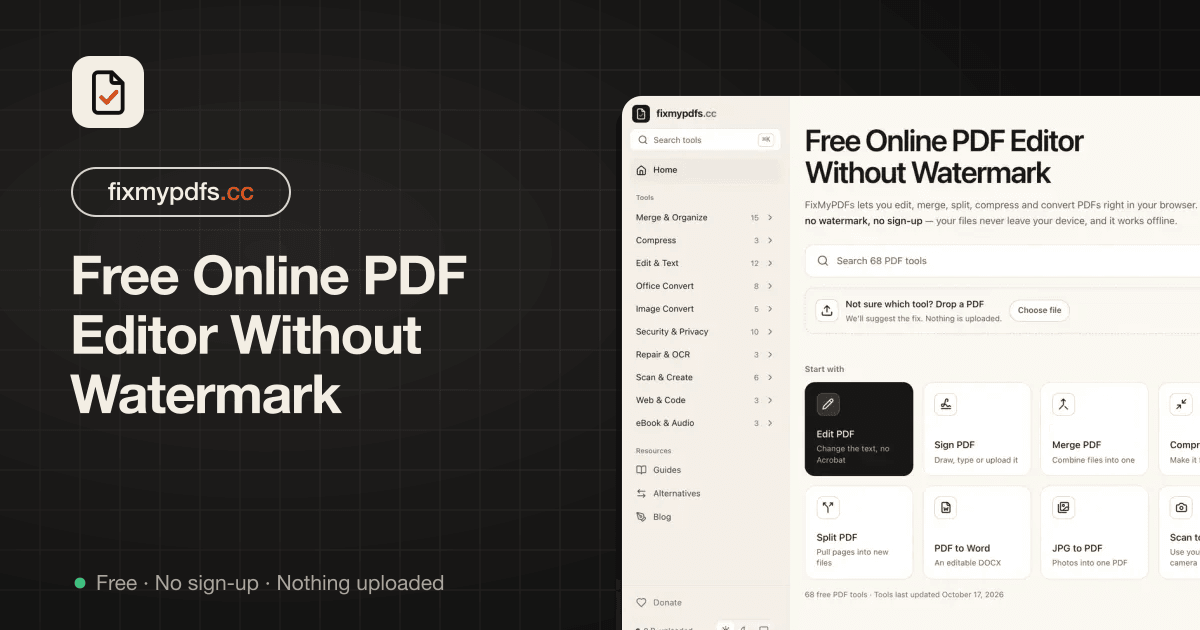
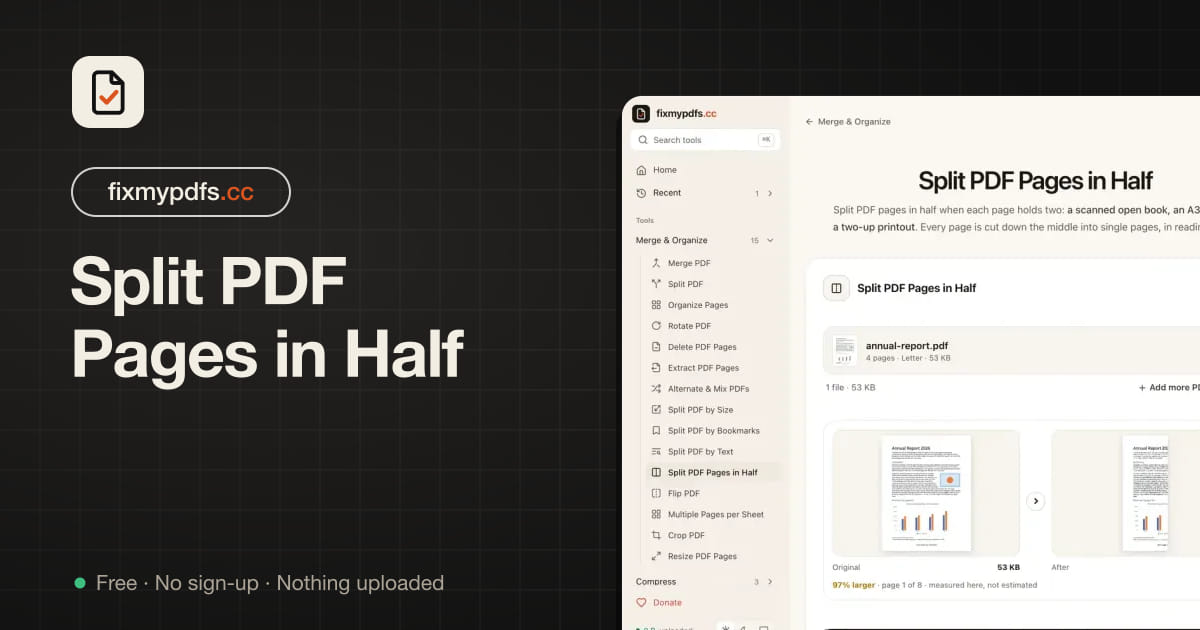
FixMyPDFs is an all-in-one online PDF toolkit that helps you edit, convert, merge, split, compress, repair, and manage PDF documents directly in your browser.
Unlike traditional online PDF tools that require uploading documents to external servers, FixMyPDFs processes files locally on your device. This means your documents stay private, making it a great choice for working with sensitive files, business documents, contracts, financial records, and personal information.
With 70 free PDF tools, FixMyPDFs makes everyday document management simple, fast, and accessible. No registration, no subscriptions, no watermarks, no daily limits, and no annoying ads.
Whether you're a student, professional, freelancer, business owner, or someone who regularly works with PDFs, FixMyPDFs gives you the tools you need in one convenient place.
Fix your PDFs. Keep your files private. Get things done for free.
Features
- 70 Free PDF Tools: Access a comprehensive collection of PDF utilities in one place.
- 100% Client-Side Processing: Your files are processed directly in your browser without uploading them to external servers.
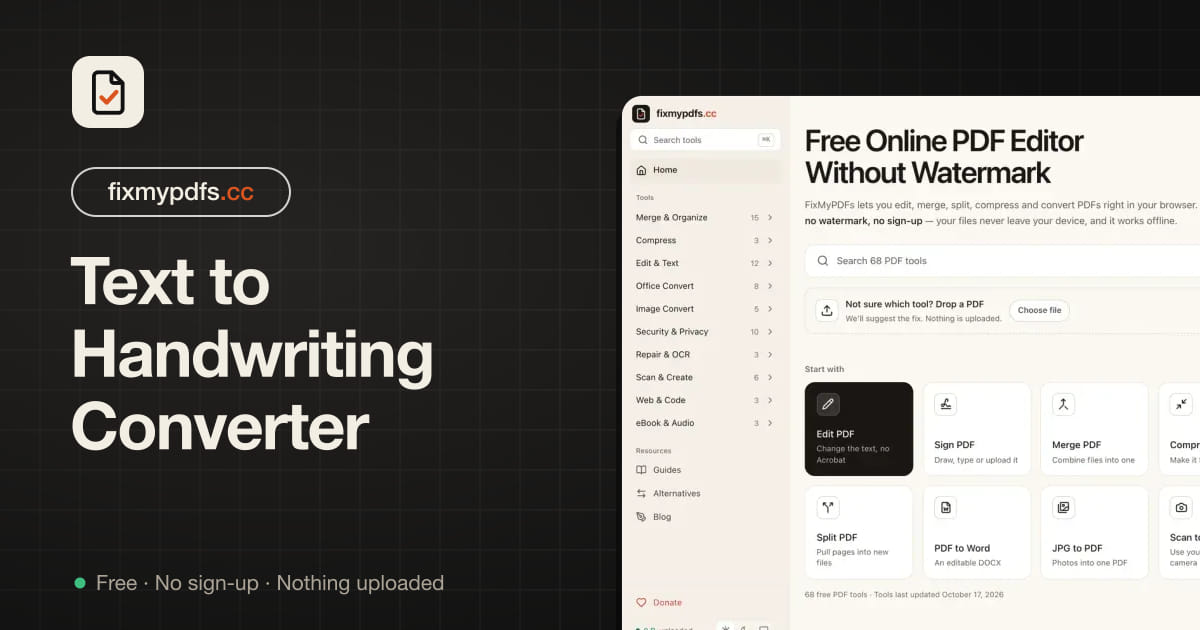
- PDF Editing: Add text, images, highlights, drawings, and annotations to PDF documents.
- Merge & Split PDFs: Combine multiple PDFs or extract specific pages with ease.
- PDF Compression: Reduce PDF file sizes to meet email, website, and document submission limits.
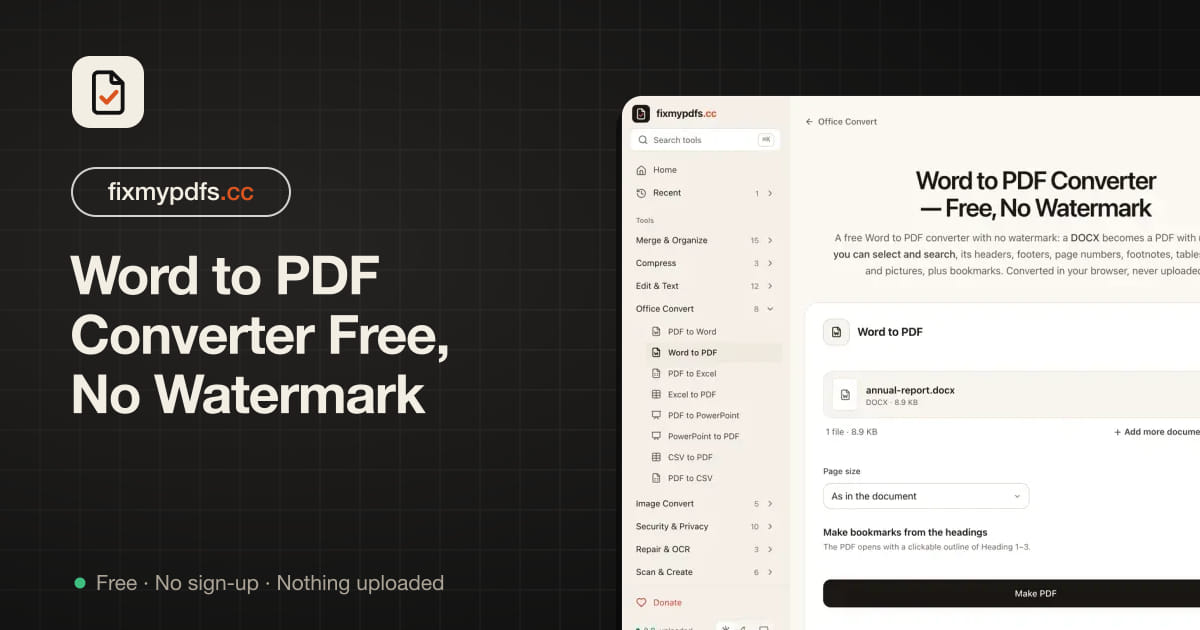
- PDF Conversion: Convert PDFs to Word, Excel, PowerPoint, JPG, CSV, and other formats.
- OCR Support: Make scanned PDFs searchable and extract text from document images.
- PDF Repair: Attempt to recover damaged or corrupted PDF files.
- No Watermarks: Download clean, professional documents without branding.
- No Sign-Up Required: Start using the tools immediately without creating an account.
- Works Offline: Previously loaded tools can work offline through browser caching.
- No Daily Usage Limits: Use the tools without subscriptions or usage quotas.
- Mobile & Desktop Friendly: Access PDF utilities through modern desktop and mobile browsers.
Use Cases
1. Students & Educators
- Compress assignments and research papers.
- Merge lecture notes and study materials.
- Convert PDFs into editable Word documents.
- Extract specific pages from textbooks.
- Create printable worksheets and handouts.
2. Freelancers & Remote Workers
- Edit and sign contracts.
- Compress documents for client submissions.
- Merge invoices, receipts, and reports.
- Convert business documents into different formats.
- Protect confidential client files.
3. Businesses & Professionals
- Manage invoices, quotations, and financial documents.
- Combine multiple reports into one PDF.
- Redact confidential information.
- Password-protect important documents.
- Convert PDF tables into Excel spreadsheets.
4. Legal Professionals
- Permanently redact sensitive information.
- Remove document metadata.
- Organize legal documents and evidence.
- Compare different PDF versions.
- Verify document integrity using checksums.
5. Job Seekers
- Create and edit resumes.
- Convert resumes into PDF format.
- Compress documents for job portals.
- Combine certificates and supporting documents.
- Organize application documents.
6. Everyday PDF Users
- Convert photos into PDFs.
- Reduce large PDF file sizes.
- Merge multiple documents.
- Repair damaged PDF files.
- Sign and fill PDF forms.
- Extract text from scanned documents.

Comments

Premium Products














































Makers

Makers
Comments
Premium Products
New to Fazier?

Find your next favorite product or submit your own. Made by @FalakDigital.
Copyright ©2026. All Rights Reserved