
Daymilo
Paste your stops, get the shortest route.
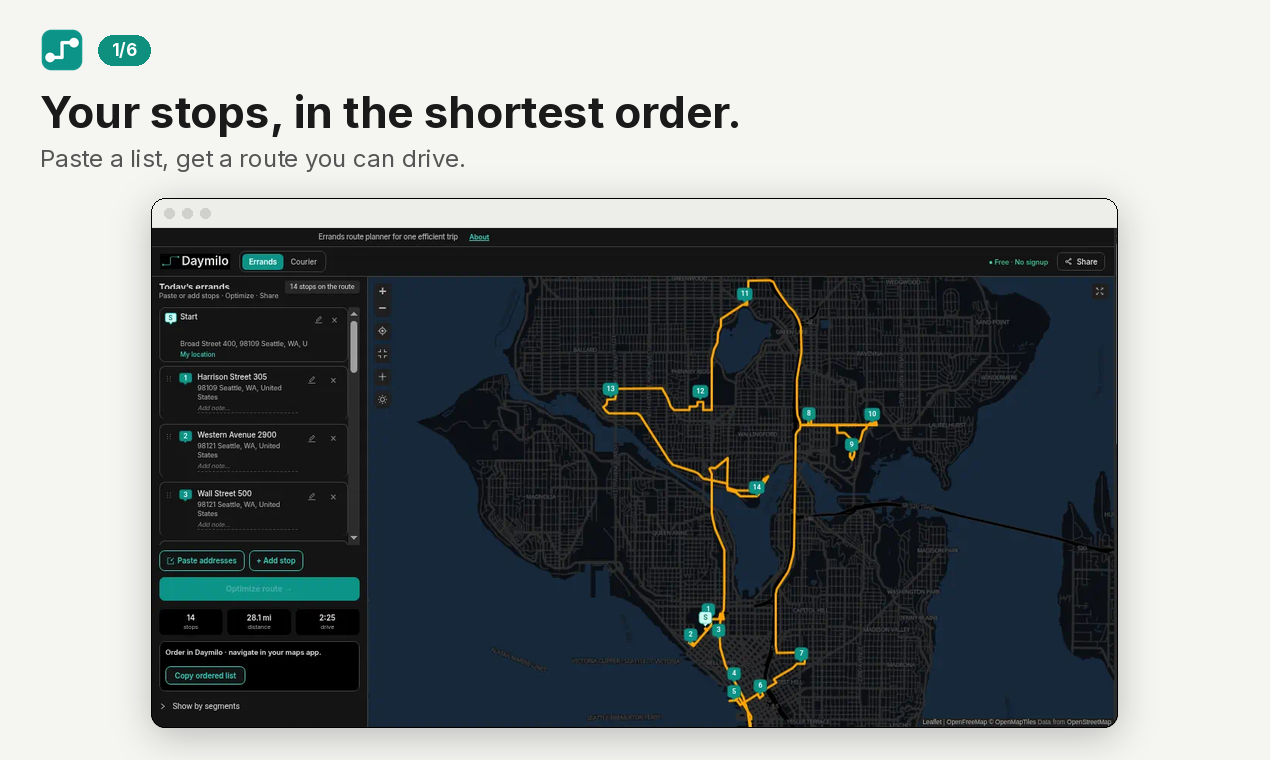
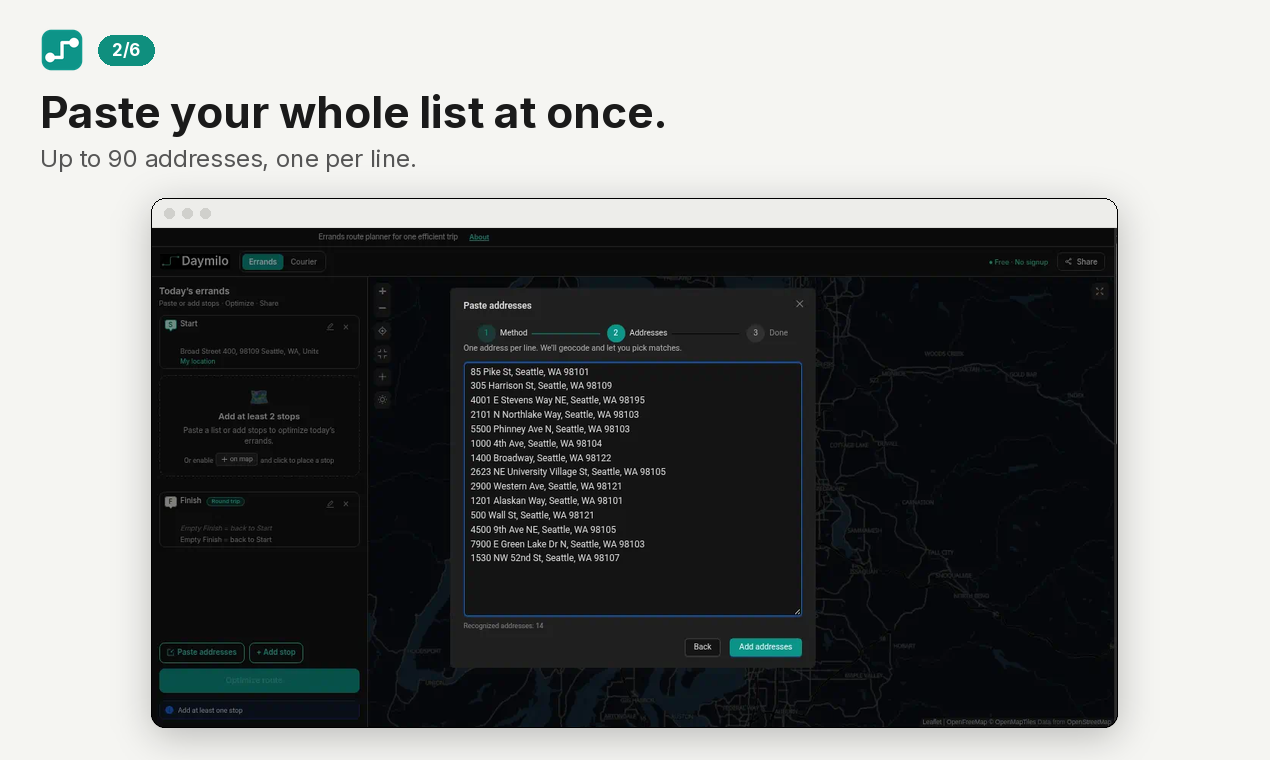
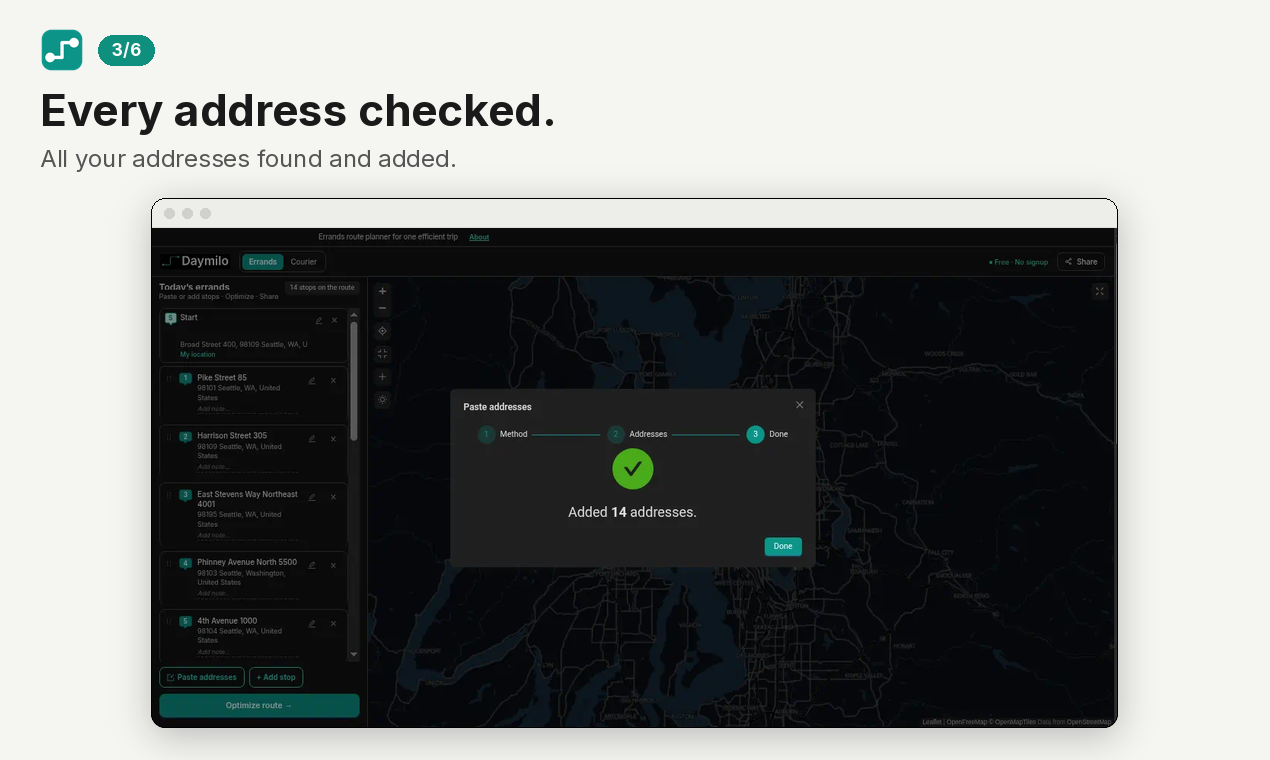
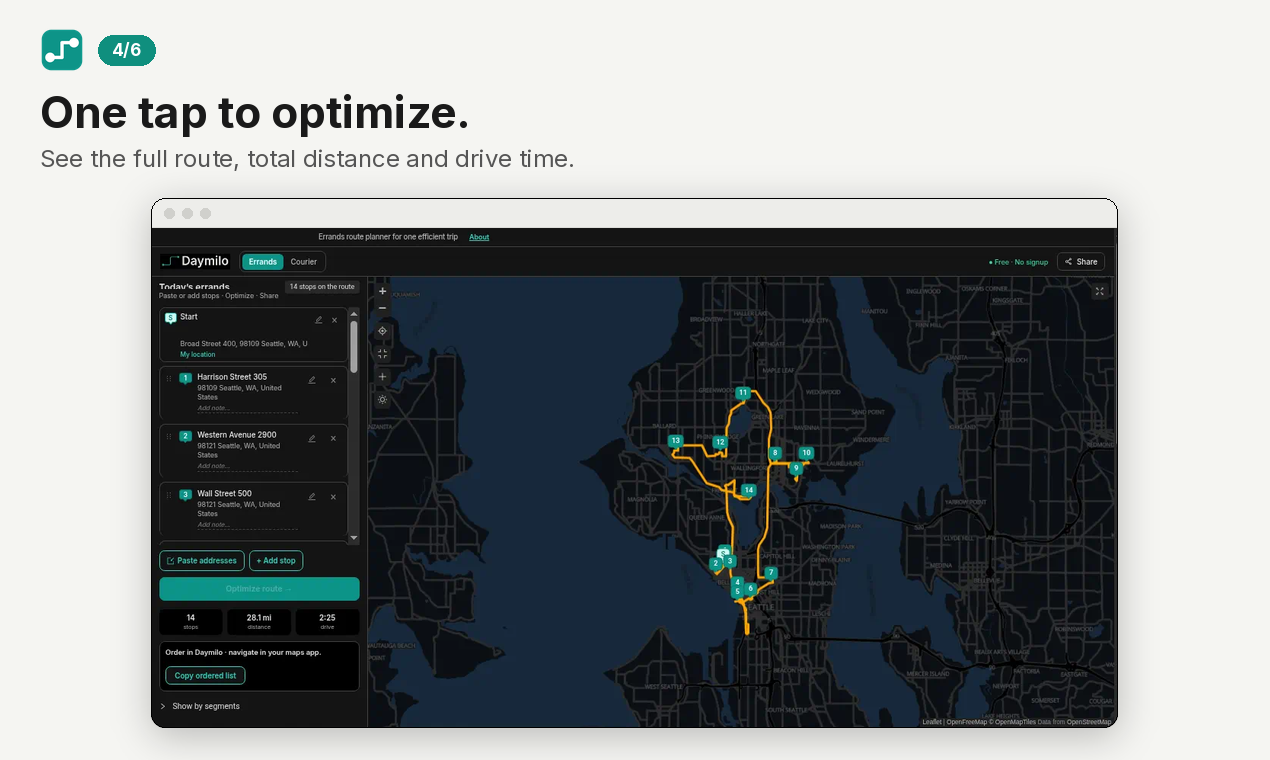
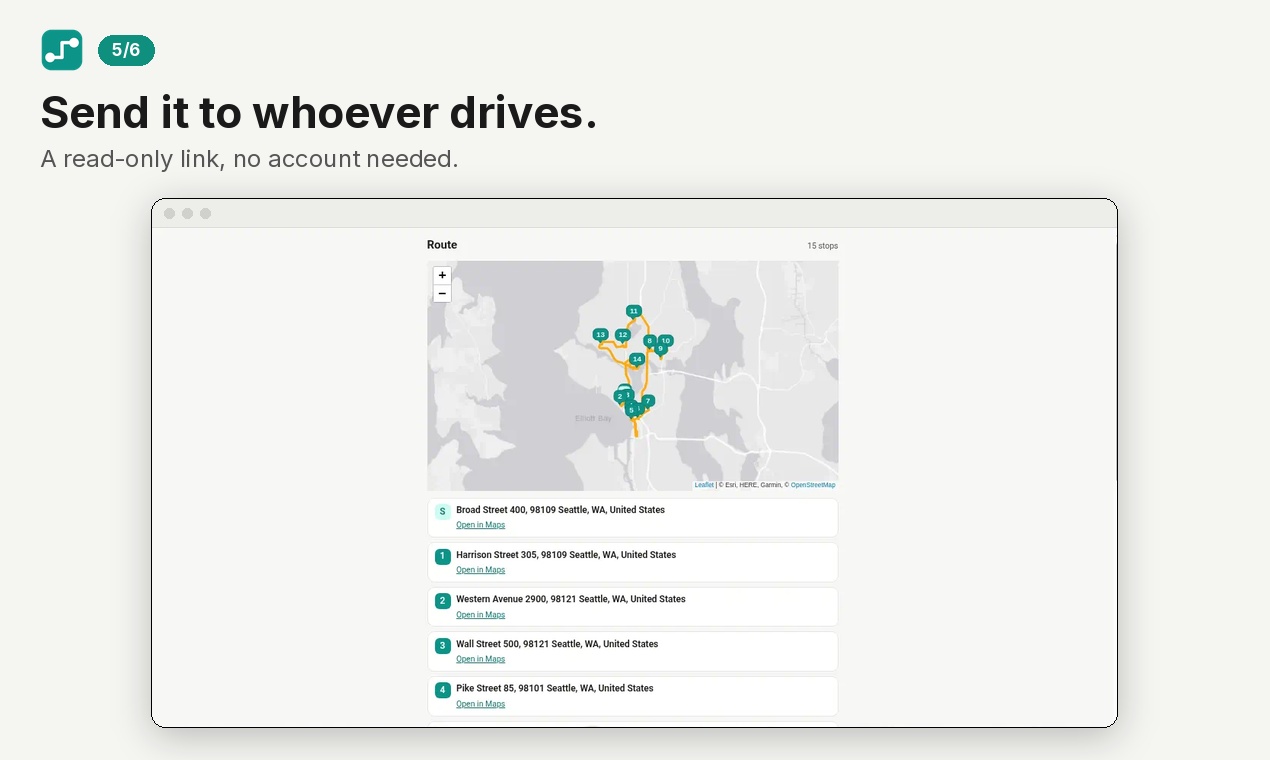
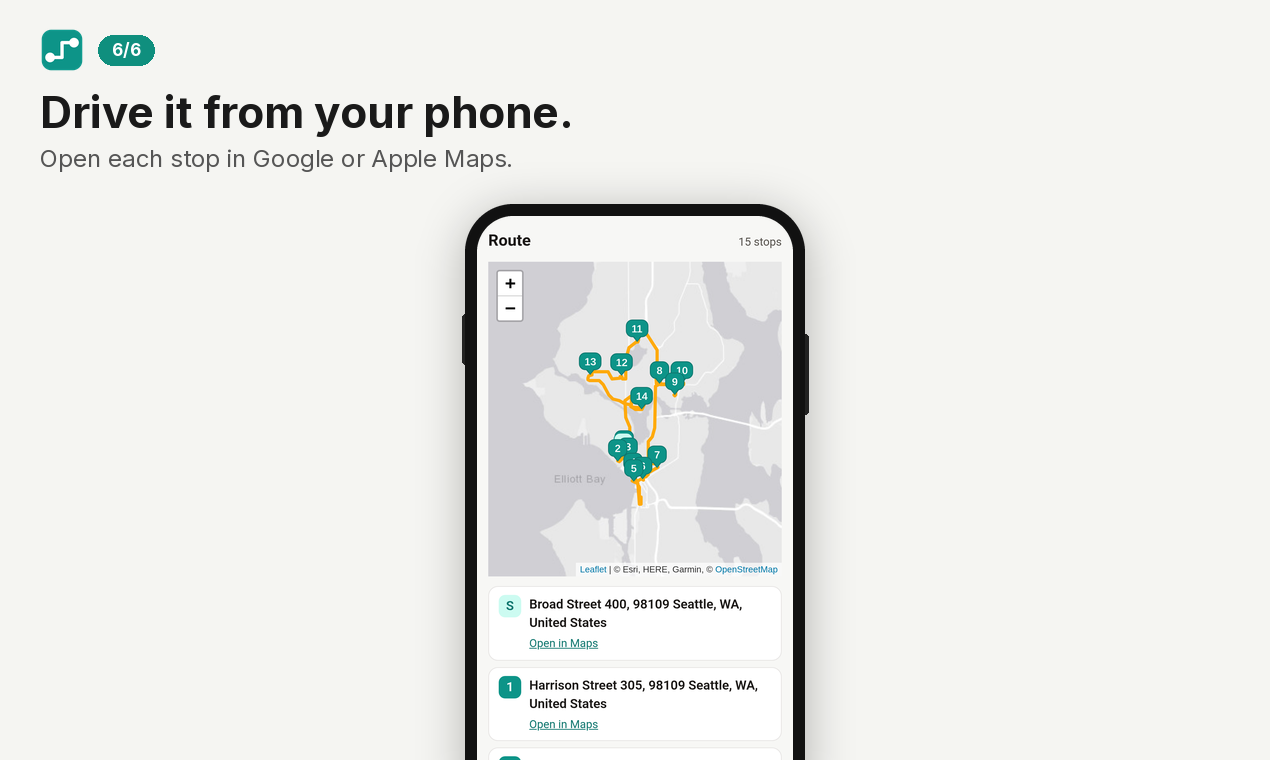
Daymilo is a free multi-stop route planner for errands and deliveries in the US. Paste up to 90 addresses at once, tap Optimize, and get the shortest order with total distance and drive time. Share a read-only link with whoever drives and open each stop in Google or Apple Maps. No account needed, no ads.

Comments

Pasting up to 90 addresses at once and then handing the driver a read-only share link is a really practical workflow for deliveries. Does the optimizer account for traffic or time windows at stops, or is it purely shortest-distance ordering? Opening each stop in Google or Apple Maps is a nice touch.

Being able to paste a whole list of addresses instead of adding stops one by one is the part that sold me, that's usually the most tedious step in route planners. Is there a way to pin the start and end point (like always returning home at the end)? Would be handy for daily errand runs. Great work, and nice that it needs no account.



Pasting a whole list of addresses instead of adding stops one by one is the real time-saver here, especially for delivery and errand runs with up to 90 stops. The read-only share link for the driver is also a smart touch — no app install or account needed on their side. For repeat routes, would saved routes or a weekly template help, so the same grocery or delivery round does not need to be pasted again each time?

The read-only driver link is a useful handoff. For a US coastal trip with stops named by beach or trailhead rather than street address, does the pasted list show a map confirmation for ambiguous places before optimization? An explicit warning for an unresolved stop would help avoid silently routing to the wrong location.
Pasting up to 90 addresses and getting a shareable read-only route for the driver is a handy flow for errand runs. Does the optimizer only minimise total distance, or can it factor in live traffic when it calculates drive time? It would also help to know whether a fixed end point, like returning home, is supported.

Stating that it is US-only and ad-free, and that Optimize returns both total distance and drive time, sets clearer expectations than a generic route-planner pitch. Opening each stop in Google or Apple Maps lets the driver navigate without another account. Is the 90-address cap a hard limit of the optimizer, or only of the paste box?

Pasting up to 90 addresses at once, rather than adding stops one by one, is the real time-saver for delivery and errand runs, and the read-only share link is a clean handoff to the driver. Showing total distance and drive time before starting also helps with planning. For repeat routes, do you plan to let users save a route and re-optimize it when a stop changes?

The cap of 90 pasted addresses with a shareable read-only link makes this handy for a small courier or a volunteer delivery day. When one address is malformed, does it flag The cap of 90 pasted addresses plus a read-only share link makes this handy for a small courier or a volunteer delivery day. When one address is malformed, does it flag that stop by name before optimizing? Showing estimated time per leg, not just the overall drive time, would also help drivers plan.that stop by name before optimizing? It would also be useful to see the total estimated time per leg, not just the overall drive time.


I like that a driver can plan a whole errand loop without creating an account or sitting through ads. The 90-stop cap is generous for a neighborhood route, and jumping from the optimized list into Google or Apple Maps means you are not locked into one navigation app. What I am less sure about is a last-minute add: if someone texts a new stop after you have already optimized, do you have to paste the whole list again, or can you insert one address and re-run? That is the moment these planners usually get clunky.


Premium Products























































Sponsors
Buy

Awards
View all
Awards
View allMakers

Makers
Comments
Pasting up to 90 addresses at once and then handing the driver a read-only share link is a really practical workflow for deliveries. Does the optimizer account for traffic or time windows at stops, or is it purely shortest-distance ordering? Opening each stop in Google or Apple Maps is a nice touch.
Being able to paste a whole list of addresses instead of adding stops one by one is the part that sold me, that's usually the most tedious step in route planners. Is there a way to pin the start and end point (like always returning home at the end)? Would be handy for daily errand runs. Great work, and nice that it needs no account.
Pasting a whole list of addresses instead of adding stops one by one is the real time-saver here, especially for delivery and errand runs with up to 90 stops. The read-only share link for the driver is also a smart touch — no app install or account needed on their side. For repeat routes, would saved routes or a weekly template help, so the same grocery or delivery round does not need to be pasted again each time?
The read-only driver link is a useful handoff. For a US coastal trip with stops named by beach or trailhead rather than street address, does the pasted list show a map confirmation for ambiguous places before optimization? An explicit warning for an unresolved stop would help avoid silently routing to the wrong location.
Pasting up to 90 addresses and getting a shareable read-only route for the driver is a handy flow for errand runs. Does the optimizer only minimise total distance, or can it factor in live traffic when it calculates drive time? It would also help to know whether a fixed end point, like returning home, is supported.
Stating that it is US-only and ad-free, and that Optimize returns both total distance and drive time, sets clearer expectations than a generic route-planner pitch. Opening each stop in Google or Apple Maps lets the driver navigate without another account. Is the 90-address cap a hard limit of the optimizer, or only of the paste box?
Pasting up to 90 addresses at once, rather than adding stops one by one, is the real time-saver for delivery and errand runs, and the read-only share link is a clean handoff to the driver. Showing total distance and drive time before starting also helps with planning. For repeat routes, do you plan to let users save a route and re-optimize it when a stop changes?
The cap of 90 pasted addresses with a shareable read-only link makes this handy for a small courier or a volunteer delivery day. When one address is malformed, does it flag The cap of 90 pasted addresses plus a read-only share link makes this handy for a small courier or a volunteer delivery day. When one address is malformed, does it flag that stop by name before optimizing? Showing estimated time per leg, not just the overall drive time, would also help drivers plan.that stop by name before optimizing? It would also be useful to see the total estimated time per leg, not just the overall drive time.
I like that a driver can plan a whole errand loop without creating an account or sitting through ads. The 90-stop cap is generous for a neighborhood route, and jumping from the optimized list into Google or Apple Maps means you are not locked into one navigation app. What I am less sure about is a last-minute add: if someone texts a new stop after you have already optimized, do you have to paste the whole list again, or can you insert one address and re-run? That is the moment these planners usually get clunky.
Premium Products
New to Fazier?

Find your next favorite product or submit your own. Made by @FalakDigital.
Copyright ©2026. All Rights Reserved