
StitchCraft
Turn any photo into a printable cross stitch pattern
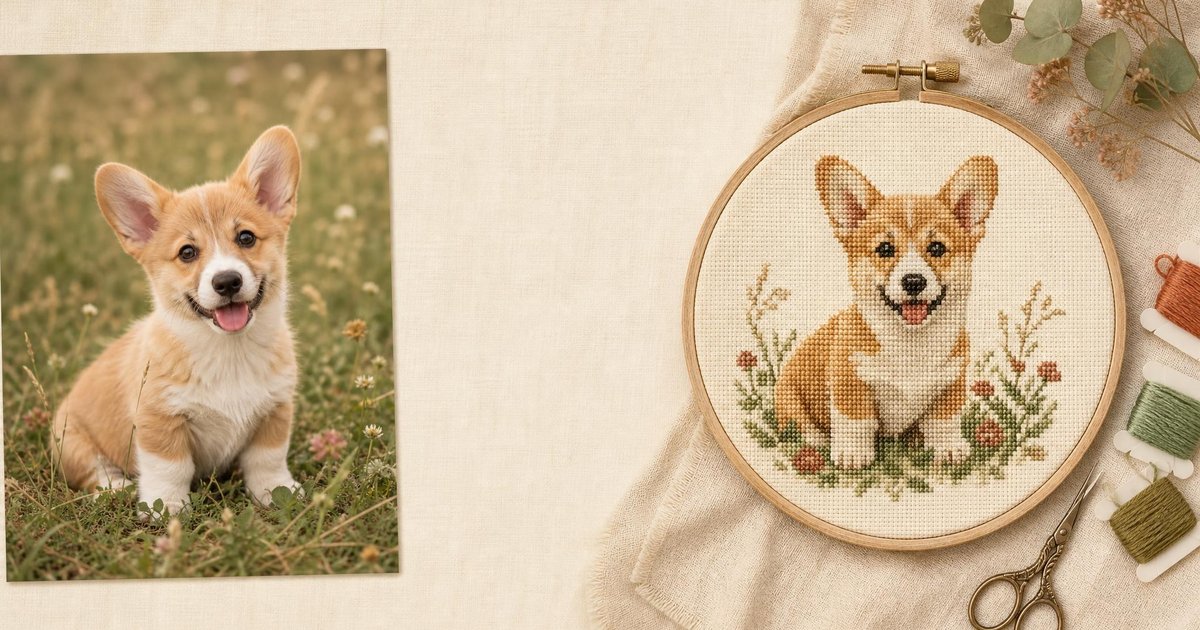
StitchCraft is a free online cross stitch pattern maker. Upload any photo and it converts it into a custom cross stitch chart using a 454-color DMC floss palette, with a stitched-result preview and an editable grid for fine-tuning. Export a clean, printable PDF pattern with symbol overlays — no sign-up, no watermarks, everything runs in your browser.
Features
Photo-to-pattern conversion with perceptual color matching against 454 real DMC floss colors
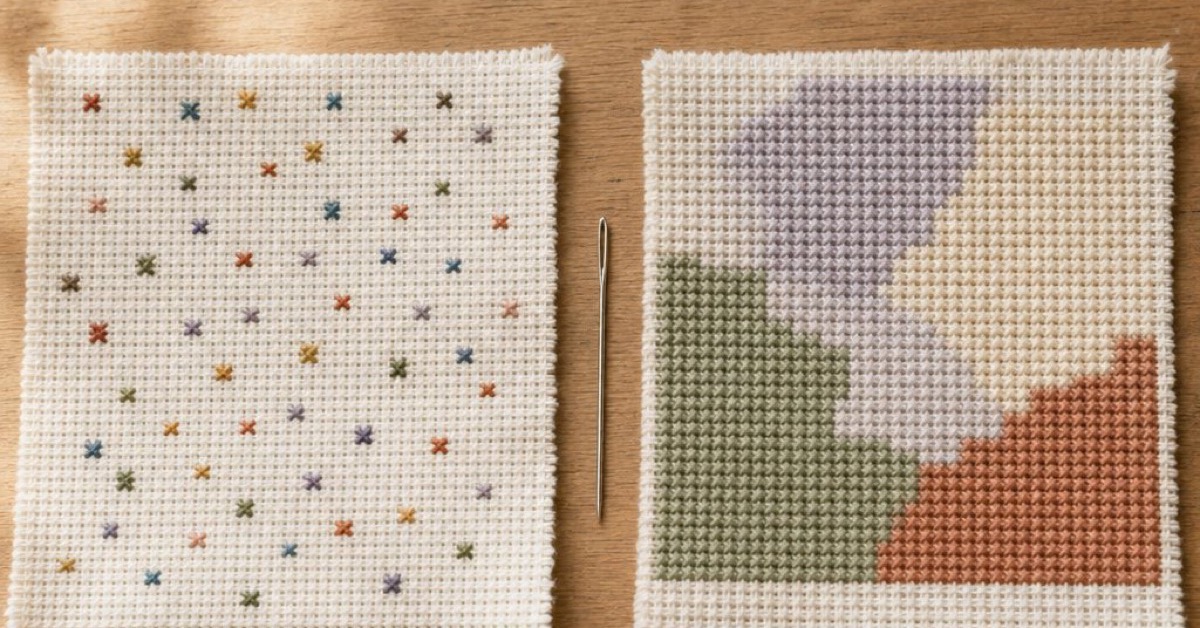
Confetti filter that removes isolated single stitches so patterns are easier to sew
Interactive grid editor: recolor cells, resize the canvas, and preview the stitched result
Printable PDF export with symbol charts and a DMC floss shopping list
Use Cases
Turn pet portraits, landscapes, and family photos into stitchable keepsakes
Convert game sprites, logos, and pixel art into accurate cross stitch charts
Plan a project before buying thread with automatic DMC color lists
Teach cross stitch with clean, large-print beginner patterns

Comments


I built StitchCraft after trying to turn a photo of my dog into a cross stitch pattern — every tool I tried handed back a muddy chart full of single-stitch confetti. So we built a proper pipeline: perceptual CIELAB color matching against real DMC floss, plus a filter that removes isolated stitches before they reach your hoop. It's completely free, no sign-up, and the generation engine is open source on GitHub. I'd love feedback on pattern quality — upload a photo and tell me how the chart turns out!


Premium Products










































Sponsors
Buy

Makers
Makers
Comments
I built StitchCraft after trying to turn a photo of my dog into a cross stitch pattern — every tool I tried handed back a muddy chart full of single-stitch confetti. So we built a proper pipeline: perceptual CIELAB color matching against real DMC floss, plus a filter that removes isolated stitches before they reach your hoop. It's completely free, no sign-up, and the generation engine is open source on GitHub. I'd love feedback on pattern quality — upload a photo and tell me how the chart turns out!
Premium Products
New to Fazier?

Find your next favorite product or submit your own. Made by @FalakDigital.
Copyright ©2026. All Rights Reserved