
Brodlin PDF
Free PDF editor, reader and signing tools
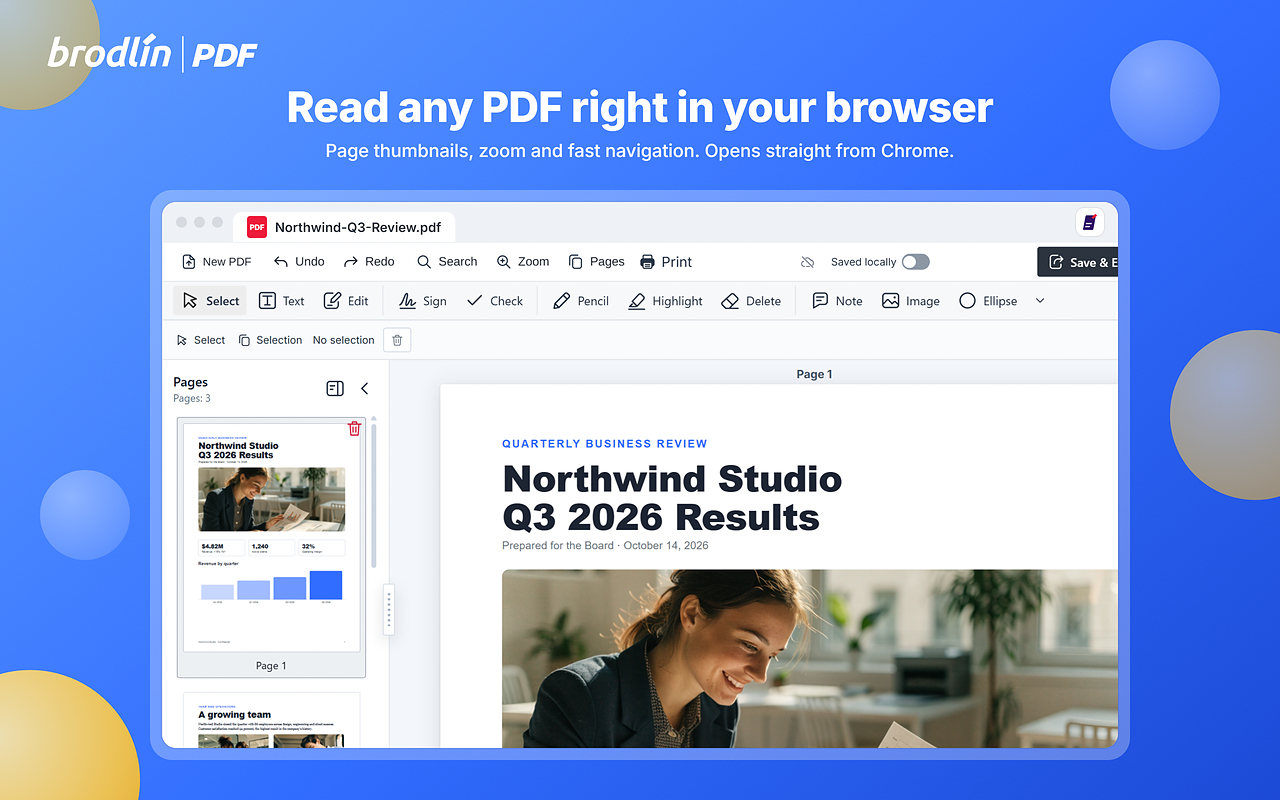
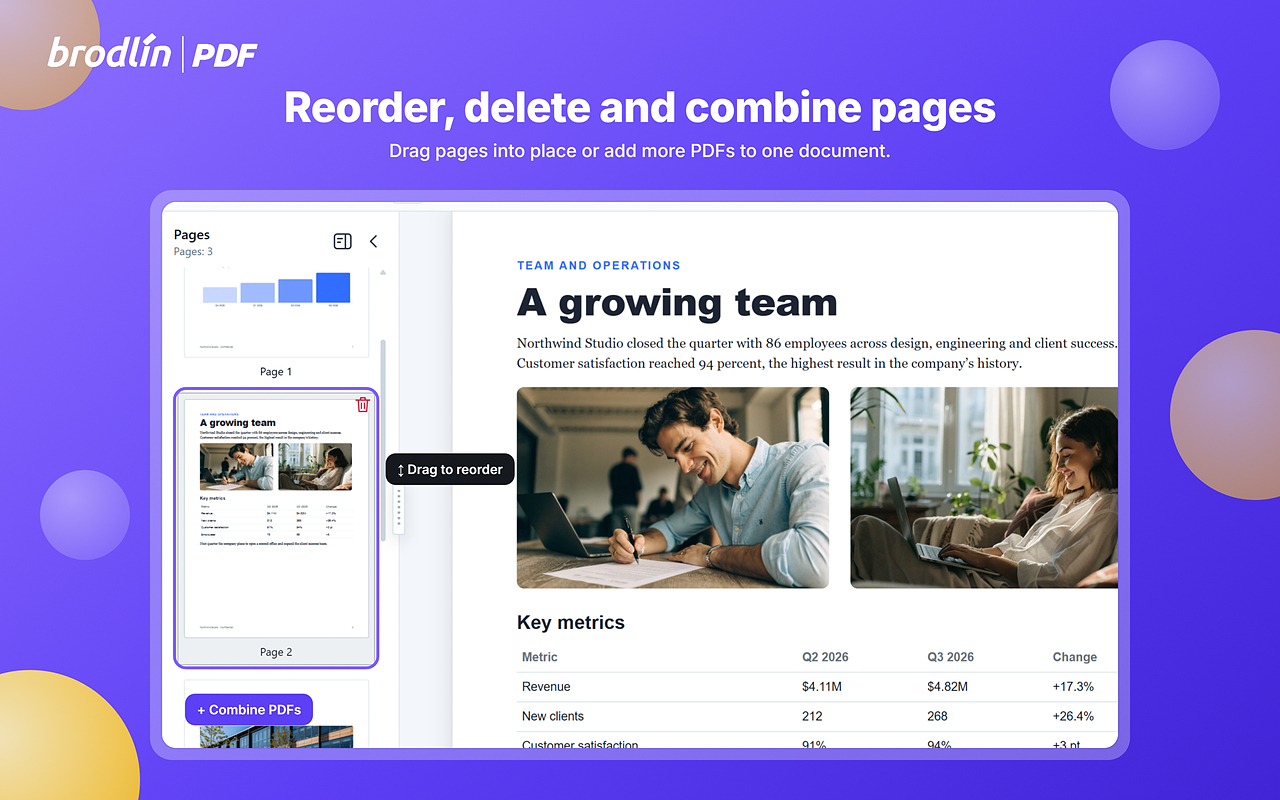
Brodlin PDF is a free PDF editor that works in the browser. Sign a PDF, add text, stamps and dates, merge, compress and crop files, or create a new PDF. Local files are processed in the browser and you don't need an account. A free account only adds saved documents. The interface is available in 19 languages, and there are extensions for Chrome, Edge and Firefox.
Features
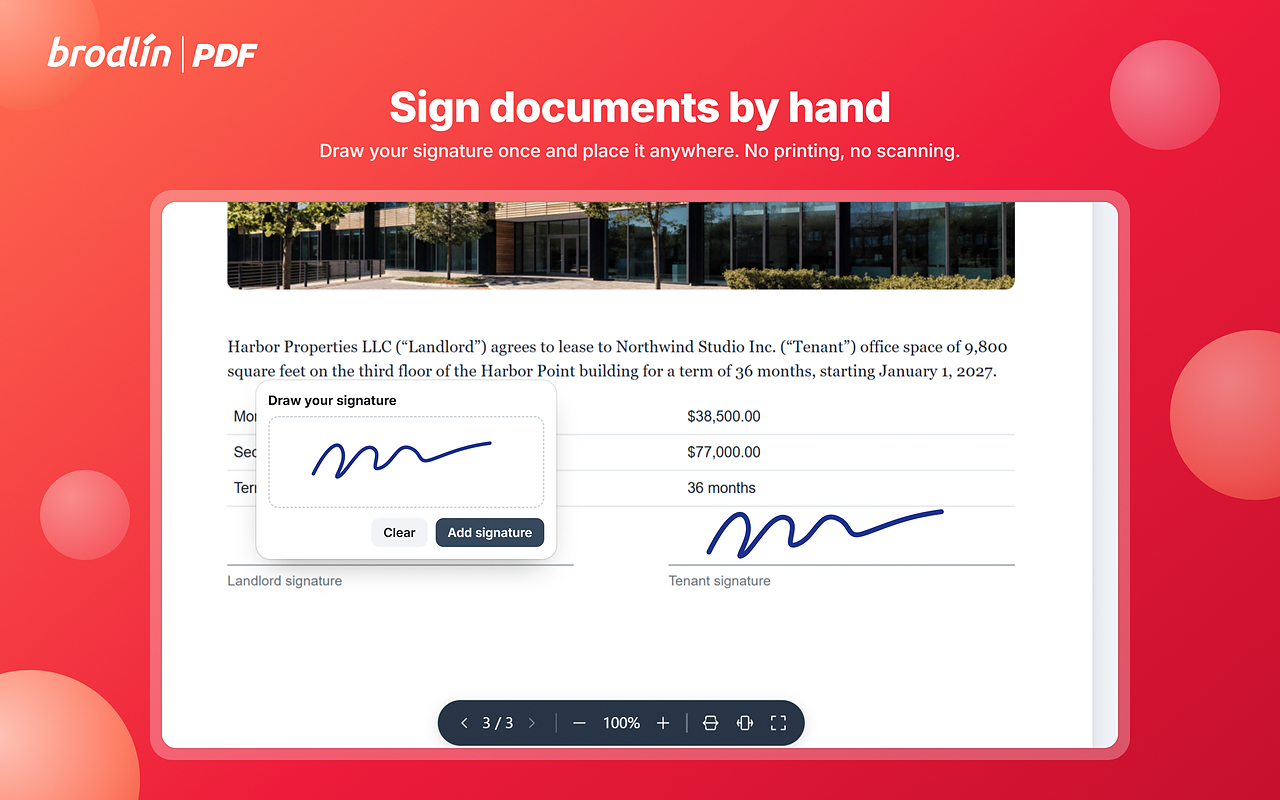
Sign PDFs: draw, type or upload your signature
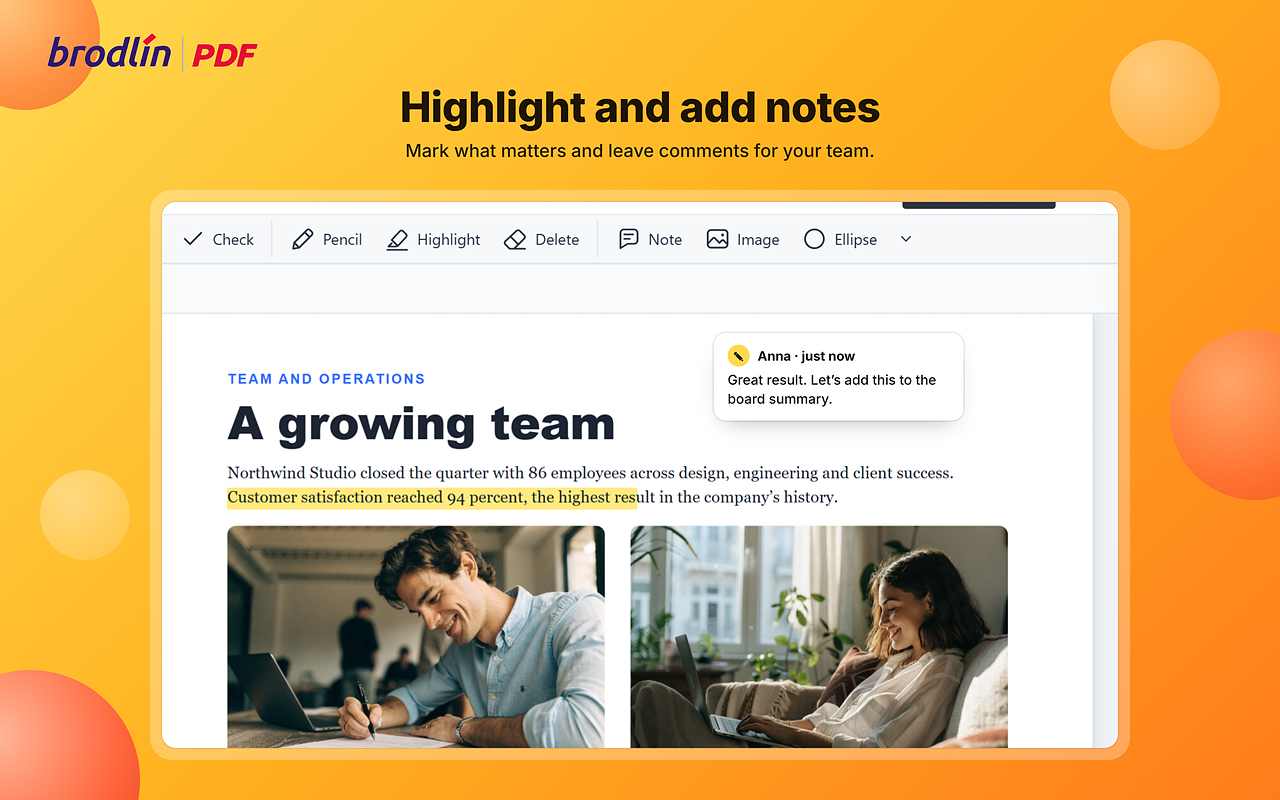
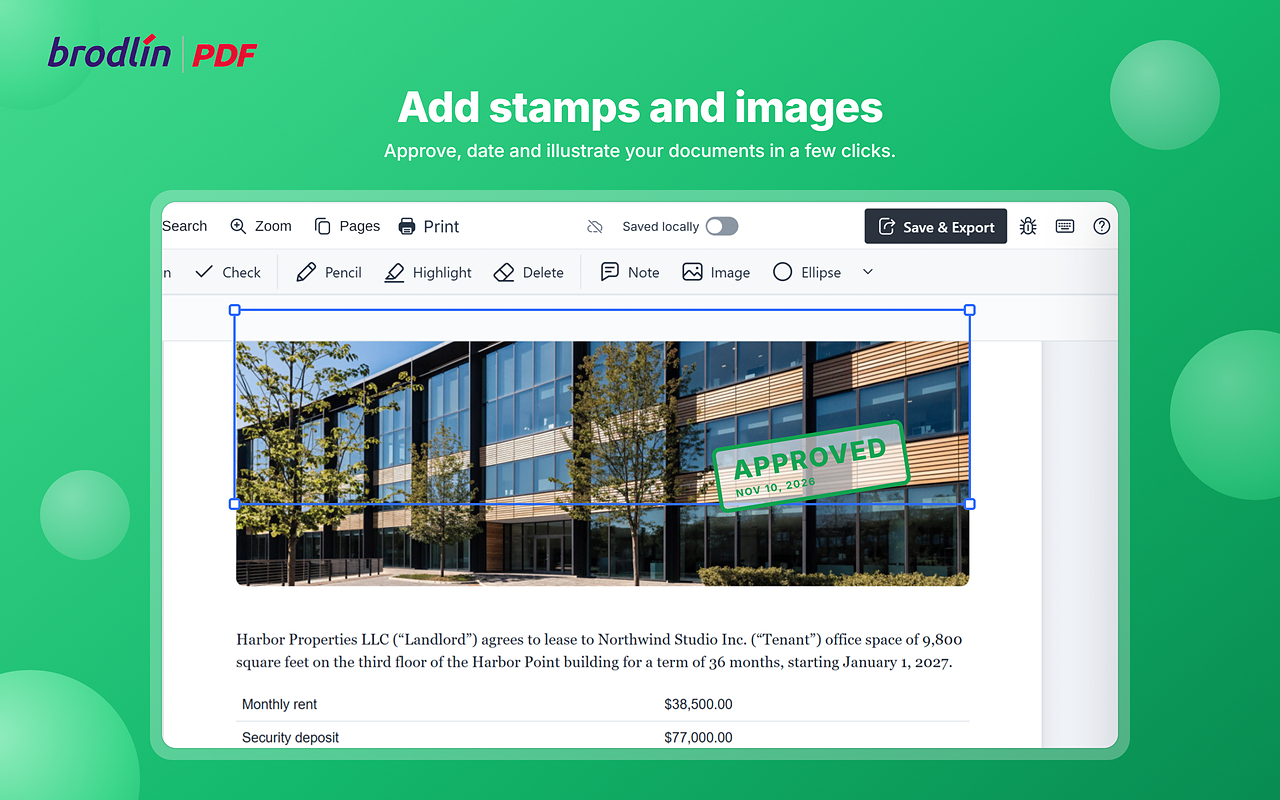
Add text, stamps, dates and images to any PDF
Merge, compress and crop PDFs in the browser
Create new PDFs and export to Word or JPG
Convert between PDF, Word, Excel, PowerPoint and images
No account needed, 19 interface languages
Extensions for Chrome, Edge and Firefox
Use Cases
Sign a rental agreement or contract on your phone without printing
Fill in and sign school, visa or job application forms
Merge scanned receipts into one file for an expense report
Compress a large PDF so it fits an email or upload limit
Combine CV, cover letter and certificates into one PDF

Comments


I wanted something simple: sign a contract or hide a phone number in a PDF without creating an account and without sending the file to someone's server. So Brodlin PDF runs in the browser, and local files stay on your computer. Right-to-left languages (Arabic, Hebrew) took more work than I expected, so if anything looks off in your language, tell me. I'd really like to hear what breaks, especially with large or unusual PDFs.
Premium Products





































Sponsors
Buy
Makers
Makers
Comments
I wanted something simple: sign a contract or hide a phone number in a PDF without creating an account and without sending the file to someone's server. So Brodlin PDF runs in the browser, and local files stay on your computer. Right-to-left languages (Arabic, Hebrew) took more work than I expected, so if anything looks off in your language, tell me. I'd really like to hear what breaks, especially with large or unusual PDFs.
Premium Products
New to Fazier?

Find your next favorite product or submit your own. Made by @FalakDigital.
Copyright ©2026. All Rights Reserved