
Bees
Open source AI agent teams that run on your own computer
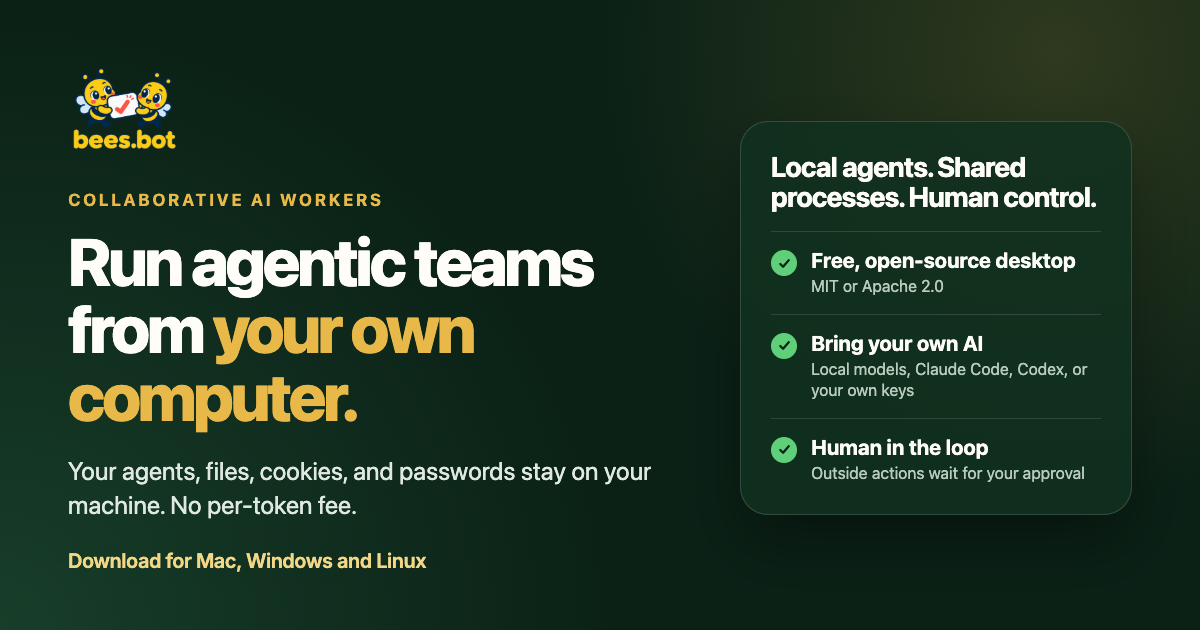
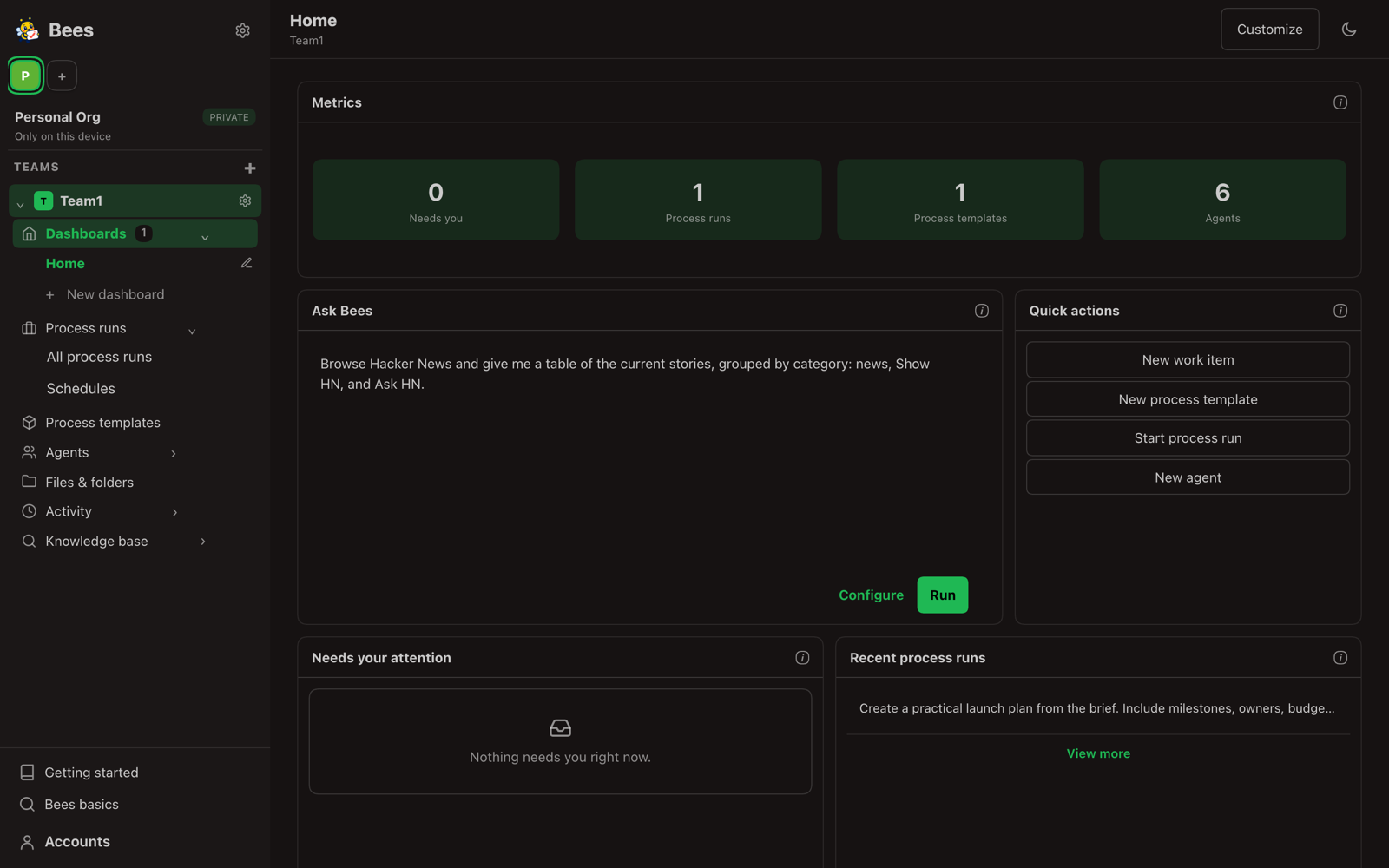
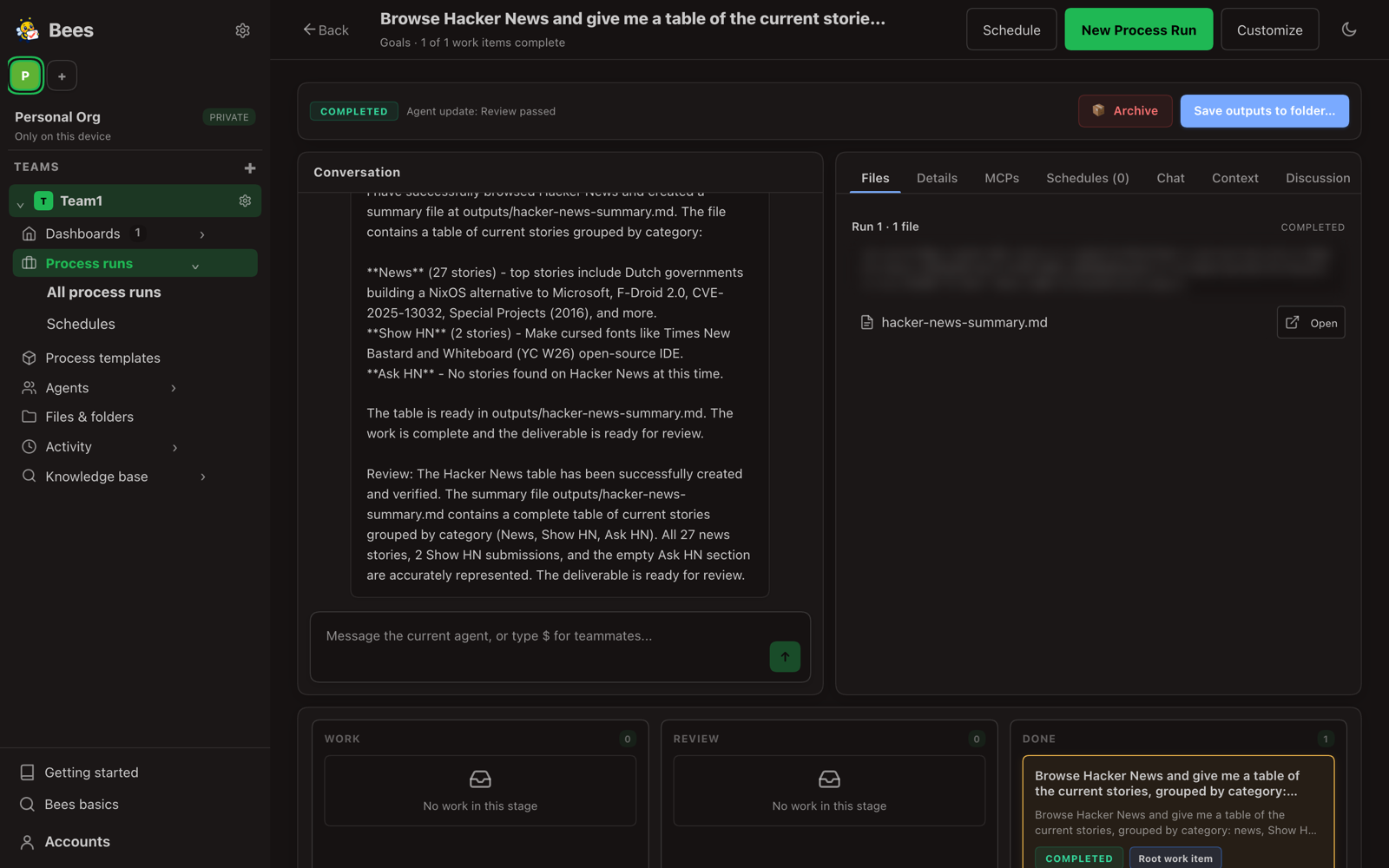
Bees is a free, open source desktop app for Mac, Windows and Linux that runs teams of AI agents on your own computer. You describe the work in plain words, and Bees plans it, hands steps to agents, and shows you what each one did. Your files, browser sessions, cookies and passwords stay on your machine, and it works with local models or the AI provider you already use.
Features
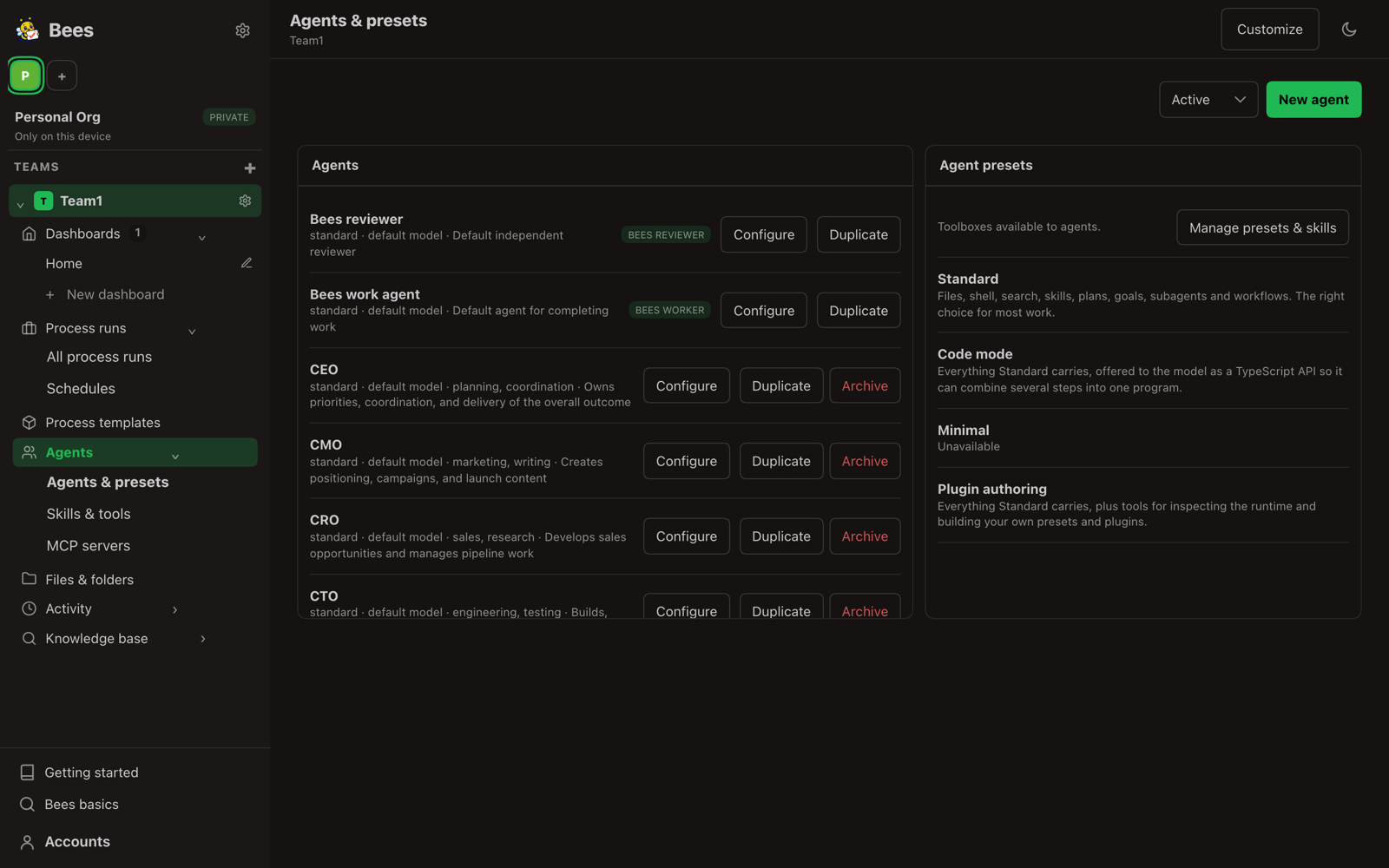
- Agent teams that plan and split up multi-step work
- Runs on your own computer, files stay local
- Works with local models or your own AI provider
- Agents can use a real browser, your files and add-ons
- Open source under MIT or Apache 2.0
Use Cases
- Research a topic and get a written report in a folder
- Automate repeat browser chores without a cloud service
- Run a small marketing or support process every week
- Try AI agents on private files without uploading them

Comments

Hi Fazier! We built Bees because we wanted AI agents to do real multi-step work without sending our files, logins and browser sessions to someone else's cloud. Bees is a desktop app: you describe a job, it plans it, hands the steps to a small team of agents, and shows you each result before anything leaves your machine. It's free and open source, and it works with local models or the AI provider you already pay for. We'd love to hear what you'd hand to an agent team first, and what feels rough.

Keeping browser sessions and cookies on the user's machine is the real differentiator here. Most agent tools want you to hand over logins to their cloud, which is a non-starter for anything work-related. How do you scope what each agent can touch? For example, can I let one agent read my browser session but block it from submitting forms or spending money, or is access all-or-nothing per run? Also, when an agent's step fails halfway (a page changed, a login expired), does Bees retry on its own or stop and ask me? With local models that are weaker at planning, that recovery behaviour probably matters more than raw speed.



Keeping everything local is a strong default, and the part I care about most is what happens after a run succeeds. If an agent team works out a good way to handle a recurring chore, can I save that plan as a reusable workflow with the same steps and the same file scope, instead of re-describing the job each week and hoping the planner lands on the same approach? A visible audit trail that maps every file or page an agent touched back to the step that touched it would also make the local-first promise something I can verify rather than just trust.

Congrats on the launch! Running multi-step agent teams locally while letting users review each step before anything leaves their machine is huge—especially when dealing with authenticated browser sessions and repetitive web workflows. Being open source and letting people plug in their own existing AI provider or local models makes it super easy to test without extra lock-in. Excited to see how this evolves!
Premium Products















































Makers
Makers
Comments
Hi Fazier! We built Bees because we wanted AI agents to do real multi-step work without sending our files, logins and browser sessions to someone else's cloud. Bees is a desktop app: you describe a job, it plans it, hands the steps to a small team of agents, and shows you each result before anything leaves your machine. It's free and open source, and it works with local models or the AI provider you already pay for. We'd love to hear what you'd hand to an agent team first, and what feels rough.
Keeping browser sessions and cookies on the user's machine is the real differentiator here. Most agent tools want you to hand over logins to their cloud, which is a non-starter for anything work-related. How do you scope what each agent can touch? For example, can I let one agent read my browser session but block it from submitting forms or spending money, or is access all-or-nothing per run? Also, when an agent's step fails halfway (a page changed, a login expired), does Bees retry on its own or stop and ask me? With local models that are weaker at planning, that recovery behaviour probably matters more than raw speed.
Keeping everything local is a strong default, and the part I care about most is what happens after a run succeeds. If an agent team works out a good way to handle a recurring chore, can I save that plan as a reusable workflow with the same steps and the same file scope, instead of re-describing the job each week and hoping the planner lands on the same approach? A visible audit trail that maps every file or page an agent touched back to the step that touched it would also make the local-first promise something I can verify rather than just trust.
Congrats on the launch! Running multi-step agent teams locally while letting users review each step before anything leaves their machine is huge—especially when dealing with authenticated browser sessions and repetitive web workflows. Being open source and letting people plug in their own existing AI provider or local models makes it super easy to test without extra lock-in. Excited to see how this evolves!
Premium Products
New to Fazier?

Find your next favorite product or submit your own. Made by @FalakDigital.
Copyright ©2026. All Rights Reserved