3 Pages Daily
A private daily journal app for clarity
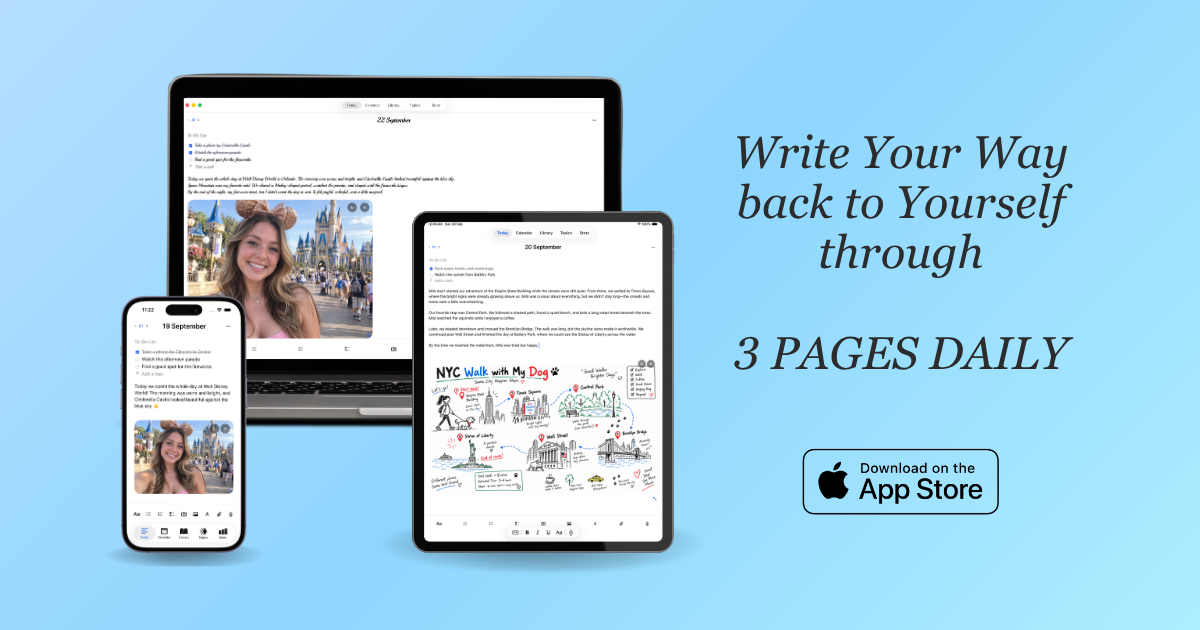
3 Pages Daily is a private digital journaling application built around a simple daily ritual: three pages per day. Available as an iOS/iPadOS/macOS app and as a browser-based web app, it combines journaling, task capture, sketching, and voice recording onto a single daily surface designed to reduce setup friction and decision fatigue.
Features
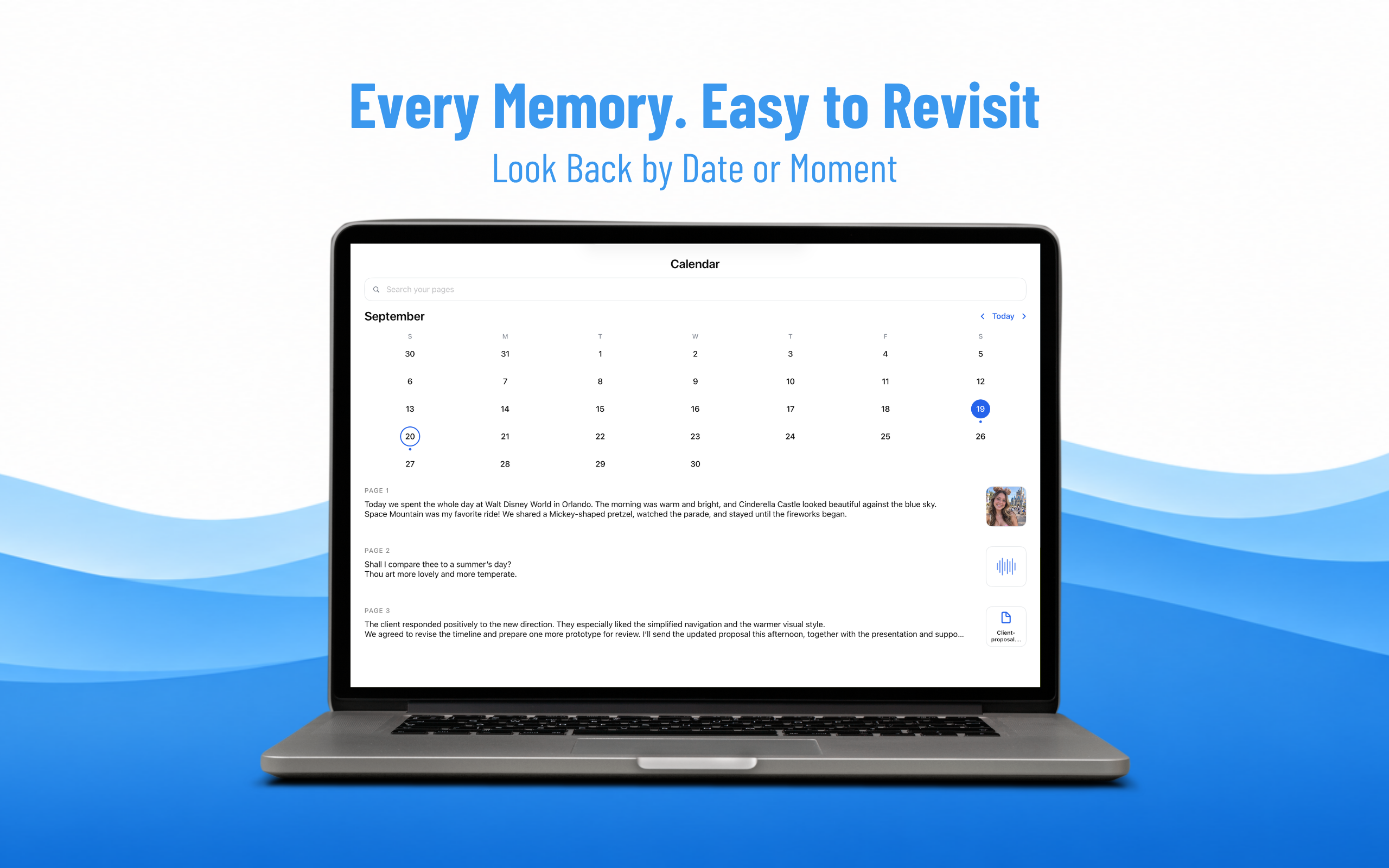
- Today-first layout: Opening the app lands directly on today's page, with no folder selection or blank dashboard, so writing can begin immediately.
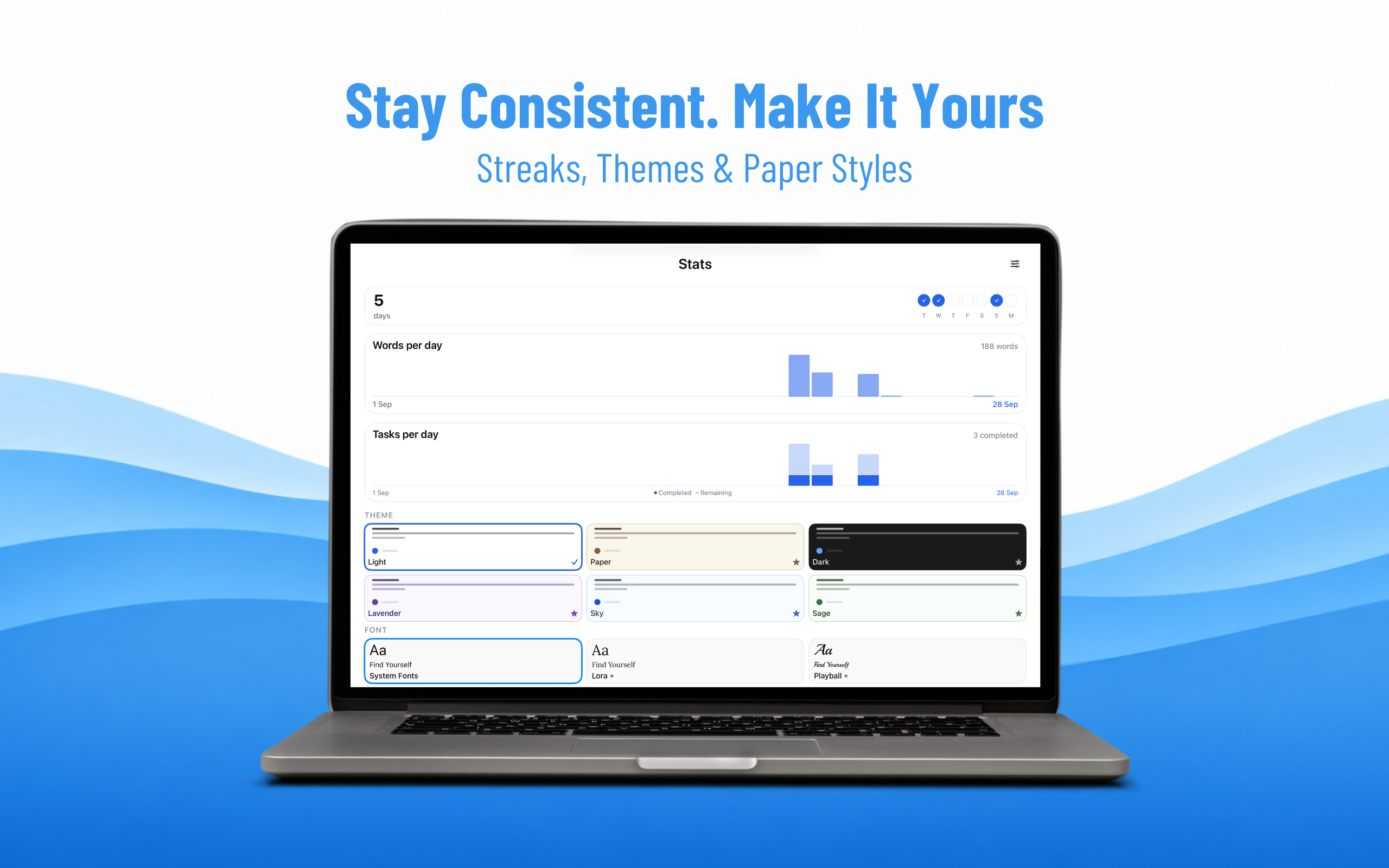
- To-do list and gentle migration: A checklist sits at the top of each page, and unfinished tasks from previous days surface quietly at day's end to be moved forward, marked done, or left as-is.
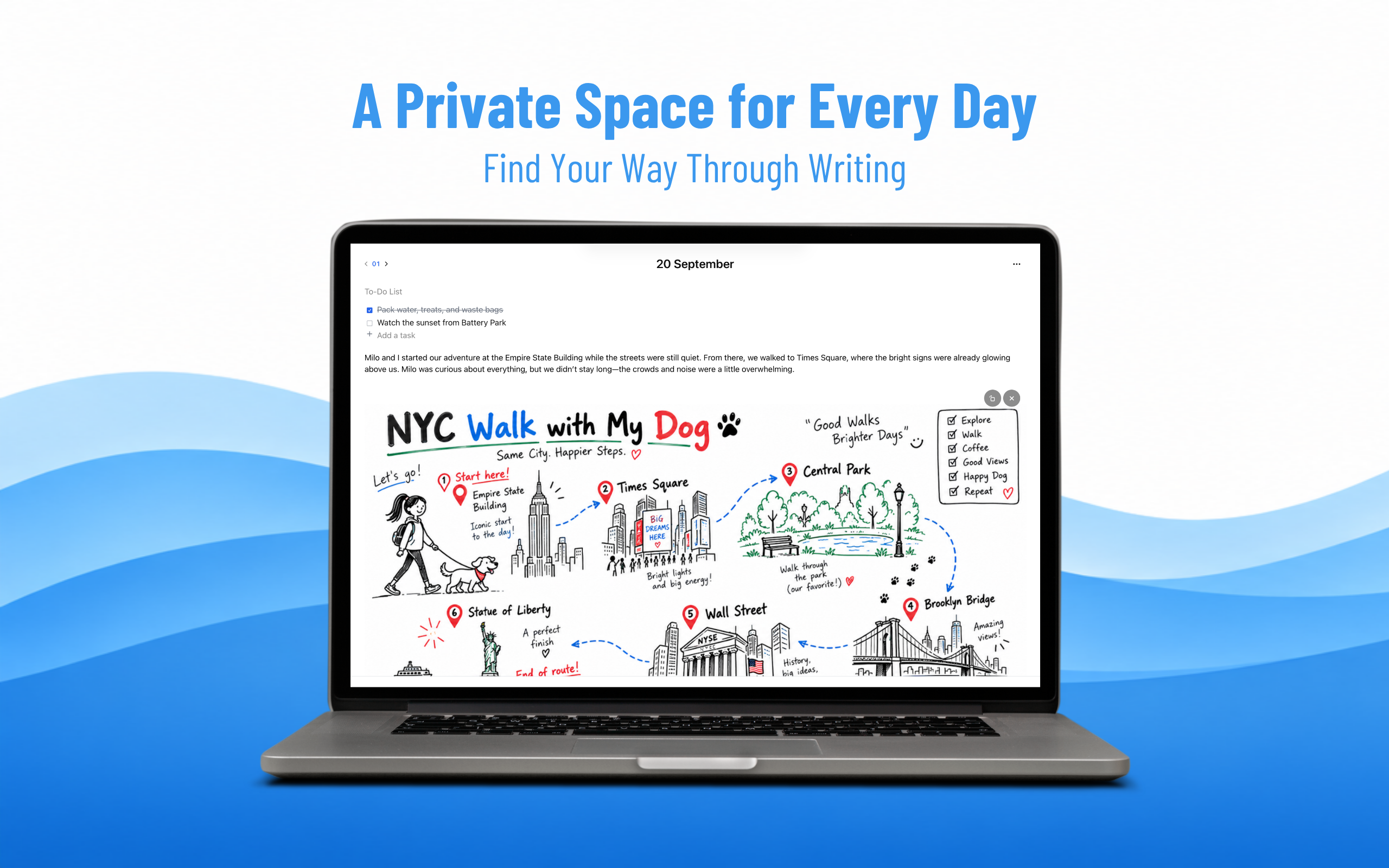
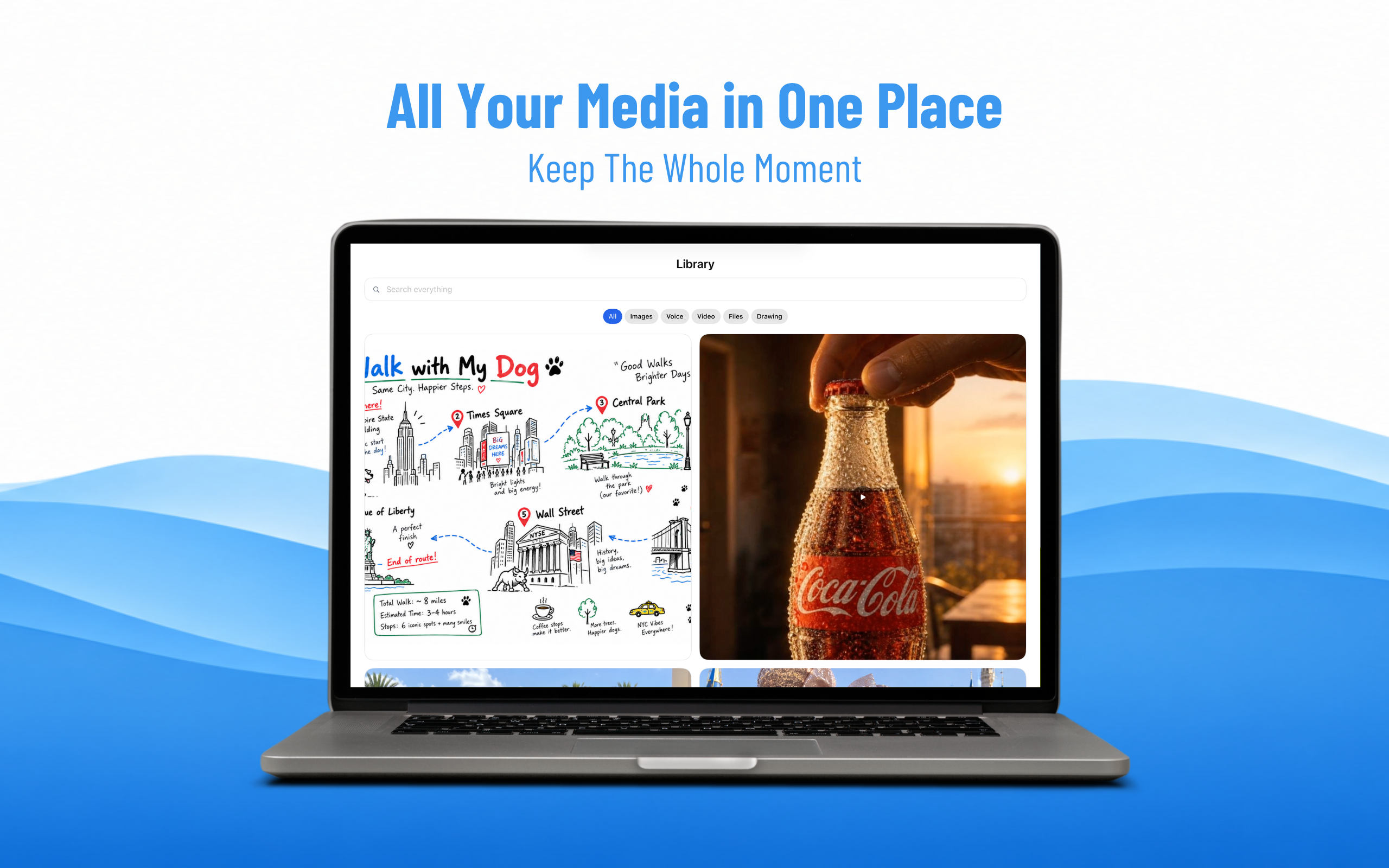
- Draw, write, and attach: Rich text with headings, checklists, and links shares the page with a drawing canvas (Apple Pencil compatible on iPad), photos, and PDF/DOCX attachments.
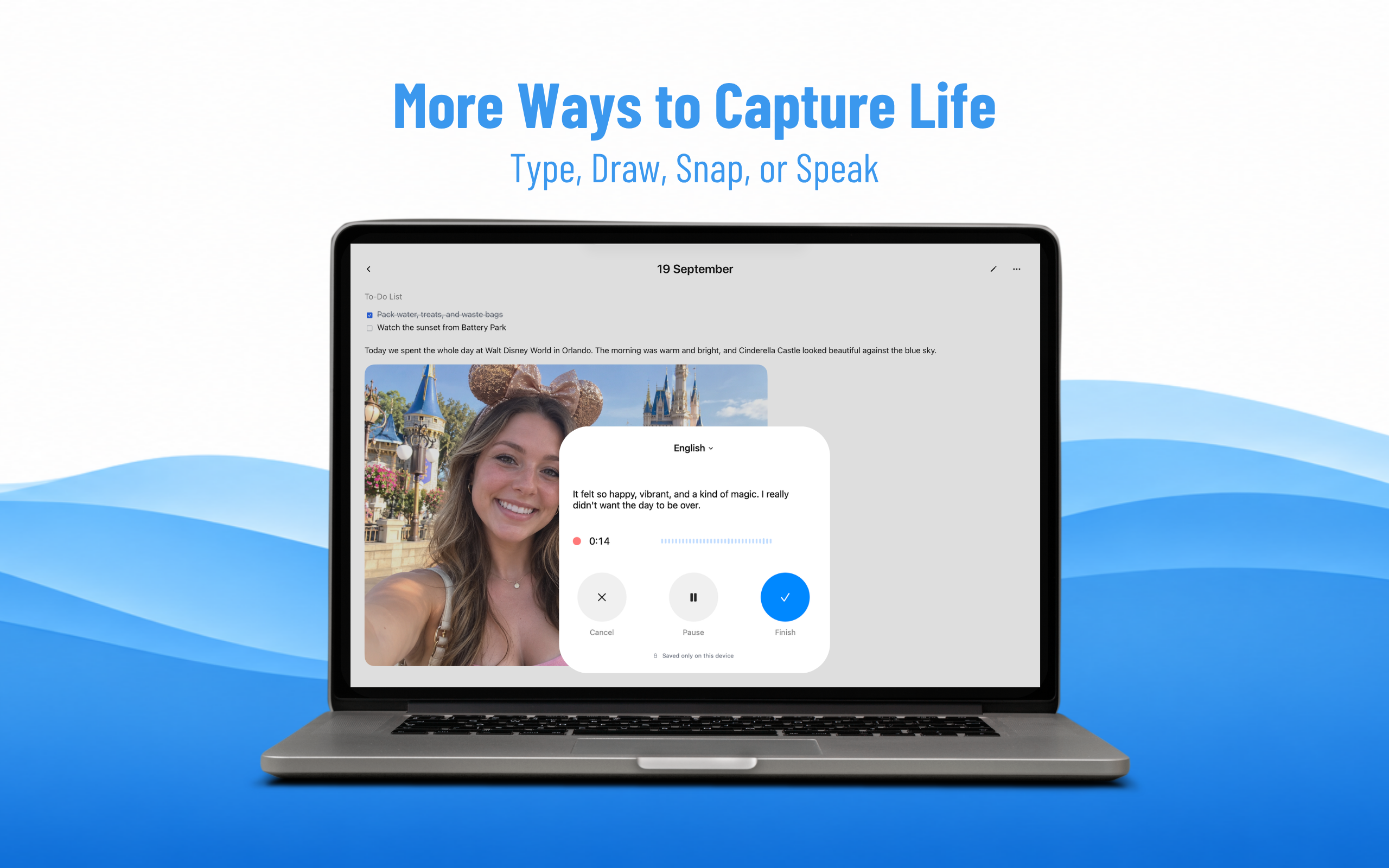
- Voice notes with transcription: Audio saves to the page instantly, with background transcription that makes recordings searchable; text, image OCR, link titles, and transcripts are all covered by one search box.
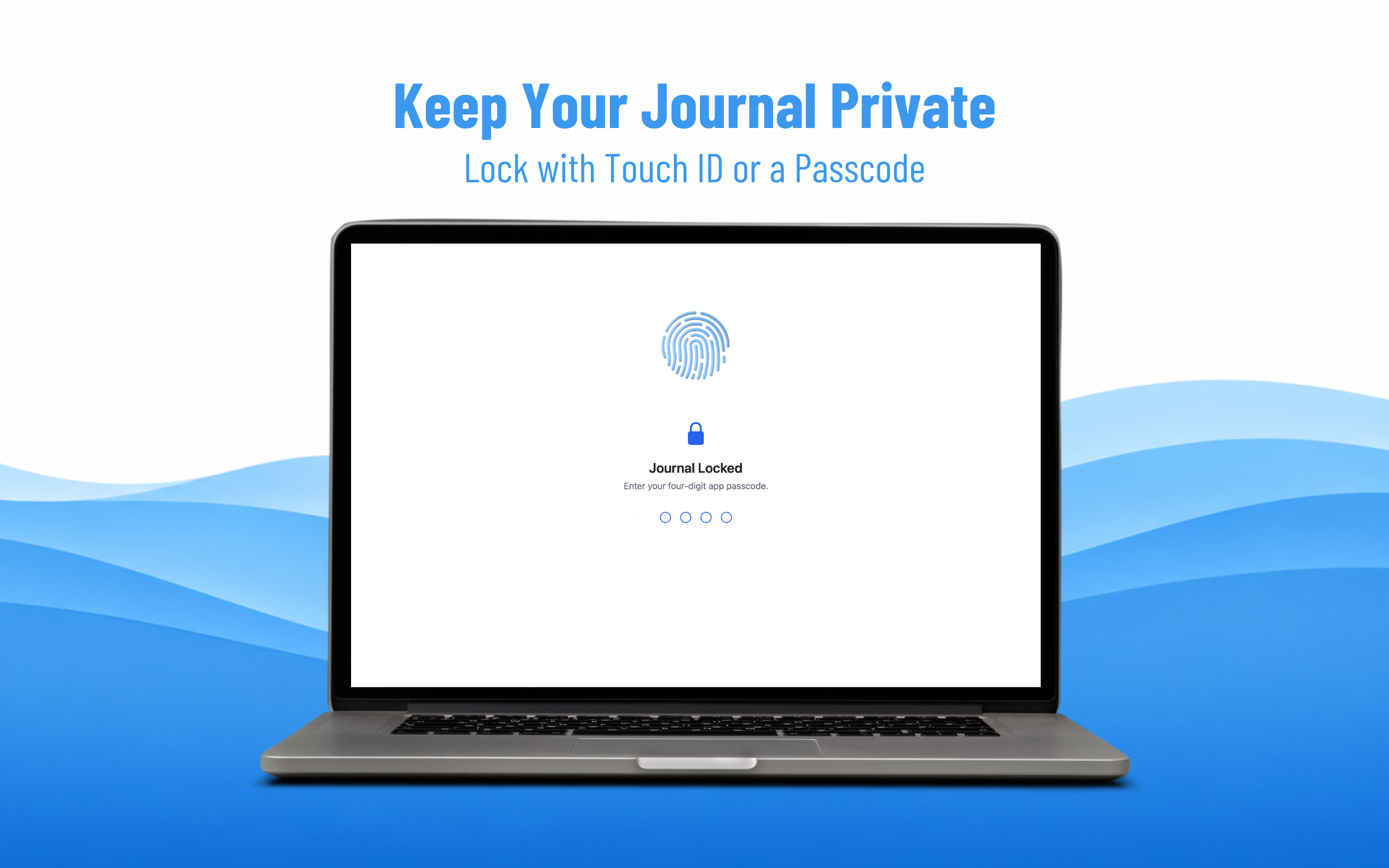
- Privacy and export: Journals are private by default with no ads, no public feed, encryption in transit and at rest, and free export of all data as Markdown or PDF.
Use Cases
The app is suitable for individuals seeking a personal journaling tool, including writers, students, professionals, and anyone wanting a private space for daily reflection and task management. It benefits users who prefer a straightforward, distraction-free experience across devices and platforms.

Comments






Love the "Today-first" layout that skips folder hierarchies and drops you straight onto today's page. Combining the Morning Pages ritual with gentle unfinished-task migration and searchable voice-note transcription on a single canvas removes almost all the friction that makes people abandon Notion or Obsidian setups. Great attention to privacy and Markdown/PDF export too!


Having the voice notes get transcribed in the background and indexed by the same search box as text and image OCR is a really practical detail. Does the transcription run on-device or on a server, given that you promise encryption and privacy by default? I'd also love a way to export a single week as one PDF rather than the whole archive.


I like that the today-first page brings journaling, task capture, and voice notes into one daily space, so you can begin without configuring a workspace. Searchable background transcripts and Markdown/PDF export seem especially useful for keeping entries portable—does export preserve sketches and attachments too?

I like the idea of combining journaling, task management, sketching and voice notes into one daily workspace. The Today-first approach is particularly thoughtful because it removes the friction of deciding where to start every time you open the app. The feature I find especially useful is automatically surfacing unfinished tasks from previous days without making the experience feel overwhelming. Also, searchable voice transcriptions and complete Markdown/PDF exports are practical additions. One suggestion: a weekly or monthly reflection view showing recurring thoughts, completed tasks and personal progress could make the three-page ritual even more valuable over time. The privacy-first approach and no-subscription barrier are also great selling points. Simple concept, well thought out execution!


The today-first layout is a smart choice — opening straight onto today's page removes the setup friction that usually kills a journaling habit. I also like how unfinished to-dos gently migrate to the next day instead of disappearing or piling up as overdue guilt. One genuine question: do voice notes transcribed in the background stay searchable alongside typed entries, and does everything sync across the iOS, macOS and web versions?



The today-first layout is a thoughtful choice — removing setup friction makes a daily habit much easier to keep. I like that voice notes are transcribed and searchable alongside text. One question: can the three-page limit be adjusted for days when someone wants to write more, or is the fixed length intentional to keep the ritual finishable?

The fixed three-pages framing is the clever part for me. It borrows the Morning Pages idea but caps the surface, so a day feels completable instead of an endless scroll that guilt-trips you. One genuine question: if I am still writing past midnight, does the page stay on the previous day or snap to the new one? That edge case really decides how the ritual feels for night owls.


The today-first layout plus a checklist at the top of the same daily page is a smart way to keep Morning Pages from becoming a separate habit from actual work. I also like that unfinished tasks surface quietly at day’s end instead of as an overdue list. When you export as Markdown or PDF, do sketches, photos, and PDF/DOCX attachments come along, or is export limited to the text and checklists?

The today-first layout is a smart way to lower the barrier to journaling — opening straight onto today's page instead of choosing a folder makes it much easier to start. The gentle carry-over of unfinished tasks sounds like a kind way to handle incomplete days without guilt. Does the search also cover handwritten or drawn notes, or just typed text and voice transcripts?
The three-page limit is the feature, not a limitation to work around, and that is rare in this category. Most journaling apps hand you infinite space and then expect discipline you do not have at 11pm. From the listing, hitting a fourth page triggers an upgrade prompt rather than a hard stop, which is the right call. The detail I would test first is search across OCR and voice transcripts: a journal is only worth keeping if you can find the entry six months later, and that is exactly where most apps quietly fail.


The today-first layout is a smart choice — opening straight onto today's page removes the 'which notebook?' friction that kills most daily journaling habits. Also great to see free Markdown/PDF export; that's essential trust for a private journal people will write in for years. One question: does the drawing canvas on the web app support Apple Pencil parity, or is sketching iPad-only?
Premium Products
















































Sponsors
Buy

Awards
View all
Awards
View allMakers

Makers
Comments
Love the "Today-first" layout that skips folder hierarchies and drops you straight onto today's page. Combining the Morning Pages ritual with gentle unfinished-task migration and searchable voice-note transcription on a single canvas removes almost all the friction that makes people abandon Notion or Obsidian setups. Great attention to privacy and Markdown/PDF export too!
Having the voice notes get transcribed in the background and indexed by the same search box as text and image OCR is a really practical detail. Does the transcription run on-device or on a server, given that you promise encryption and privacy by default? I'd also love a way to export a single week as one PDF rather than the whole archive.
I like that the today-first page brings journaling, task capture, and voice notes into one daily space, so you can begin without configuring a workspace. Searchable background transcripts and Markdown/PDF export seem especially useful for keeping entries portable—does export preserve sketches and attachments too?
I like the idea of combining journaling, task management, sketching and voice notes into one daily workspace. The Today-first approach is particularly thoughtful because it removes the friction of deciding where to start every time you open the app. The feature I find especially useful is automatically surfacing unfinished tasks from previous days without making the experience feel overwhelming. Also, searchable voice transcriptions and complete Markdown/PDF exports are practical additions. One suggestion: a weekly or monthly reflection view showing recurring thoughts, completed tasks and personal progress could make the three-page ritual even more valuable over time. The privacy-first approach and no-subscription barrier are also great selling points. Simple concept, well thought out execution!
The today-first layout is a smart choice — opening straight onto today's page removes the setup friction that usually kills a journaling habit. I also like how unfinished to-dos gently migrate to the next day instead of disappearing or piling up as overdue guilt. One genuine question: do voice notes transcribed in the background stay searchable alongside typed entries, and does everything sync across the iOS, macOS and web versions?
The today-first layout is a thoughtful choice — removing setup friction makes a daily habit much easier to keep. I like that voice notes are transcribed and searchable alongside text. One question: can the three-page limit be adjusted for days when someone wants to write more, or is the fixed length intentional to keep the ritual finishable?
The fixed three-pages framing is the clever part for me. It borrows the Morning Pages idea but caps the surface, so a day feels completable instead of an endless scroll that guilt-trips you. One genuine question: if I am still writing past midnight, does the page stay on the previous day or snap to the new one? That edge case really decides how the ritual feels for night owls.
The today-first layout plus a checklist at the top of the same daily page is a smart way to keep Morning Pages from becoming a separate habit from actual work. I also like that unfinished tasks surface quietly at day’s end instead of as an overdue list. When you export as Markdown or PDF, do sketches, photos, and PDF/DOCX attachments come along, or is export limited to the text and checklists?
The today-first layout is a smart way to lower the barrier to journaling — opening straight onto today's page instead of choosing a folder makes it much easier to start. The gentle carry-over of unfinished tasks sounds like a kind way to handle incomplete days without guilt. Does the search also cover handwritten or drawn notes, or just typed text and voice transcripts?
The three-page limit is the feature, not a limitation to work around, and that is rare in this category. Most journaling apps hand you infinite space and then expect discipline you do not have at 11pm. From the listing, hitting a fourth page triggers an upgrade prompt rather than a hard stop, which is the right call. The detail I would test first is search across OCR and voice transcripts: a journal is only worth keeping if you can find the entry six months later, and that is exactly where most apps quietly fail.
The today-first layout is a smart choice — opening straight onto today's page removes the 'which notebook?' friction that kills most daily journaling habits. Also great to see free Markdown/PDF export; that's essential trust for a private journal people will write in for years. One question: does the drawing canvas on the web app support Apple Pencil parity, or is sketching iPad-only?
Premium Products
New to Fazier?

Find your next favorite product or submit your own. Made by @FalakDigital.
Copyright ©2026. All Rights Reserved